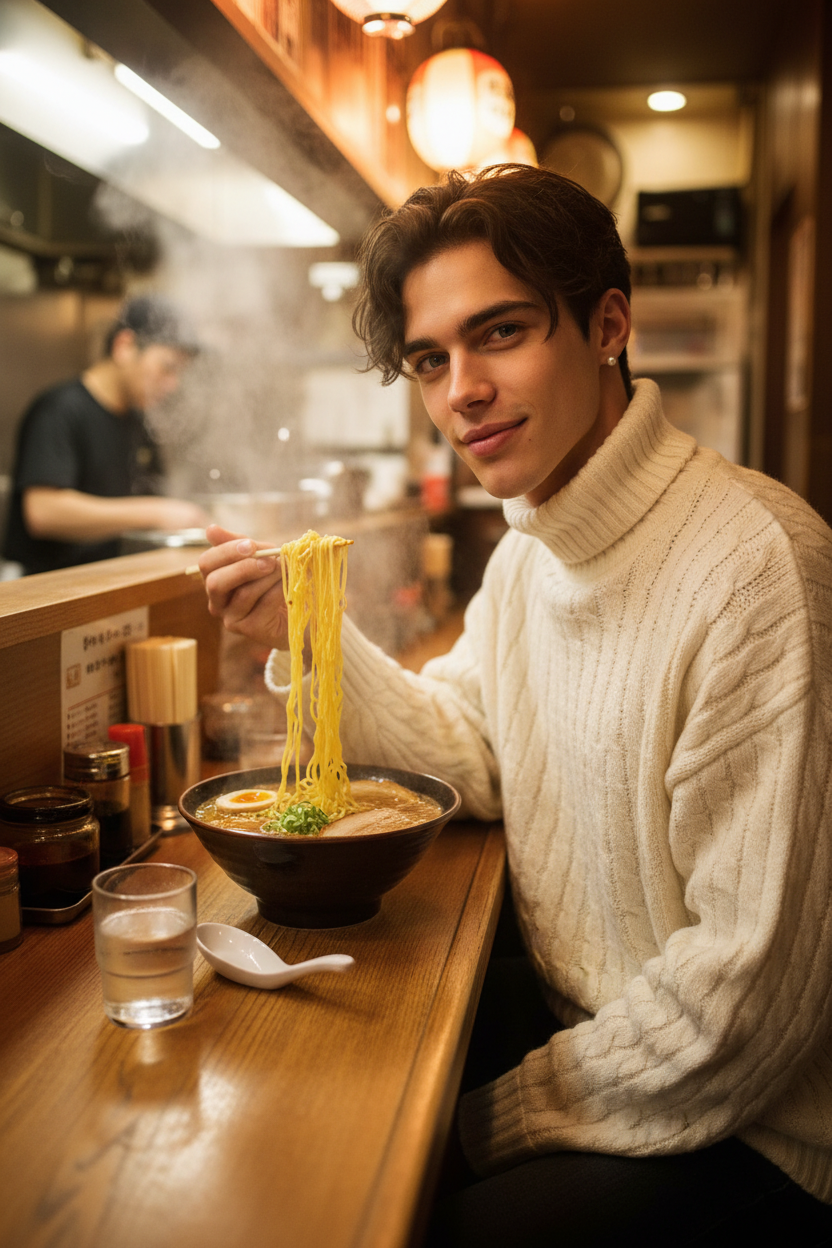
Tokyo ramen counter
- Model
- Nano Banana
- Image
- 832 × 1248 px
Prompt
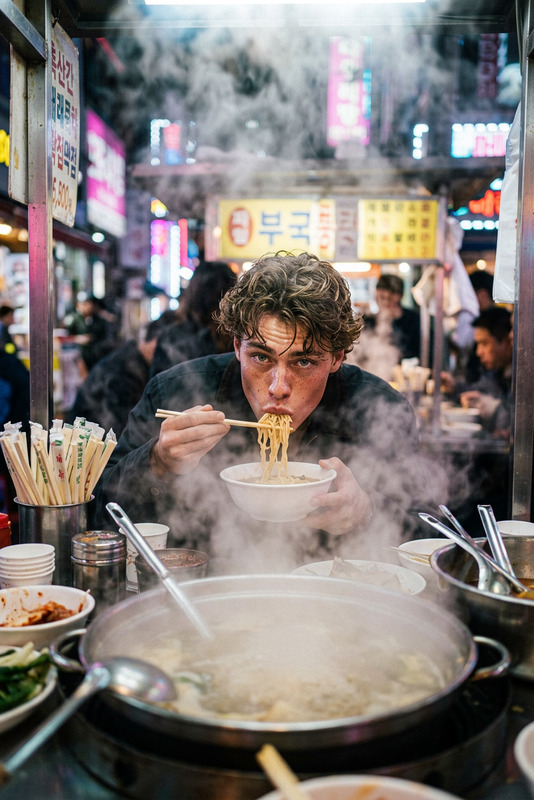
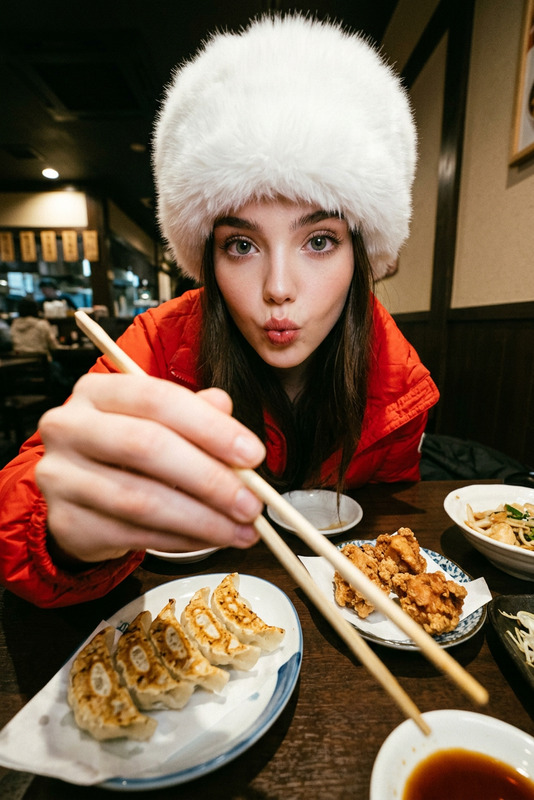
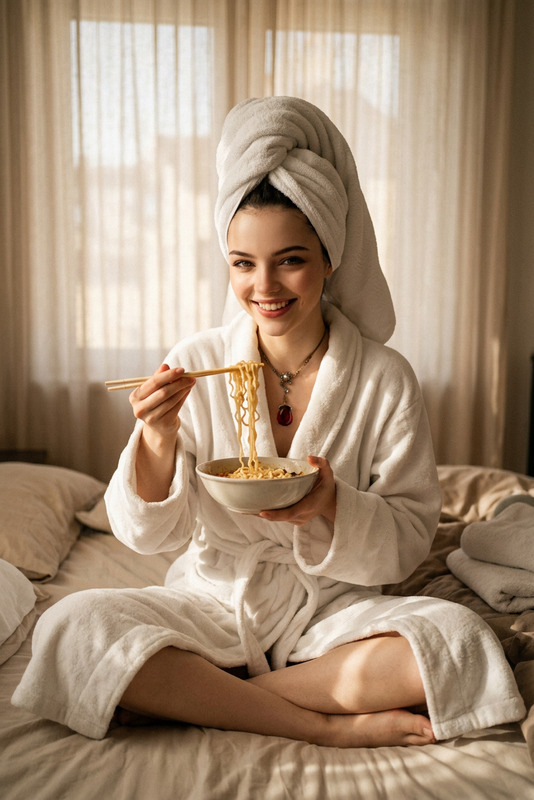
Subject seated at a narrow wooden ramen counter in a tiny Tokyo ramen shop, chopsticks lifting curled noodles above a steaming bowl. Wearing a cream oversized cable-knit turtleneck with sleeves pushed up, dark hair tucked behind ears with small pearl studs. Steam from the broth rising around the face, creating a soft warm haze. Counter shows condiments, ceramic spoon, and a glass of water with condensation. Background features a chef cooking in a steamy kitchen with bubbling pots. Warm lantern lighting, intimate setting. Shot from the next seat at low counter height, candid moment capturing quiet enjoyment and cozy atmosphere.
Any aspect ratio
Overview
Capture the essence of Tokyo's bustling culinary scene with the Tokyo Ramen Counter template. Specially designed for the AI Image Editor, this template leverages the cutting-edge capabilities of the nano-banana model to create images that transport viewers to an authentic ramen shop experience. Perfect for bloggers and content creators aiming to add cultural flair to their digital content.
What It Does
This template allows you to edit images by integrating a realistic scene from a Tokyo ramen shop. With specific details such as steam-filled ambiance, vibrant kitchen activities, and the inviting atmosphere of a cozy counter, it brings your imagery to life. The AI Clothes Changer is another useful tool if you want to experiment with outfit styles.
Who It's For
Designed for food enthusiasts, travel bloggers, and anyone passionate about showcasing authentic cultural experiences, the Tokyo Ramen Counter template provides a visually rich canvas. It's also ideal for marketing teams in the culinary sector looking to enhance visual storytelling in their campaigns.
Summary
With its ability to deliver high-quality, culturally rich images, this template is a must-have for those aiming to enhance their visual content. Whether promoting ramen culinary events or enriching travel blogs, you can achieve stunning results. Consider also exploring the AI Image Generator for an expanded creative toolkit.
How to Use the Template
Choose the Template

Customize Your Scene

Generate and Download

Use Cases
Food Blogs
- Visual storytelling for recipe posts
- Atmospheric images for dining reviews
- Immersive content for culinary travel guides
Travel Vlogs
- Standout visuals for video introductions
- Engaging snapshots for social media teasers
Culinary Marketing
- Eye-catching posters and ads
- Engaging social media posts
Best Practices
Focus on Lighting
Ensure warm, ambient lighting to maintain the cozy and inviting atmosphere depicted in the scene.Highlight Cultural Elements
Incorporate details such as traditional tableware and authentic chef attire to enhance cultural authenticity.Use Complementary Content Tools
Combine this template with tools such as the AI Image Upscaler to ensure your images maintain quality across platforms.