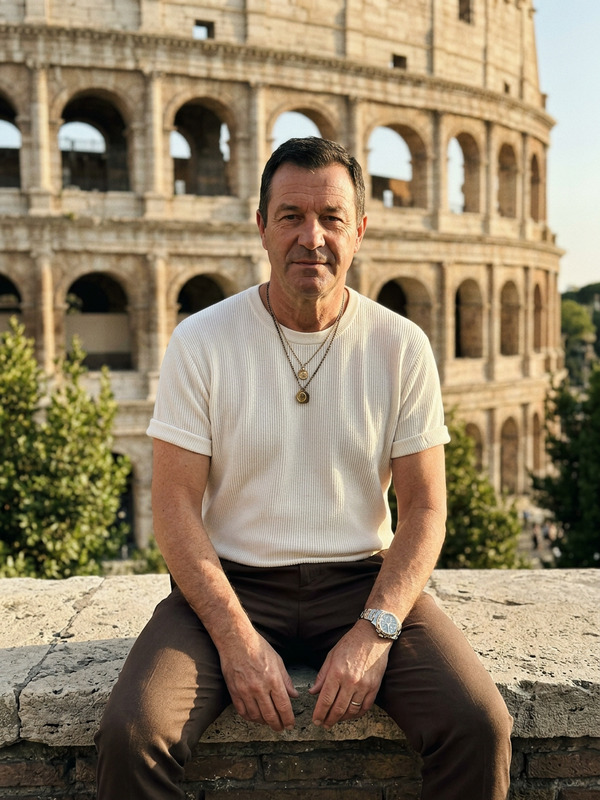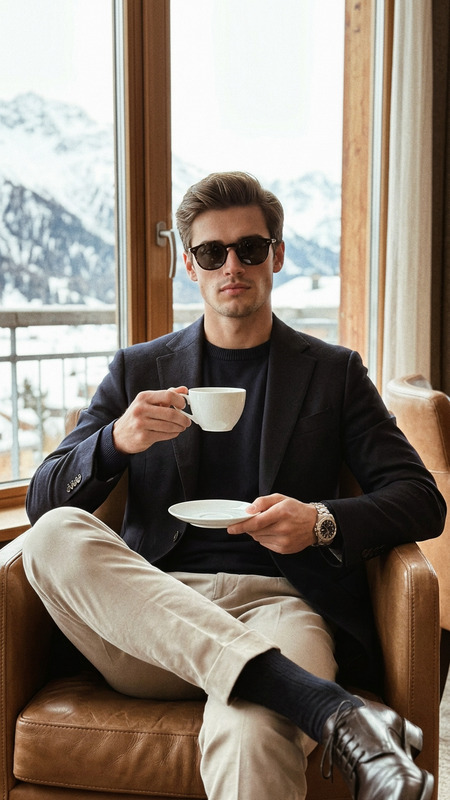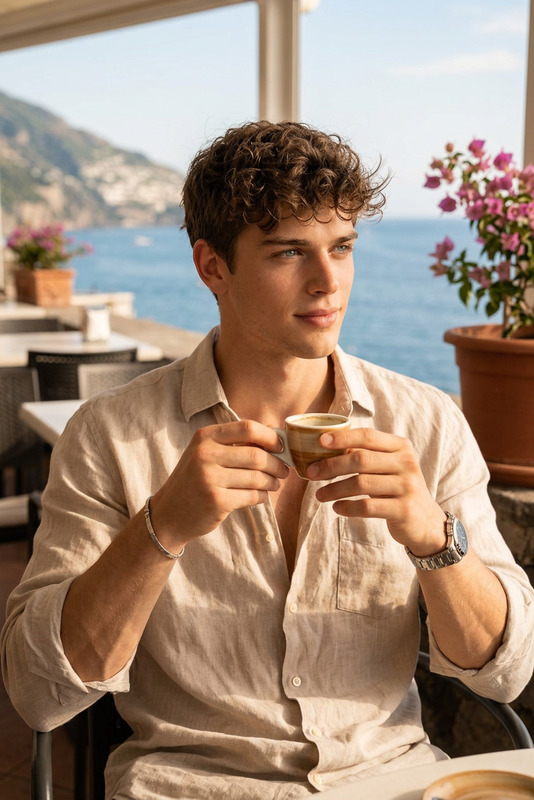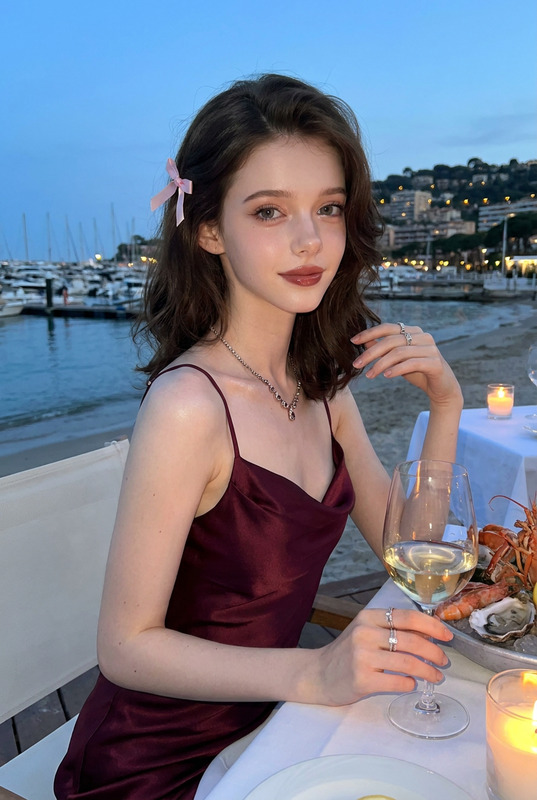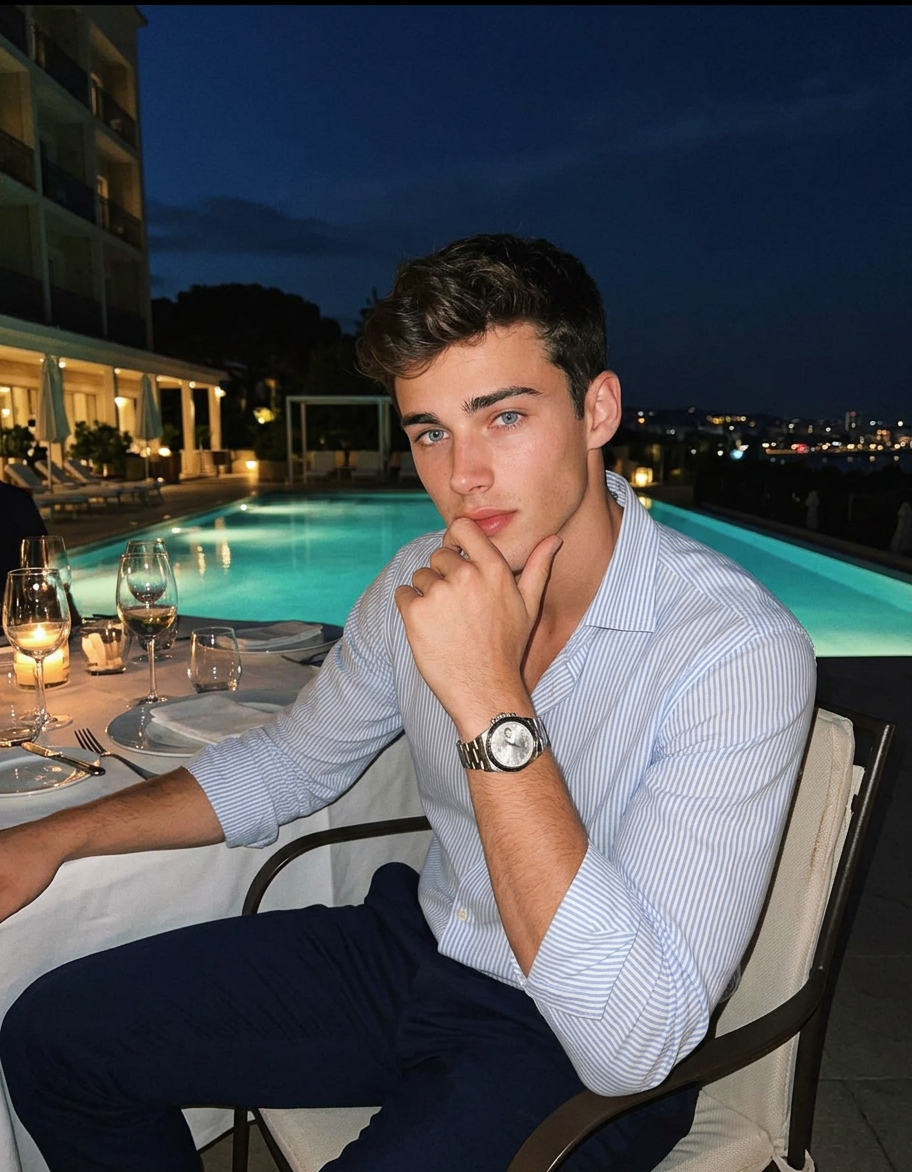
First Class Mood
- Model
- Nano Banana 2
- Image
- 912 × 1172 px
Prompt
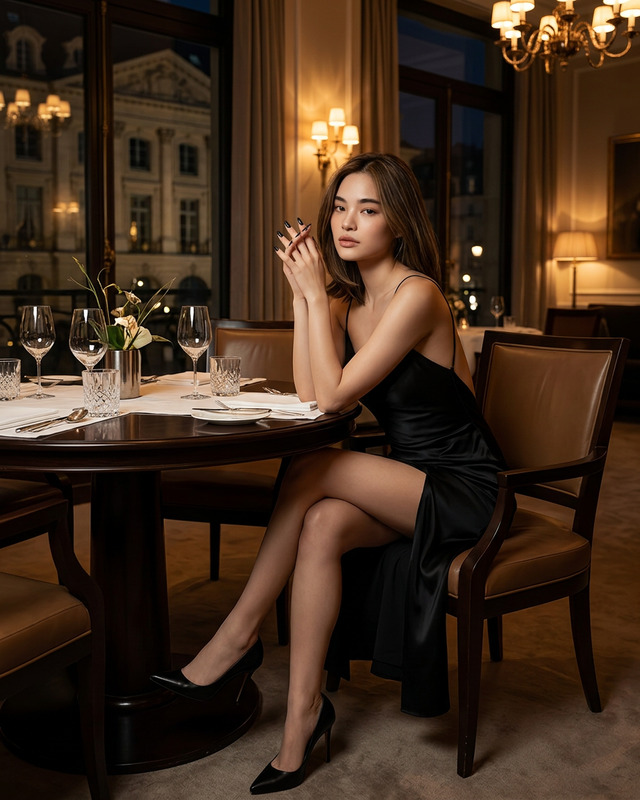
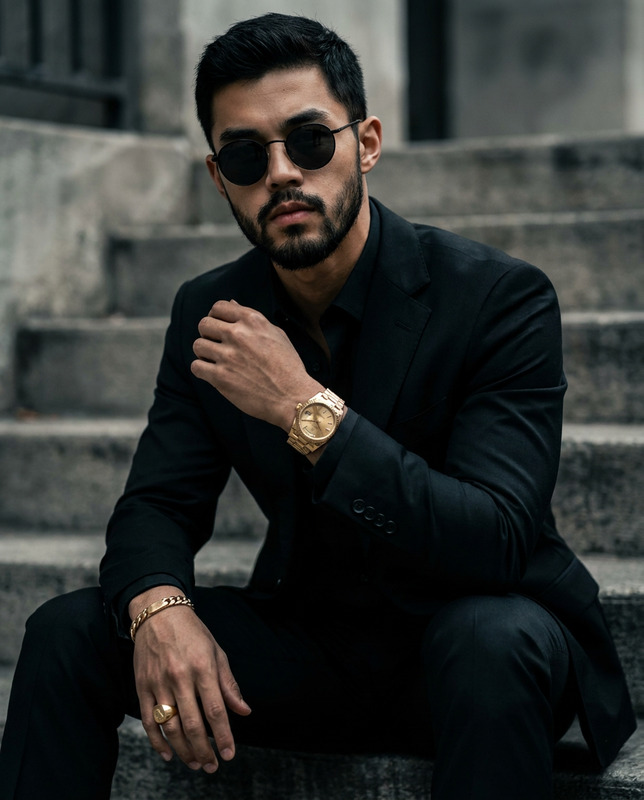
A man sitting at an elegant outdoor dinner table beside an illuminated pool at night, captured as a casual smartphone photo with grain and warm cinematic vintage color correction. He is seated deep in a dining chair with his body angled slightly sideways. One arm rests on the chair arm or table side, while his other arm is bent upward with his hand placed near his mouth in a thoughtful pose, the knuckles lightly touching his lips or chin. Add an expensive luxury wristwatch on his wrist. His posture is relaxed, composed, and confident. His lips are gently closed, and his mouth carries a subtle contemplative expression. He is looking directly into the camera. He is wearing a light striped button-up shirt with the collar open, made of a lightweight cotton or linen fabric, and soft neutral trousers. No tattoos. The foreground includes wine glasses, a candlelit dinner setup, plates, and table decor, while the background shows a glowing pool and city lights under a dark blue evening sky. Keep the scene feeling like a normal high-end vacation phone snapshot, with visible grain, soft night lighting, and tasteful vintage color tones.
Any aspect ratio
Overview
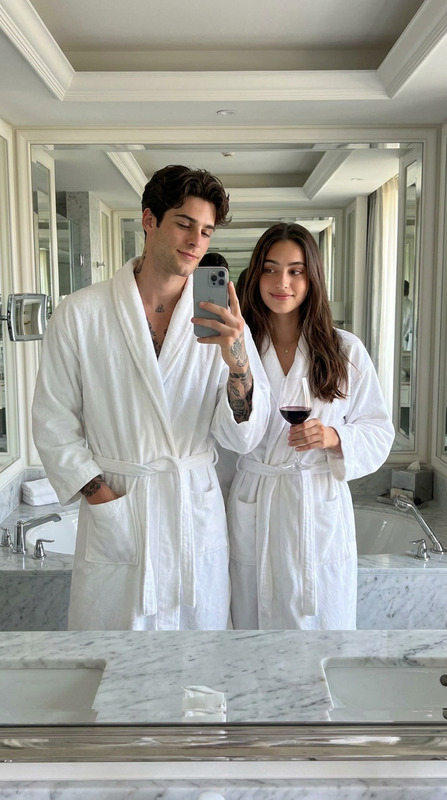
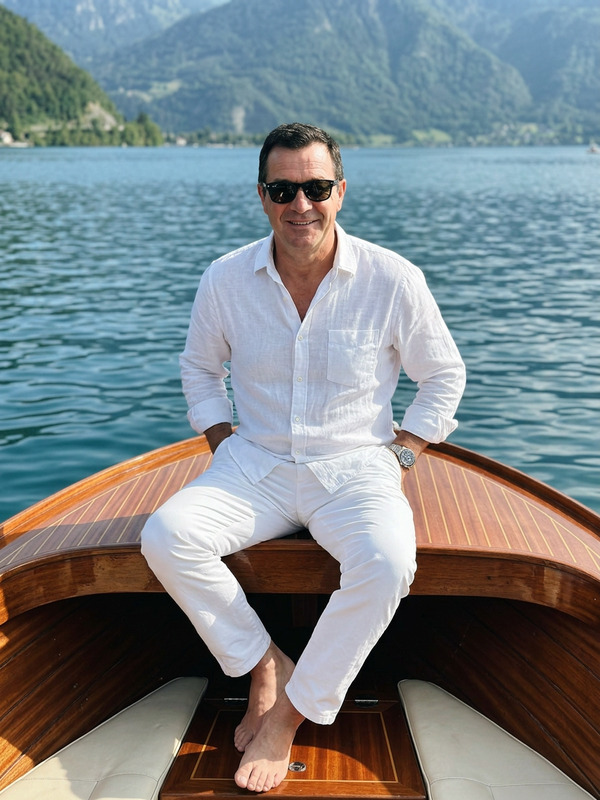
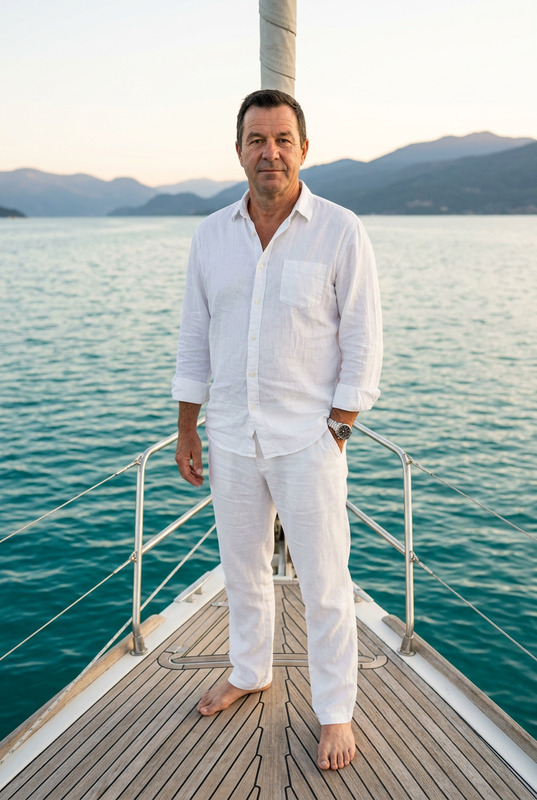
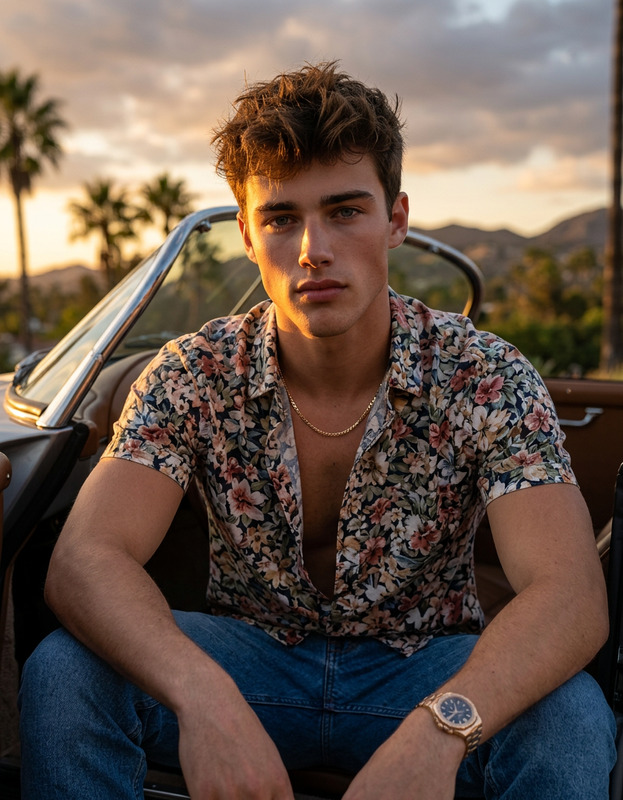
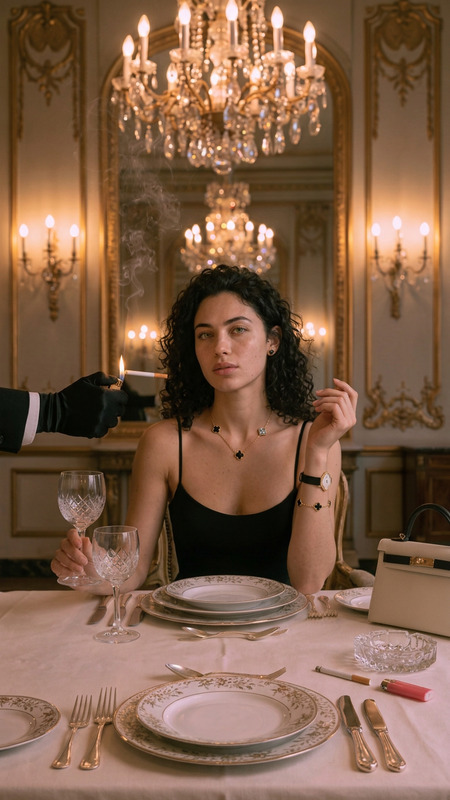
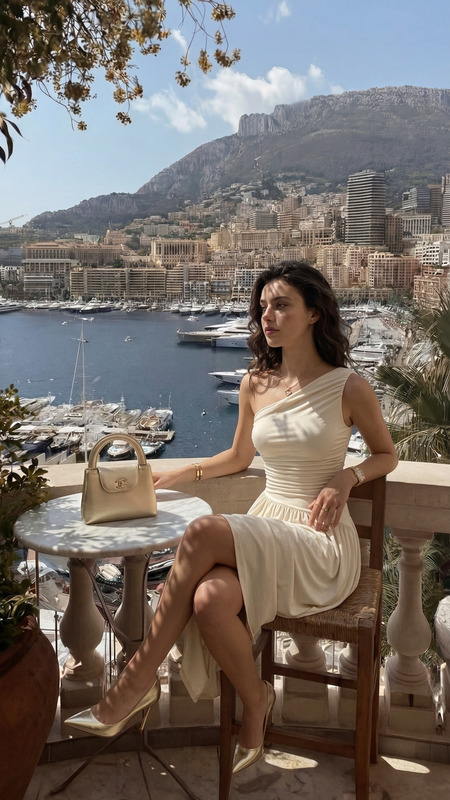
"First Class Mood" transforms your casual smartphone photos into elegant scenes with a warm, cinematic vintage color correction. Leveraging the power of the AI Image Editor and the advanced nano-banana-2 model, this template emphasizes luxury and contemplation in an outdoor dinner setting.
What It Does
This template adds a touch of sophistication to your images, focusing on a luxurious atmosphere with subtle grain and moody lighting. It enhances the subject's attire, environment, and overall mood to create a photo that feels both personal and high-end, ideal for lifestyle and travel-themed imagery.
Who It's For
"First Class Mood" is perfect for photographers, social media influencers, and lifestyle bloggers who want to elevate their photo aesthetic with professional-grade edits. It's also beneficial for brands looking to emphasize elegance in their marketing visuals, aligning well with the needs of product photography and product videos.
Summary
Enhance your imagery with "First Class Mood," where casual snapshots meet elegant presentation. With vintage color tones and a focus on luxury details, this template ensures your photos convey a story of sophistication and style.
How to Use
Choose Your Template

Customize Your Image

Generate and Download

Use Cases
Luxury Lifestyle Photography
- Transform casual photos into professional shots
- Enhance visuals for social media engagement
Travel and Experience Brands
- Highlight vacation destinations
- Create aspirational content for travel ads
Best Practices
Select High-Resolution Images
For the best results, use images with a high resolution to ensure the enhanced details are crisp and professional.Adjust Lighting Carefully
Make minor adjustments to lighting in the 'Customize' phase to maintain the intended vintage mood.Focus on Composition
Ensure your subject is positioned well within the frame to capture the elegance and thoughtfulness intended by the template.