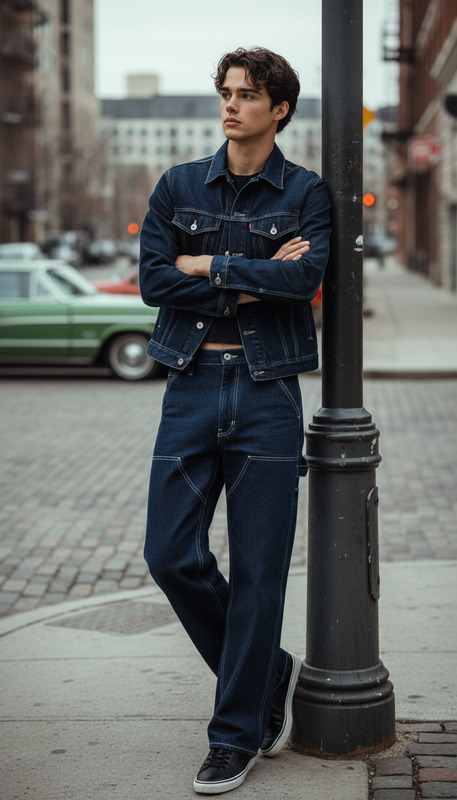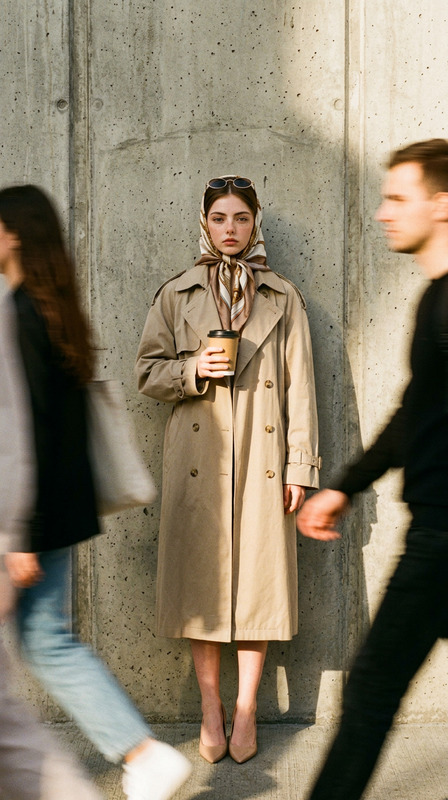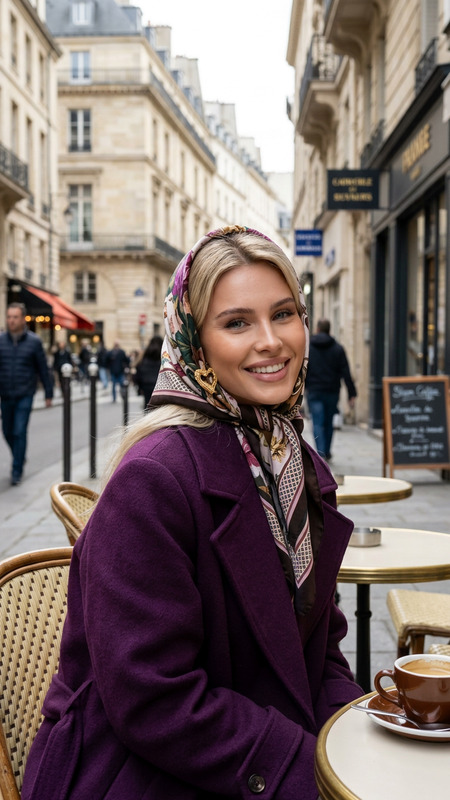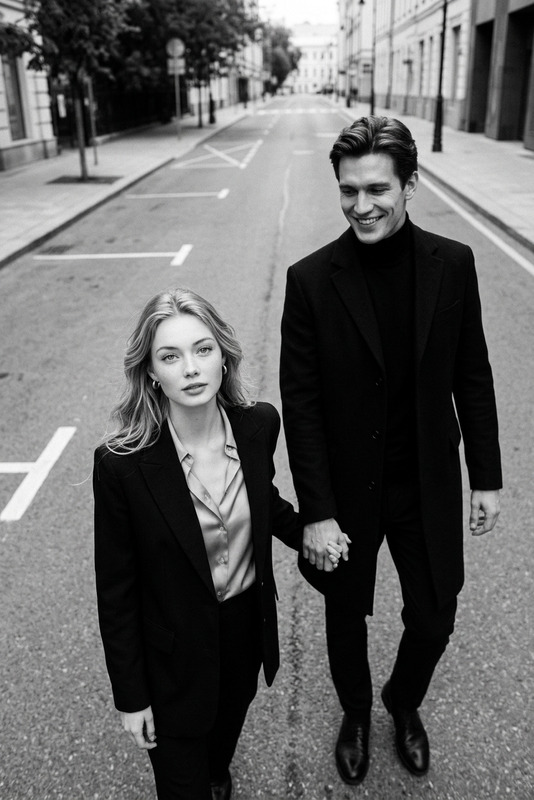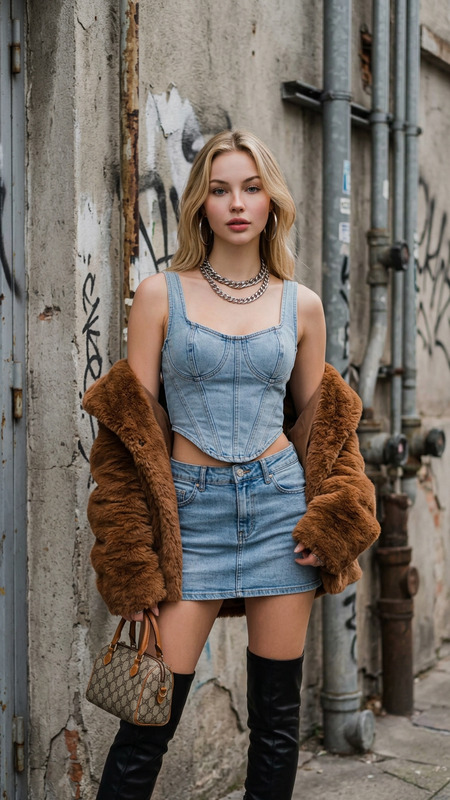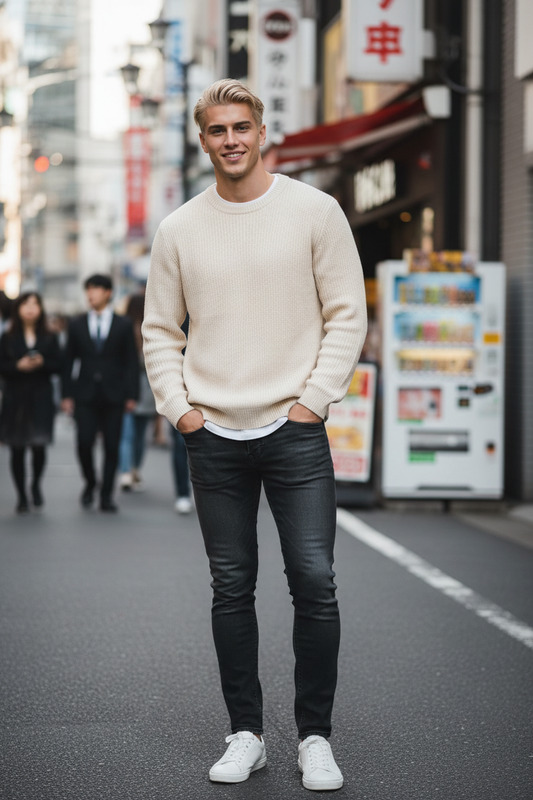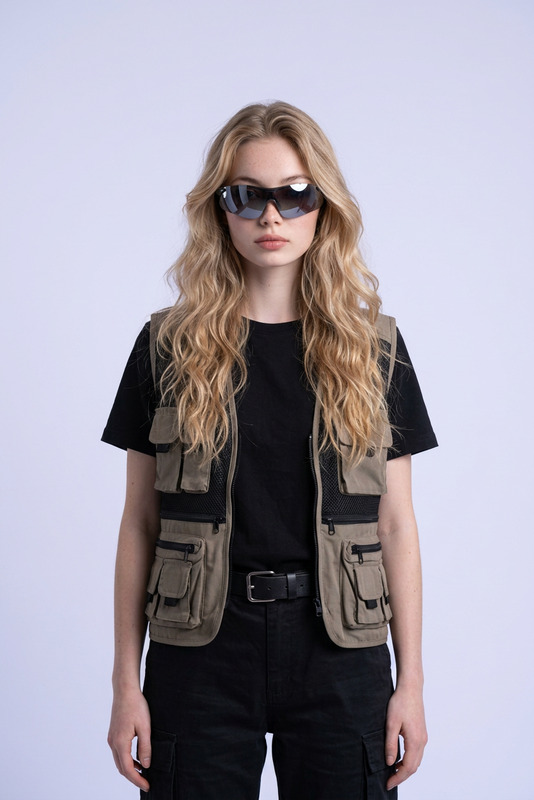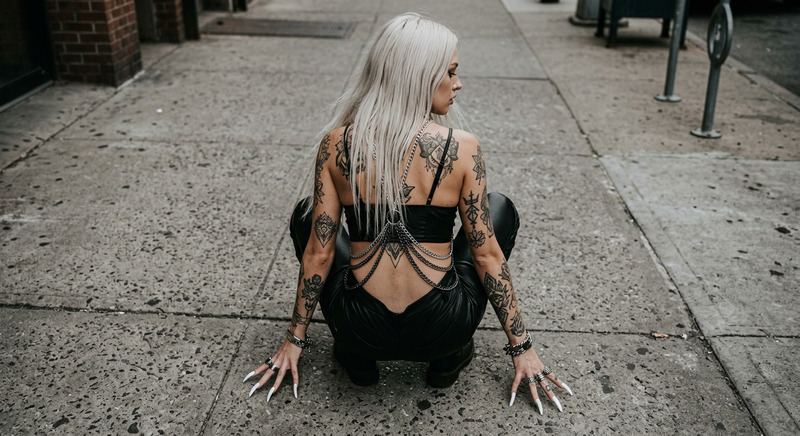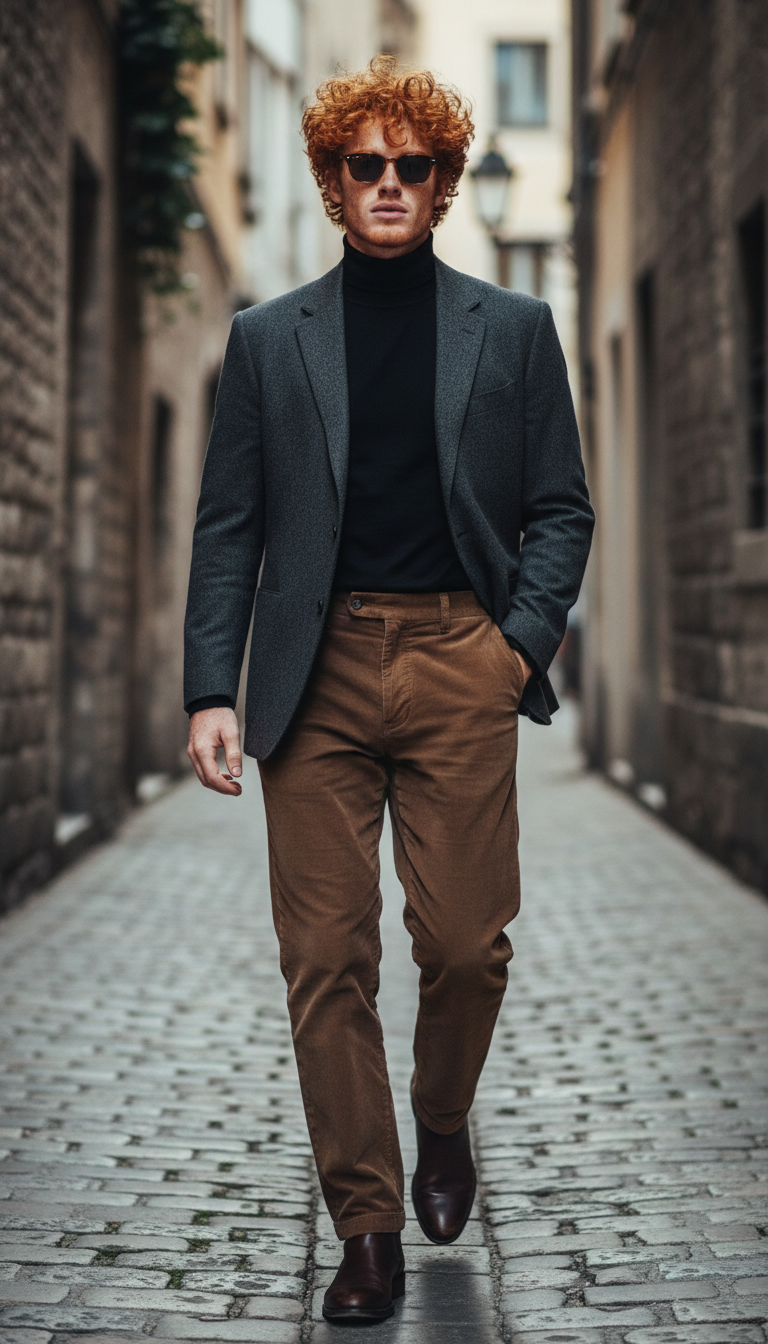
Alley Walk Photoshoot

Alley Walk Photoshoot

ai-image-editor

1 clip
4 uses

Any aspect ratio

Prompt

Subject walking confidently down a narrow European alleyway, wearing a tailored dark blazer over a black turtleneck and high-waisted brown trousers. Slightly messy wavy hair, light stubble, tinted sunglasses, sophisticated vintage vibe. One hand casually in pocket, mid-stride, candid fashion photography style. Textured stone walls, muted urban background, soft natural daylight

AI Image Editor Template: Instant Professional Photo Editing in Your Browser

Transform any image in seconds with this reusable AI Image Editor template on Magic Hour. Whether you’re cleaning up product photos, prototyping marketing creatives, or preparing assets for a product launch, this template gives you a fast, repeatable workflow you can remix for your own use cases.


What This Template Is For

Use this template when you need to:

  • Remove or replace distracting backgrounds
  • Clean up or remove unwanted objects and people
  • Refine faces and portraits for social, ads, or profiles
  • Generate multiple creative variations from a single source image
  • Prepare assets for other Magic Hour tools (video, avatars, memes, etc.)

It’s built on the core AI Image Editor, so you can non-destructively edit images while preserving important details like lighting, perspective, and composition.


How to Remix This Template in Magic Hour

You can recreate or adapt this template in a few minutes by following a simple pattern:

  1. Start from the AI Image Editor

    • Open the AI Image Editor.
    • Upload your base image (portrait, product shot, illustration, etc.).
  2. Define What You Want to Change

    • Think in clear, task-focused steps:
      • “Remove the background and replace with a light studio backdrop.”
      • “Erase the person in the background and extend the floor.”
      • “Subtly retouch the face, reduce blemishes, keep natural skin texture.”
    • In your own remix, you can structure the workflow as a sequence: isolate → remove → refine → enhance.
  3. Use Region-Based Editing

    • For precise edits, work region by region:
      • Background area (for background removal/replacement)
      • Subject area (for clothes, pose, or style changes)
      • Details (face, hands, small objects)
    • This maps well to other Magic Hour tools like:
  4. Chain Edits for a Reusable Flow

    • Think of each change as a step you can reuse:
      • Step 1: Clean background →
      • Step 2: Retouch subject →
      • Step 3: Add stylized elements / overlays →
      • Step 4: Upscale for final export
    • You can then duplicate this “stack” of steps for:
      • Product catalog updates
      • Campaign variants (different backgrounds, seasons, or styles)
      • A/B testing different creatives for ads or landing pages
  5. Export and Reuse Across Magic Hour


Practical Use Cases for Creators, Marketers, and Builders

1. Product & Brand Creatives

  • Clean e‑commerce product photos (remove clutter, unify backgrounds).
  • Rapidly generate on-brand variants of hero images for campaigns.
  • Prepare assets for social, ads, and thumbnails:

2. Creator & Personal Branding

3. Content & Storytelling

4. Technical and Product Teams

  • Rapid UI/UX mock visuals:
    • Use the AI Image Generator or AI Art Generator to create raw concepts, then refine them using this template.
    • Create hero images, dashboards, and device mockups for pitch decks or product pages.
  • Documentation and marketing assets:
    • Clean up screenshots, annotate visuals, and prepare consistent imagery for documentation or investor materials.

Advanced Workflows You Can Build by Remixing This Template

You can build higher-level workflows around this AI Image Editor template by combining it with other Magic Hour tools:


Related Tools to Extend This Template

Depending on your use case, consider pairing this AI Image Editor template with:


Tips for Better Results (for Busy, Technical Users)

  • Work from the highest-quality source image you have.
    If needed, run it through AI Image Upscaler or Unblur Image first.

  • Edit in logical layers.
    Treat background, subject, and fine details as separate passes. This gives you more control and easier iteration.

  • Standardize your prompts or instructions.
    For teams, define a short “style vocabulary” (e.g., “soft natural light, neutral background, minimal props”) and reuse it across projects and templates.

  • Prepare for cross-channel reuse.
    Design your edited images so they can easily be reused in:


Why Use This Instead of Traditional Editors?

Conventional tools (Photoshop, GIMP, etc.) are powerful but time-consuming and skill-intensive. This AI Image Editor template offers:

  • Speed: Go from raw photo to campaign-ready visual in minutes, not hours.
  • Consistency: Repeatable workflows that can be cloned, remixed, and standardized across teams.
  • Interoperability: Seamless handoff into other Magic Hour tools for video, voices, effects, and more.
  • Accessibility: Non-designers and non-technical stakeholders can still produce on-brand assets.

Remix this template as a starting point, adapt the workflow to your brand and pipeline, and then connect it with other Magic Hour tools to build a repeatable, end‑to‑end visual creation system.

More Like This