Frosted Glam
- Model
- Nano Banana 2
- Image
- 843 × 1264 px
Prompt
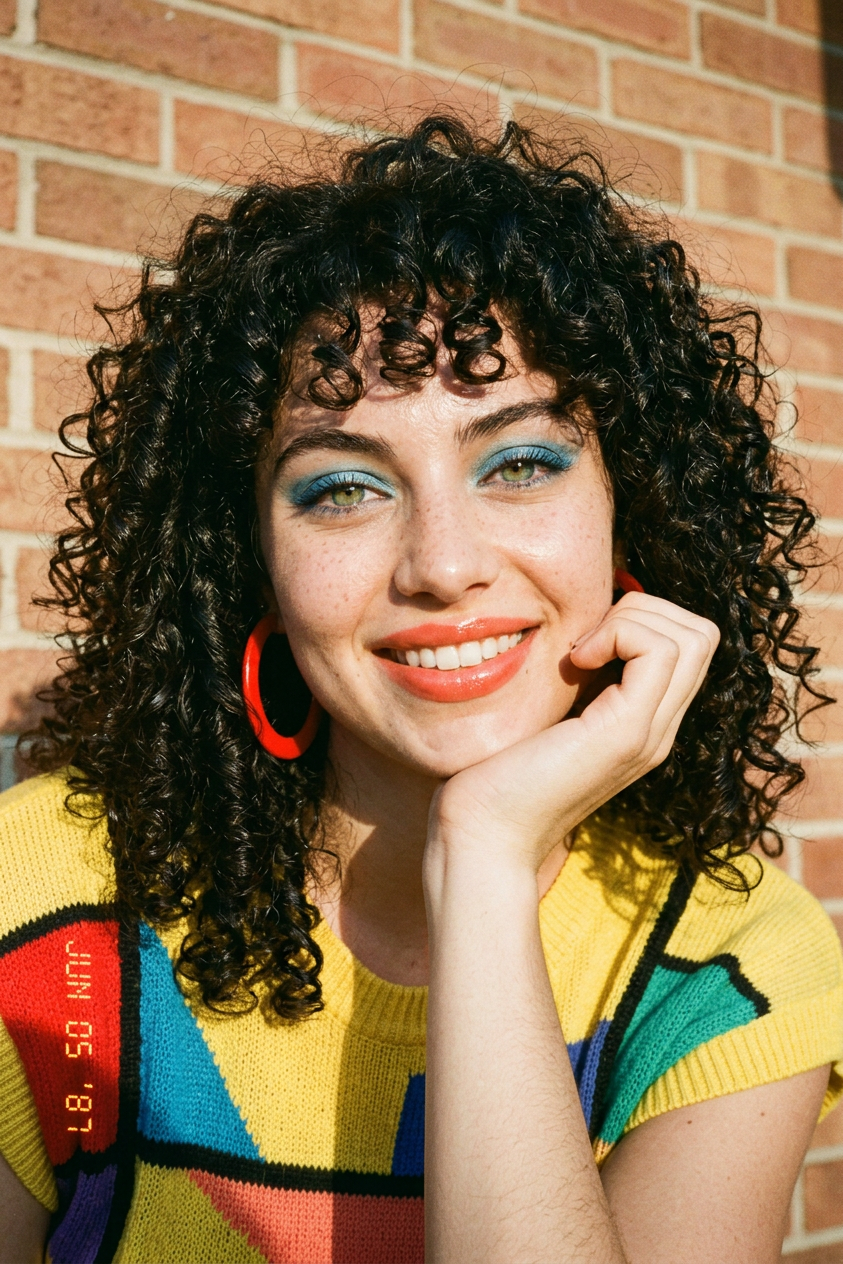
The Playful Perm & Bangs: Pop Art CurlsSubject & Styling: A woman with a very bouncy, tight perm and full curly bangs, smiling sweetly with her hand on her chin. She wears a yellow knit top with a large, colorful geometric pattern and oversized red hoop earrings.Makeup: Colorful blue eyeshadow and glossy coral lipstick.Lighting & Environment: Bright and sunny lighting, with a warm, slightly out-of-focus brick or textured wall backdrop.Camera Style: Realistic, candid-style photo. Date stamp: "JUN 05 ‘87" at the bottom-left corner.
Any aspect ratio
Overview
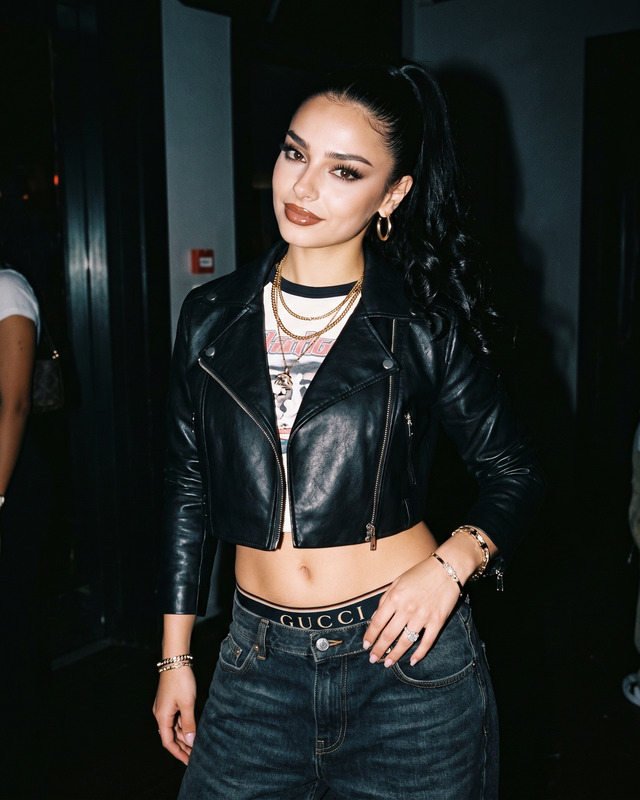
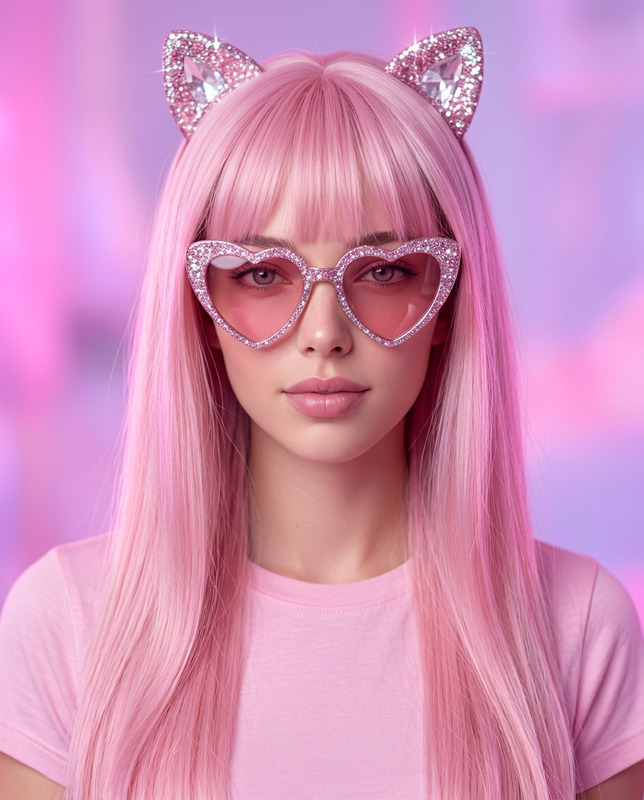
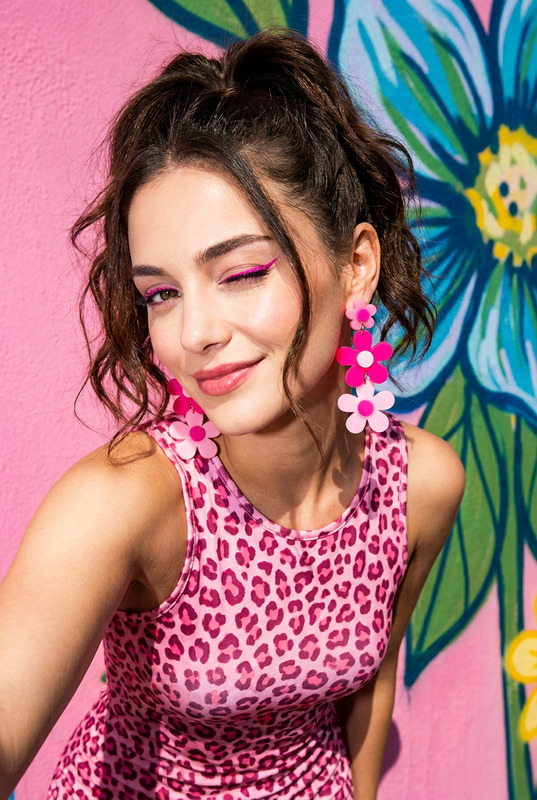
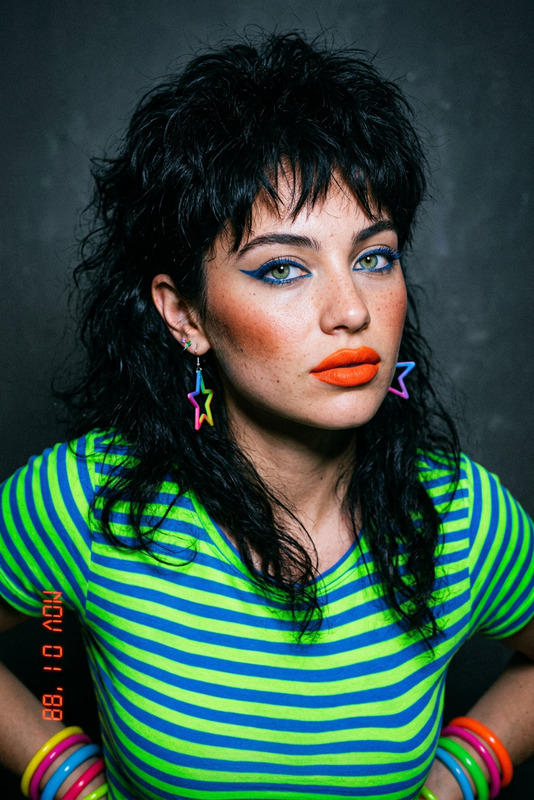
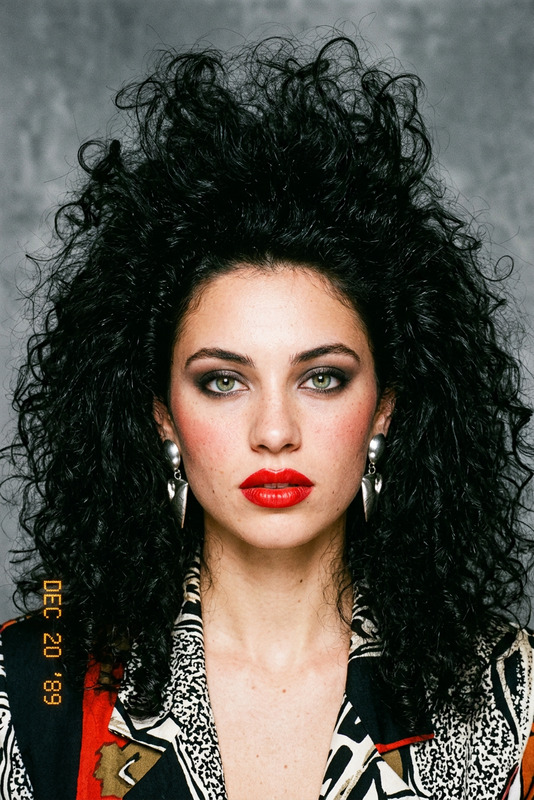
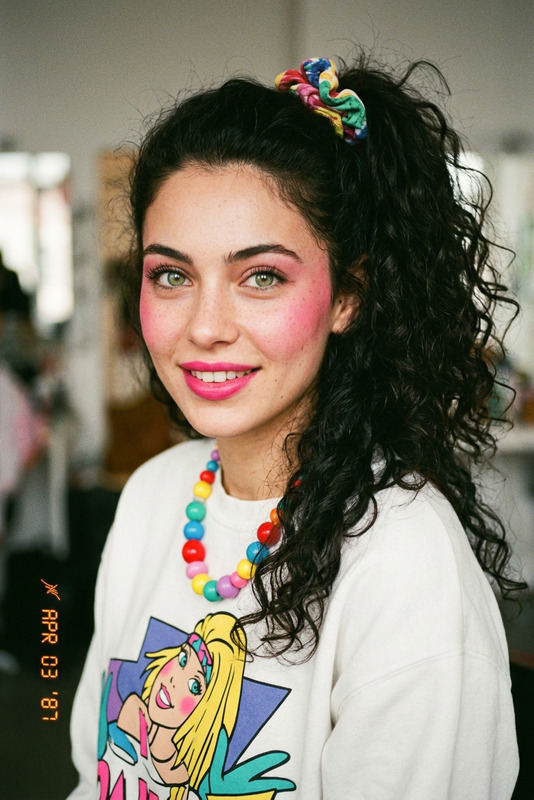
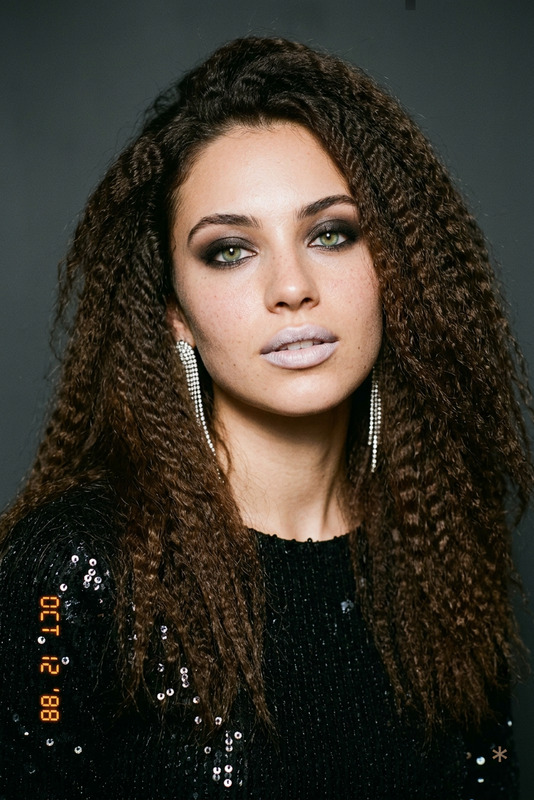
The Frosted Glam template in the AI Image Editor is designed to transform your images into captivating pop art that exudes the vibrant style of the late '80s. The template comes equipped with the nano-banana-2 model, which excels at rendering realistic and colorful portraits that feel candid and dynamic.
What It Does
Frosted Glam reimagines your photographs with bold, retro flair. By utilizing AI-driven enhancements, this template infuses images with technicolor vibrancy and authentic pop art elements. It applies distinct fashion and makeup styles, along with realistic five-sense perception lighting, transforming ordinary photos into compelling art pieces.
Who It's For
This template is perfect for photographers, graphic designers, and creatives looking to add a unique, nostalgic twist to their projects. It's also suitable for brands and individuals seeking to capture the playful essence of the '80s in their visual content. For those interested in AI-driven photography and styling, our AI Image Upscaler might also be of interest.
Summary
With Frosted Glam, you can turn your images into lively 1980s pop art. The template emphasizes robust editing features with a focus on realistic textures and vibrant colors. To further explore similar styling and transformation tools, check out our AI Photo Relighting feature for enhancing image mood.
How to Use Frosted Glam
Choose the Frosted Glam Template

Customize with Your Photo and Settings

Generate and Save Your Edited Image

Use Cases
Pop Art Portraiture
- Photo shoots
- Art exhibitions
- Marketing materials
Retro-themed Design Projects
- Album covers
- Event flyers
- Social media posts
Branding with a Vintage Touch
- Ad campaigns
- Product packaging
- Brand collateral
Best Practices
Choose High-Resolution Images
For the best results, use high-resolution images. This ensures that the vibrant textures and colors appear sharp and clear.Experiment with Lighting Adjustments
Play around with lighting effects to enhance the depth and vividness of your images. Our AI Video Extender can provide insights into dynamic lighting applications.Embrace Bold Colors
Don’t shy away from bold and contrasting colors—they are essential to the pop art aesthetic. Utilize tools like the AI Image Generator for additional creativity.