Denim
- Model
- Nano Banana 2
- Image
- 921 × 1152 px
Prompt
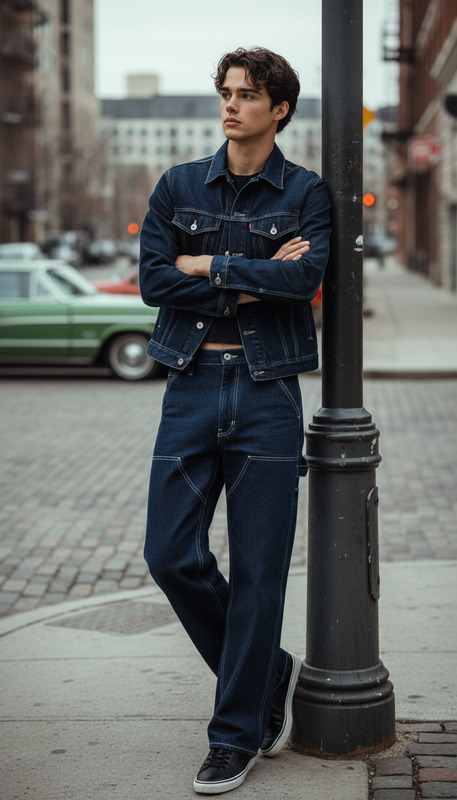
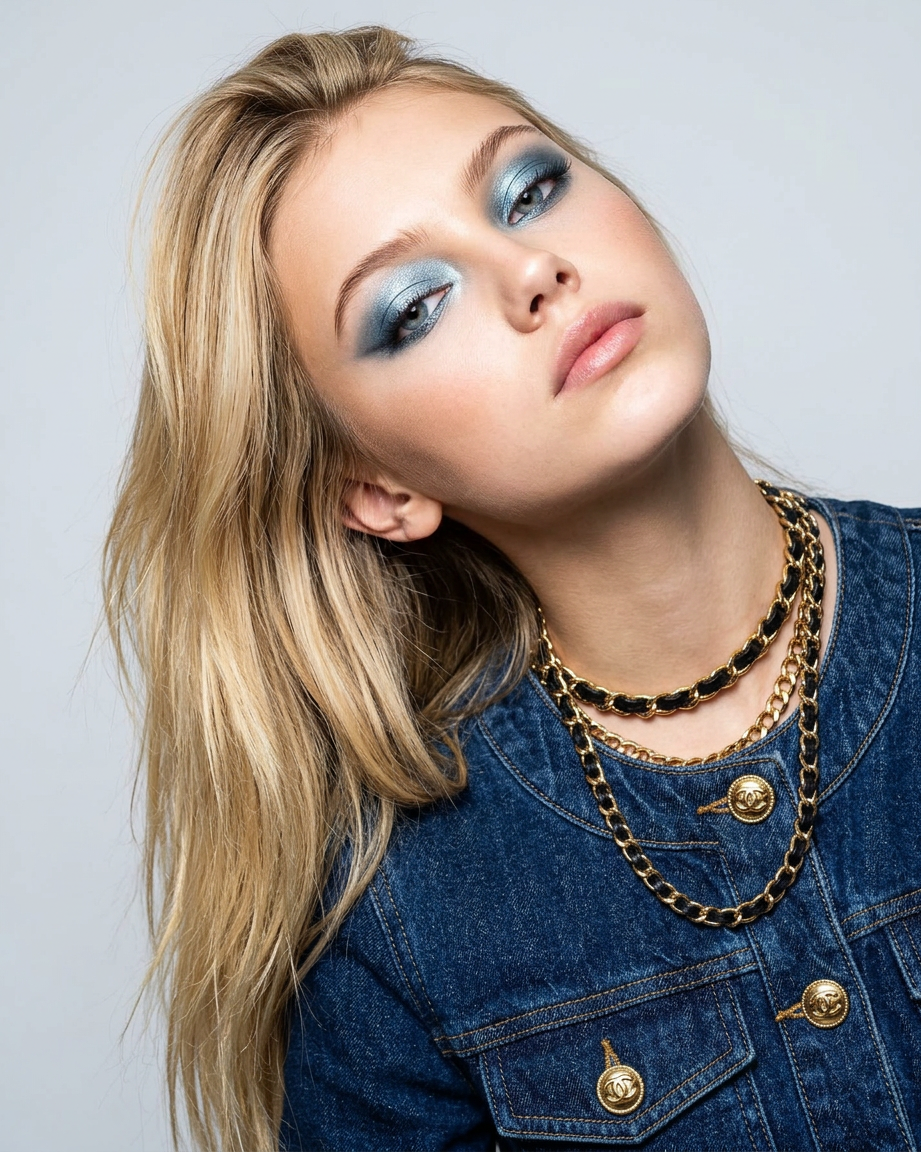
The model, with a confident, haughty Parisian gaze, elegantly tilted back and to the side, looks down at the lens. She wears a stylish dark blue denim jacket with iconic gold buttons. Iconic leather and gold chains complete the look. Makeup: frosty metallic blue eyeshadow. A light gray studio background, crisp flash photography, and a glossy magazine cover. No captions, no text.
Any aspect ratio
Overview
The "Denim" template within our AI Image Editor leverages the advanced capabilities of the nano-banana-2 model, creating sophisticated and magazine-ready images. Perfect for fashion shoots or high-style portraits, this template enhances images with standout denim attire and glamorous accessories, set against a professional studio background.
What It Does
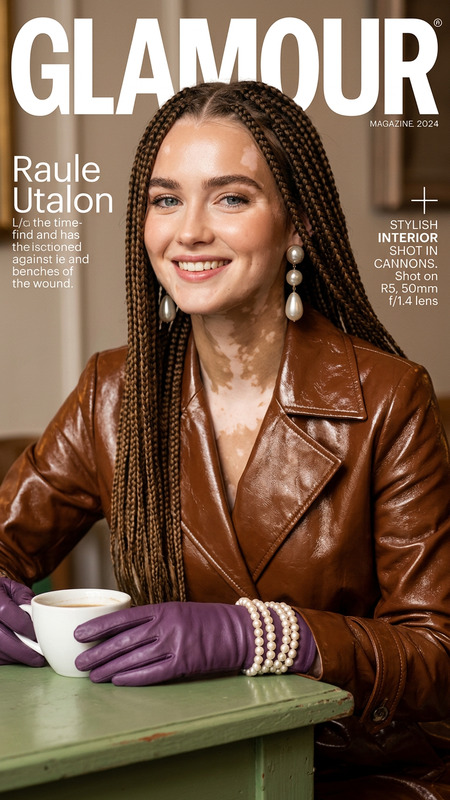
With the Denim template, transform your images into high-fashion magazine covers. This AI editor infuses your image with detailed enhancements such as a fashionable denim jacket featuring gold buttons, leather chains, and striking frosty metallic blue eyeshadow. It's designed for those who want to upgrade their image's sophistication and appeal with ease, lending an elite Parisian fashion touch to your visuals.
Pair it with other tools like the AI Face Editor for precise facial detailing or the AI Image Upscaler for increased resolution.
Who It's For
The Denim template is intended for fashion photographers, stylists, and magazine editors looking to create cutting-edge, polished visuals with minimal effort. Whether you're shooting for a high-end fashion campaign or an editorial spread, this tool assists in achieving a refined, professional aesthetic that stands out.
It's also a go-to option for social media influencers and marketers focusing on social media ads or product demo videos, ensuring captivating content that aligns with current fashion trends.
Summary
The Denim AI Image Editor template offers a quick, efficient means to stylize images with a Parisian flair. Utilizing the robust nano-banana-2 model, it brings forth a high-fashion look, ideal for diverse applications. For those looking to create professional, stylish images with depth and detail, this template is an invaluable asset.
How to Use
Choose the Denim Template

Customize Your Image

Generate Your Edited Image

Use Cases
Fashion Editorials
Social Media Content
- Instagram fashion posts
- Facebook campaign visuals
Product Promotion
- Fashion product launches
- Brand style promotions
Best Practices
Match Lighting to the Background
Always consider the lighting setup to ensure it complements the studio background and gives the desired crispness.Focus on Facial Detailing
Use the AI Face Editor to fine-tune facial features for consistent detail ethos.Enhance Accessory Visibility
Ensure that accessories like chains and buttons are prominent in the image to maximize impact.