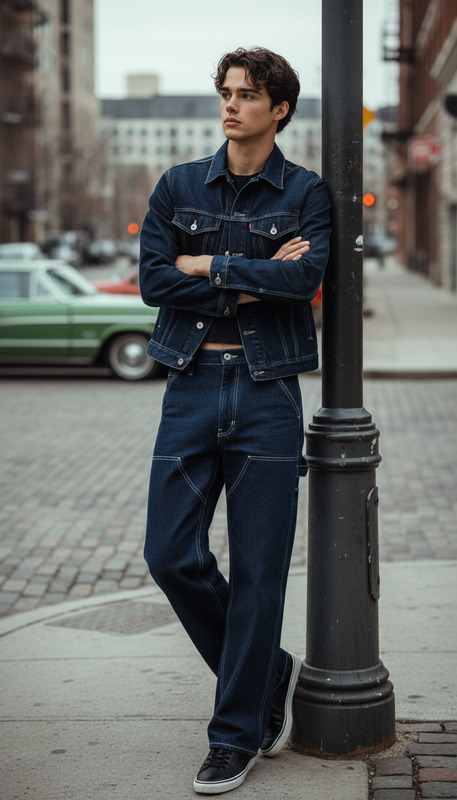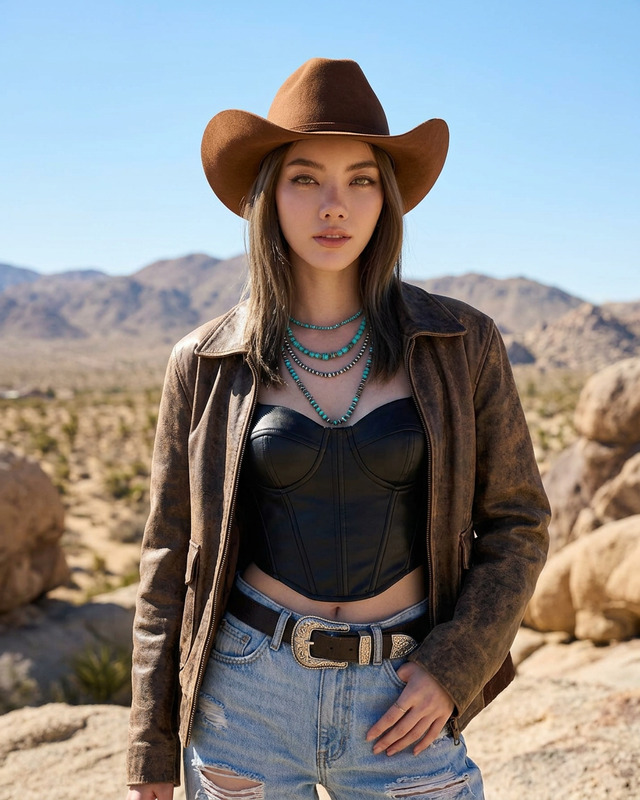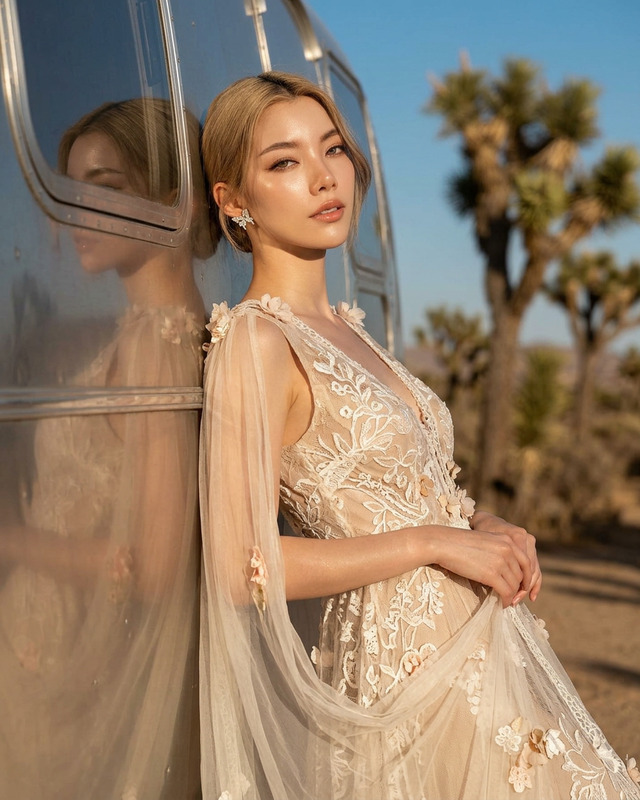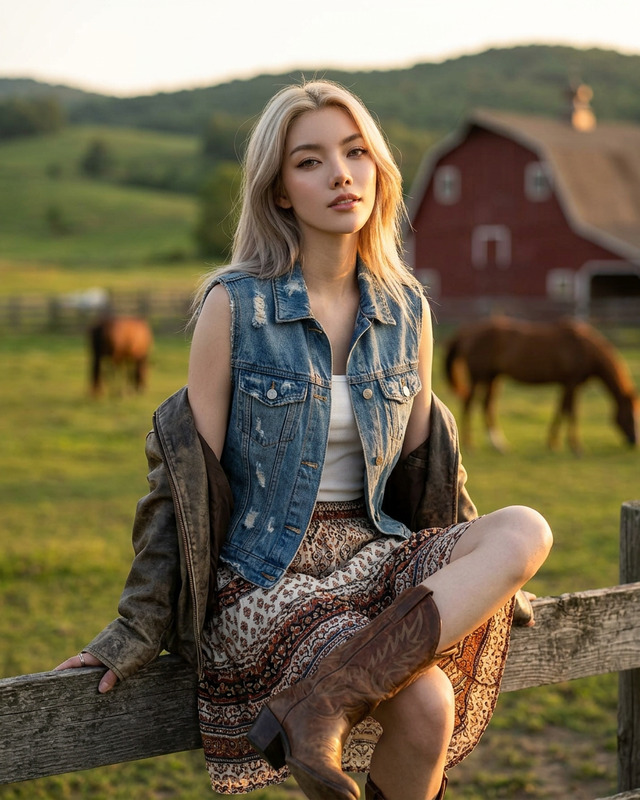
Strong Form
- Model
- Nano Banana 2
- Image
- 922 × 1152 px
Prompt
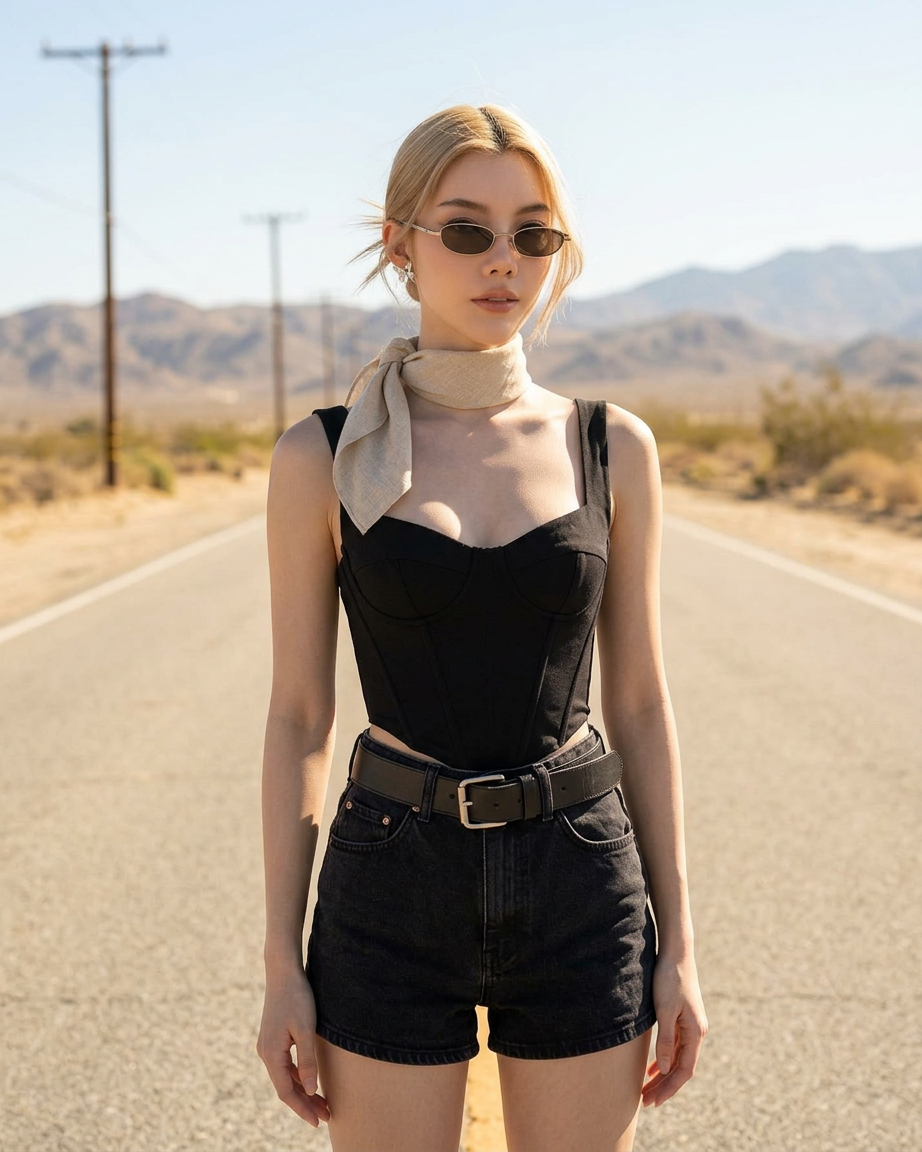
A cinematic fashion portrait of a stylish woman posing in the middle of an empty desert road. She wears a black corset top, high-waisted black denim shorts with a thick leather belt, a beige neck scarf, and small narrow sunglasses. The long road stretches behind her towards distant dry mountains and utility poles under a bright sunny sky. Natural golden daylight, stylish look.
Any aspect ratio
Overview
The Strong Form template is a powerful tool within our AI Image Editor. Utilizing the nano-banana-2 model, it allows you to transform ordinary images into striking cinematic fashion portraits with ease. This template is designed to cater to those who appreciate creativity and detail in visual storytelling.
What It Does
The Strong Form template leverages AI to edit your images, producing a cinematic effect reminiscent of fashion photography. With elements like a striking road backdrop, stylish attire, and golden daylight, this template structures an eye-catching and professional-grade image ready for any platform.
For those looking to integrate this functionality into a wider video project, check out our Image to Video conversion tool.
Who It's For
This template is tailored for content creators, advertisers, and social media influencers focused on fashion and lifestyle imagery. It's also an excellent resource for social media ads and fashion editorials where visual impact is critical.
Summary
In summary, the Strong Form template marries AI technology with creative vision to help you generate images that tell a story. Ideal for projects requiring a dramatic fashion flair, this tool empowers users to craft visually stunning images that can enhance brand storytelling and personal portfolios.
Explore our other transformation tools like the AI Image Generator for more creative possibilities.
How-To
Choose the Template

Customize Your Input

Generate and Download

Use Cases
Fashion Campaigns
Social Media Content
Editorial Projects
Best Practices
Choose High-Quality Images
Ensure your source images are high-resolution to maintain a clear and professional output.Refine Details in the Prompt
Alter the wardrobe, accessories, or setting within the prompt to capture the precise look you want.Consider Lighting and Shadows
Adjust light settings in your environment to ensure natural and appealing lighting in the final image.