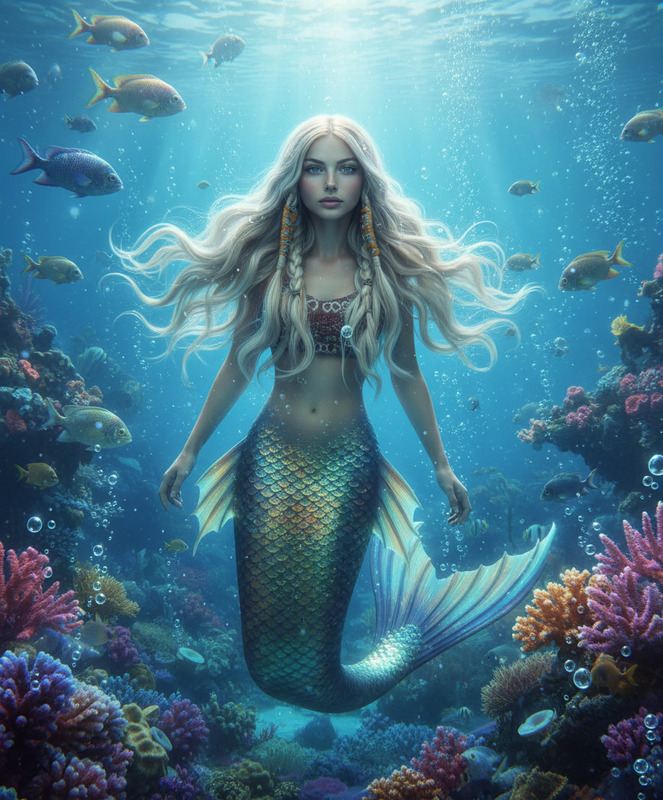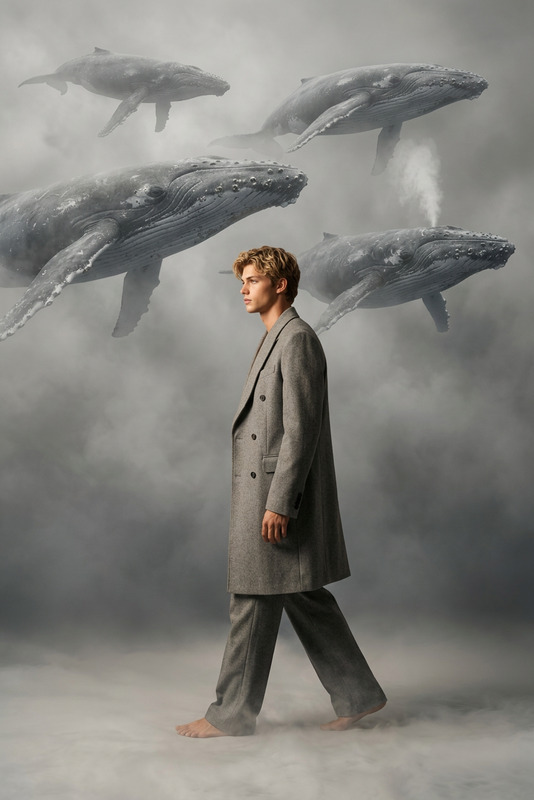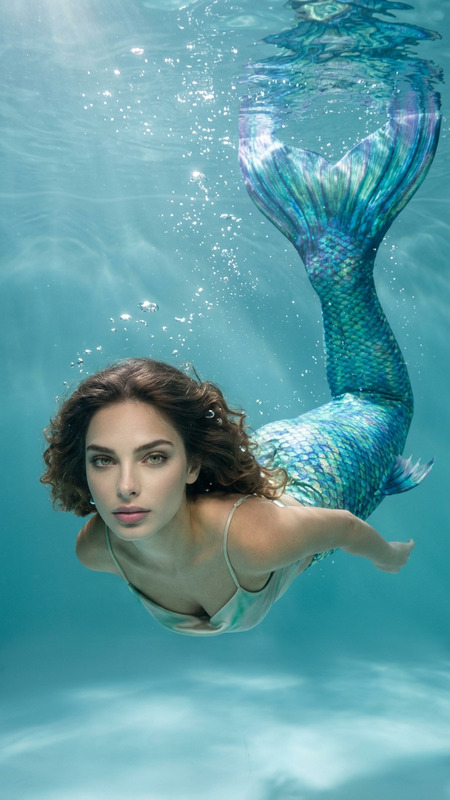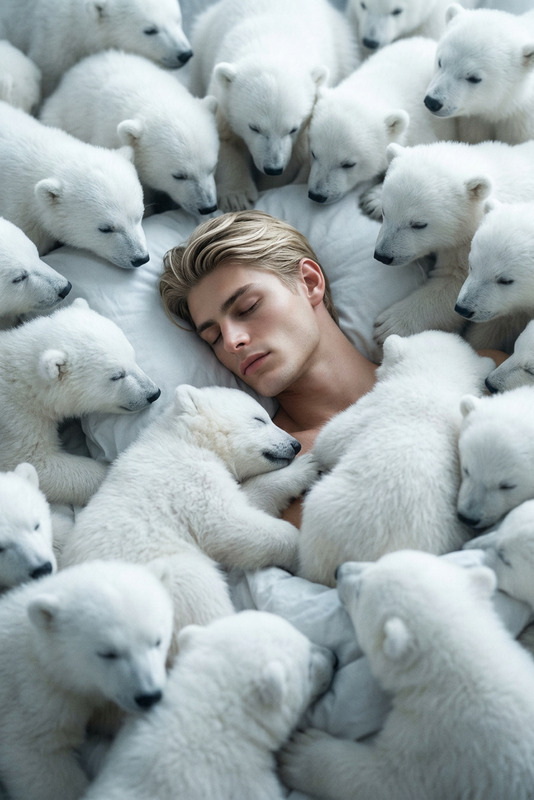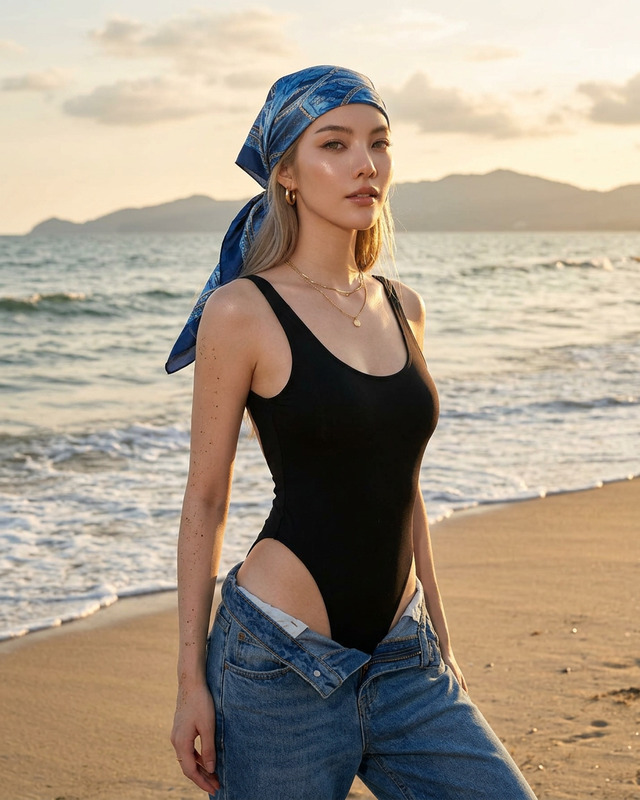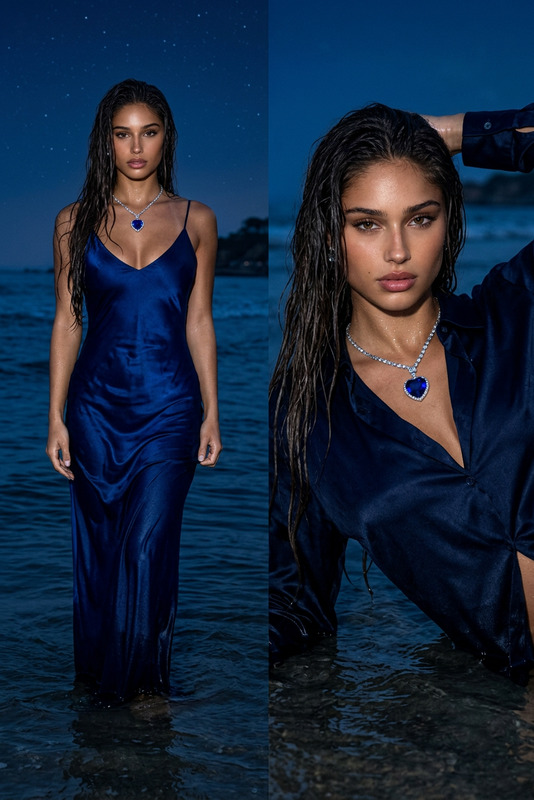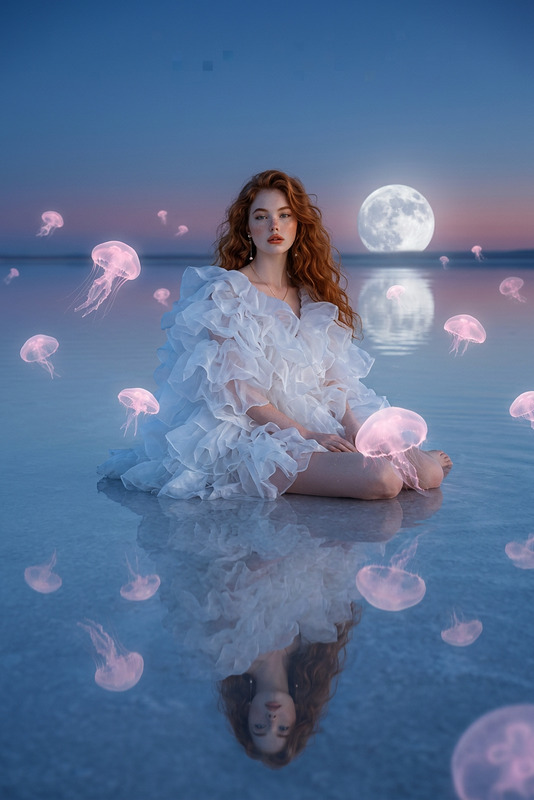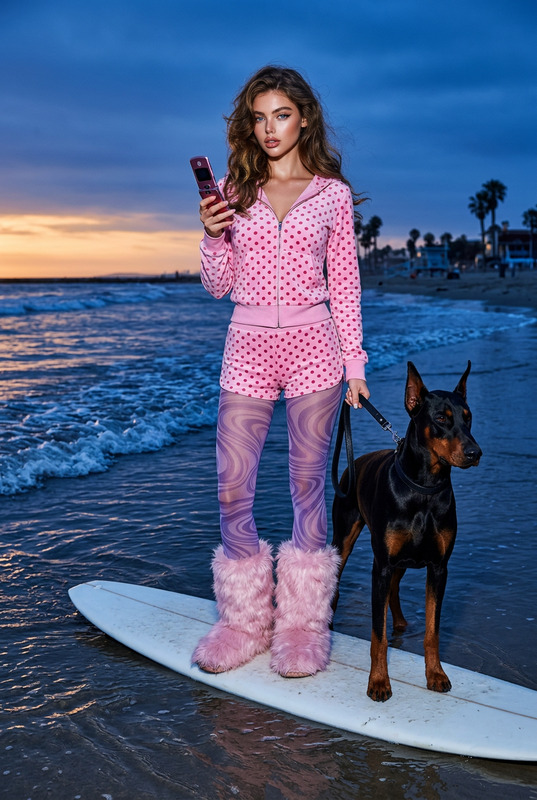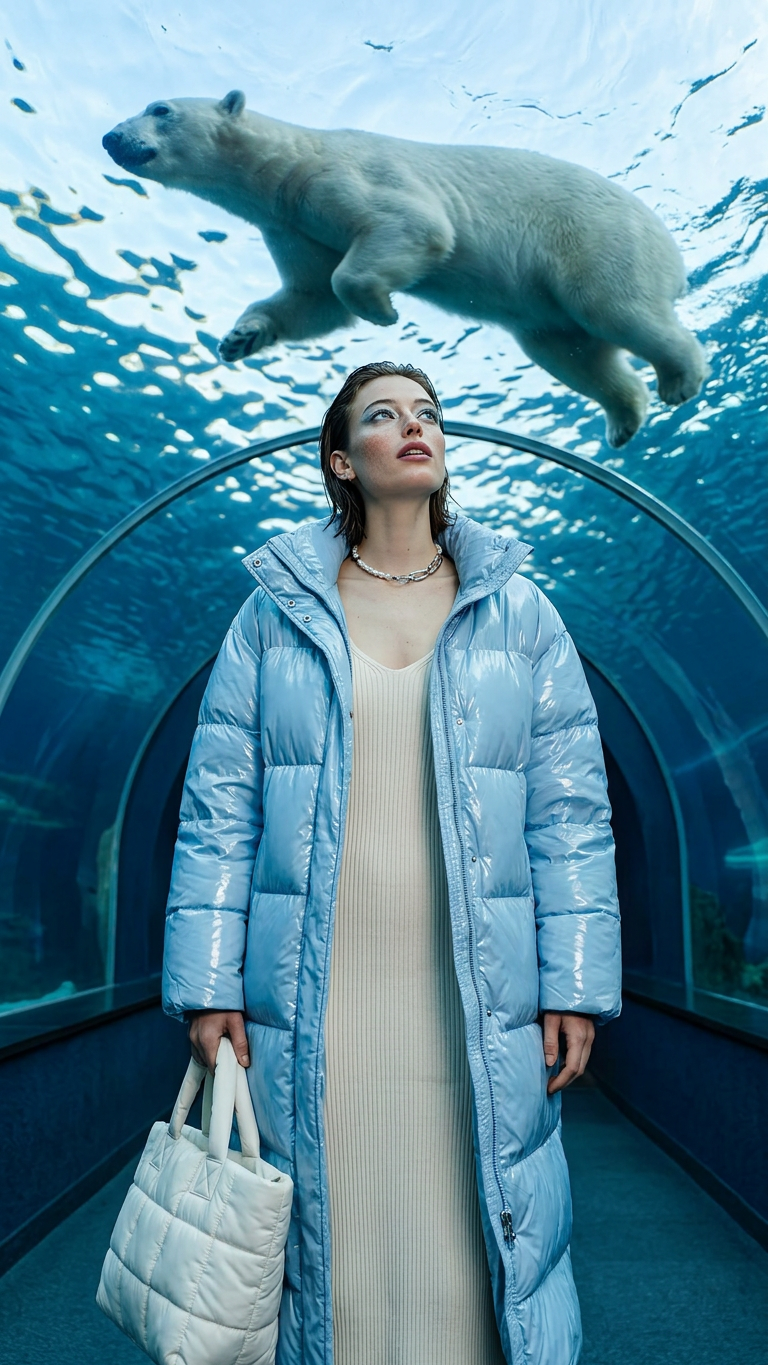
Polar Bear Dream
- Model
- Nano Banana 2
- Image
- 768 × 1365 px
Prompt
A surreal, high-fashion campaign shot.The subject is positioned in the center of a curved acrylic underwater tunnel, looking up in awe as a polar bear swims overhead through crystalline blue water. She wears a high-gloss, ice-blue oversized puffer coat over a minimalist cream-colored ribbed knit bodycon midi dress. Her hair is slicked back in a wet-look editorial style, paired with cool-toned silver-blue eyeshadow and luminous skin. She holds a quilted nylon puffer tote bag in chalk-white at her side, accented by a pearl and stainless-steel mixed-metal choker. The scene is illuminated by glowing blue light refracting through the water, casting dynamic caustic light patterns directly onto her skin and jacket.
Any aspect ratio
Overview
Experience the perfect fusion of fashion and nature with the Polar Bear Dream template. Using the capabilities of the AI Image Editor, this setup allows creators to craft a stunning visual narrative that challenges the boundaries of surrealism and high fashion. The scene immerses you in a vividly illuminated underwater tunnel as you witness the grandeur of polar bears swimming overhead.
What It Does
The Polar Bear Dream template capitalizes on the power of the nano-banana-2 model to transform your fashion photography projects. It meticulously designs a scene that combines high-fashion garments with unique underwater settings. Customize elements such as wardrobe pieces, environmental lighting, and subject placement for the ultimate creative vision. Enhance your images with the platform's robust editing tools, opening up new creative avenues.
Who It's For
Designed for fashion photographers, advertisers, and creative directors, this template serves those looking to elevate their visual campaigns to new heights. It's ideal for professionals seeking to produce awe-inspiring images within the realms of AI Fashion Photography and editorial work. Beginners can also experiment with this template to explore new creative styles and concepts.
Summary
Polar Bear Dream empowers you to create exceptional fashion imagery with a surreal twist. It provides all the tools needed for an exquisite final product, from the garments' texture to the ethereal underwater light play. This setup is perfect for enhancing your portfolio and expanding your creative horizons through AI Image Editing.
How To
Choose

Customize

Generate

Use Cases
High-Fashion Editorial
- Editorial photography
- High-fashion campaigns
Advertising Campaigns
- Product ads
- Brand storytelling
Creative Social Media Posts
- Instagram and Pinterest
- Brand engagement
Best Practices
Lighting and Shadows
Use light adjustments to highlight key parts of the composition and convey a dynamic atmosphere.Focus on Details
Ensure meticulous attention to fashion details, like textures and accessories, to elevate the visual storytelling.Experiment with Prompts
Try different narrative prompts to discover unique scenes and innovative visual approaches.