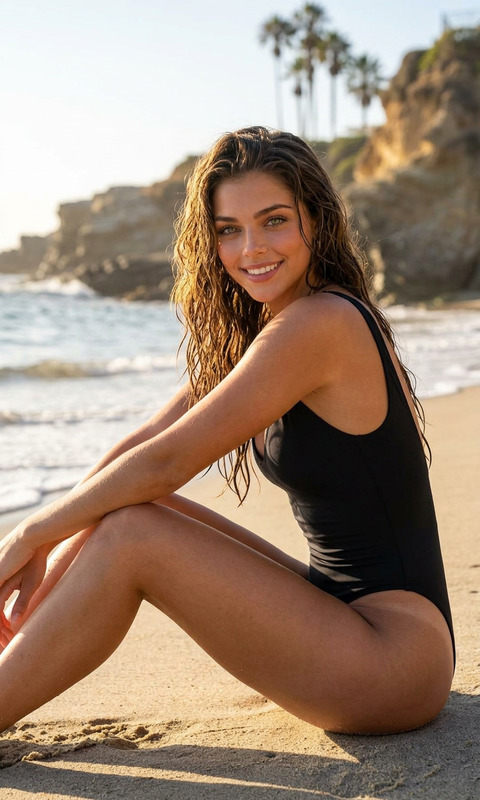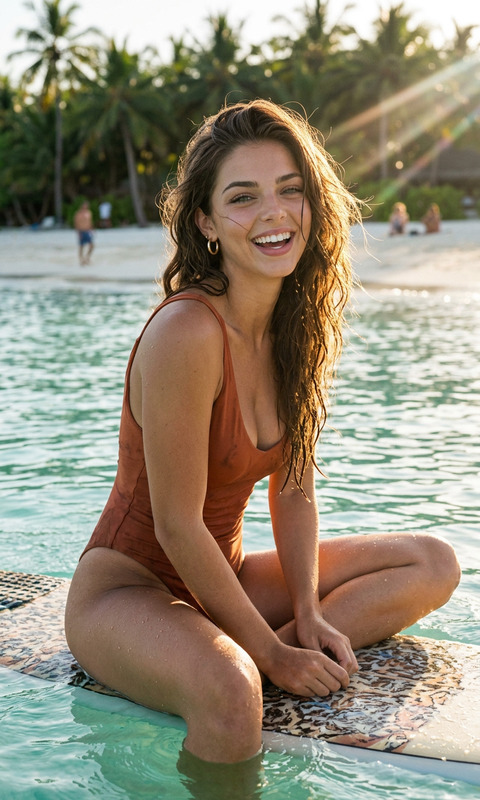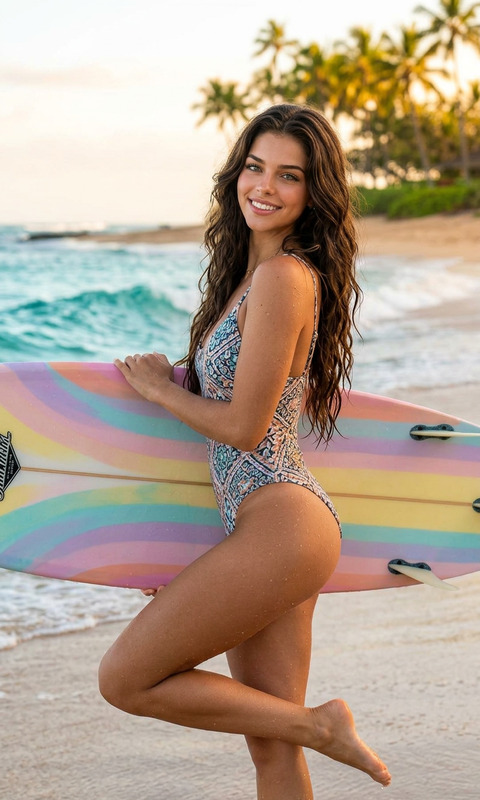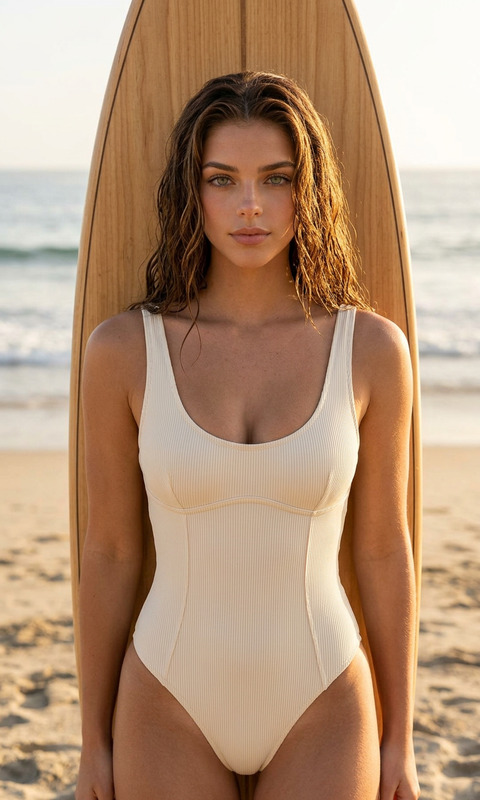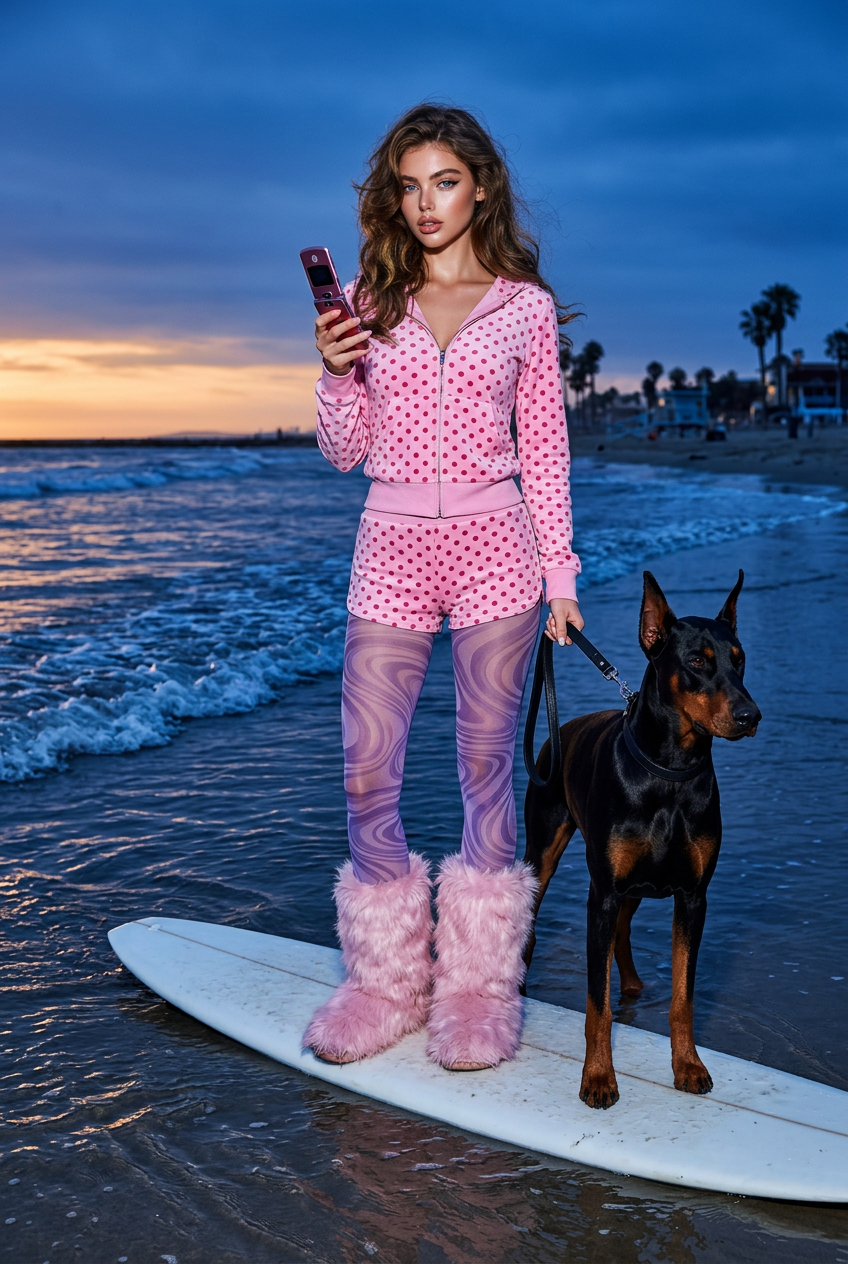
Surfboard Flash Editorial
- Model
- Nano Banana 2
- Image
- 848 × 1264 px
Prompt
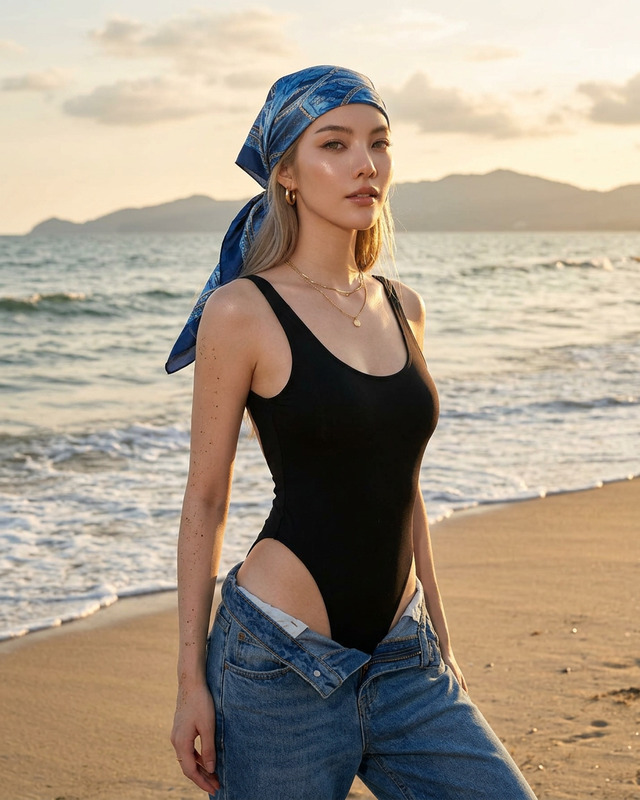
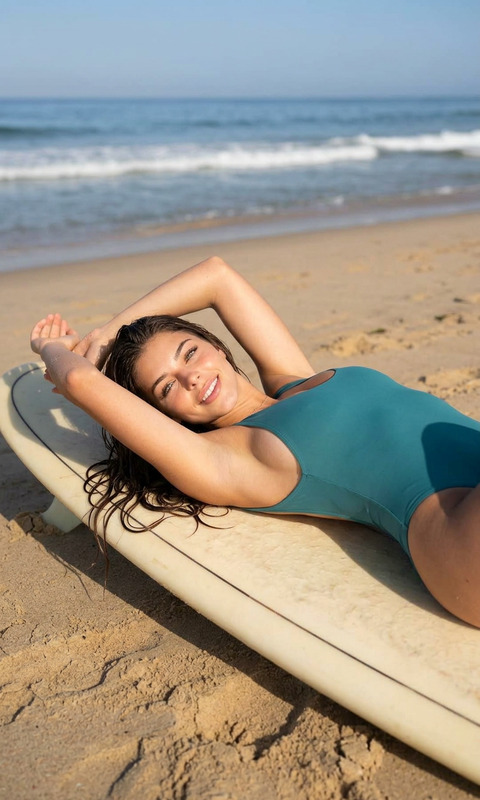
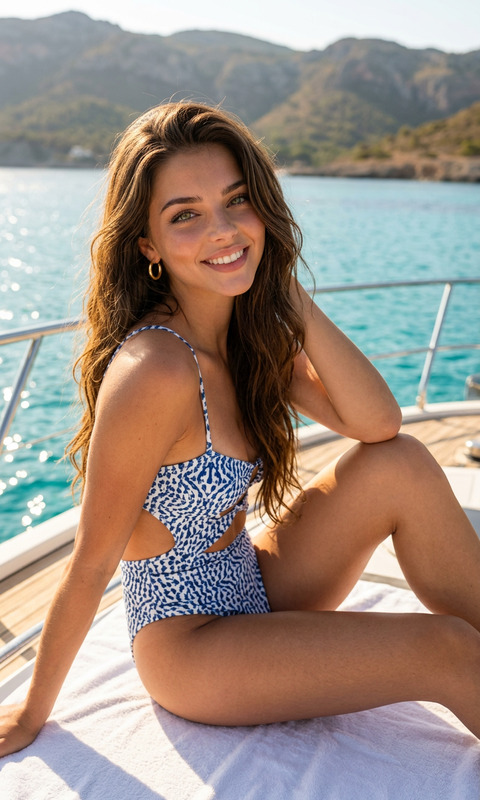
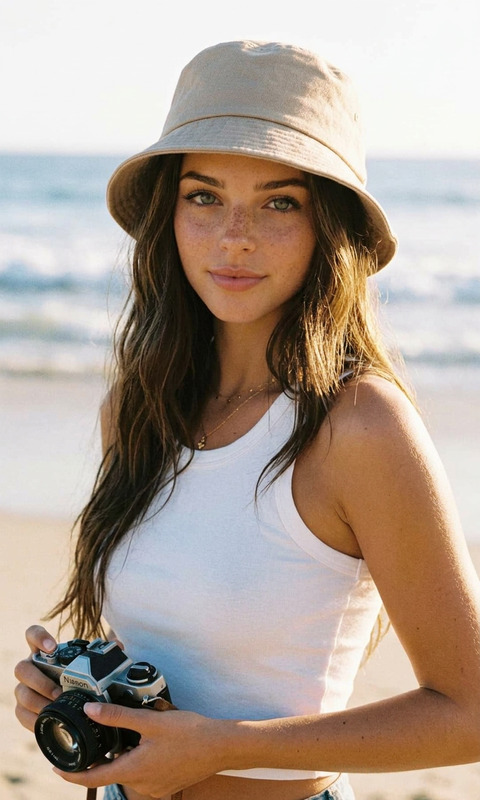
Realistic high-fashion editorial of a subject standing on a white surfboard in shallow ocean at blue hour sunset, accompanied by a black-and-rust Doberman. Wearing pink polka-dot zip hoodie, matching shorts, sheer purple swirl tights, oversized fluffy pink boots, holding a retro phone and dog leash. Full-body vertical shot, 35mm lens, horizon upper third. Direct flash on subject with cool dusk ambient light, waves with foam and reflections, glossy wet textures, detailed skin pores and fabric wrinkles, cinematic Y2K beach-club vibe, hyper-realistic, sharp focus.
Any aspect ratio
Overview
The Surfboard Flash Editorial template offers an immersive AI Image Editing experience for creating high-fashion visuals with an editorial touch. Utilizing the power of the nano-banana-2 model, this template captures the vibrant energy of a beach-club vibe through precise, hyper-realistic imagery.
What It Does
This AI Image Editor template is designed to produce visually striking images ideal for branding and dynamic presentations. With attention to detail such as fabric wrinkles and skin pores, the result is a sharp, cinematic capture akin to a professional photoshoot. The template manages complex lighting scenarios, combining direct flash with ambient dusk lighting to highlight a subject posed with a surfboard and a Doberman under a sunset sky.
Who It's For
Perfect for fashion photographers, creative directors, and brands seeking high-impact imagery, this template is tailored for those within the fashion industry who aim to elevate their storytelling. It's also suitable for social media influencers who want to stand out with polished, professional-looking images.
Summary
The Surfboard Flash Editorial template is a robust tool for those in need of AI Image Editing capabilities that deliver both style and substance. Positioned at the intersection of technology and creativity, it simplifies the process of producing editorial-standard images without the need for a large production setup.
How To
Choose Your Template

Customize Your Scene

Generate Your Image

Use Cases
Branding Campaigns
- Fashion shoot imagery
- Advertising visuals
Social Media Content
- Instagram influencers
- Promotional posts
Product Line Launches
- Fashion product showcases
- Catalog imagery
Best Practices
Select the Right Elements
Choose clothing and accessories that align with your brand message for cohesive imagery.Leverage Lighting Techniques
Use the dual lighting settings effectively—direct flash with ambient light highlights details without overpowering the image.Focus on Details
Utilize the template's ability to capture fine textures like skin pores and fabric folds to add depth.