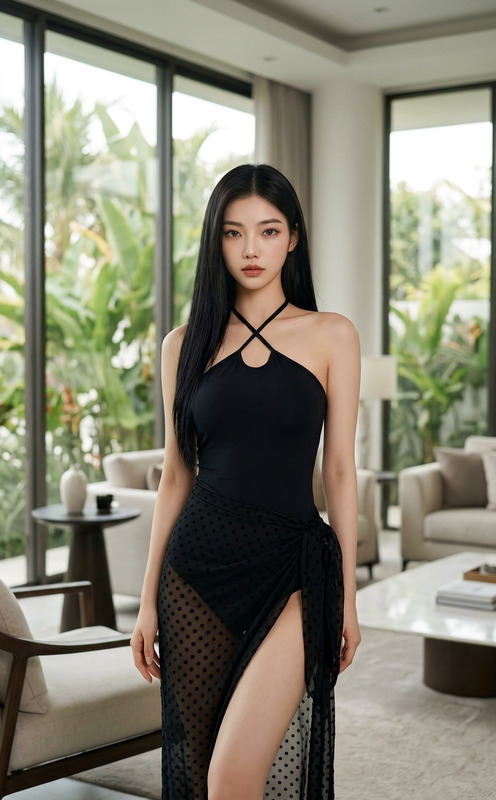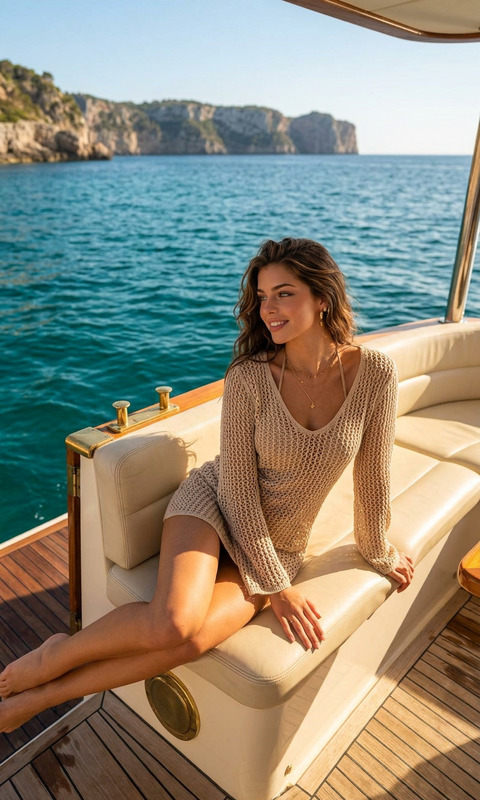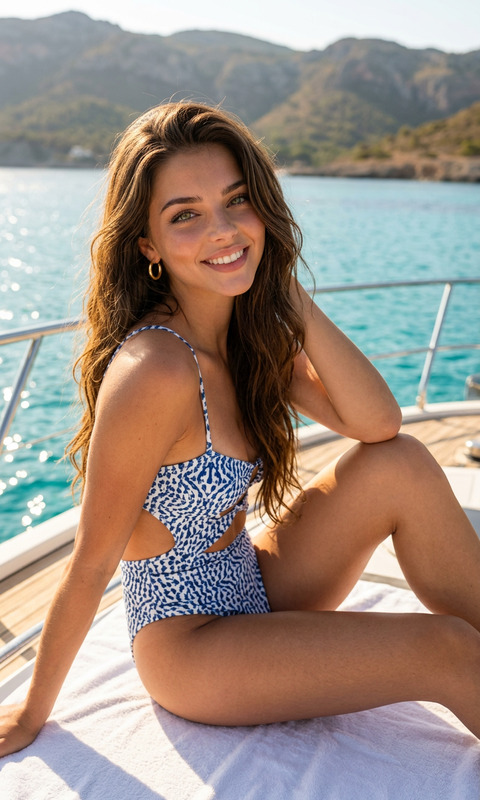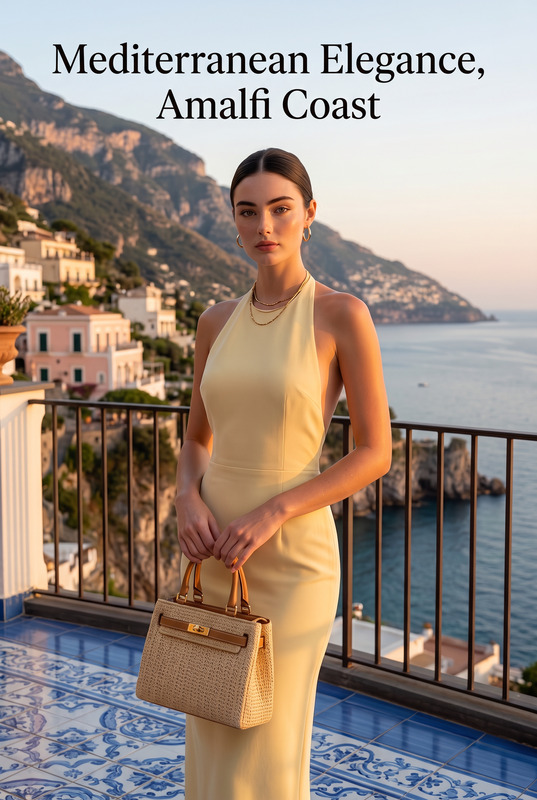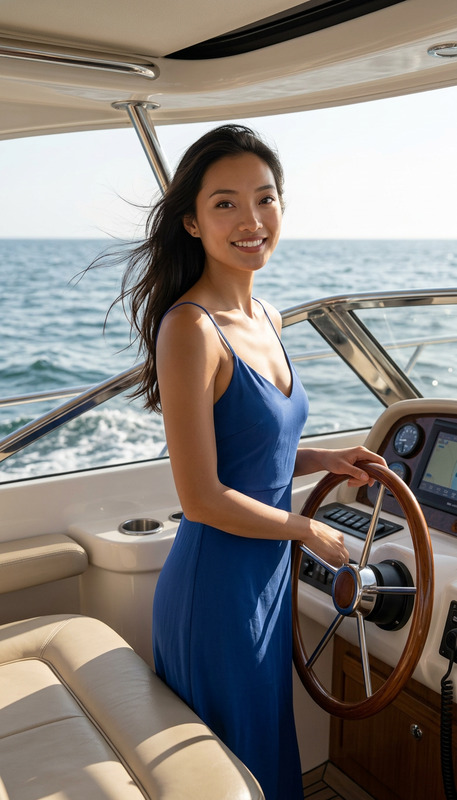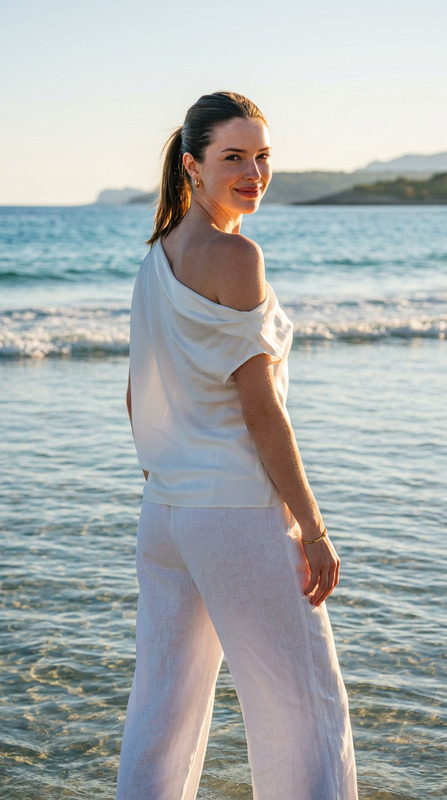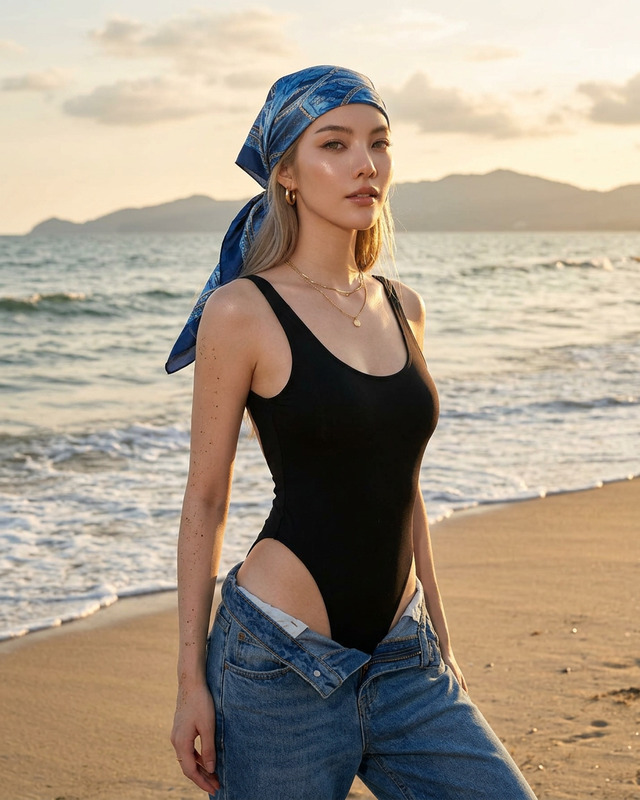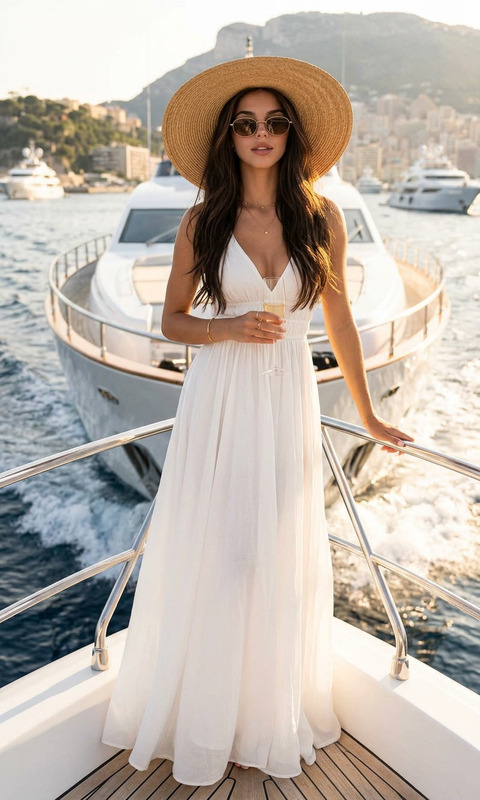
Marina Style Chanel
- Model
- Nano Banana Pro
- Image
- 1536 × 2752 px
Prompt
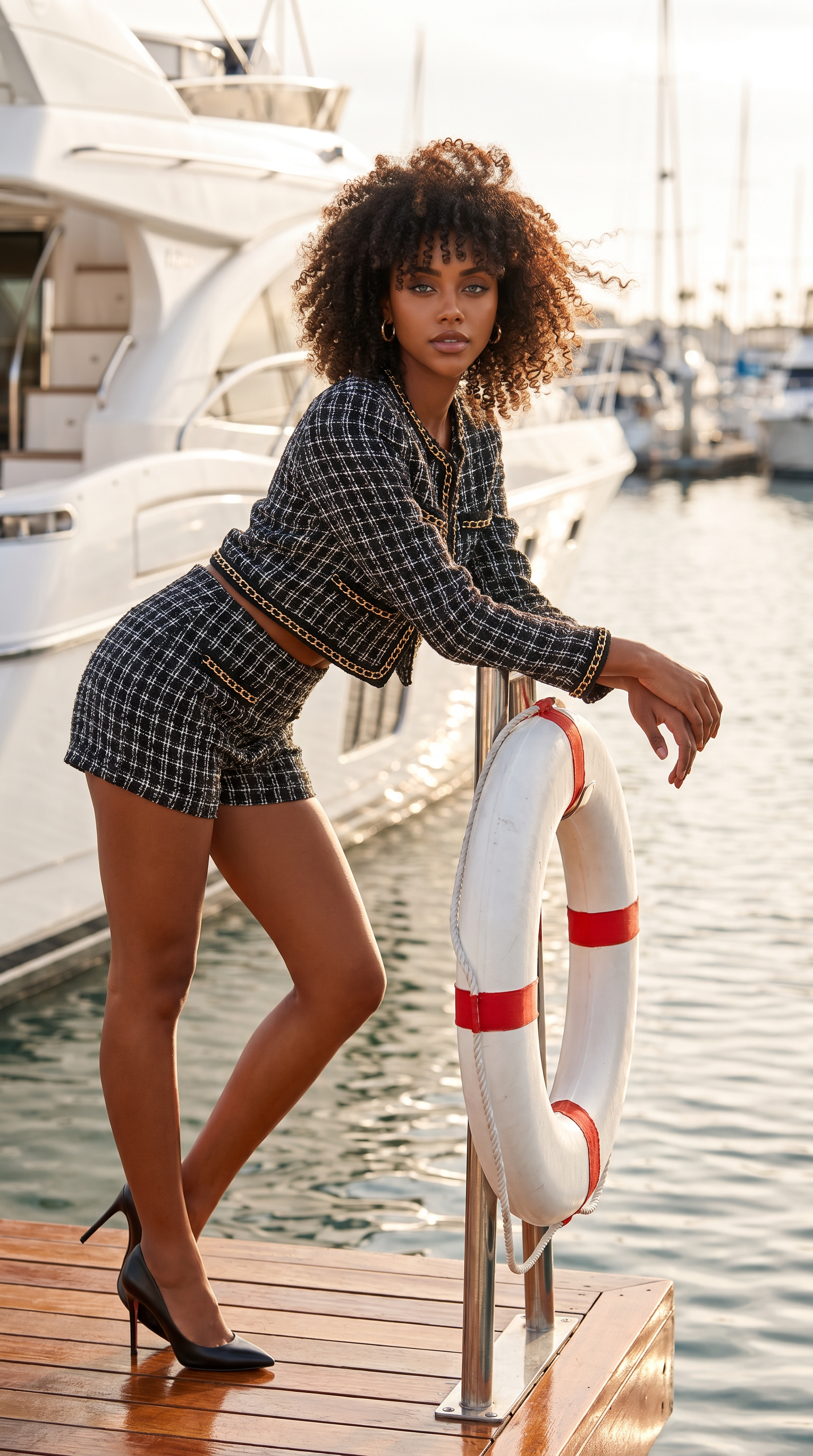
Using my uploaded reference image as the identity anchor, create an ultra-realistic luxury marina fashion editorial photograph. Preserve my exact facial features, bone structure, bright blue eyes, and long dark brown hair with auburn highlights and soft bangs framing the face. Hair falls past the shoulders with natural volume moving slightly in the ocean breeze. I am wearing a chic black-and-white marina couture outfit inspired by Chanel luxury fashion with a structured cropped jacket and fitted tailored shorts with elegant gold chain details, styled with sleek high-heeled pumps. Pose leaning slightly forward with one arm resting on a marina life buoy beside a white yacht. Luxury harbor setting with calm ocean water, polished dock, and boats in the background. Soft coastal sunlight reflecting across the water, cinematic highlights, high-fashion editorial photography, natural skin texture, realistic lighting, shallow depth of field, 85mm fashion lens, luxury campaign aesthetic.
Any aspect ratio
Overview
The Marina Style Chanel template within our AI Image Editor offers creators the opportunity to design a fashion editorial that embodies luxury and sophistication. With an emphasis on realistic depictions and high-end aesthetics, this tool is perfect for transforming your photos into a scene of opulence located in a serene marina setting.
What It Does
The template leverages the nano-banana-pro model to generate ultra-realistic images, maintaining your facial identity while dressing you in a Chanel-inspired marina couture ensemble. The end result is a high-fashion editorial image that features dynamic environments and cinematic lighting effects.
Who It's For
This template is ideal for fashion photographers, editors, and brands looking to create striking visual campaigns. It's also perfect for content creators and influencers aiming to elevate their personal brand with luxury photoshoots. Designers looking to visualize fashion concepts will find this tool invaluable.
Summary
Create lavish fashion editorials with AI Product Photography quality using the Marina Style Chanel template. Achieve tailored, detailed images with inputs finely tuned for vivid, life-like results. The template offers a seamless path from concept to stunning visuals, capturing the allure of high-end marina settings.
How To
Choose Template

Customize Your Image

Generate and Download

Use Cases
High-Fashion Editorials
Brand Campaign Visuals
Social Media Influencers
Best Practices
Maintain Reference Consistency
Ensure your reference image is clear and high-resolution. Consistency in facial features across edits maintains identity integrity.Emphasize Lighting
Adjust lighting inputs to match the soft coastal sunlight to enhance the luxury feel of the marina setting.Focus on Detail
Give attention to fashion elements by specifying details like outfit texture and accessory accents for a polished look.