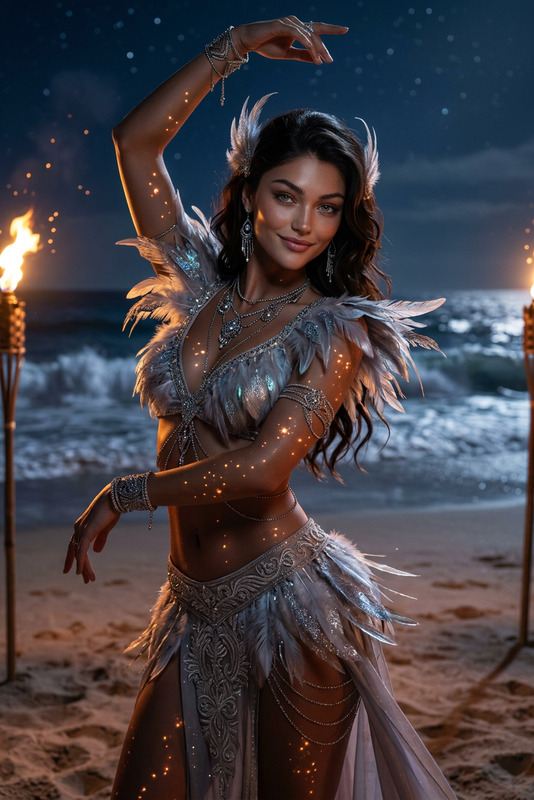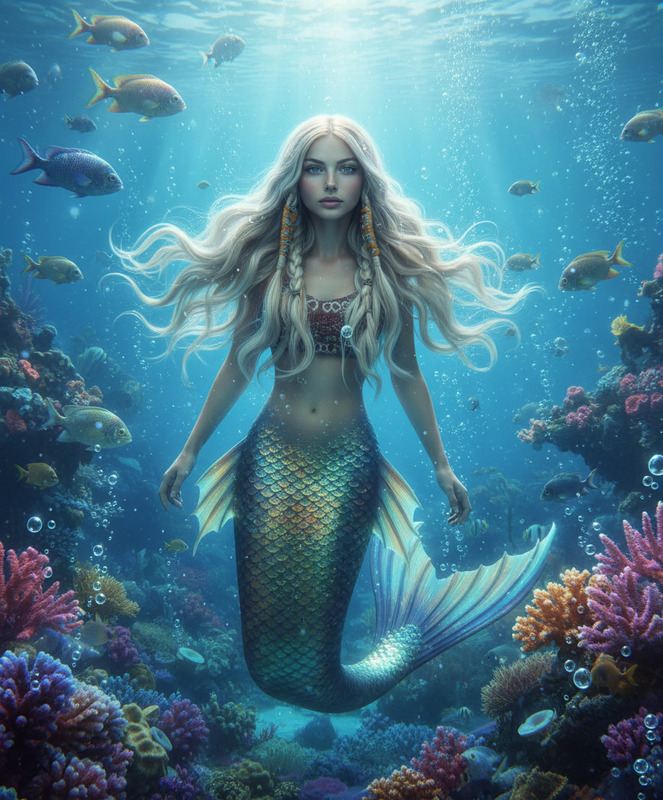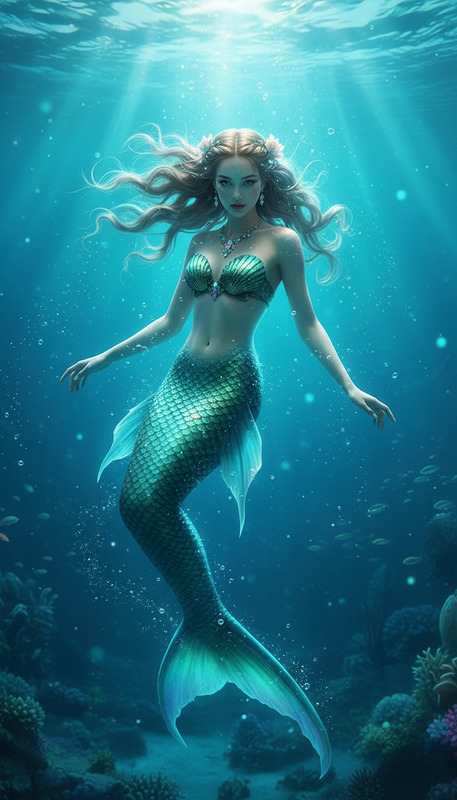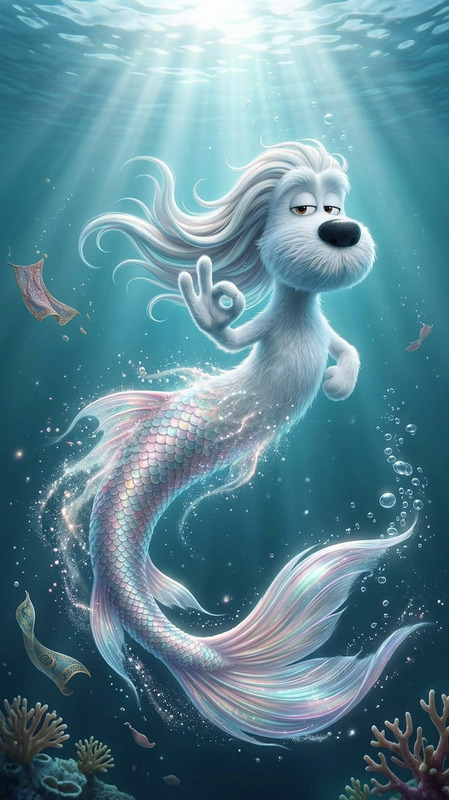
Mermaid
- Model
- Nano Banana 2
- Image
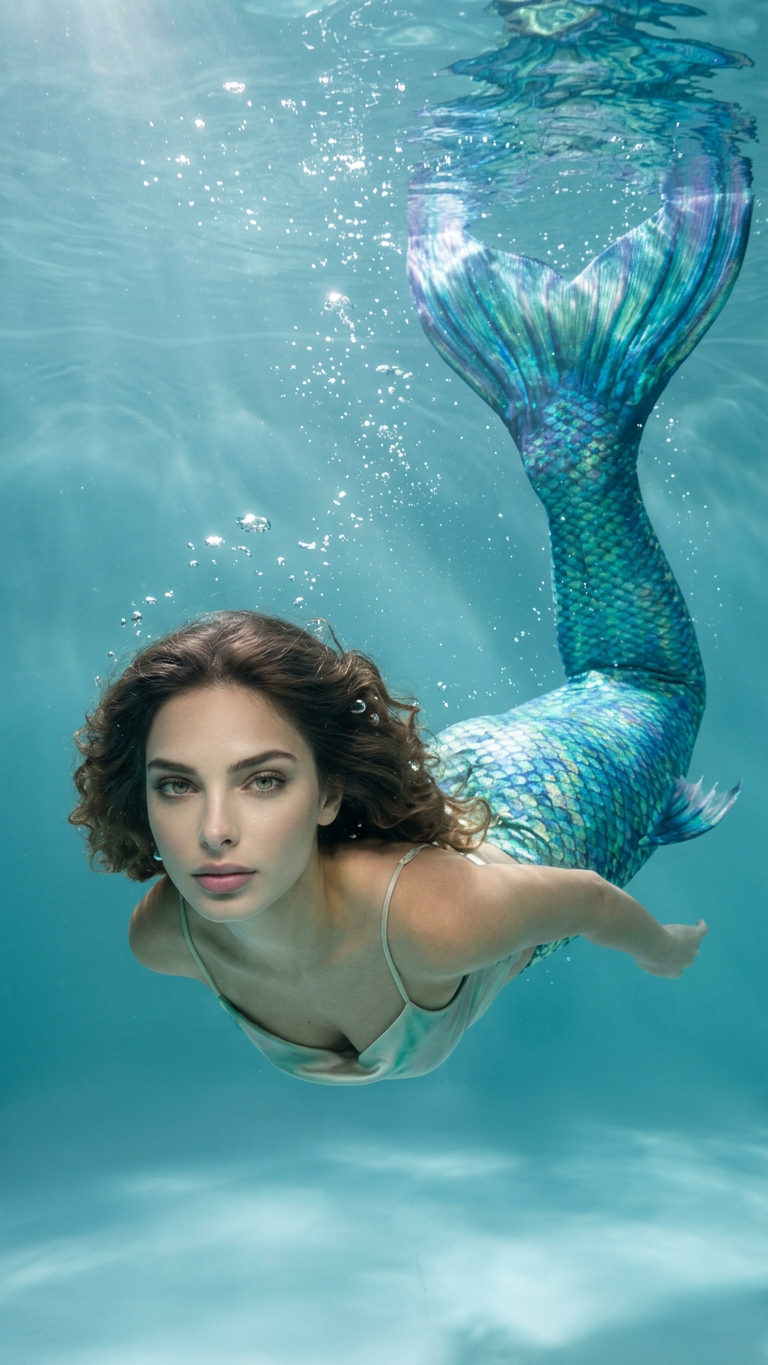
- 768 × 1365 px
Prompt
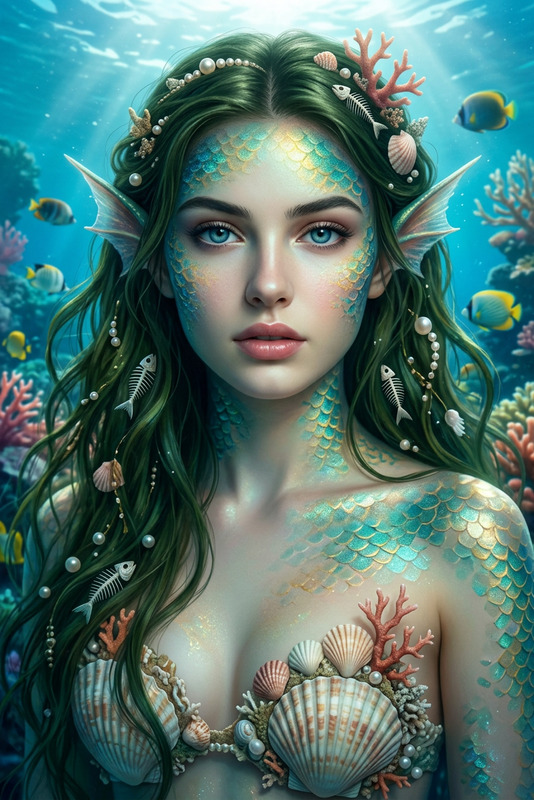
A subject begins transforming mid-motion into a mermaid, with legs gradually dissolving and merging into a shimmering fish tail covered in iridescent scales. The transformation flows seamlessly as the subject dives into water and begins swimming gracefully underwater. Long hair floats naturally with the current, while soft light rays pierce through the water surface. Bubbles rise around the body, and fabric and particles drift gently. Dreamy ocean atmosphere with blue-green tones, soft glow, cinematic lighting, smooth magical transformation, ultra-detailed textures.
Any aspect ratio
Overview
Immerse yourself in the magic of transformation with the Mermaid template, a feature within our AI Image Editor. Tailored for creators looking to craft mesmerizing underwater scenes, this template brings an enchanting touch to visual storytelling. Leverage the capabilities of the nano-banana-2 model to execute high-quality image edits, focusing on smooth, detailed visual effects.
What It Does
The Mermaid template enables you to create a rich transformation scene transitioning from human to mermaid. It magically shifts a subject's legs into a shimmering fish tail, enhanced by iridescent scales. The scene comes alive with soft lighting and a plethora of details like rising bubbles and floating particles.
This template perfects movements as the subject glides into water, capturing a dreamy, oceanic atmosphere. High-resolution textures make every scene lifelike, allowing for thrilling visual narratives.
Who It's For
This template is ideal for filmmakers, graphic designers, and video content creators who specialize in fantasy themes. It's perfect for enhancing projects with AI Image Generator features that demand magical transformations or thematic inclusions of mythical creatures.
Whether you're working on video narratives or digital art, this template offers the flexibility and depth required to bring your visions to life.
Summary
The Mermaid template within the AI Image Editor allows for the creation of fantastical transformations, turning subjects into mermaids amid an underwater landscape. Ideal for projects needing smooth, magical transitions, this template leverages the nano-banana-2 model to ensure ultra-detailed, cinematic quality transformations. This makes it an invaluable tool for anyone aiming to add an element of enchantment to their visual storytelling.
How to
Choose the Template

Customize Your Scene

Generate and Download

Use Cases
Fantasy Film Projects
- Perfect for movies involving mythical creatures
- Ideal for storytelling based on legends
Music Videos
- Complement thematic tones
- Create visually stunning sequences
Creative Advertising
- Stand out with fantasy-themed ads
- Great for social media engagement
Best Practices
Select High-Resolution Images
For the best results, use images with high resolution to fully exploit the detailed rendering capabilities of the template.Customize Carefully
Adjust transformation points with precision to ensure the transition appears natural and fluid.Incorporate AI Features
Utilize other features of the AI Image Editor to add extra effects like color grading and contrast enhancements.