Mermaid
- Model
- Nano Banana 2
- Image
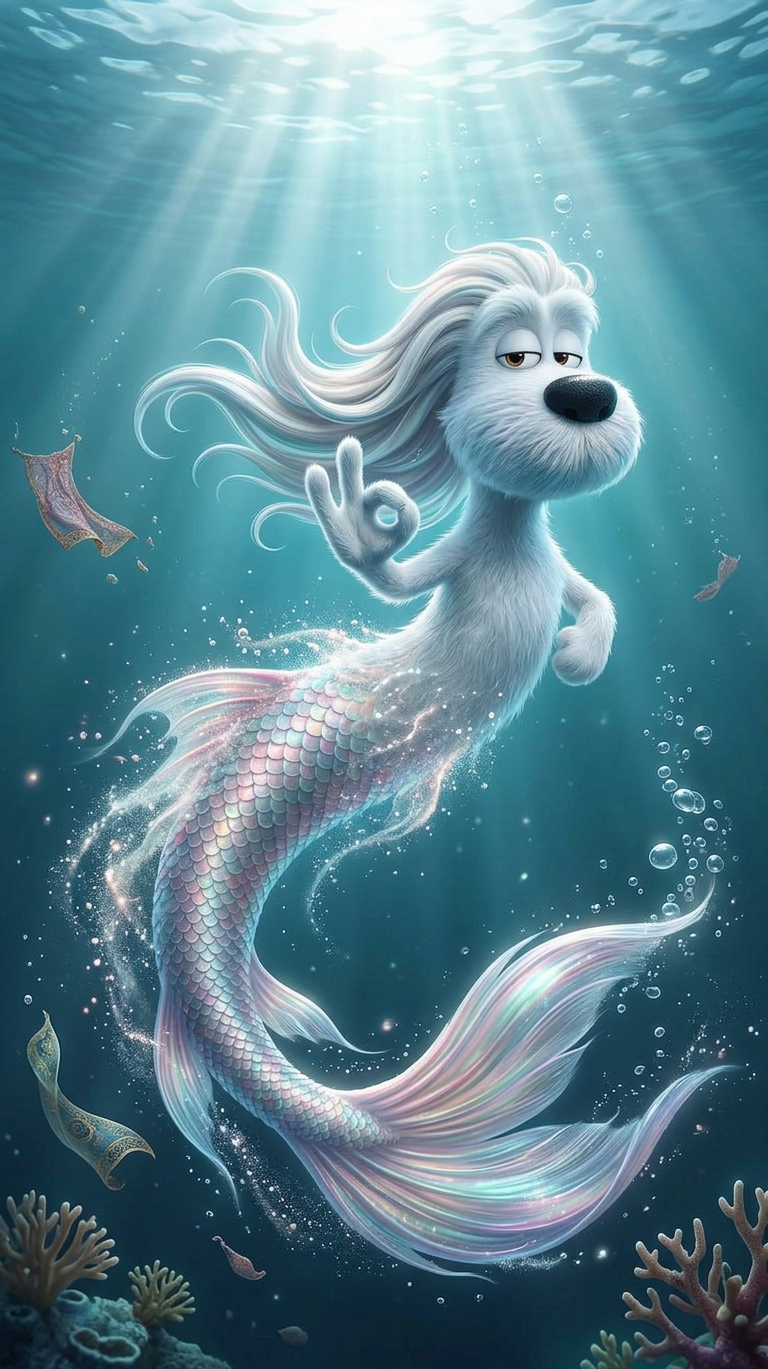
- 768 × 1369 px
Prompt
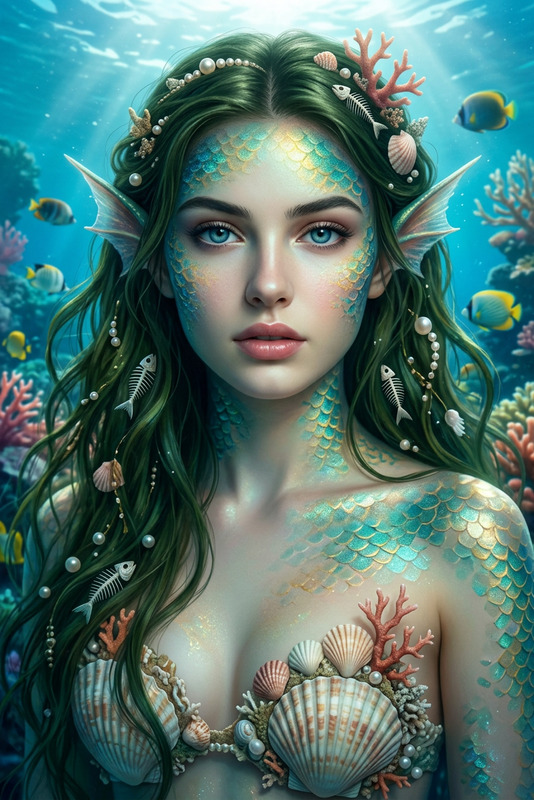
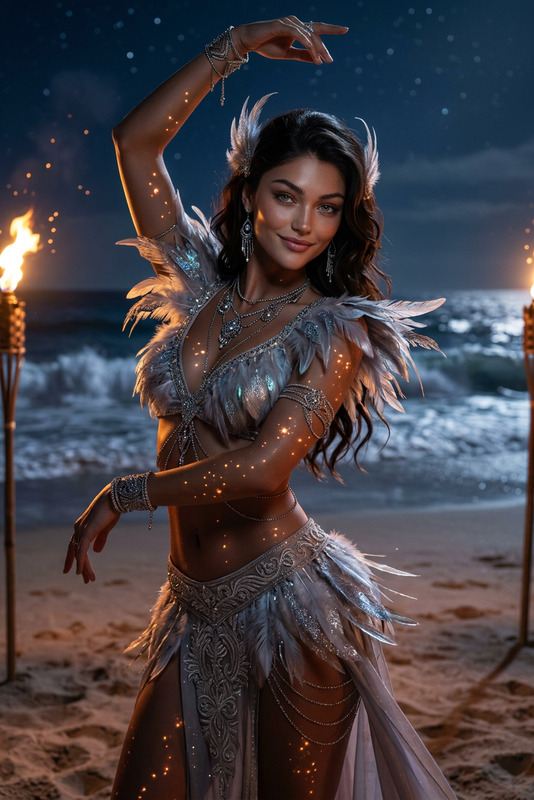
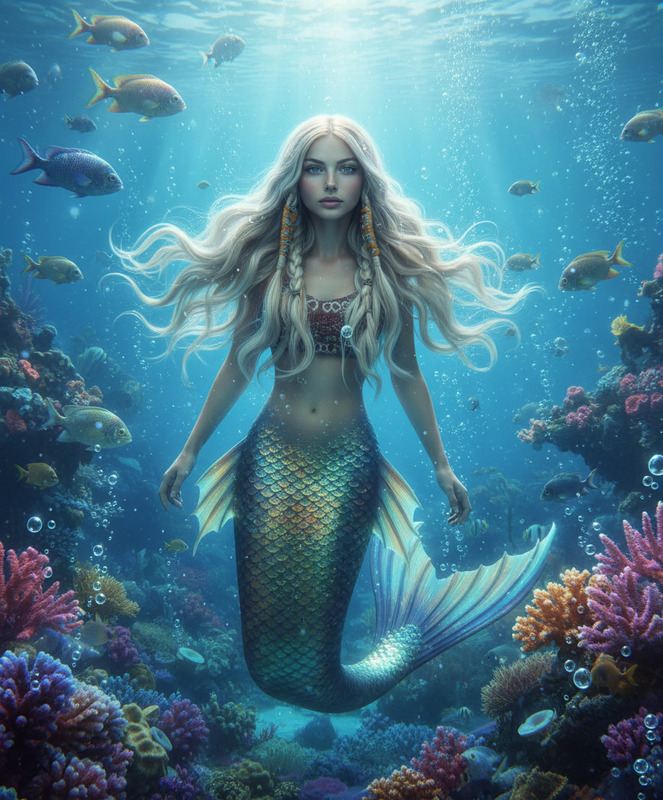
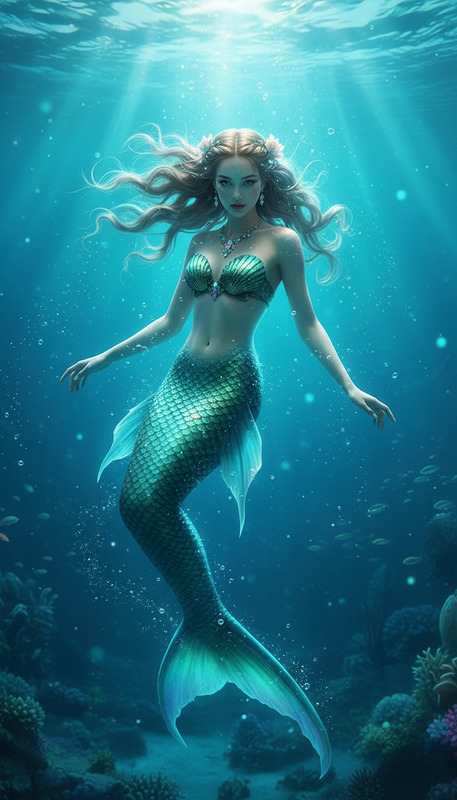
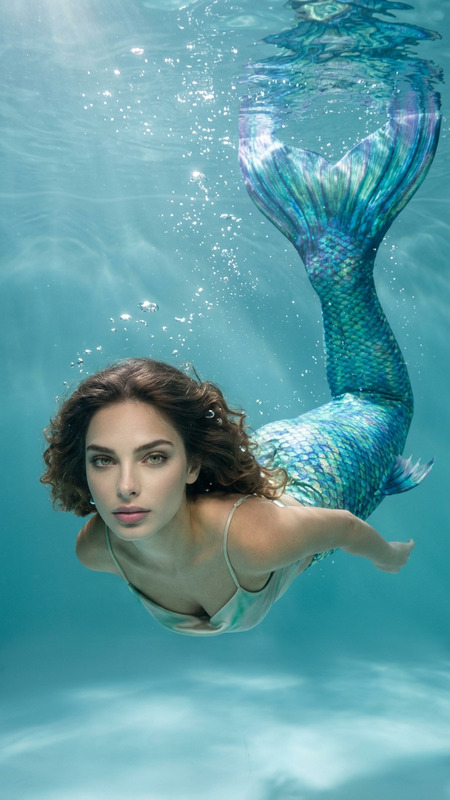
A subject begins transforming mid-motion into a mermaid, with legs gradually dissolving and merging into a shimmering fish tail covered in iridescent scales. The transformation flows seamlessly as the subject dives into water and begins swimming gracefully underwater. Long hair floats naturally with the current, while soft light rays pierce through the water surface. Bubbles rise around the body, and fabric and particles drift gently. Dreamy ocean atmosphere with blue-green tones, soft glow, cinematic lighting, smooth magical transformation, ultra-detailed textures.
Any aspect ratio
Overview
Immerse yourself in a magical oceanic world with the Mermaid AI Image Editor template. Designed for creating enchanting narratives, this template utilizes the nano-banana-2 model to transform subjects into graceful mermaids with ultra-detailed textures and cinematic lighting.
What It Does
The Mermaid template allows you to transform visual elements, blending reality with fantasy. It gradually morphs legs into a mesmerizing mermaid tail, creating seamless movement through water. This template offers AI Image Editor capabilities, capturing the essence of underwater scenes with iridescent scales and ambient blue-green hues.
Who It's For
Whether you're a video creator, storyteller, or digital artist, the Mermaid template is ideal for anyone aiming to craft captivating oceanic tales. It's perfect for explainer videos, visual effects, and fantasy stories that require magical transformations.
Summary
Explore the depths of your creativity with the Mermaid AI Image Editor template. Offering realistic transformations and dreamy atmospheres, it is an effective tool for bringing ethereal underwater journeys to life. Also check out the AI Video Generator for converting these images into animated sequences.
How-To
Choose the Mermaid template

Customize your inputs

Generate your imagery

Use Cases
Fantasy Storytelling
- Create compelling narratives
- Enhance visual storytelling with fantasy elements
Marketing Campaigns
- Boost brand engagement
- Elevate ad creativity
Social Media Content
- Create share-worthy content
- Increase audience reach
Best Practices
Leverage Lighting
Use cinematic lighting effects to enhance the mermaid transformation, adding depth and realism to the visuals.Focus on Detail
Pay attention to the details, such as scale texture and lighting. This will make the transformation more believable.Incorporate Movement
Animating flowing hair and drifting particles can bring a dynamic feel to the underwater scene.