Aquarium Dream
- Model
- Nano Banana
- Image
- 928 × 1120 px
Prompt
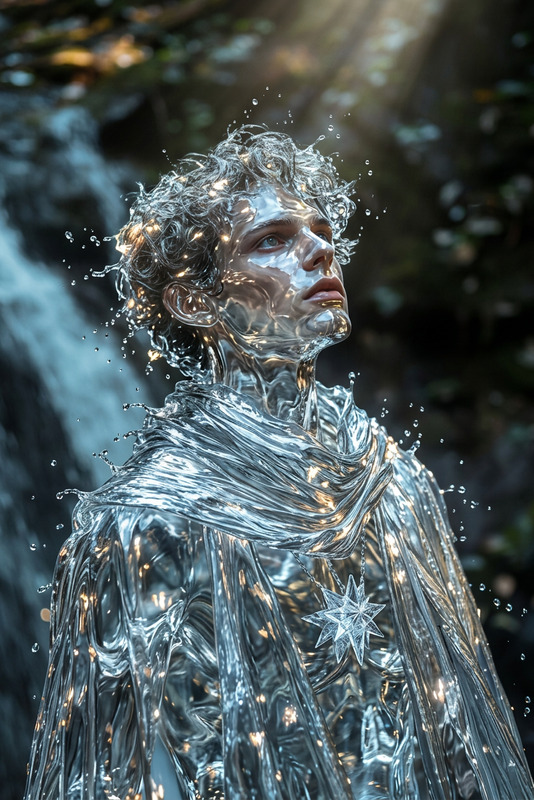
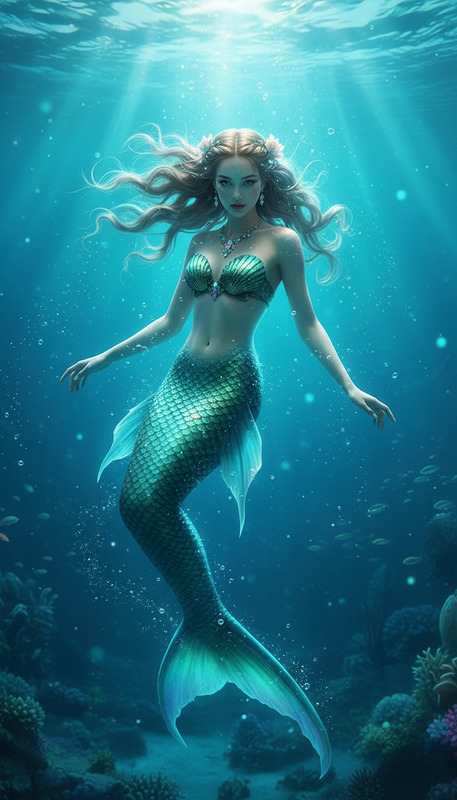
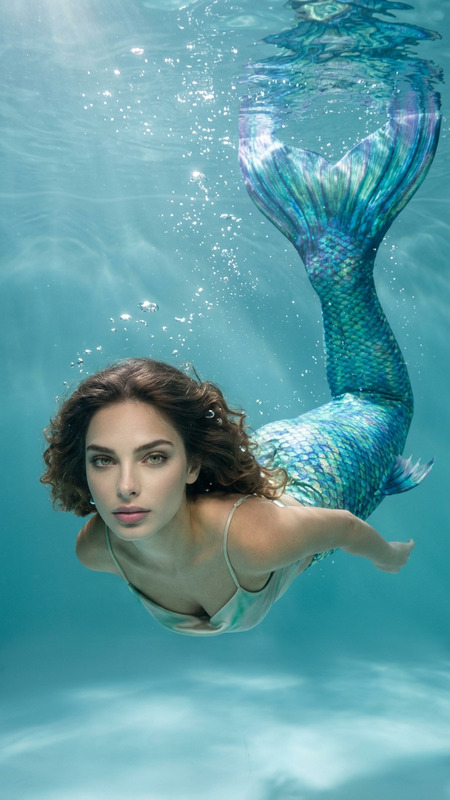
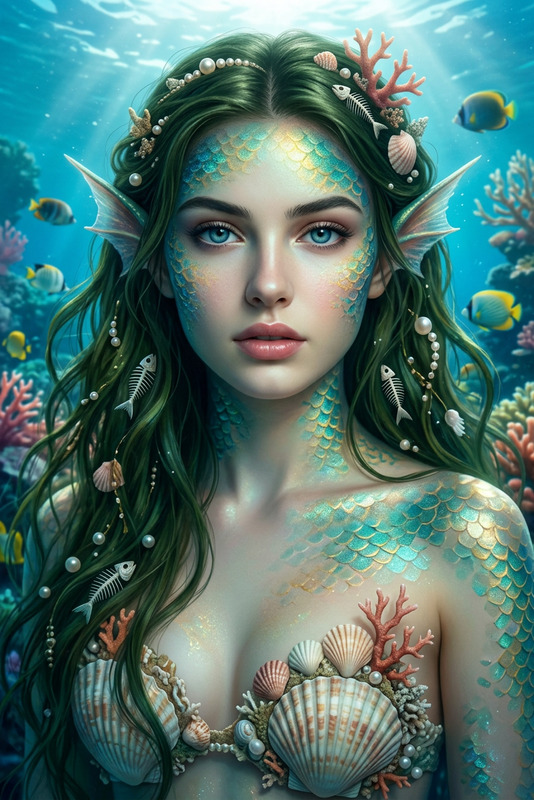
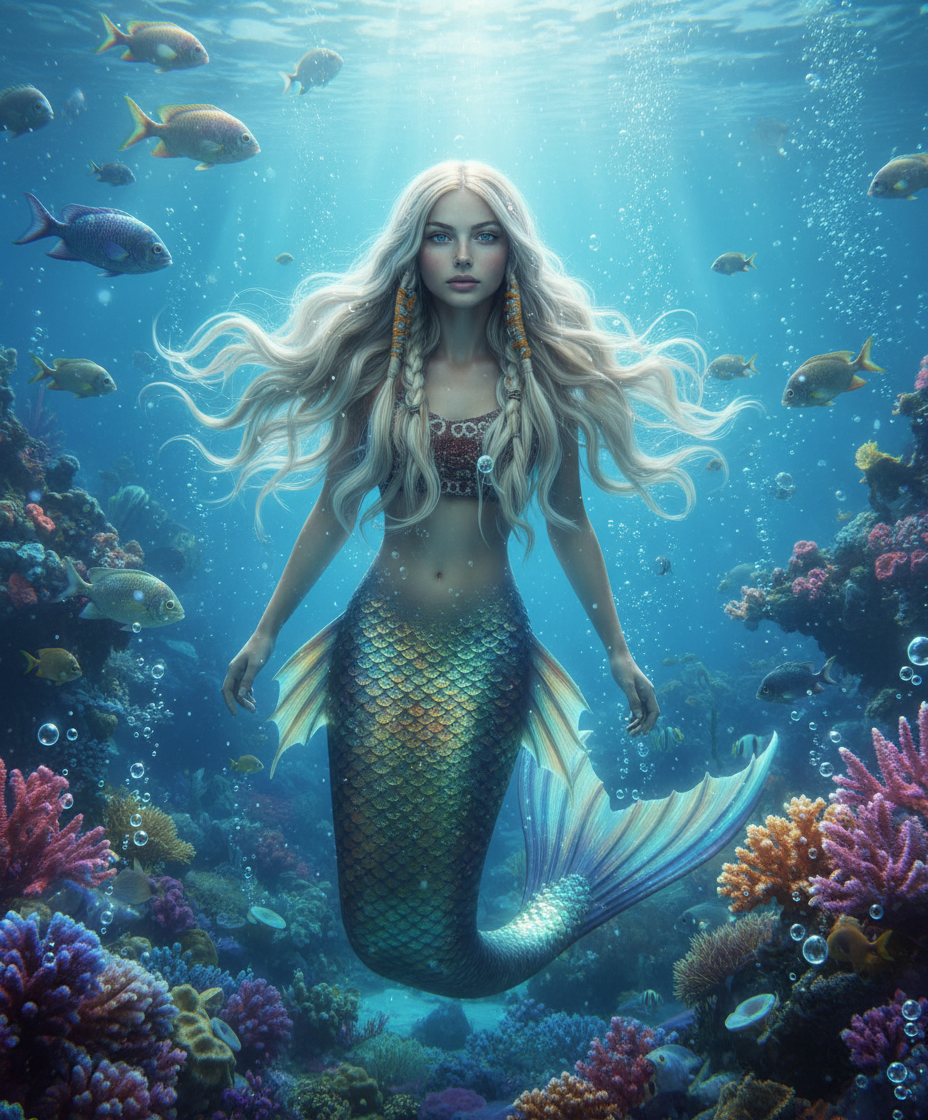
A mermaid-like subject submerged in a vast aquatic world, with flowing hair and a shimmering tail, surrounded by shimmering fish, drifting bubbles, and vibrant coral formations, soft blue lighting with light rays filtering through water, floating particles, calm, surreal, and dreamlike atmosphere, highly detailed.
Any aspect ratio
Overview
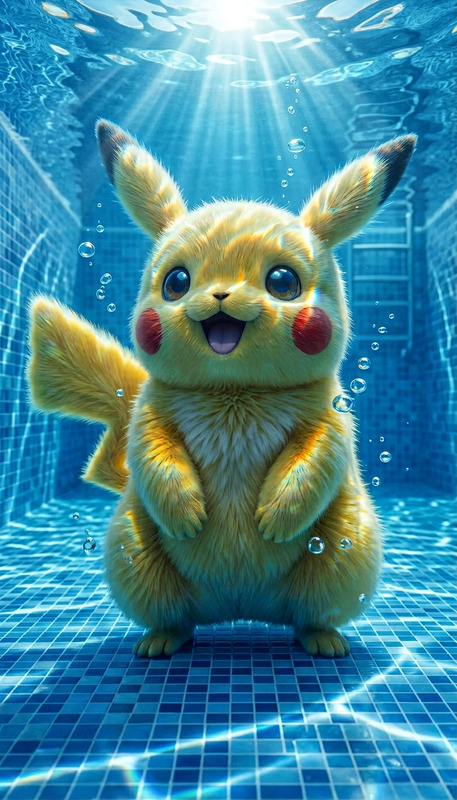
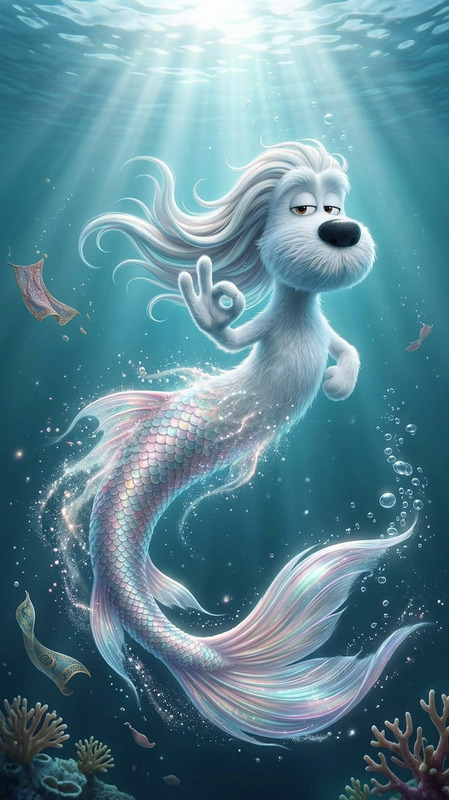
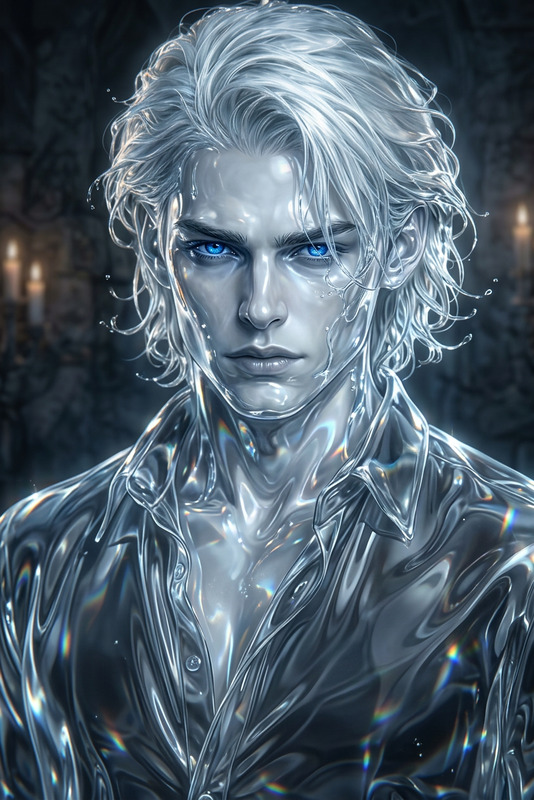
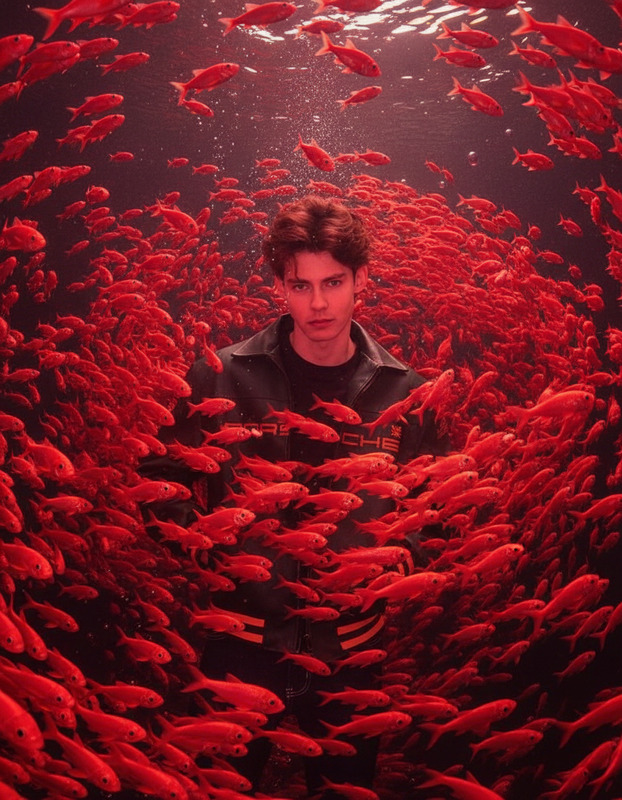
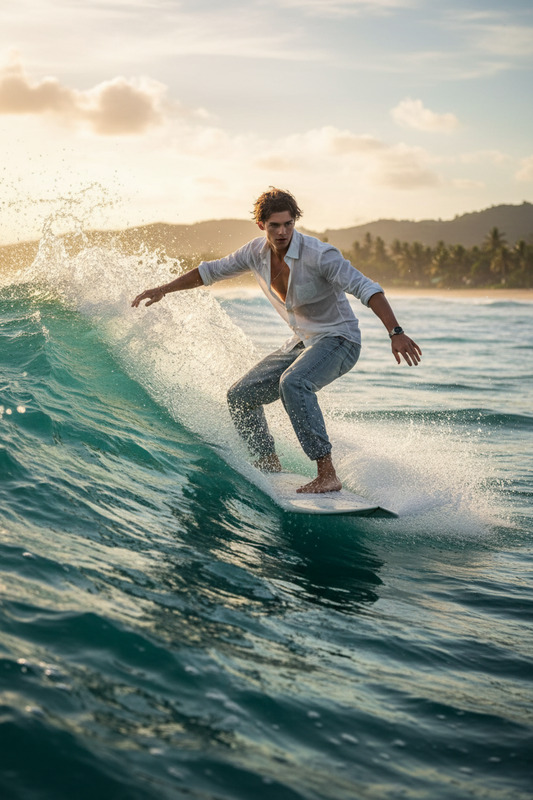
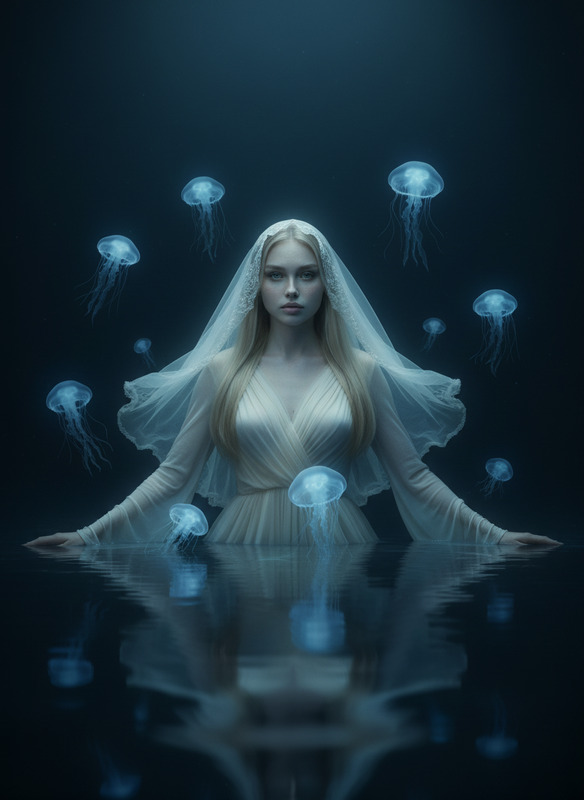
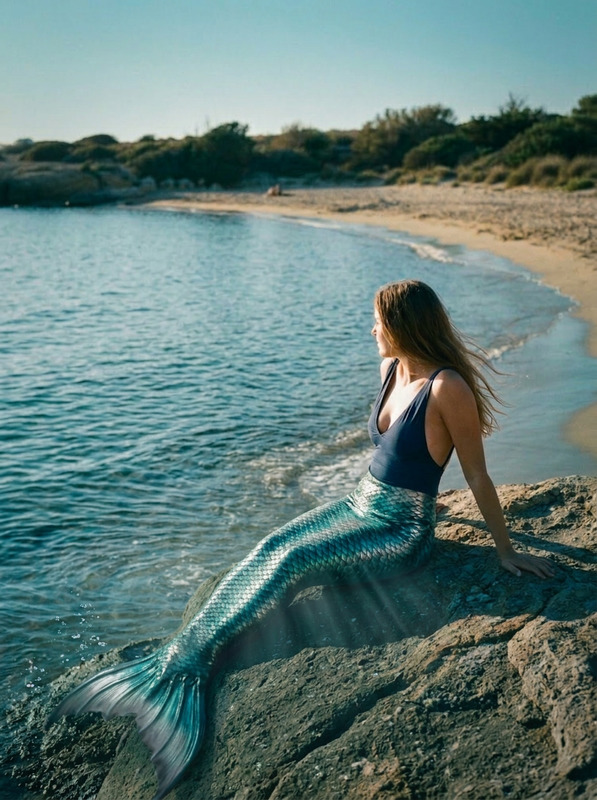
The Aquarium Dream template is an AI Image Editor tool that transforms any image into a mesmerizing underwater scene. Leveraging the nano-banana model, it crafts a dreamlike aquatic world filled with vibrant colors and surreal details.
What It Does
Aquarium Dream elevates your visuals by integrating intricate details of an aquatic ecosystem. It includes mermaid-like characters with shimmering tails, surrounded by vivid coral, floating particles, and delicate light rays. The resulting images are both serene and captivating, ideal for projects needing ethereal aesthetics.
Who It's For
This template is perfect for artists, designers, and content creators seeking unique, aquatic-themed visuals. It's also suitable for product videos that require arresting imagery to enhance storytelling or captivate an audience. Whether you are crafting digital artwork or promotional content, this tool offers a touch of magic.
Summary
Through the Aquarium Dream template, captured images become enchanted, aquatic worlds, perfect for projects that call for a blend of fantasy and detailed realism. With connections to tools like the AI Image Upscaler, you can ensure your creations are both striking and high-definition.
How to Use
Choose Your Template

Customize Your Scene

Generate Your Visual

Use Cases
Digital Art Creation
Marketing and Product Videos
Social Media Content
Best Practices
Use High-Resolution Images
Start with high-quality images for the best results. This ensures the intricate details of the template are well-defined.Experiment with Lighting
Subtle changes in lighting within the scene can dramatically enhance the visual appeal. Try different setups to find the most captivating effect.Incorporate into <a href="/use-cases/product-launch-videos">Product Launch Videos</a>
Use the template to create visually stunning backdrops that accentuate your product's features.