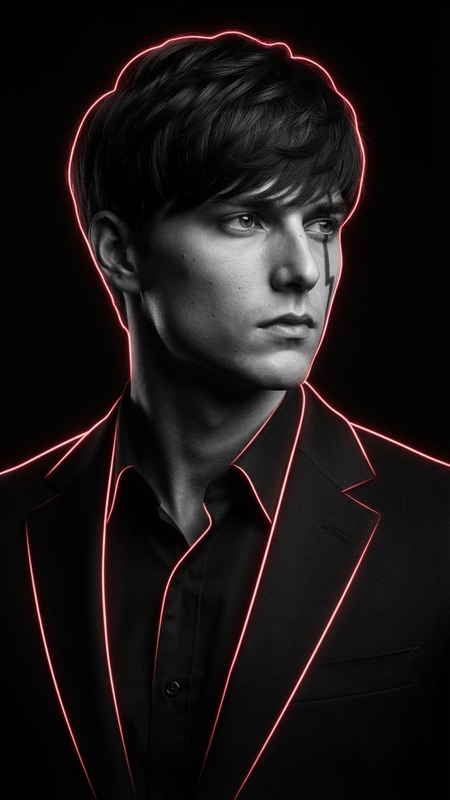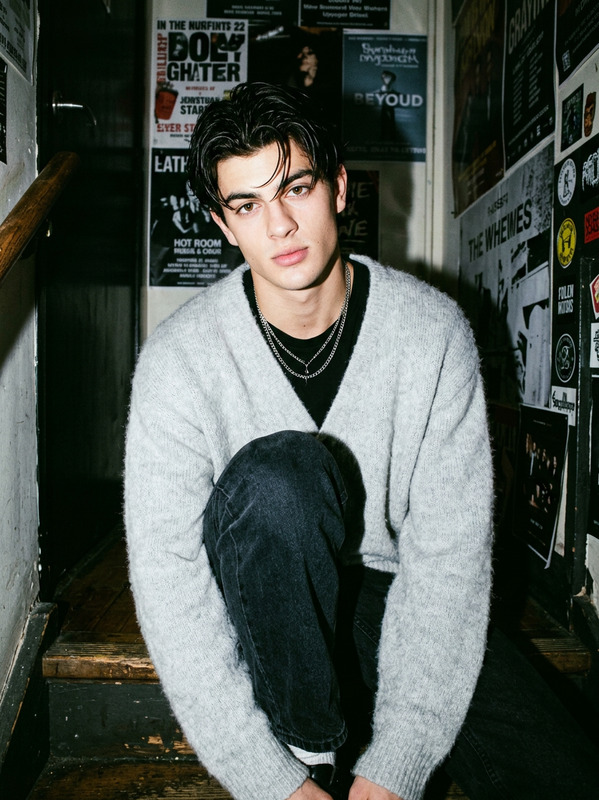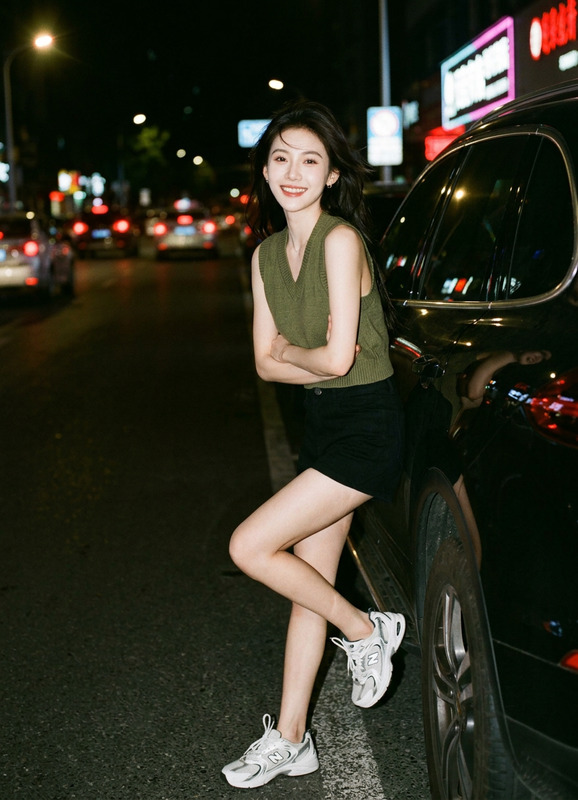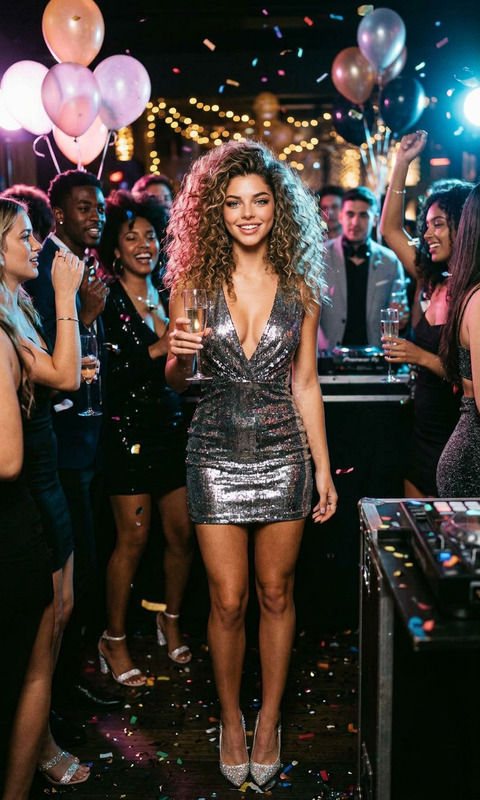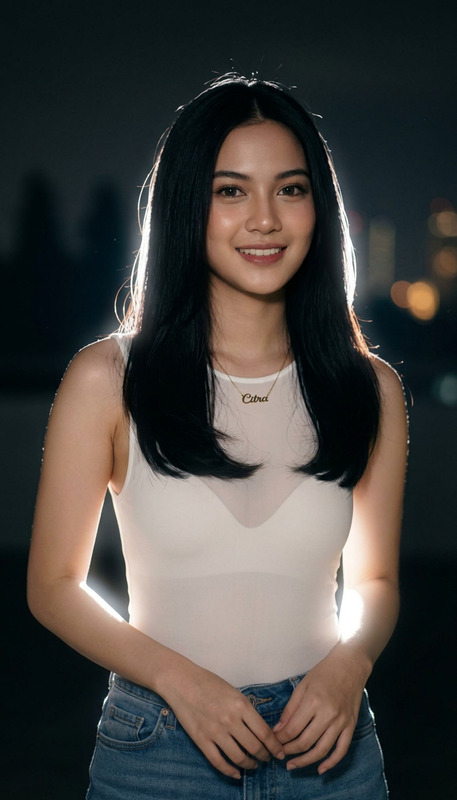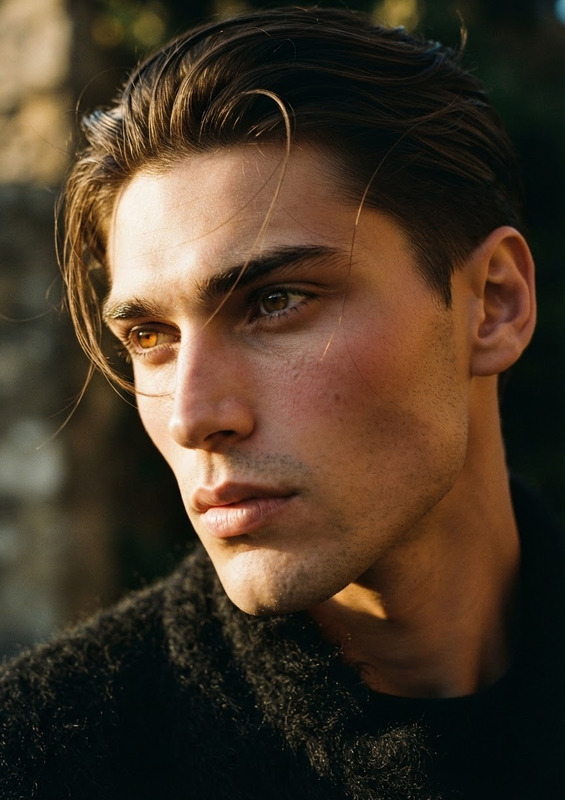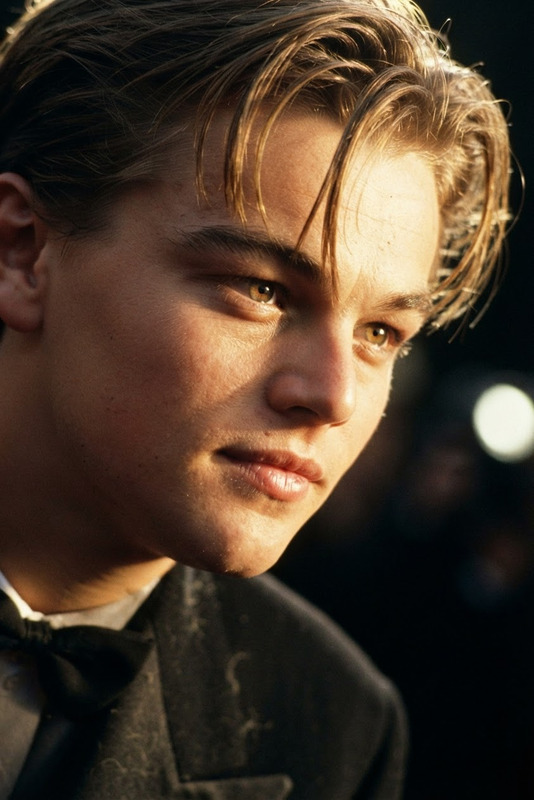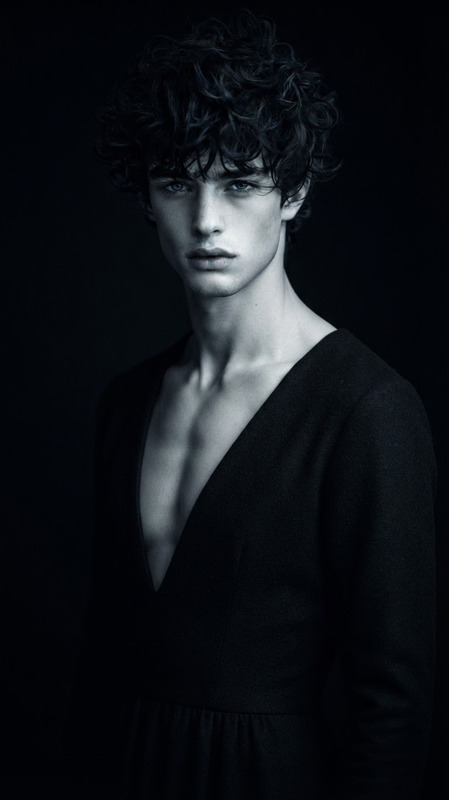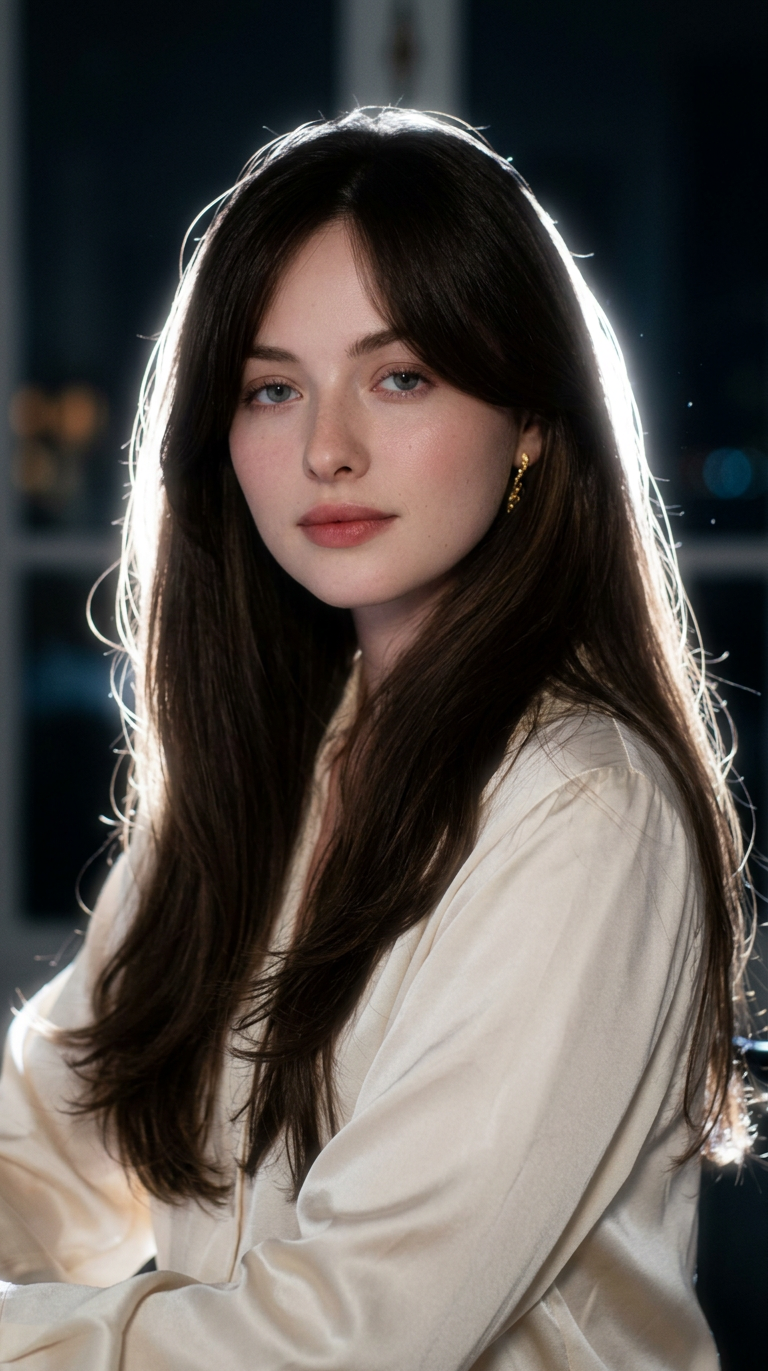
Cinematic Night Glow
- Model
- Nano Banana 2
- Image
- 768 × 1371 px
Prompt
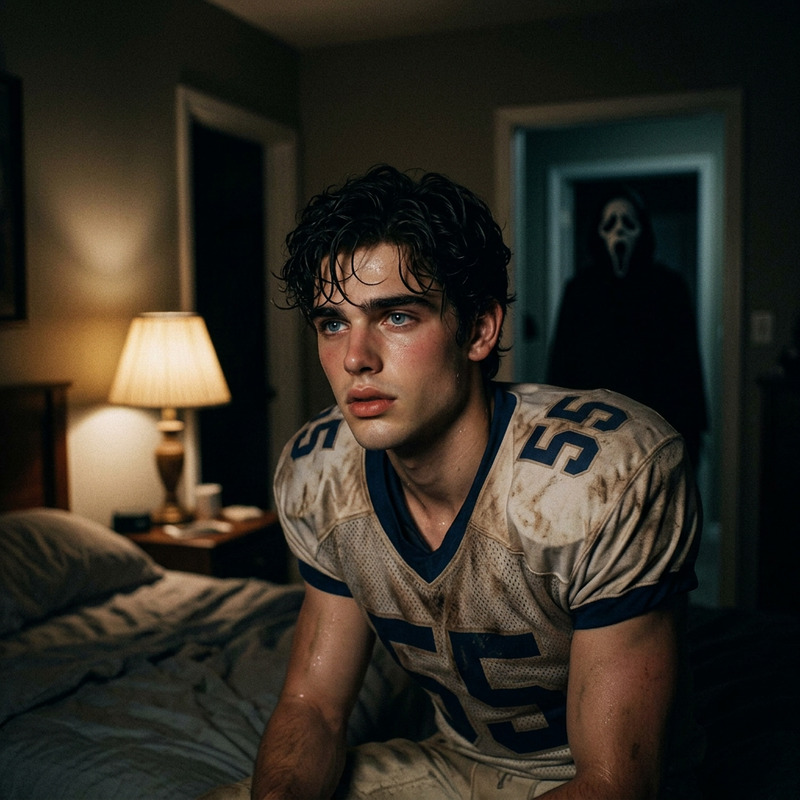
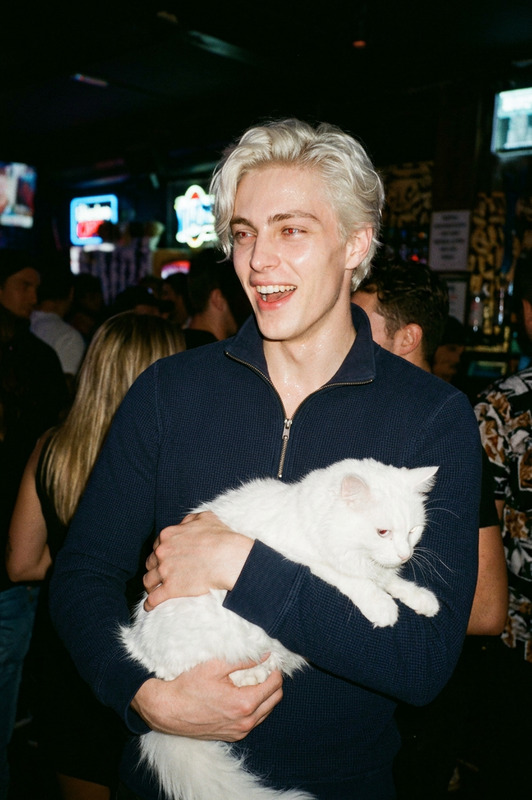
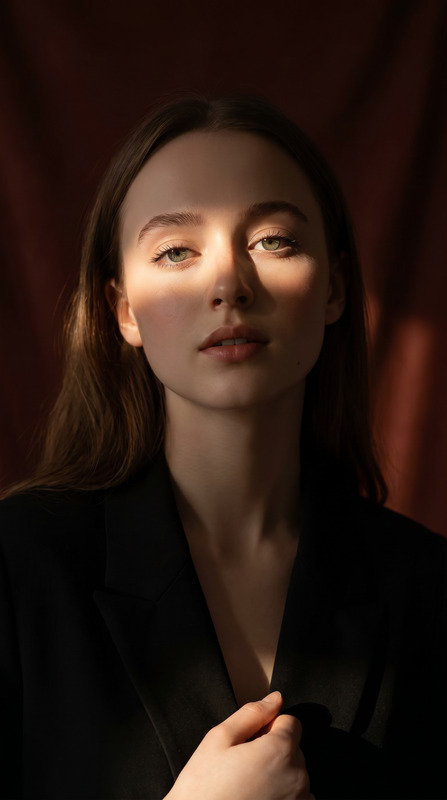
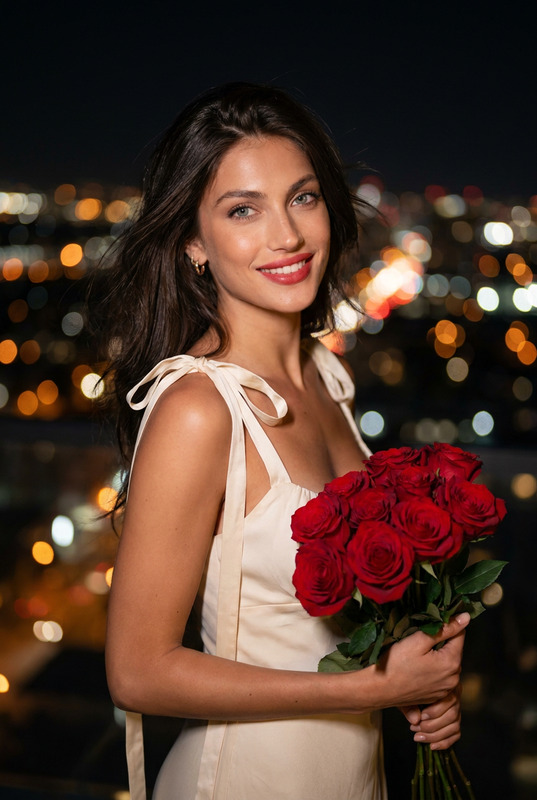
Use the uploaded image as the main base image and preserve the subject’s original pose, framing, composition, camera angle, crop, body position, hand placement, facial identity, hairstyle, clothing, accessories, and overall subject details. Keep the aspect ratio the same as the original image. Do not change the pose or expression. Only transform the lighting, background mood, and atmosphere.Convert the scene into a dark, moody nighttime portrait with a deep muted background fading into near-black shadows. Replace the original background with a soft, out-of-focus night environment featuring faint silhouettes, subtle bokeh lights, and cinematic dusk-to-night tones. Add a strong backlight directly behind the subject to create a bright white rim light around the hair, shoulders, arms, hands, clothing edges, and full body outline. Add a soft luminous bloom aura around the subject, especially around the outer edges, to create a dreamy glowing silhouette effect. The glow should feel natural, atmospheric, and cinematic, not overly artificial or neon.Keep the subject clearly visible while allowing the background to remain dark and subdued. Maintain realistic skin texture, realistic clothing texture, and natural facial features. The final image should feel like an ultra-realistic editorial night portrait shot with an 85mm DSLR lens using soft flash diffusion, with shallow depth of field, subtle halation, bloom glow, gentle flash-lit contrast, and a dreamy low-light atmosphere.Style keywords: cinematic rim light, glowing body aura, halation effect, bloom glow, dreamy silhouette glow, moody night portrait, soft flash diffusion, dusk bokeh background, CCD camera aesthetic, disposable flash mood, Instagram lofi night tones, shallow depth of field, photorealistic, ultra-detailed, 4K.
Any aspect ratio