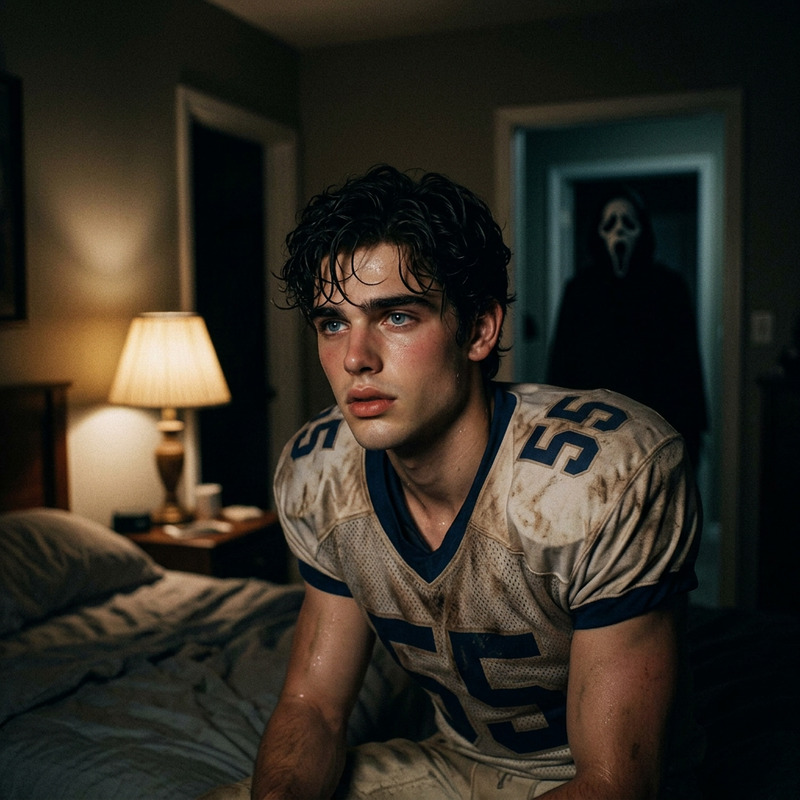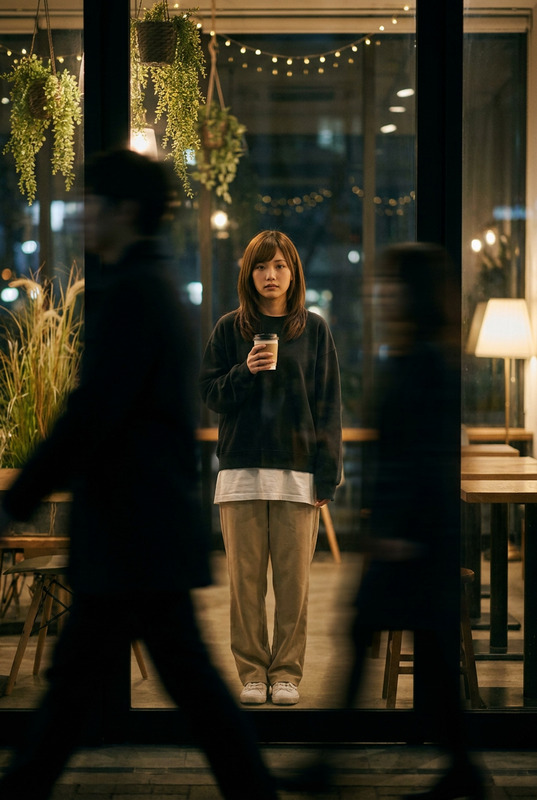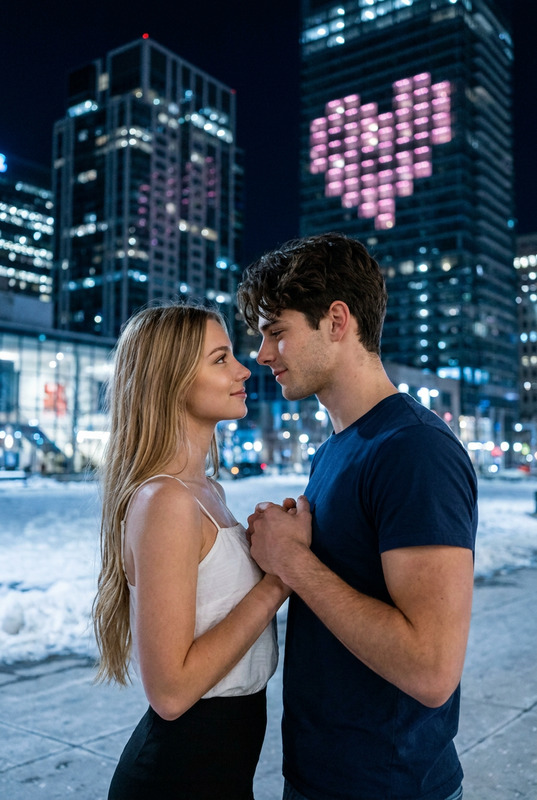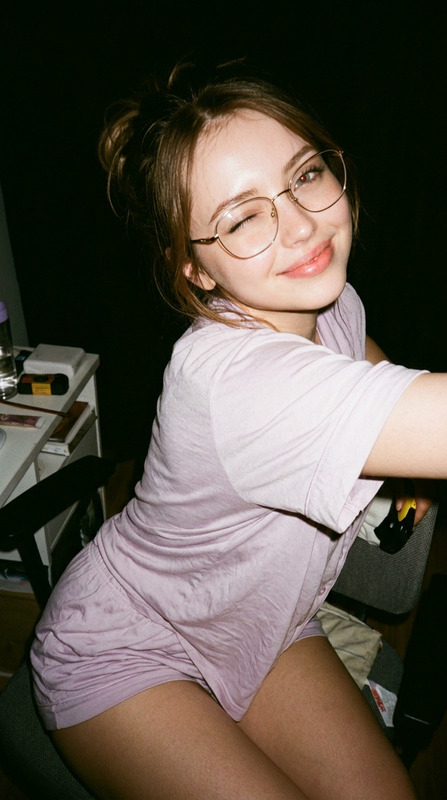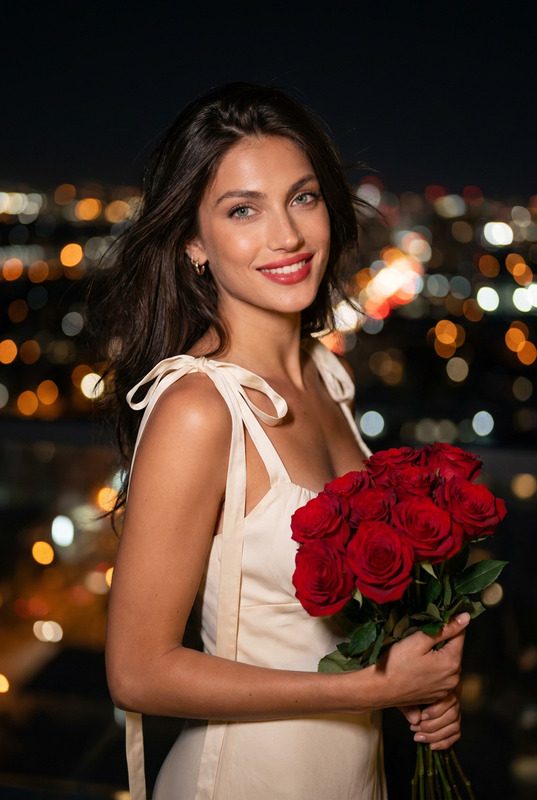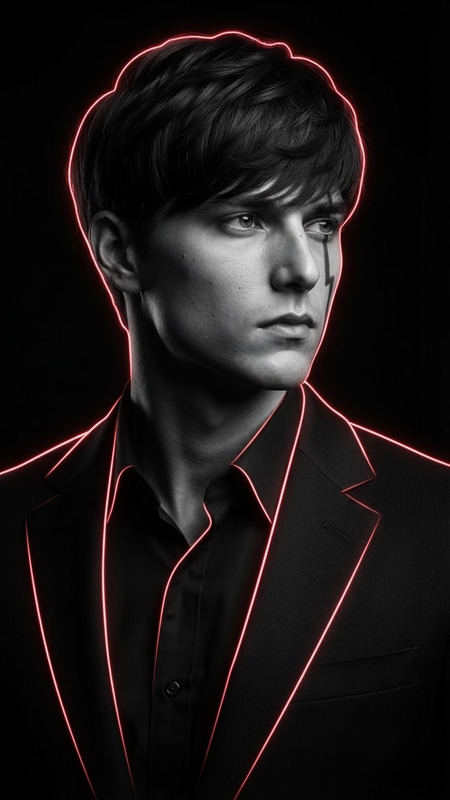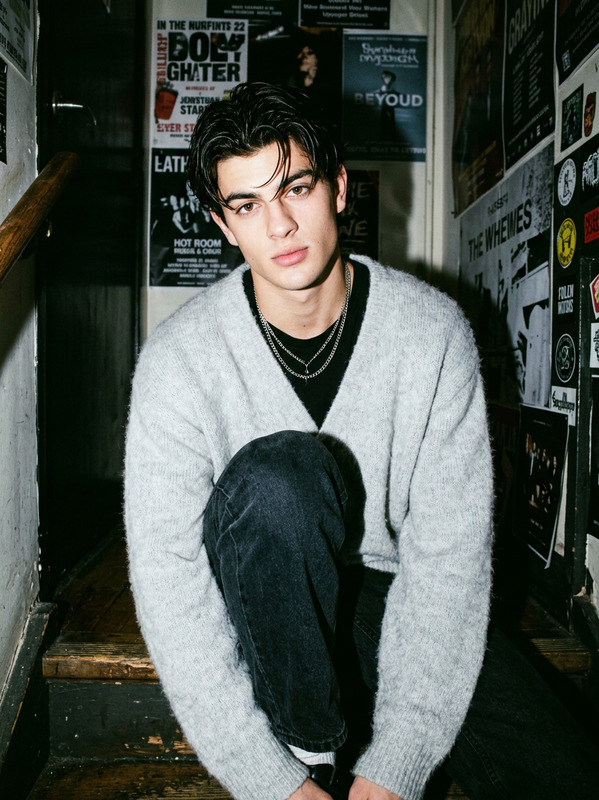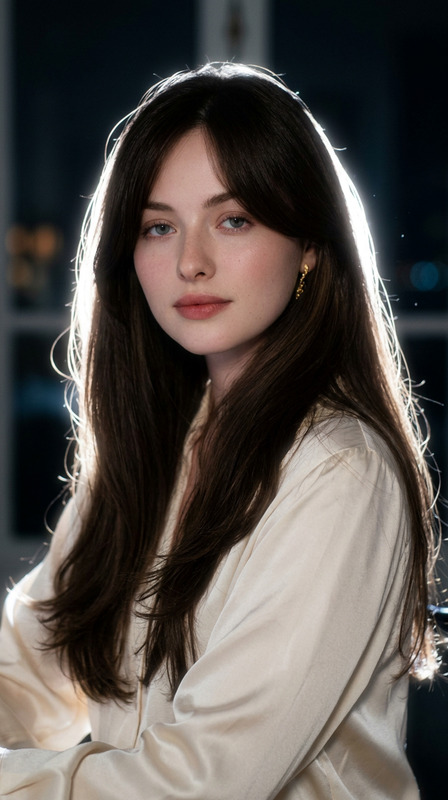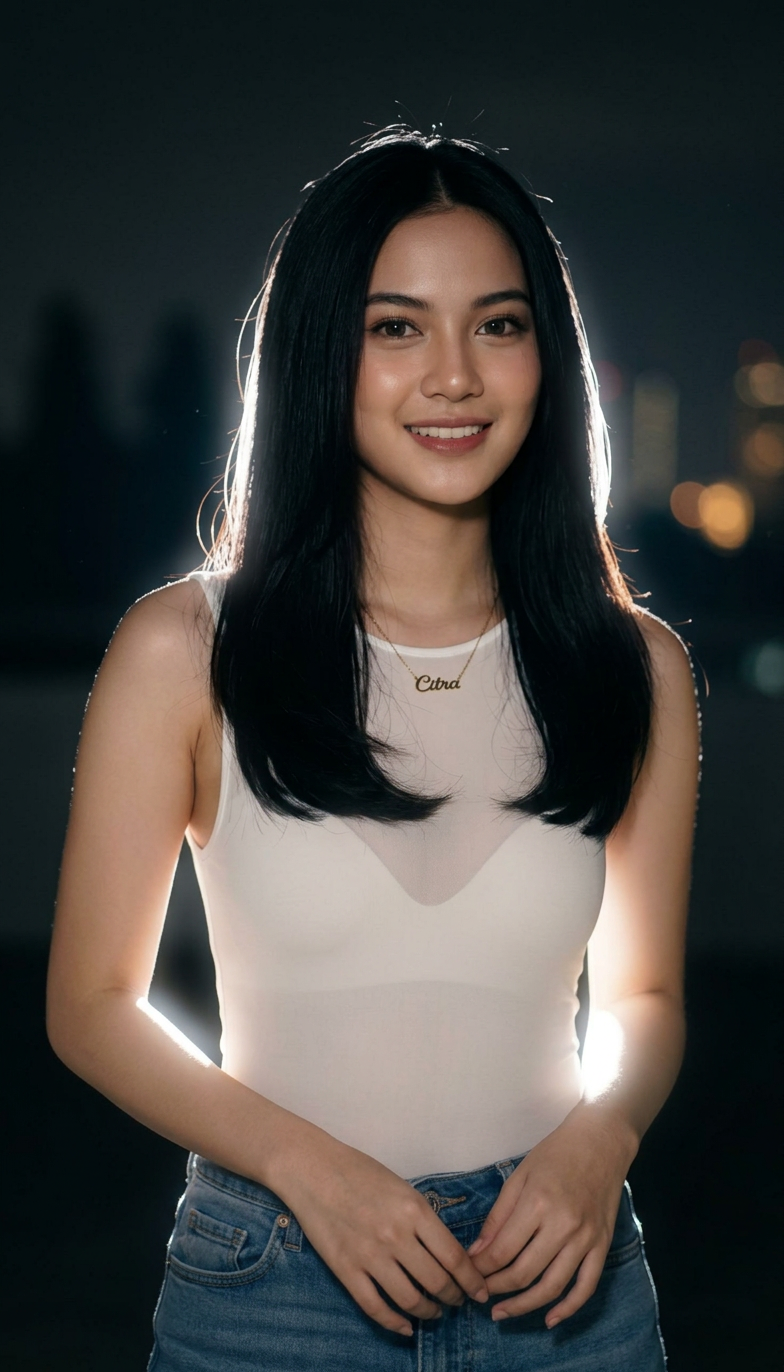
Cinematic Night Glow Restyle
- Model
- Nano Banana 2
- Image
- 784 × 1372 px
Prompt
Use the uploaded image as the main base image and preserve the subject’s original pose, framing, composition, camera angle, crop, body position, hand placement, facial identity, hairstyle, clothing, accessories, and overall subject details. Keep the aspect ratio the same as the original image. Do not change the pose or expression. Only transform the lighting, background mood, and atmosphere. Convert the scene into a dark, moody nighttime portrait with a deep muted background fading into near-black shadows. Replace the original background with a soft, out-of-focus night environment featuring faint silhouettes, subtle bokeh lights, and cinematic dusk-to-night tones. Add a strong backlight directly behind the subject to create a bright white rim light around the hair, shoulders, arms, hands, clothing edges, and full body outline. Add a soft luminous bloom aura around the subject, especially around the outer edges, to create a dreamy glowing silhouette effect. The glow should feel natural, atmospheric, and cinematic, not overly artificial or neon. Keep the subject clearly visible while allowing the background to remain dark and subdued. Maintain realistic skin texture, realistic clothing texture, and natural facial features. The final image should feel like an ultra-realistic editorial night portrait shot with an 85mm DSLR lens using soft flash diffusion, with shallow depth of field, subtle halation, bloom glow, gentle flash-lit contrast, and a dreamy low-light atmosphere. Style keywords: cinematic rim light, glowing body aura, halation effect, bloom glow, dreamy silhouette glow, moody night portrait, soft flash diffusion, dusk bokeh background, CCD camera aesthetic, disposable flash mood, Instagram lofi night tones, shallow depth of field, photorealistic, ultra-detailed, 4K.
Any aspect ratio
Overview
The Cinematic Night Glow Restyle template is designed to transform your visuals with a deep and moody night portrait effect. Utilizing the powerful AI Image Editor capabilities, this template enhances your image by modifying the lighting and background atmosphere without altering the subject's pose or expression. You'll achieve a photo with a cinematic aura, characterized by rich rim lighting and atmospheric night tones that bring a dreamy glow to your subjects.
What It Does
This template focuses on restyling your images to give them a cinematic night glow effect. By replacing the background with a moody, bokeh-lit night scene and introducing a strong backlight for a bright rim light, it creates a natural yet striking bloom aura around your subject. This effect is further enhanced by maintaining realistic textures and features, suitable for those requiring a photorealistic editorial style with an ultra-detailed finish.
Who It's For
Photographers, designers, and content creators looking to elevate their visuals with a cinematic atmosphere will find this template invaluable. It's perfect for those interested in producing moody, low-light portraits or anyone working on editorial projects requiring a sophisticated night glow effect. This tool caters to creatives aiming for professional-grade outcomes with minimal effort.
Summary
Use the Cinematic Night Glow Restyle template to bring depth and mood to your images. By altering only the lighting and background while preserving the subject's natural details, this template leverages the advanced capabilities of the Nano-Banana model. Ideal for both professional and artistic projects, it provides a seamless way to achieve a polished night-time aesthetic.
How To
Choose Your Image

Customize the Style

Generate and Download

Use Cases
Professional Photography
- Editorial shoots
- Fashion photography
- Model portfolios
Social Media Content
- Instagram posts
- Facebook content
- Profile pictures
Creative Projects
- Digital art
- Mood board creation
- Background enhancements
Best Practices
Maintain Original Features
Ensure the original facial features and textures are preserved for a realistic outcome. This can be critical in maintaining editorial quality.Opt for High-Resolution Images
Start with a high-resolution image to ensure ultra-detailed results. A higher resolution helps in achieving a sharper and more defined glow effect.Adjust Lighting Proportions
Experiment with lighting levels in the prompt to suit the context. Fine-tuning can make subtle differences in achieving the perfect night-time look.