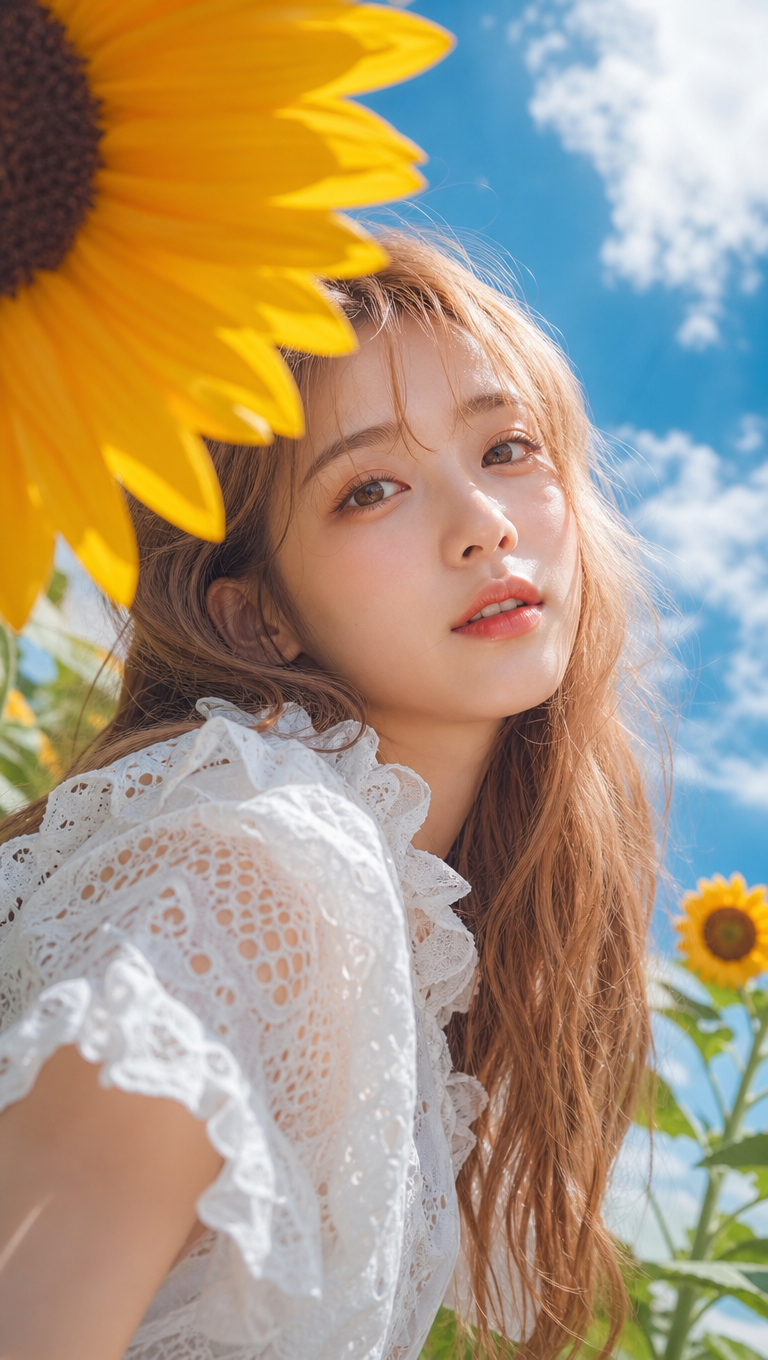
Japanese Summer Sunflower Portrait
- Model
- GPT Image 2
- Image
- 768 × 1360 px
Prompt
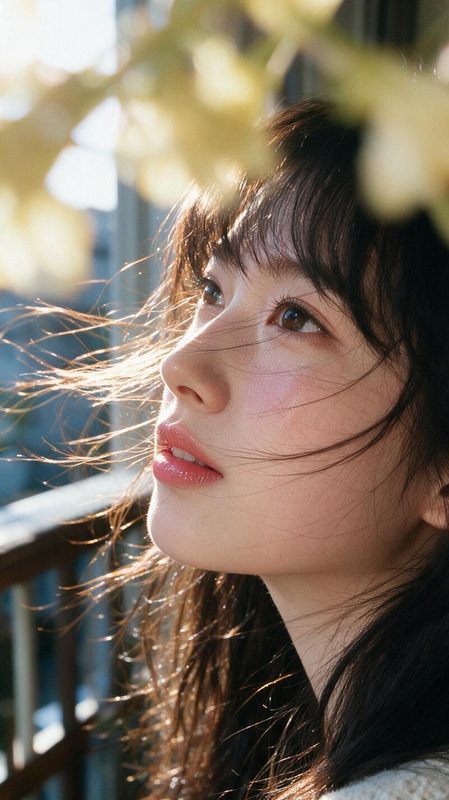
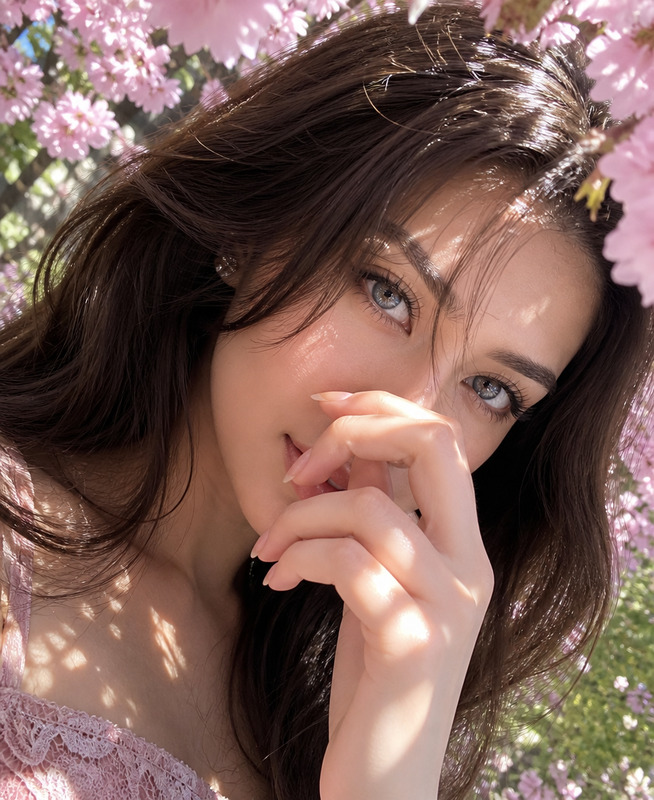
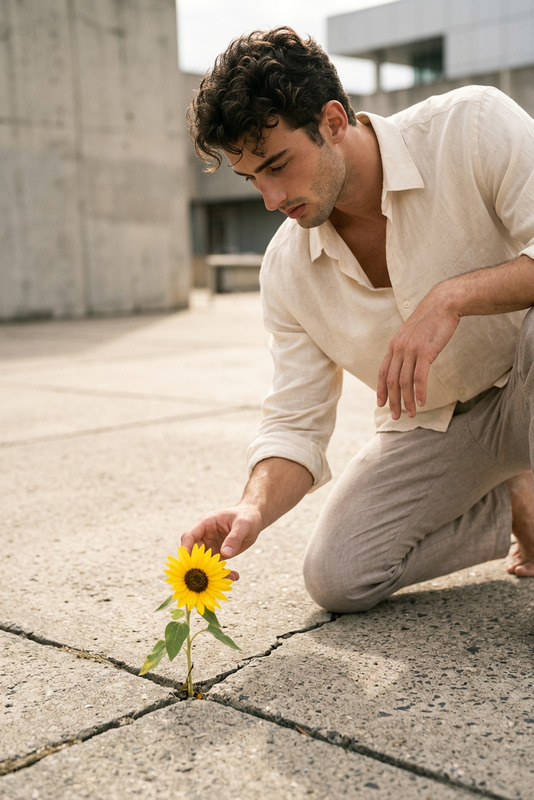
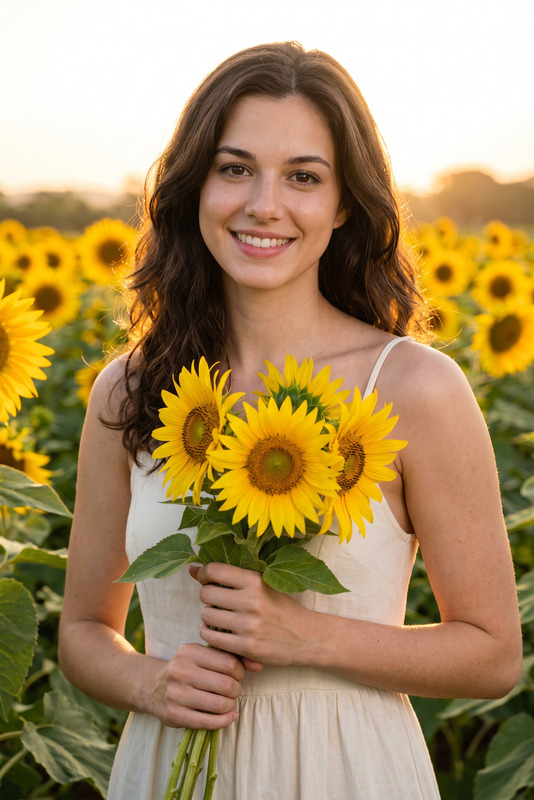
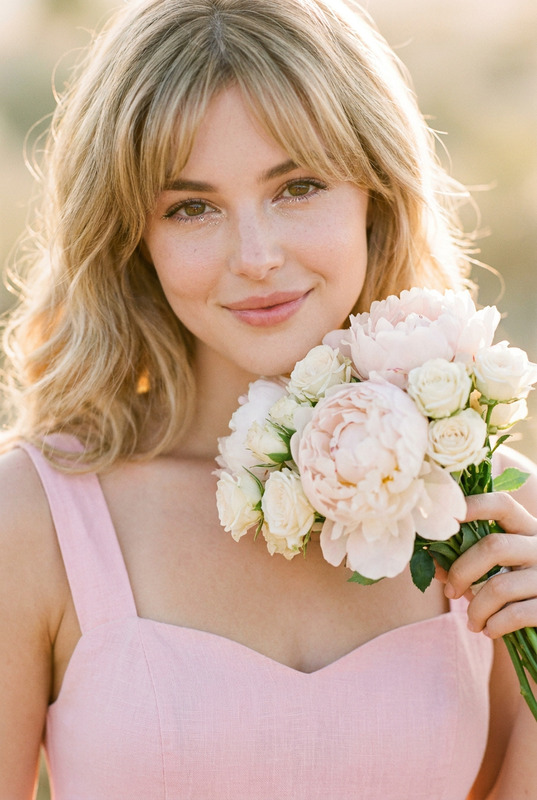
Fresh Japanese-style cinematic portrait photography in a 3:4 vertical composition, captured from a low-angle perspective as a half-body portrait of the subject @iu long, softly curled light flaxen or peach-toned hair, airy bangs, and naturally luminous golden-brown highlights in the sunlight. The subject has soft facial features, translucent fair skin with natural texture, delicate makeup emphasizing the lower eyelids and eyelashes, clear bright eyes looking directly at the camera with an innocent, dreamy expression, and naturally pink slightly parted lips. The subject wears a white lace cutout top with a delicate ruffled neckline. An extreme diagonal composition uses foreground occlusion, with a large sharply detailed yellow sunflower dominating the upper-left corner, creating strong contrast in scale and color with the subject. The background features a vivid blue sky with scattered white clouds, softly blurred green stems, and a smaller sunflower in the distance. Bright natural outdoor sunlight creates soft highlights across the subject's face with subtle reflections on the nose bridge and forehead, natural shadow transitions, warm high-saturation colors, film-like texture, and a vibrant summer atmosphere.
Any aspect ratio
Overview
Craft ethereal and cinematic images with the "Japanese Summer Sunflower Portrait" template, designed for capturing serene, detailed portraits infused with a vibrant summer atmosphere. Using the sophisticated capabilities of the AI Image Editor, this template specializes in creating stunning compositions featuring natural outdoor elements and classic Japanese aesthetics.
What It Does
This template transforms your image editing process by applying advanced AI algorithms from the AI Image Generator to craft compelling half-body portraits. The focus is on a strong cinematic style with precise features such as airy bangs and warm, luminous tones. Noteworthy is its ability to create a balance between stark color contrasts and soft, natural finishes that enhance the subject's natural beauty against a vivid, summery backdrop.
Who It's For
The "Japanese Summer Sunflower Portrait" template is ideal for photographers, graphic designers, and marketing creatives who want to produce captivating portrait imagery. It's particularly useful for those in the fashion and advertising sectors where a harmonious blend of detail and vibrancy can increase visual impact. Discover more about its vast applications in our AI Image Upscaler product.
Summary
Through its intuitive and versatile design, this template allows creators to deliver highly aesthetic portrait images with minimal effort. Its alignment with professional-grade cinematic techniques enhances storytelling capabilities and ensures each photograph resonates with unique charm and summer allure.AI Background Changer can further elevate your images by providing custom background solutions.
How-to Guide
Choose Your Template

Customize Your Image

Generate Your Image

Use Cases
Fashion Photography
Advertising Campaigns
Personal Photography
Best Practices
Focus on Lighting
Ensure that lighting adjustments complement your subject's features while maintaining the overall warm tone.Use High-Resolution Inputs
For best results, input high-resolution images to capture the fine details and natural textures effectively.Balance Colors
Strike a balance between vibrant colors and natural skin tones to achieve a harmonious and realistic appearance.