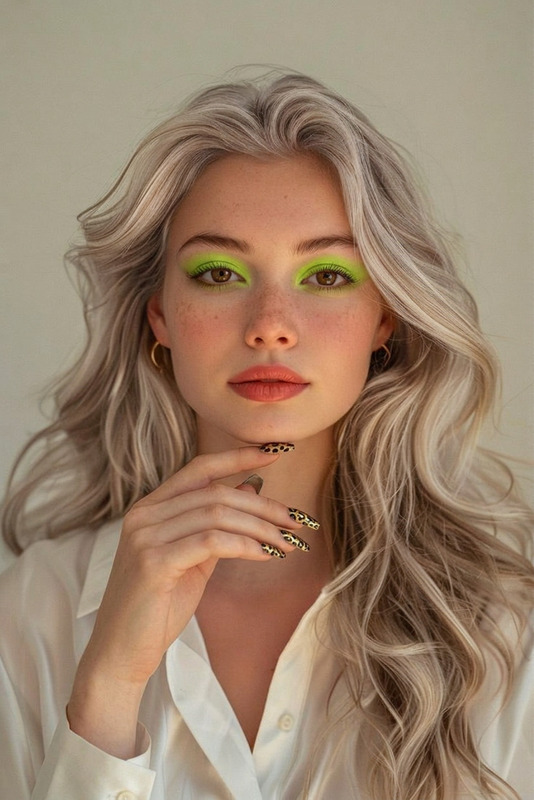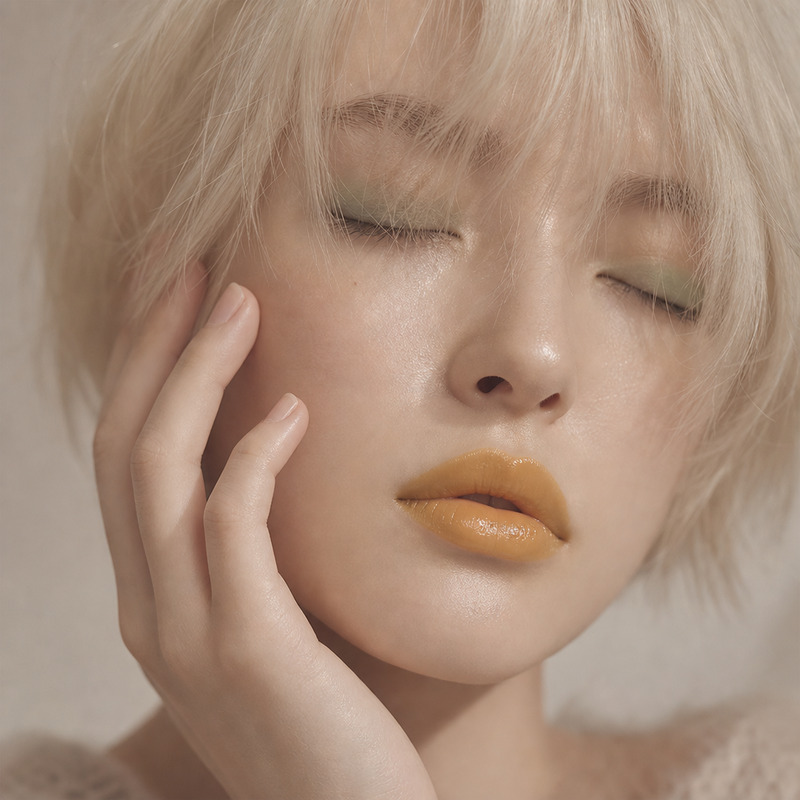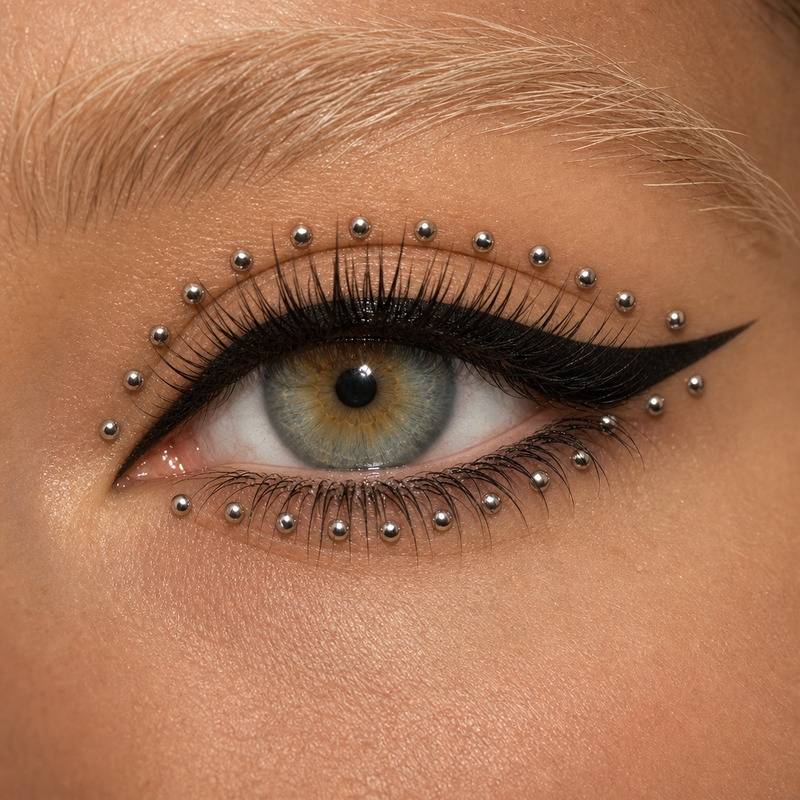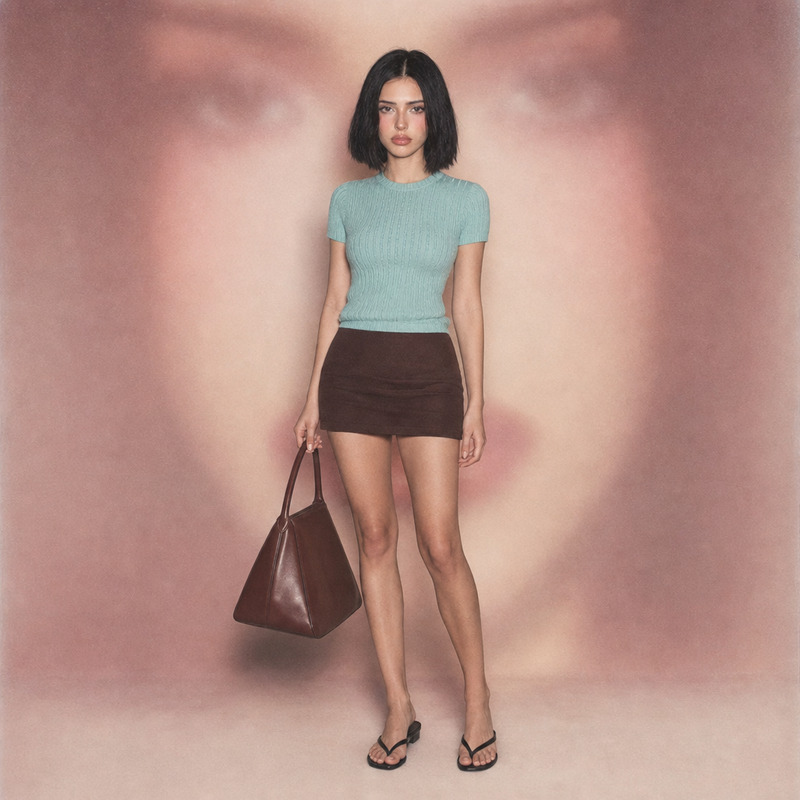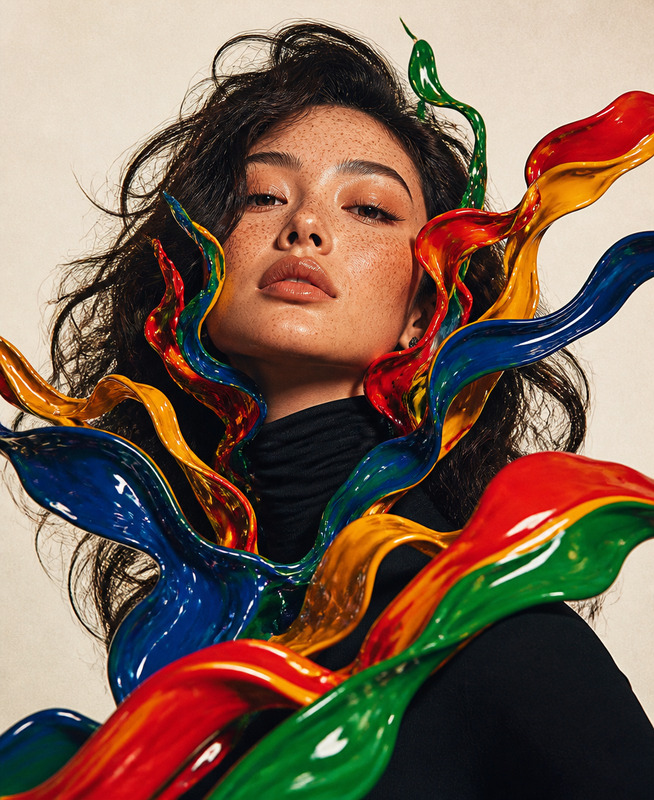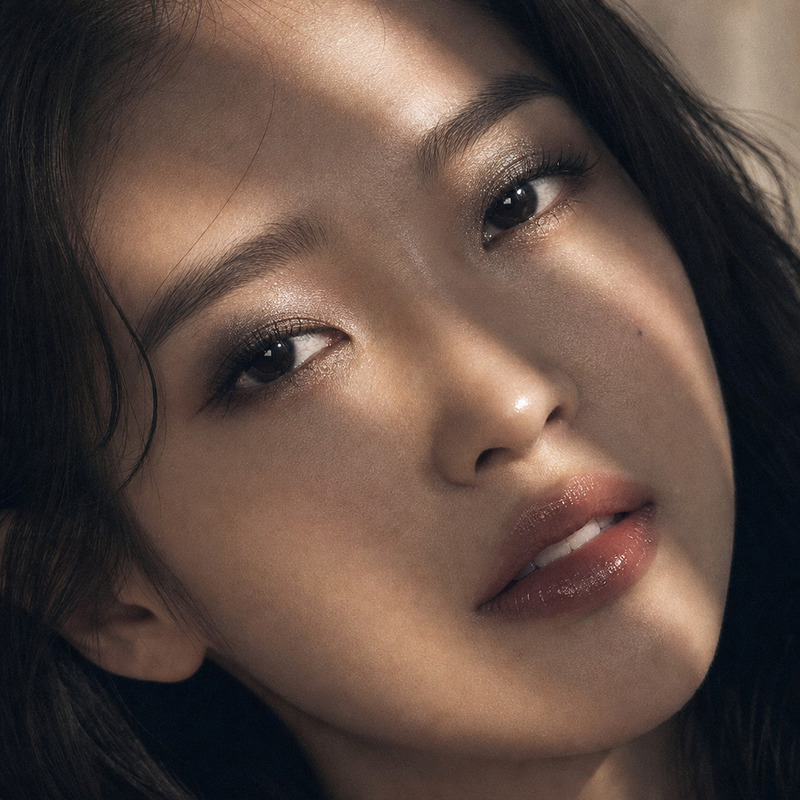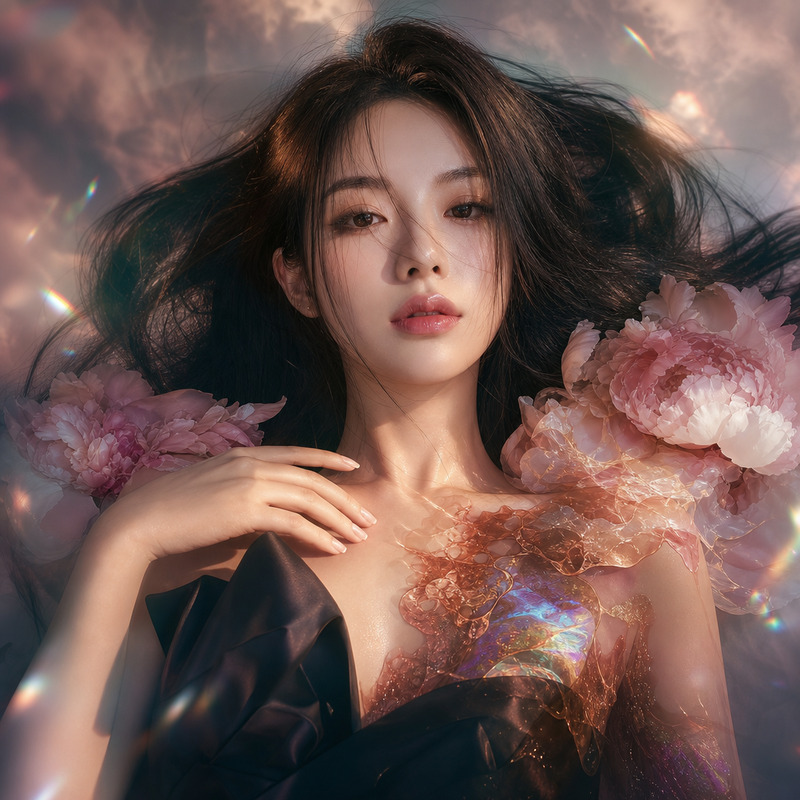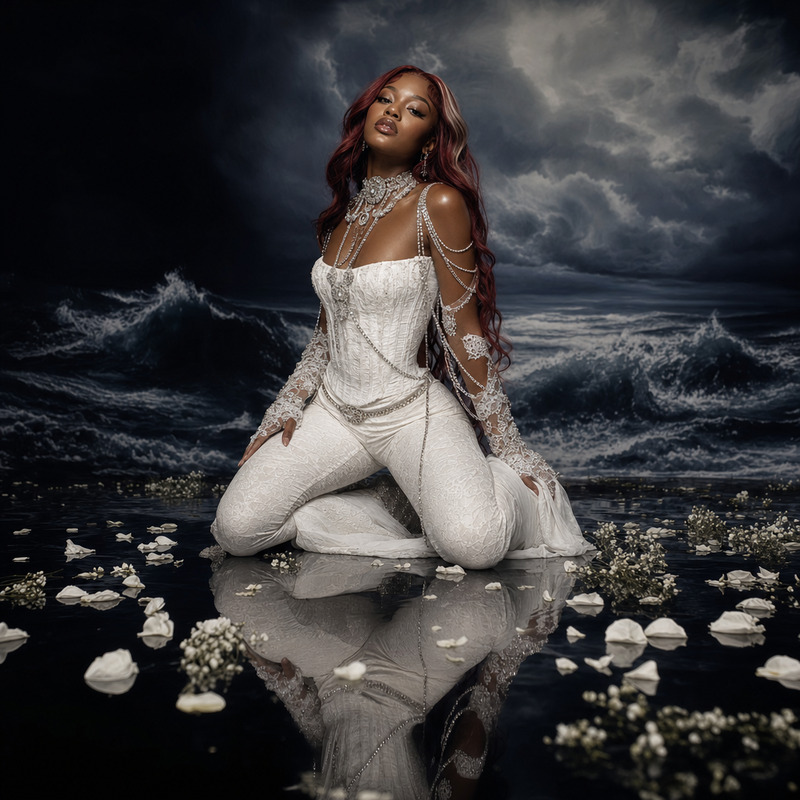
Glowy makeup
- Model
- GPT Image 2
- Image
- 1024 × 1024 px
Prompt
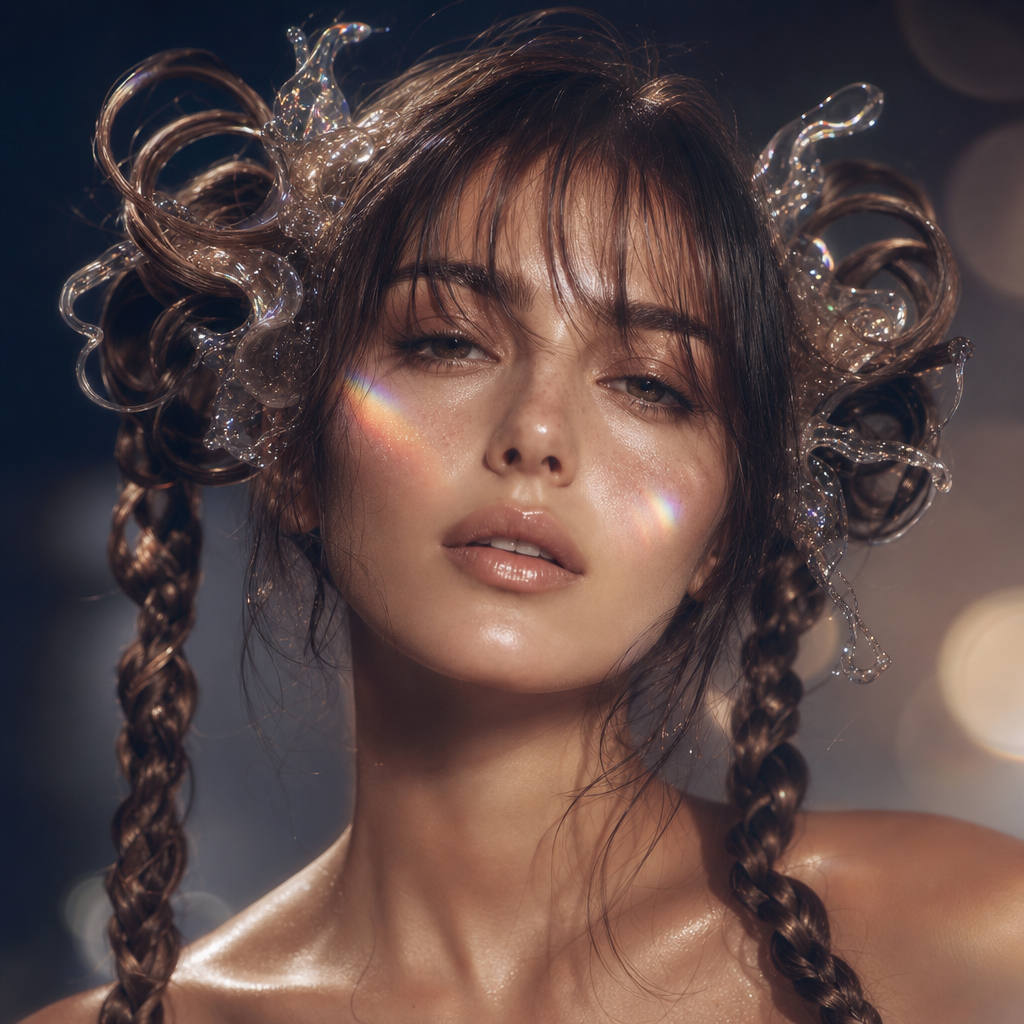
A close-up, straight-on, high-resolution editorial beauty portrait of a young Caucasian woman facing forward with her gaze slightly downward, featuring an expressionless and soft, contemplative mood. Her porcelain skin displays prominent, stylized blush on her cheeks with a dewy, almost wet radiance. Her hair is styled in elaborate, ornate, glossy pigtails with intricate loops and braided segments, combining modern and structured elegance. She wears minimal, shimmer makeup with soft, plush eyebrows and diffused, natural lips. The composition includes signature surreal polarization effects: a prism lens rainbow light flare splitting over her cheek, and soft, translucent resin splashes overlaid on her hair as though they are adhered sculptural accessories. Set within a blurry, softly-lit minimal cyclorama studio, the lighting features high-key front fill and a cool neutral rim that polarizes creamy highlights against inky, muted navy shadows. The color palette contrasts warm peach, beige, and rosy tones with navy blue-gray, evoking a dreamy, painterly finish. Shot with a telephoto portrait lens for tight cropping, shallow depth of field softens the subject, with added bokeh and lens halation for stylized glow, plus traces of intentional digital banding texture. Editorial digital post-production enhances glowing diffusion, aggressive gradient mapping and channel splitting for soft, creamy, surreal polarization mood. HEX VALUES: ['#070f1d', '#151b30', '#cdbeab', '#d7cdc1', '#e3e2e3', '#bca996', '#8b6e5e', '#74412f', '#f9f8f5', '#ba8772', '#243150', '#5b5455', '#989489', '#3f2726', '#754e47']
Any aspect ratio
Overview
The Glowy Makeup template in the AI Image Editor offers an advanced method to add an ethereal glow to portrait photography. Utilizing the GPT Image 2 model, this tool is designed to enhance beauty portraits with artistic editing styles.
What It Does
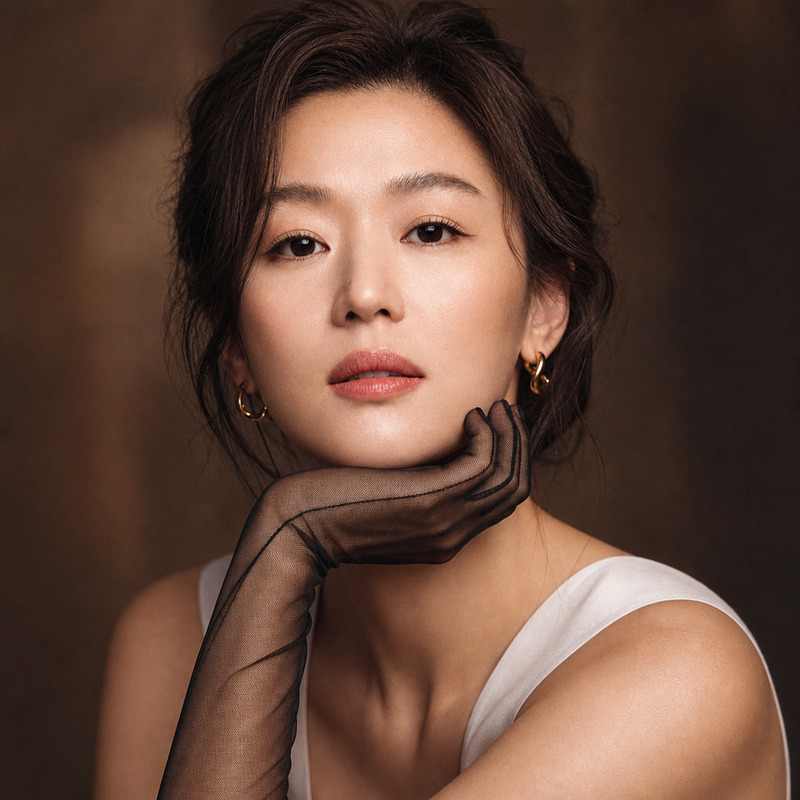
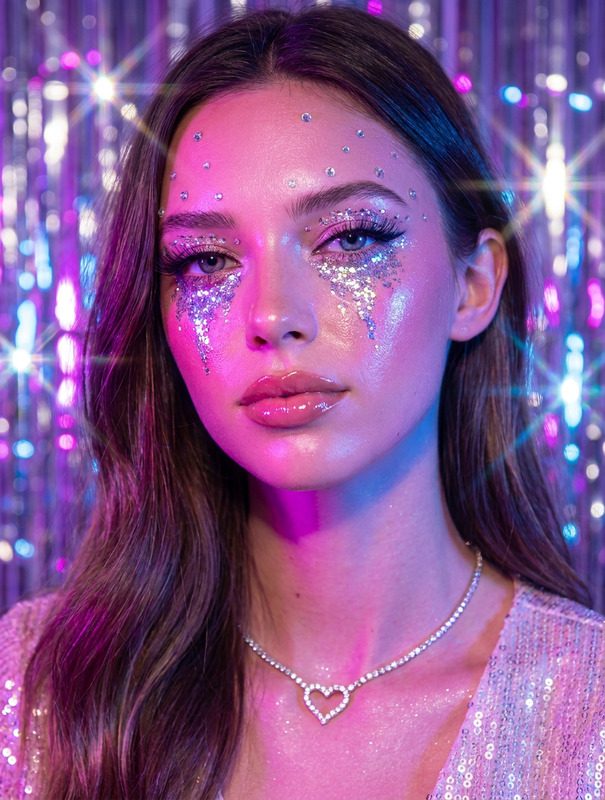
This template applies a high-resolution editorial beauty makeover to photographs, emphasizing a dreamy finish with vivid blush, glossy hairstyles, and minimal yet striking makeup. The composition integrates surreal polarization effects, adding prism lens rainbow light flares and resin splash overlays that elevate the image's artistic appeal.
It utilizes sophisticated digital post-production techniques, such as gradient mapping and channel splitting, lending a soft, surreal effect.
Who It's For
This template is perfect for photographers, digital artists, and content creators aiming to produce compelling beauty photography. It's ideal for editorial photo shoots, artistic portfolios, or product videos where impactful visual imagery is crucial.
Summary
Achieve an editorial-grade, glowy makeup effect effortlessly with the Glowy Makeup template. Designed for the AI Image Editor, it enhances images to reflect a high-fashion allure that captivates and mesmerizes.
How-To
Choose Your Template

Customize Your Inputs

Generate Your Image

Use Cases
Editorial Photography
Portfolio Development
- High-fashion allure
- Visually compelling outputs
Social Media Content
- Increased engagement
- Authentic artistic expression
Best Practices
Use High-Resolution Images
Ensure that the original image is of high quality for the best results. Lower resolution images may not capture the intricate details enhanced by the template.Balance Colors Carefully
While exploring the color palette, ensure the warm blush tones complement the cooler navy shadows for a balanced, painterly effect.Save in Multiple Formats
Generate the final image in multiple formats to suit your needs, such as JPEG for social media and TIFF for prints.