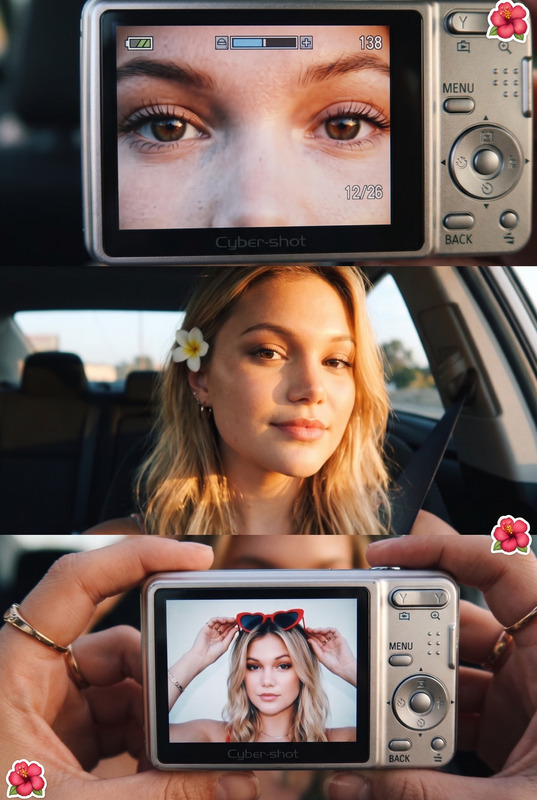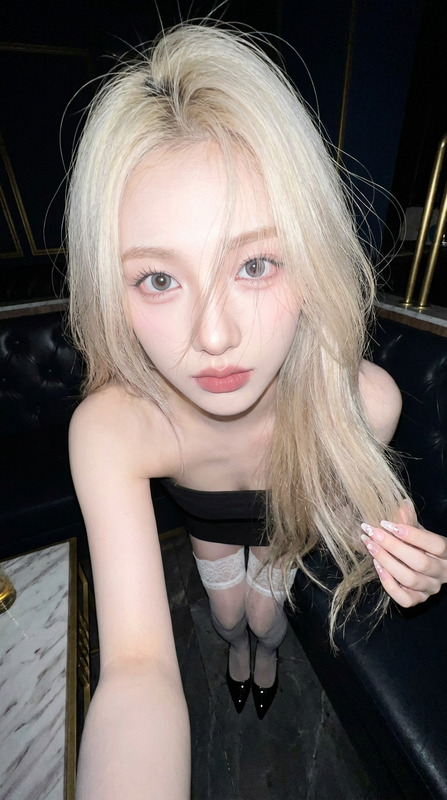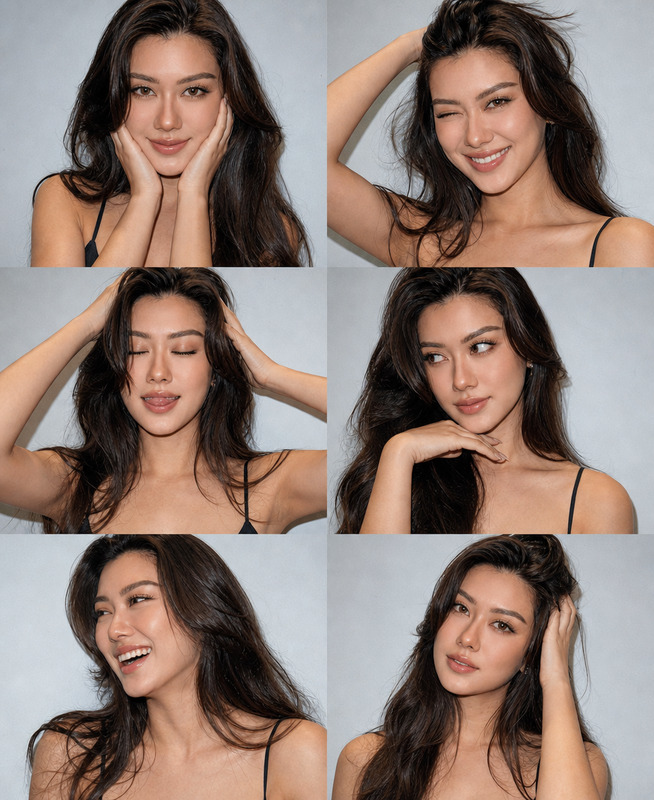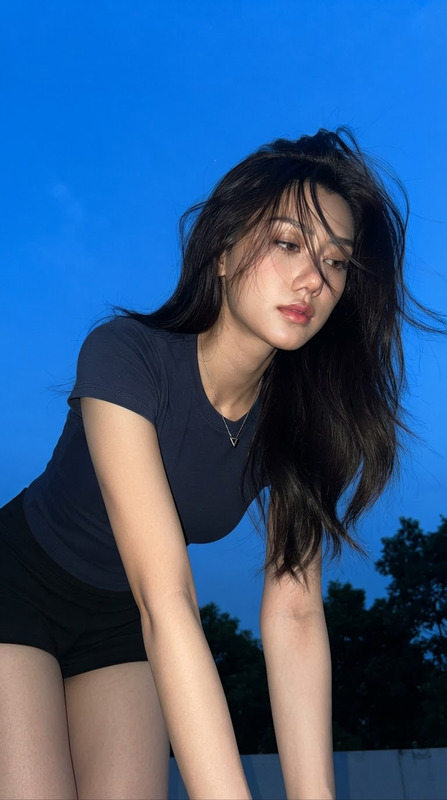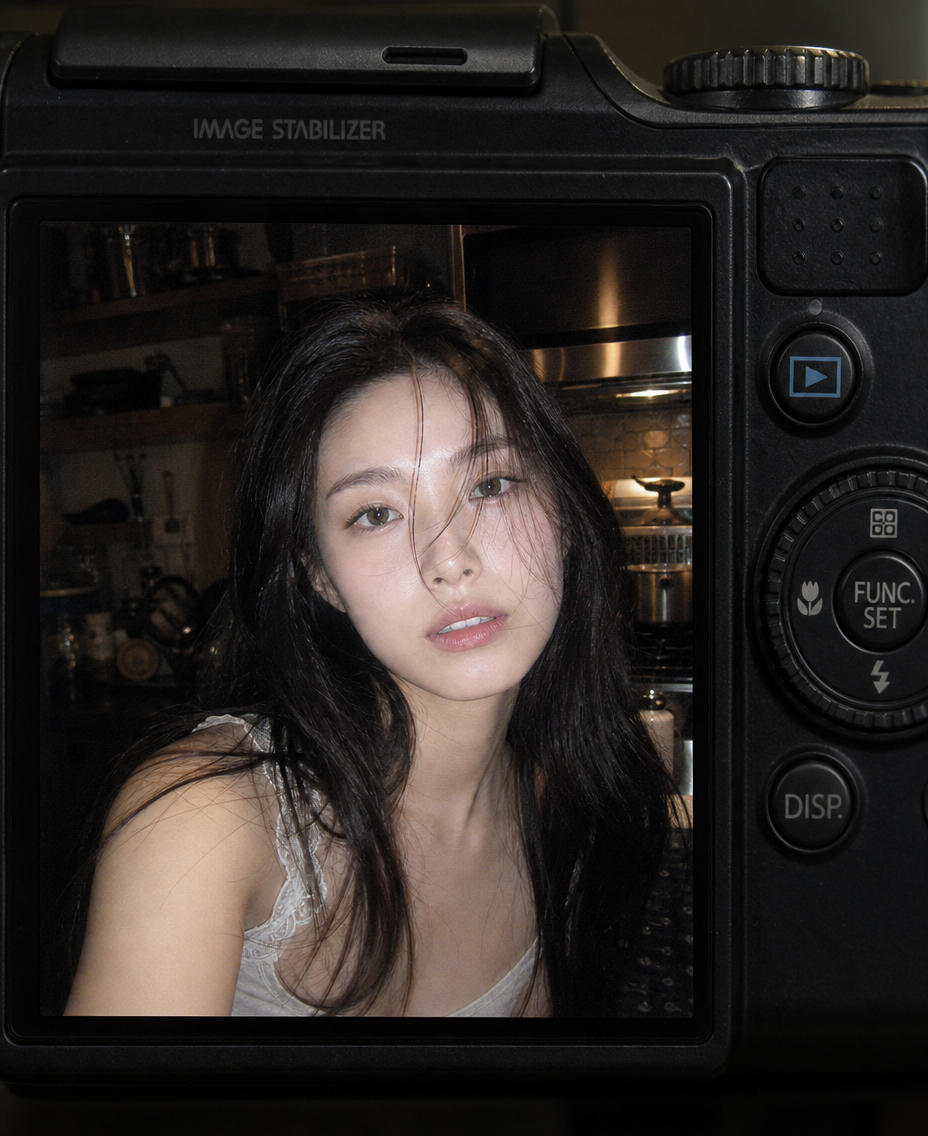
Compact Canon Flash — Midnight Kitchen Snapshot
- Model
- GPT Image 2
- Image
- 928 × 1136 px
Prompt
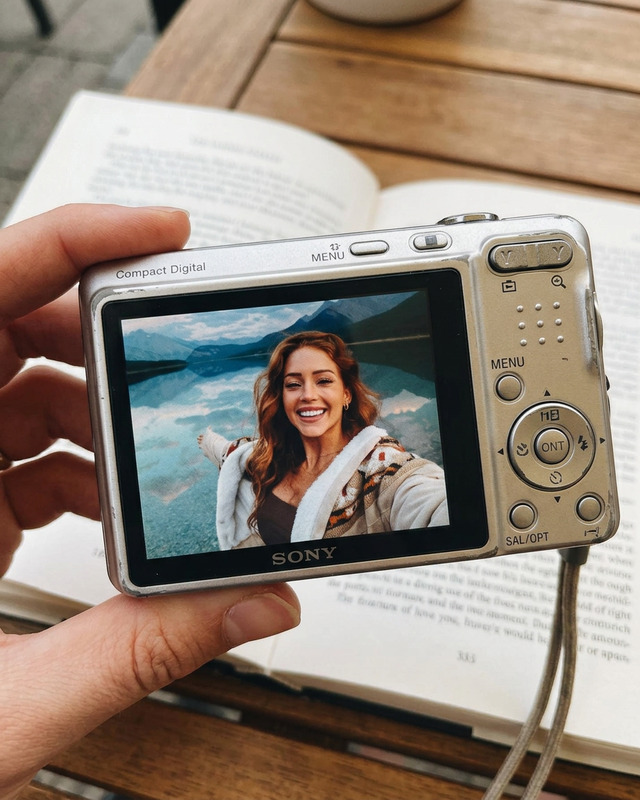
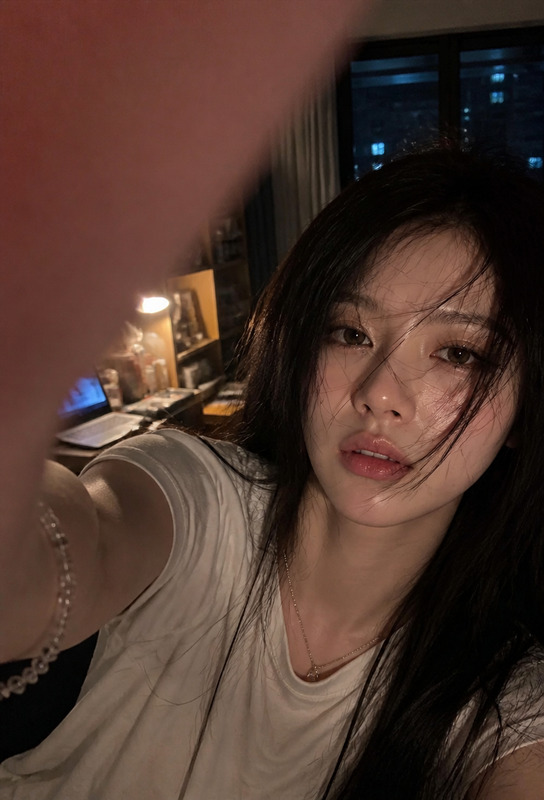
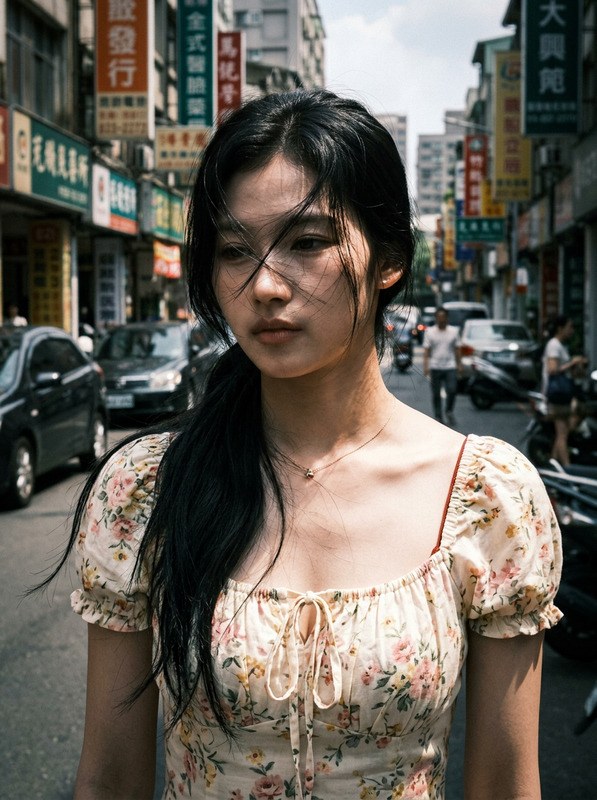
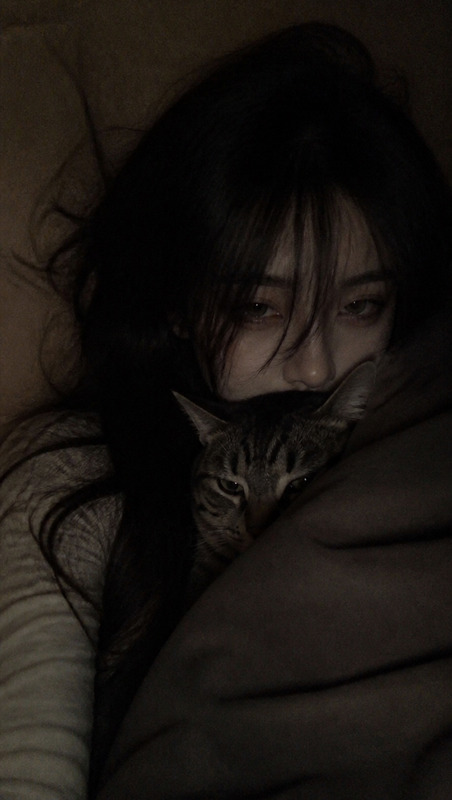
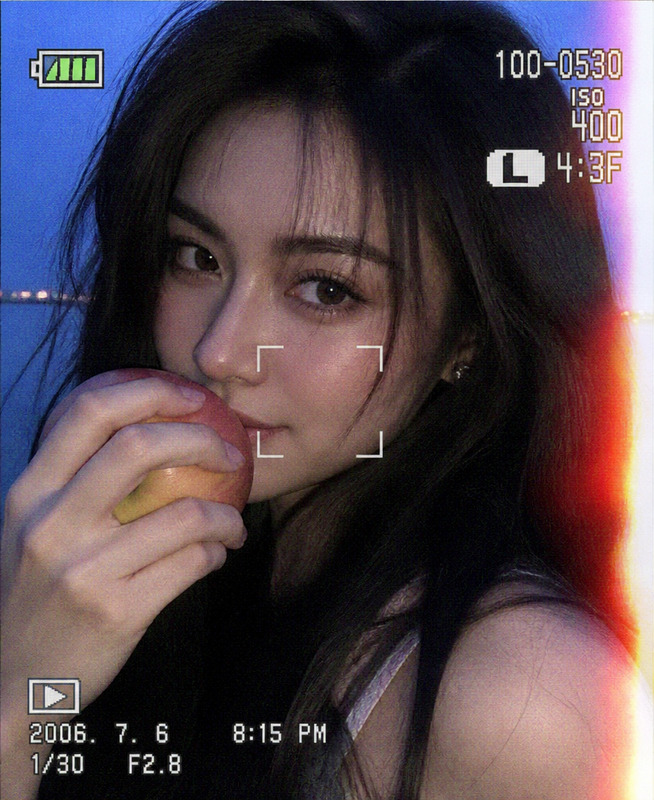
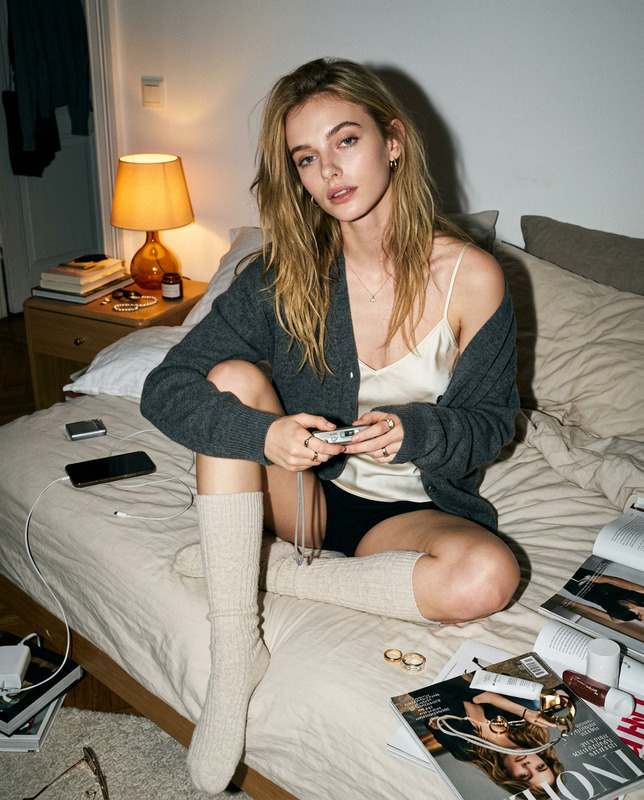
Create a realistic 4:5 vertical image showing the display screen of a compact digital camera, using the attached photo as the definitive reference for the subject’s facial identity, facial structure, proportions, and recognizable features; the physical camera body should surround the image with visible buttons, dials, textured plastic surfaces, a FUNC/SET control wheel, DISP button, and an “IMAGE STABILIZER” label, creating the authentic appearance of an early compact digital camera rather than a modern smartphone; on the camera screen, show an adult young woman indoors at night in a dim, slightly cluttered kitchen, captured as a spontaneous close-up with a 28–35mm-equivalent compact-camera perspective, f/2.8, ISO 400, 1/60s with flash, and auto-flash white balance; preserve the reference subject’s natural facial identity while allowing long dark hair to fall loosely across part of her face, with several irregular strands catching the flash, and give her a soft, relaxed, slightly open-lip expression with a candid, unposed feeling; use harsh direct built-in flash as the dominant light source, creating bright sharp highlights across the face, hair, and nearby surfaces while the surrounding kitchen falls into deep ambient shadows, with appliances, shelves, cookware, and metallic surfaces remaining recognizable but softly blurred in the background; maintain realistic skin texture, natural pores, subtle imperfections, authentic flash falloff, slight red-eye avoidance, uneven exposure, and mild motion or focus imperfections rather than polished beauty retouching; emulate the nostalgic visual character of early-2000s digital camera snapshots with cool-muted colors, strong flash contrast, slightly lifted or crushed digital shadows, subtle sensor noise, coarse display grain, faint pixel texture, and a gentle screen glow; the overall image should feel raw, intimate, accidental, and nostalgic, as though someone casually photographed the subject late at night and the resulting image is being viewed directly on the camera’s rear LCD; keep the camera interface and physical hardware outside the photo preview area while ensuring the preview itself contains no text, logos, captions, watermarks, or graphic overlays, and avoid modern smartphone aesthetics, studio lighting, excessive background blur, plastic skin, heavy makeup, perfect posing, excessive sharpening, high-resolution commercial photography, distorted facial features, extra fingers, duplicated limbs, artificial anime rendering, or overly clean digital perfection.
Any aspect ratio
Overview
The "Compact Canon Flash — Midnight Kitchen Snapshot" template from our AI Image Editor collection empowers you to recreate the nostalgic charm of early-2000s digital camera snapshots. This template excels in mirroring the authentic feel of a compact digital camera display, surrounding your image with vintage hardware elements, and capturing ambient kitchen scenes.
What It Does
With the help of the AI Image Editor, this template produces a realistic 4:5 vertical image that mimics the display of a vintage compact digital camera. Key features like textured plastic surfaces, signature buttons, and the unmistakable FUNC/SET wheel are visually included. The edited photo on display depicts a spontaneous kitchen scene, highlighting the subject's natural facial features captured with direct flash, while nostalgic details such as flash falloff and visual noise are preserved.
Who It's For
This template is perfect for photographers and digital artists who want to add a classic touch to their images. It's particularly suited to those interested in recreating retro styles, adding authenticity to visual storytelling in product reviews or vintage-themed social media content. Enthusiasts who appreciate the charm of early digital photography will find this tool indispensable.
Summary
The "Compact Canon Flash — Midnight Kitchen Snapshot" template is a unique way to apply the nostalgic aesthetic of early digital cameras to modern photos. Its features are best utilized by those looking to enhance imagery with a raw, intimate feel. Leverage our AI Image Generator to further customize your creations with this editor.
How To
Choose the Template

Customize Your Inputs

Generate Your Image

Use Cases
Nostalgic Personal Album
Retro-Themed Social Content
Product Demo Videos
Best Practices
Select High-Quality Reference Photos
Ensure your reference photo clearly showcases the subject’s facial identity and features for a more effective transformation.Conserve Authentic Features
Avoid overly retouching or altering core visual characteristics, as preserving authenticity is key to achieving the desired nostalgic effect.Experiment with Lighting
Leverage the template's capacity to simulate classic flash lighting by adjusting image exposure to match desired mood and tone.