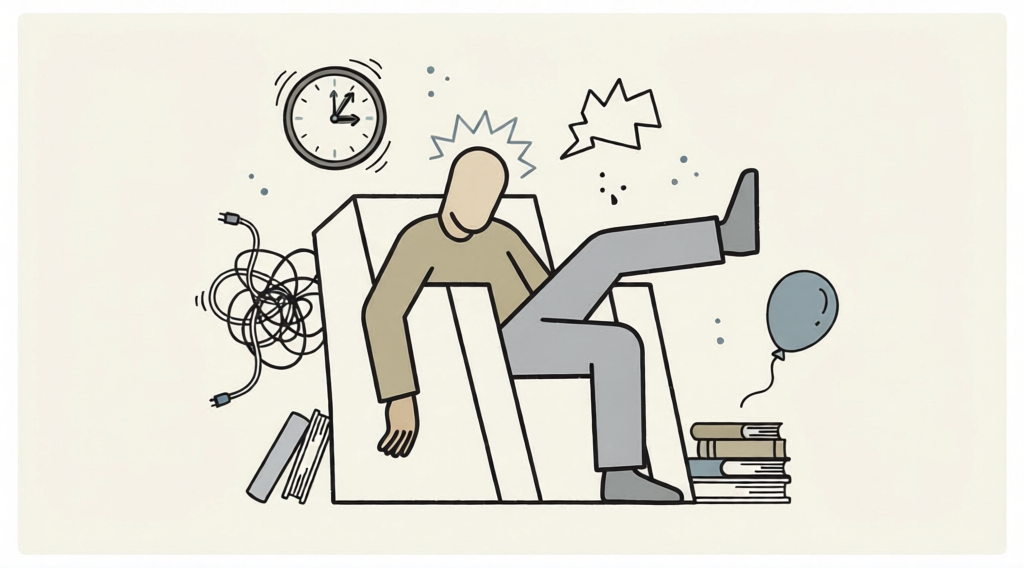
Creative Burnout
- Model
- Qwen Edit
- Image
- 1024 × 568 px
Prompt
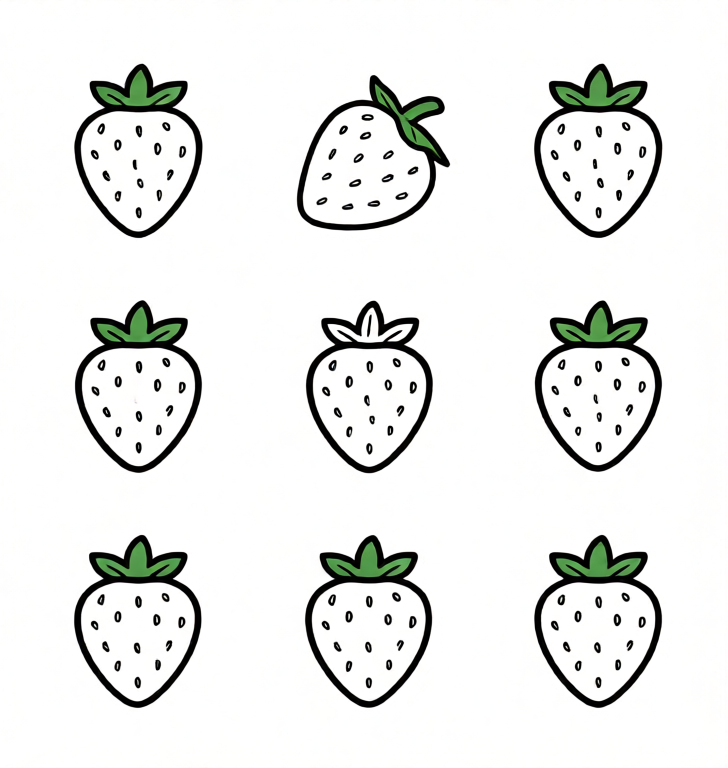
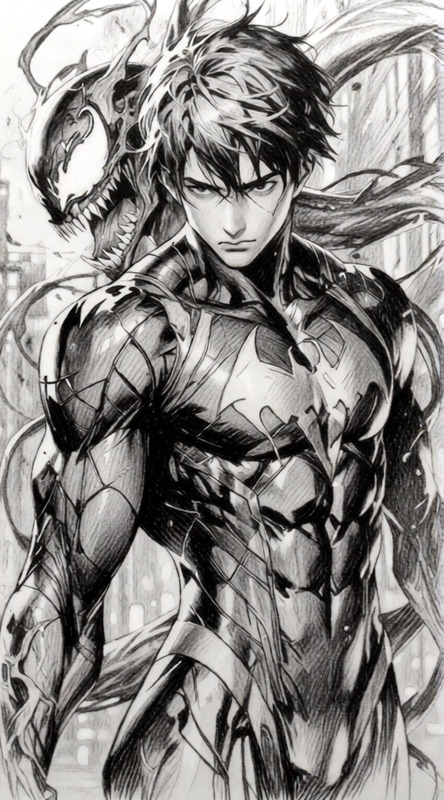
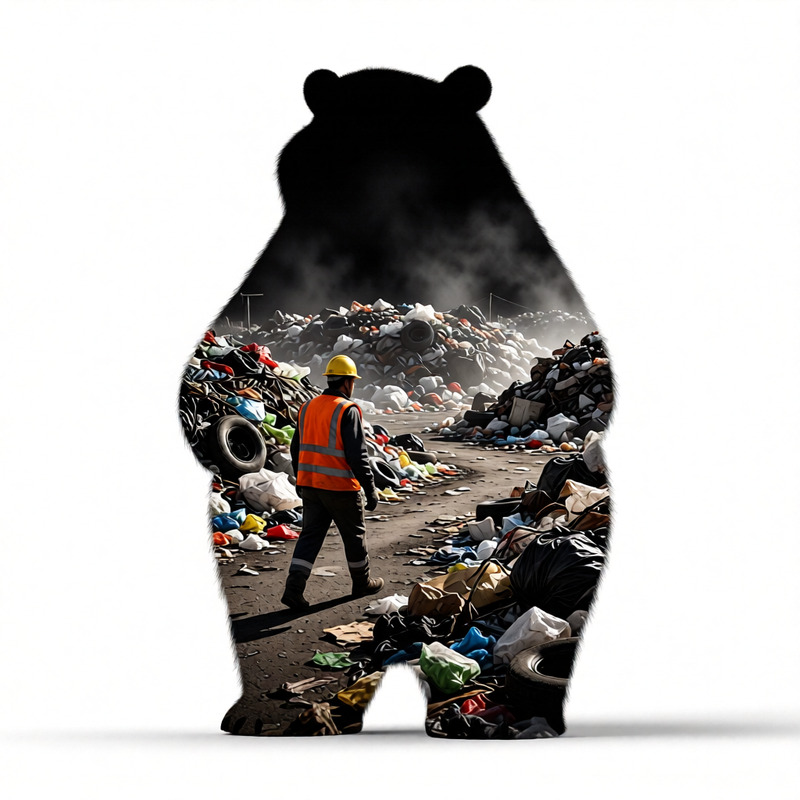
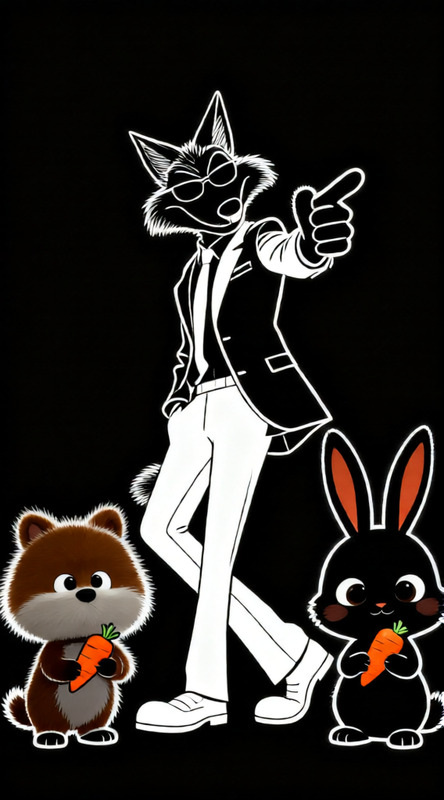
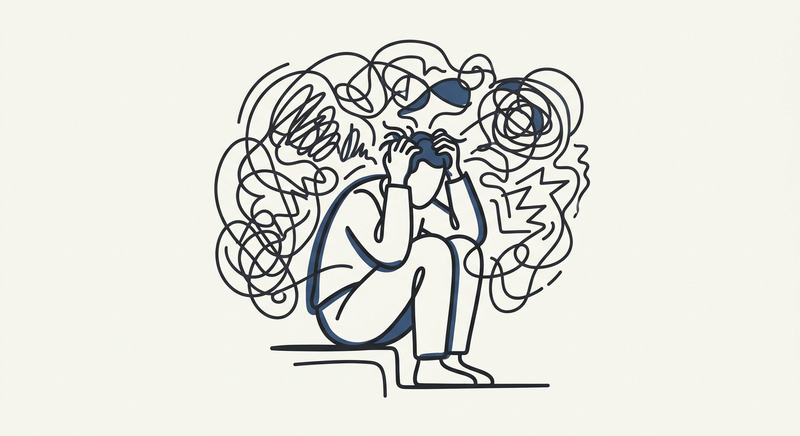
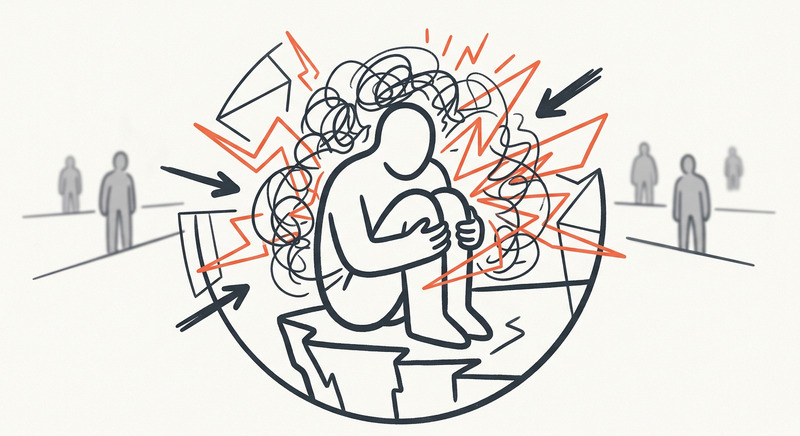
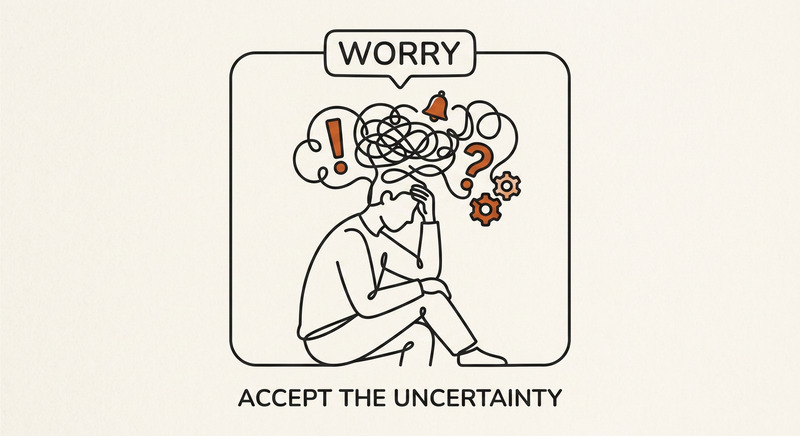
llustration representing anxious. Minimalist vector line art illustration in maximum 2 colours , The illustration is drawn with thick, bold charcoal lines in a modern, flat editorial UI style. one accent colour only", "characters never have faces",
Any aspect ratio
Overview
Discover the power of minimalist vector art to convey complex emotions with our 'Creative Burnout' template. Designed for the AI Image Editor powered by the Qwen Edit model, this template transforms the concept of anxiousness into strikingly simple imagery.
What It Does
The 'Creative Burnout' template generates a unique minimalist illustration utilizing charcoal lines and a limited color palette. This approach is not just visually appealing but also delivers a modern, flat editorial UI design that's perfect for AI Product Photography and related marketing needs.
Who It's For
Artists, marketers, and designers looking to produce simple yet emotionally resonant images for their projects will find this template incredibly useful. It's especially beneficial for those involved in AI Ad Creative Generation, where communication through visuals is key.
Summary
This template offers a streamlined way to create bold, impactful illustrations with minimal effort. Whether you're developing Social Media Ads or enhancing a website's visual appeal, 'Creative Burnout' provides the tools you need.
How To
Choose the Template

Customize Your Inputs

Generate and Download

Use Cases
Marketing Campaigns
- Direct mail brochures
- Online banners
- Magazine ads
Web Design
- Homepage banners
- Blog imagery
- Landing page icons
Social Media Content
- Facebook posts
- Instagram stories
- LinkedIn updates
Best Practices
Stick to Simplicity
Keep the illustration's style minimal by adhering to the specified color limitations and line art style.Consider Audience
Tailor the emotional resonance of your image to suit your target audience's preferences and expectations.Ensure Compatibility
Verify the image format is appropriate for your intended platform use to maintain visual integrity.