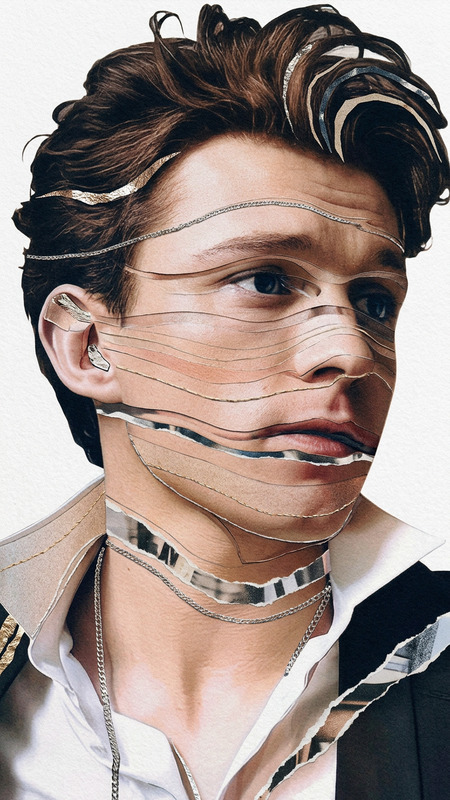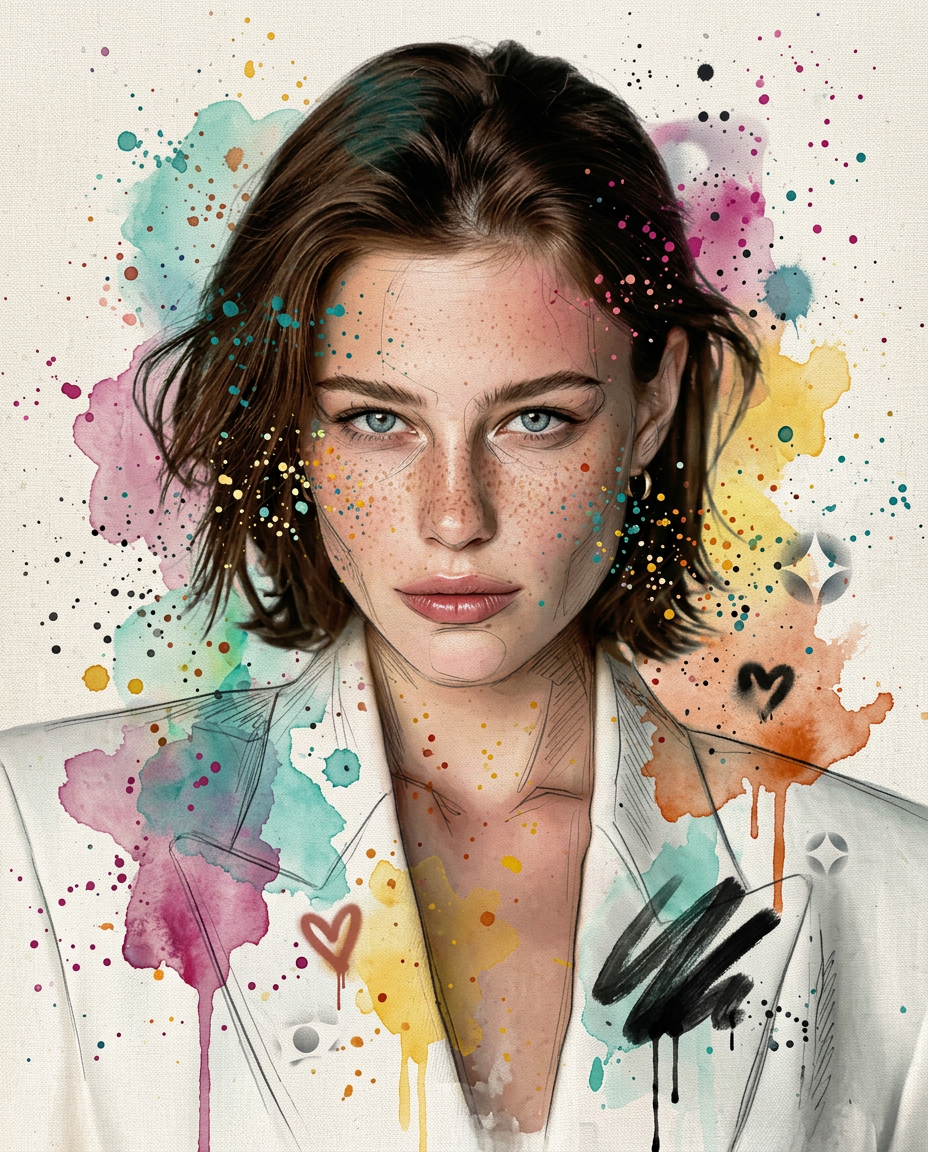
Watercolor Graffiti Ink
- Model
- Nano Banana 2
- Image
- 928 × 1152 px
Prompt
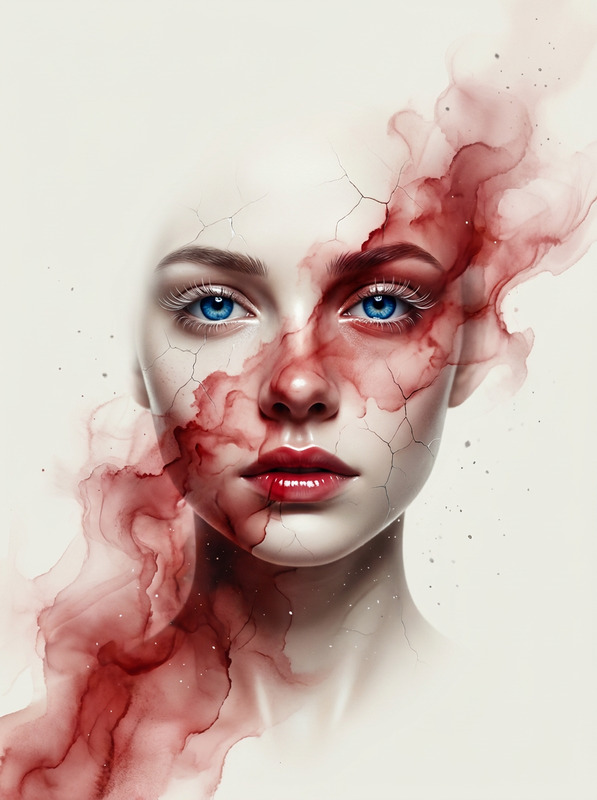
A vibrant mixed-media portrait in 4:5 aspect ratio of a young woman with delicate splatter dots that lets the face show through beneath. Loose graphite sketch lines peek through the watercolor here and there. The graffiti elements are sparse and airy — a single bold brushstroke across the shoulder, a small stencil heart, a few scattered paint drips — never dense or covering.Raw canvas texture visible in background with soft color washes. Color palette: teal, magenta, sunflower yellow, burnt orange. Editorial art photography style, natural soft lighting, 8K, ultra detailed. Negativ: half face covered, mask, heavy paint over face, thick impasto on skin, opaque graffiti covering features, dense lines, cluttered, photorealistic, smooth digital render, dull colors, symmetrical, boring, flat
Any aspect ratio
Overview
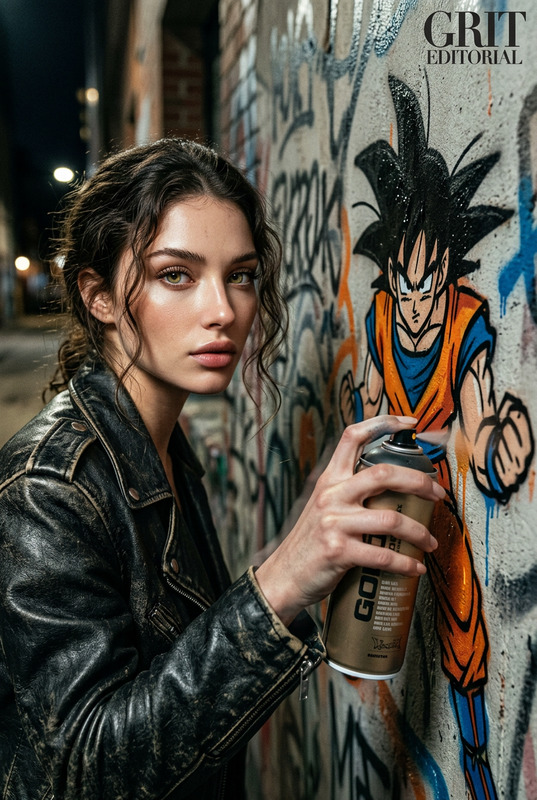
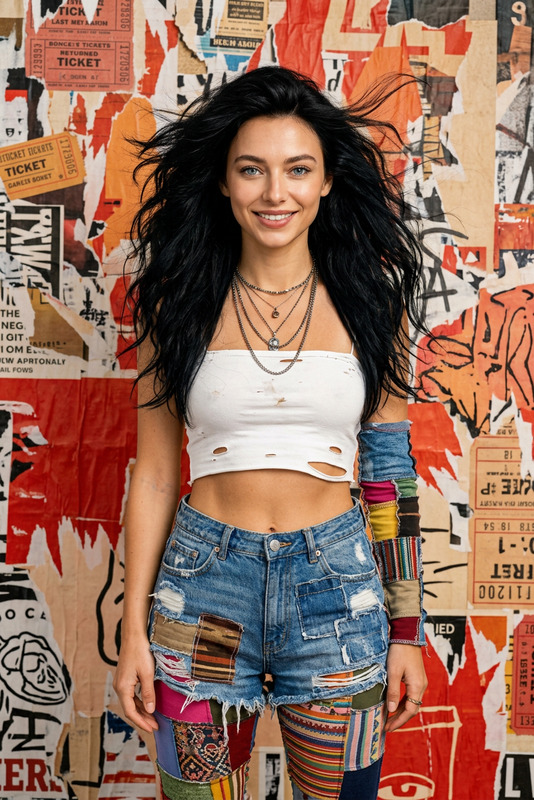
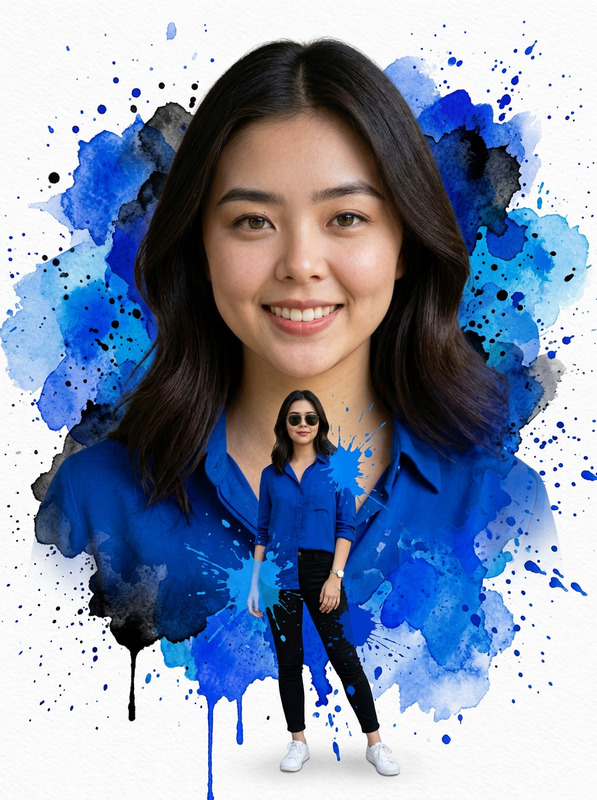
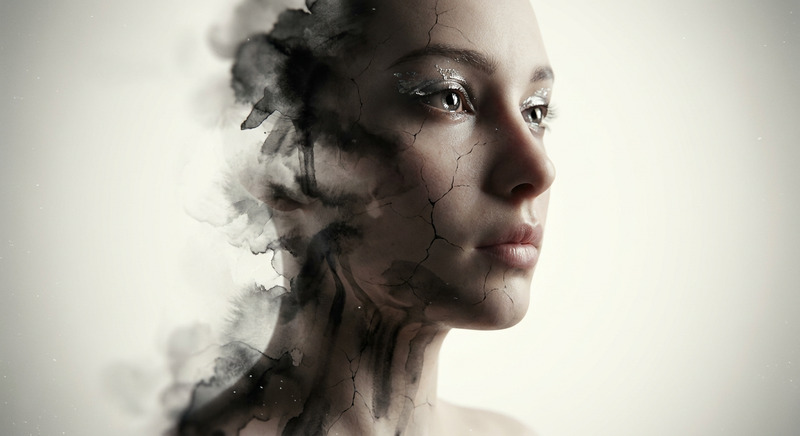
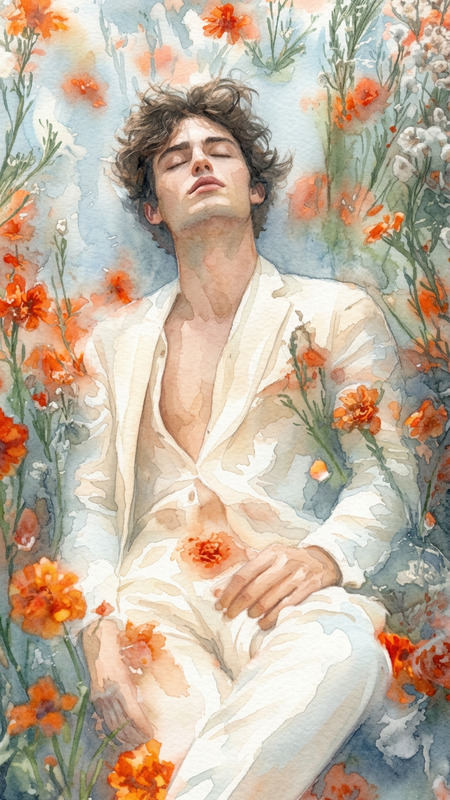
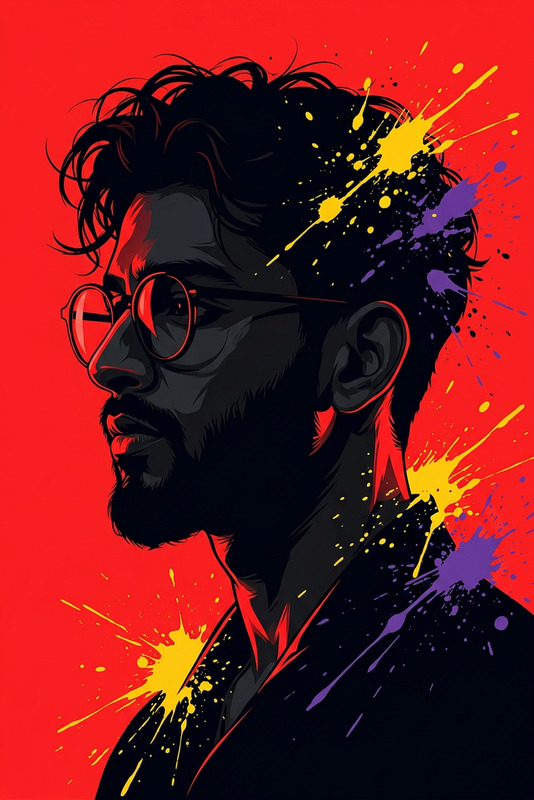
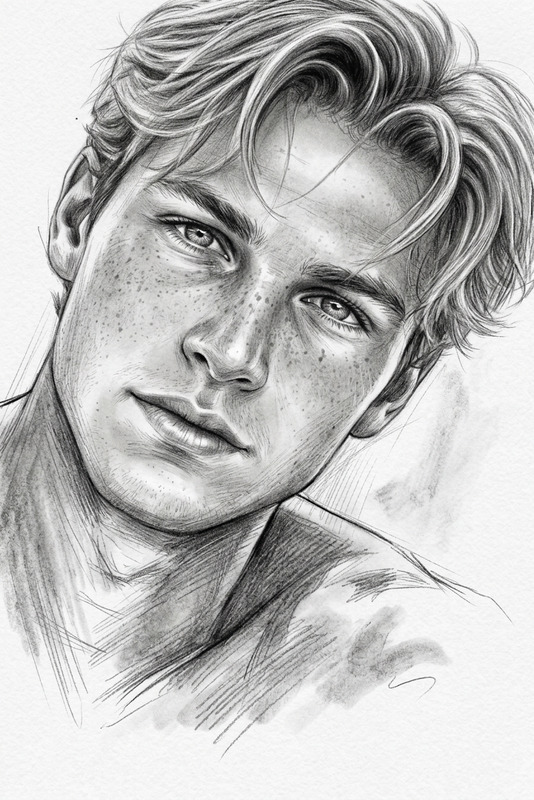
The Watercolor Graffiti Ink template is a cutting-edge tool within our AI Image Editor. It leverages the powerful nano-banana-2 model to transform your digital portraits into vibrant mixed-media artworks. Combining elements of watercolor, graffiti, and sketch, this template introduces a new dimension of creativity to your visual projects.
What It Does
This template takes any image and overlays it with beautiful mixed-media elements, including watercolor splashes, graphite sketches, and airy graffiti. It retains the natural textures and details of the original photo while adding artistic flair with a bold yet light touch. The watercolor and graffiti are applied in a way that complements rather than overwhelms the existing image.
Who It's For
The Watercolor Graffiti Ink template is perfect for artists, graphic designers, and anyone in the editorial or advertising industries looking to enhance their visuals with artistic effects. It’s also ideal for content creators in the social media ads realm who want to make their posts stand out with unique visual appeal.
Summary
Enhance your images by transforming them into stunning mixed-media artworks using the Watercolor Graffiti Ink template. With the AI Image Editor at its core, it offers an intuitive way to infuse creativity and individuality into your visual projects. Explore a spectrum of colors and textures to make your imagery truly remarkable.
How-To
Choose Your Template

Customize Your Image

Generate Your Artwork

Use Cases
Social Media Art
- Stand out in feeds with unique aesthetics
- Easily adjust colors and textures to suit your brand
Editorial Illustrations
- Add personality to written content
- Use as headers or feature images
Advertising Campaigns
- Integrate art into banners and posters
- Craft themes that resonate with audiences
Best Practices
Select High-Resolution Images
For optimal results, use high-resolution images that will allow the template to apply detailed textures and colors most effectively.Experiment with Colors
Adjust the color settings to match your creative vision and brand identity, ensuring the artwork aligns with your intended message.Avoid Overcrowding
Maintain a balance by not overloading the image with too many graffiti elements. Let the main subject shine through the art.