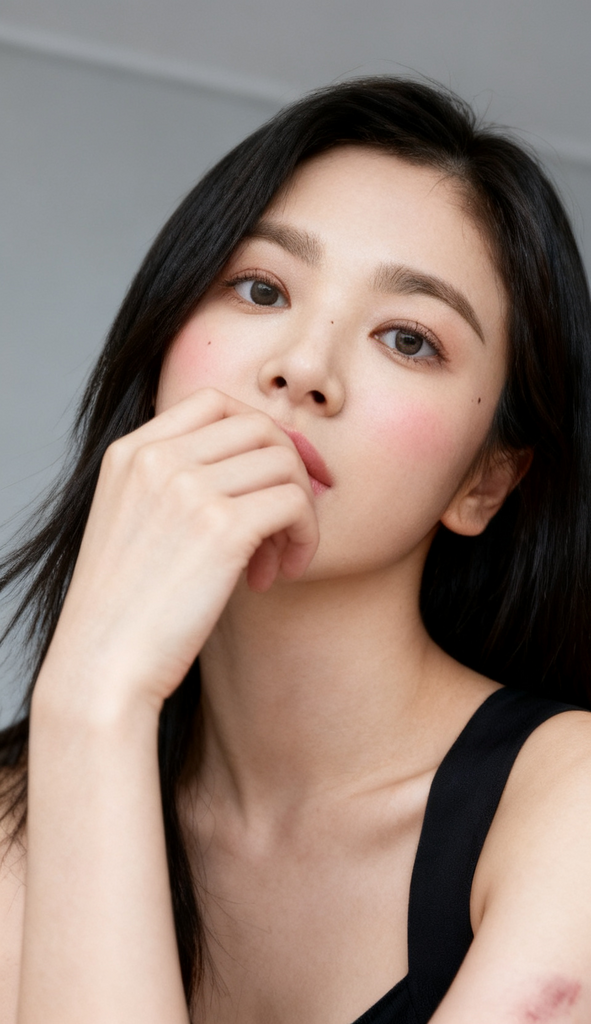
Silent Echo
- Model
- Seedream 4
- Image
- 591 × 1024 px
Prompt
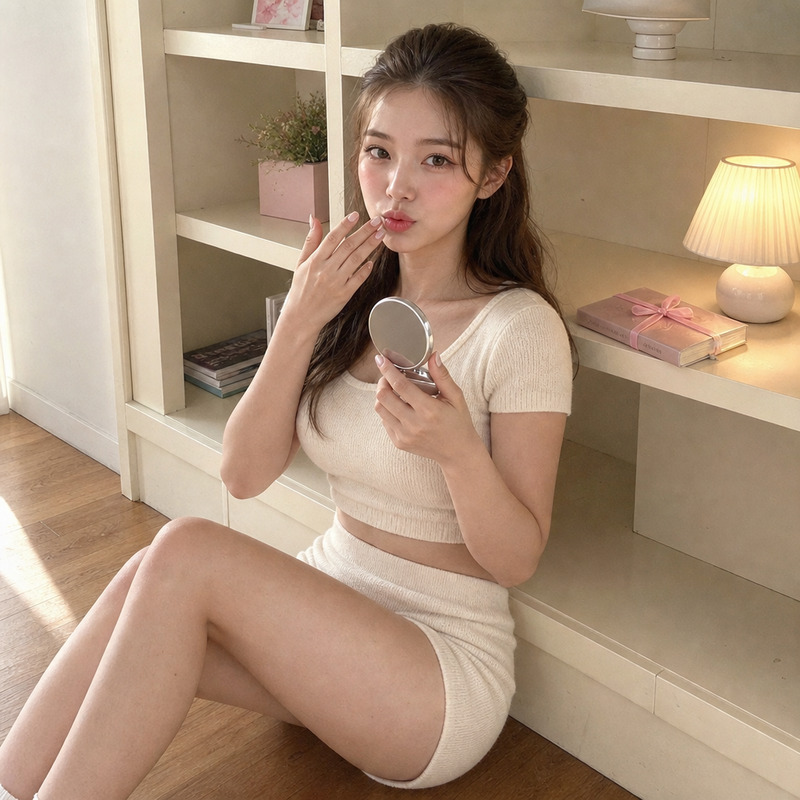
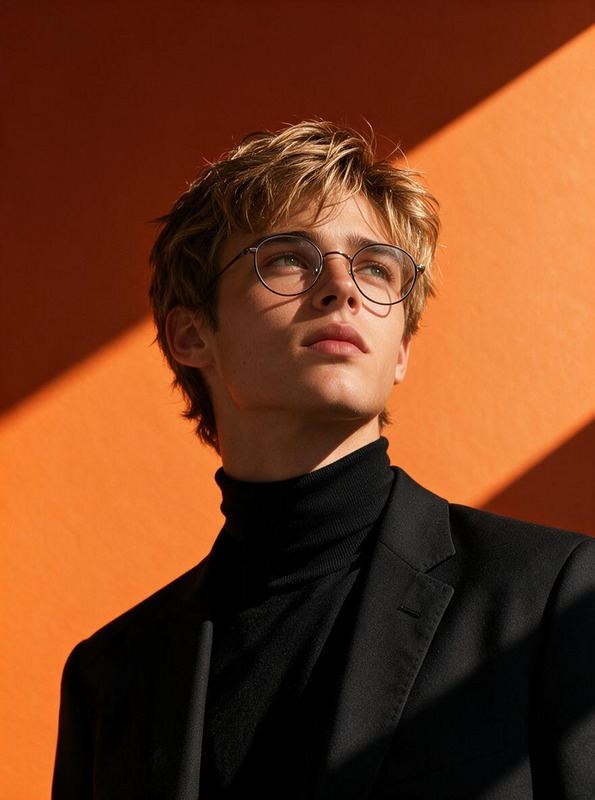
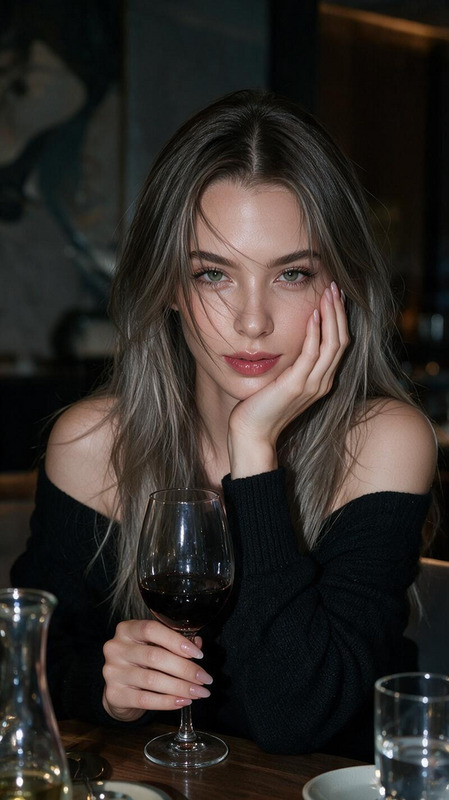
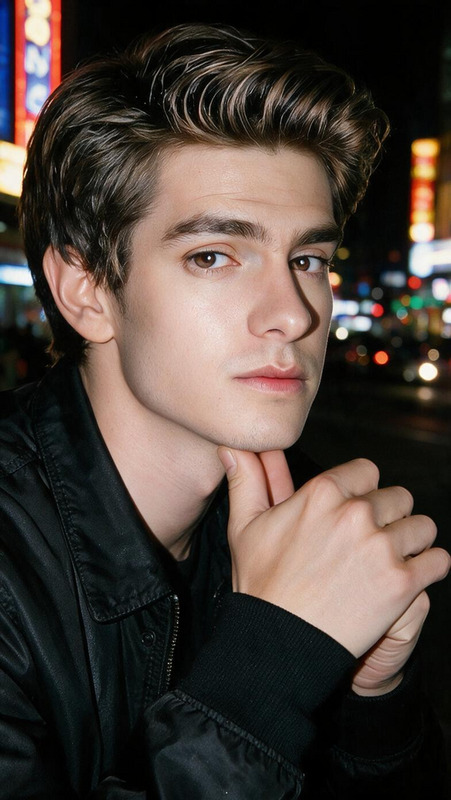
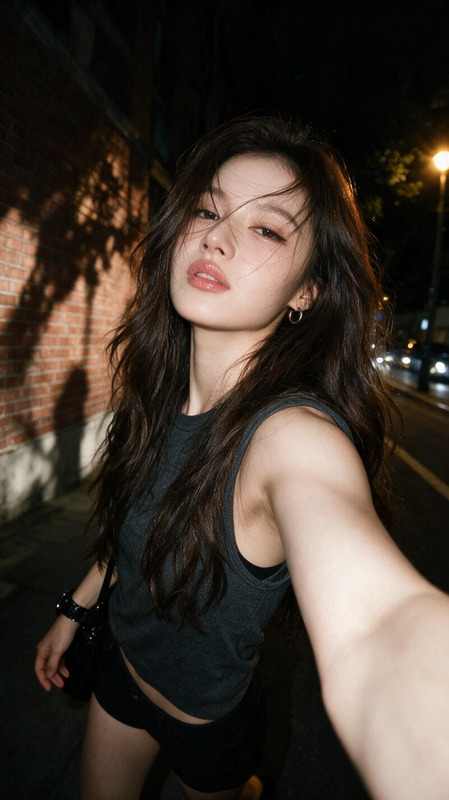
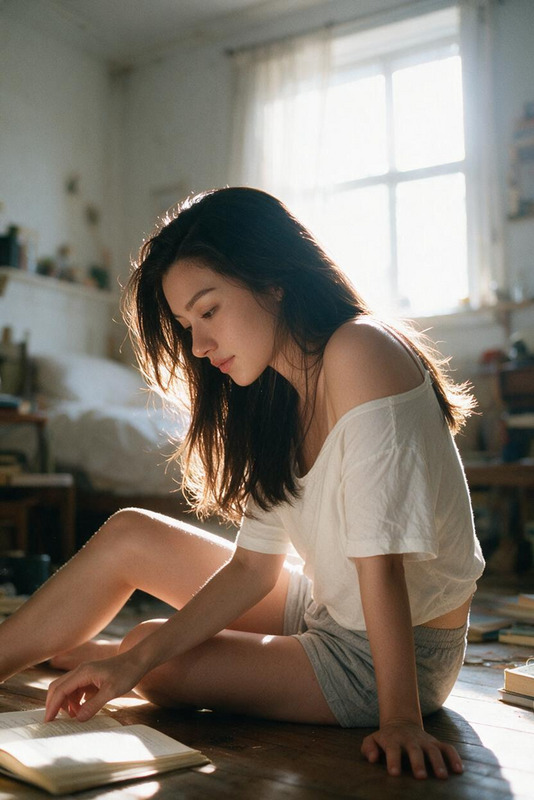
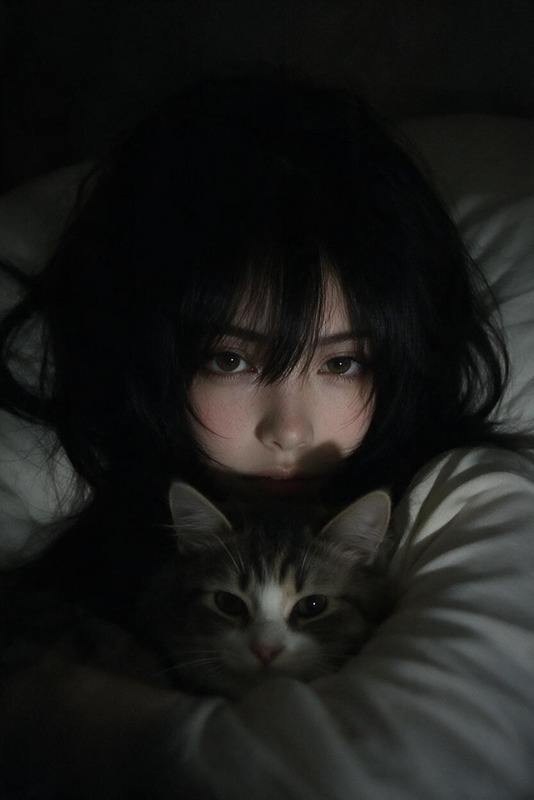
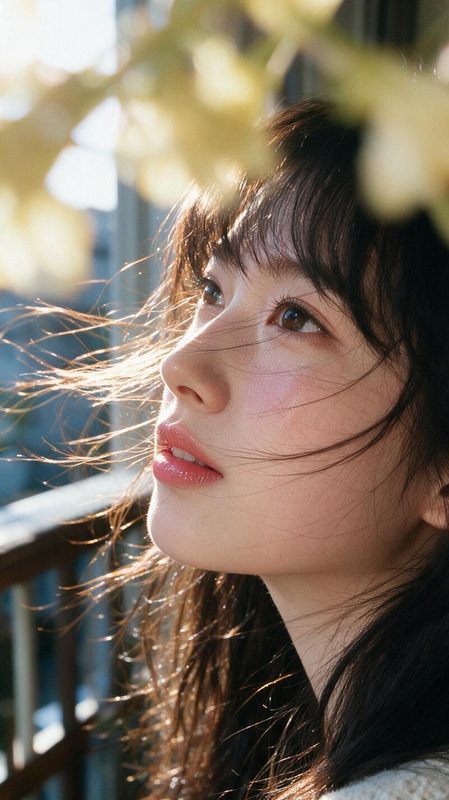
A slightly low-angle close-up selfie of a young adult subject in their early 20s, captured in a minimalist indoor environment with a plain gray backdrop. The subject has naturally dark, straight hair falling softly around the face and shoulders, with smooth, pale skin, subtle blush across the cheeks, and a small beauty mark beneath one eye. Their hand partially covers the mouth in a contemplative gesture, gently framing the face and emphasizing delicate facial features. The subject wears a simple black sleeveless garment with thin straps, exposing the shoulders and collarbone area with soft natural contours and understated elegance. A faint bruise or subtle discoloration is visible on the upper arm, adding a candid, realistic detail. The pose remains intimate, personal, and unposed, as though captured in a quiet private moment. Lighting is entirely natural, soft, and diffused, producing even skin tones, gentle highlights, and minimal shadows. The neutral palette—muted grays, deep blacks, and warm skin tones—creates a restrained, minimalist aesthetic with a melancholic and reflective atmosphere. Shot digitally on a smartphone or compact camera in high resolution, featuring crisp detail, smooth skin texture, minimal noise, and realistic color reproduction. The overall mood is intimate, contemplative, candid, and quietly nostalgic. Color palette reference: #5c5957, #d9aa9e, #6c6a67, #e3b8aa, #cf9e90, #1c1112, #0a0305, #c19083, #a57567, #b48475, #362523, #946759, #efccb7, #59403a, #7b544a.
Any aspect ratio
Overview
Welcome to the "Silent Echo" template, a comprehensive option under our AI Image Editor category, powered by the state-of-the-art seedream-v4 model. This template is ideal for creators looking to craft intimate and candid portrait images with a touch of nostalgia.
What It Does
"Silent Echo" enables users to transform raw selfies into polished, high-resolution images that capture a contemplative, melancholic atmosphere. It enhances natural lighting, harmonizes colors, and refines details while maintaining a candid and unposed look. Perfect for infusing everyday images with emotional depth.
Who It's For
This template is suitable for freelance photographers, digital artists, and social media influencers who focus on intimate and personal imagery. It's also great for anyone who wants to lend a professional touch to their AI Profile Picture Generator images, ensuring that every detail in their selfies is optimally highlighted and emotionally resonant.
Summary
"Silent Echo" utilizes the seedream-v4 model to offer users a nuanced tool for crafting impactful portraits. This template excels at bringing out the subtle beauty in simplicity, making it an essential choice for minimalist and reflective photo projects.
How To
Choose the Template

Customize Your Image

Generate and Download

Use Cases
Artistic Selfies
- Add depth with subtle lighting changes
- Enhance colors for a vintage effect
Professional Portraits
- Fine-tune shadows and highlights
- Achieve a polished, professional look
Social Media Content
- Create cohesive, minimalist visual themes
- Reflect personal style through color
Best Practices
Focus on Lighting
Opt for naturally lit photos to work best with the template's settings, ensuring even tones and minimal shadows.Use the Color Palette
Stick to the specified color palette for consistent results that complement the melancholic theme.Emphasize Natural Features
Highlight natural beauty marks and unique traits in your photos to maintain the candid, unposed essence.