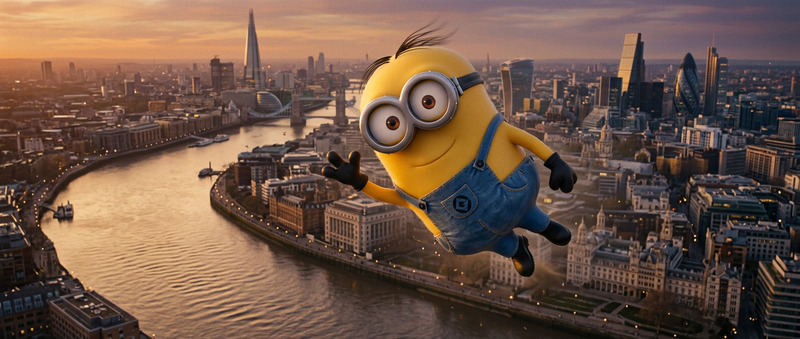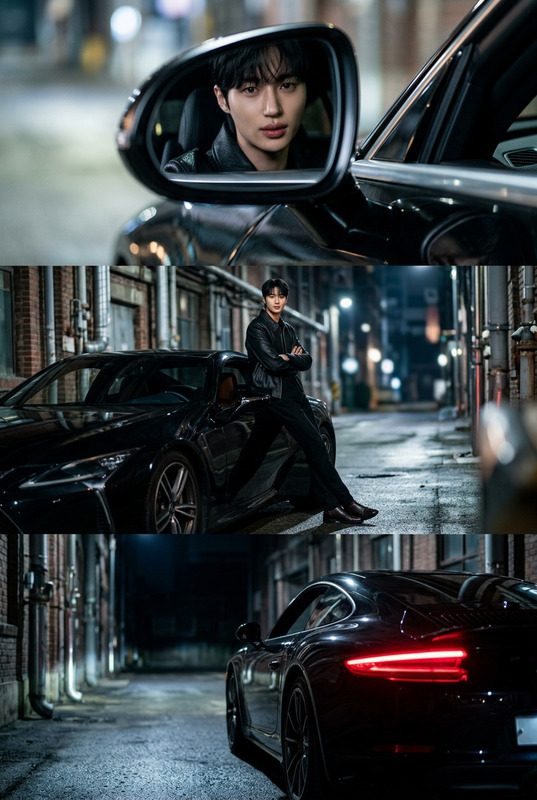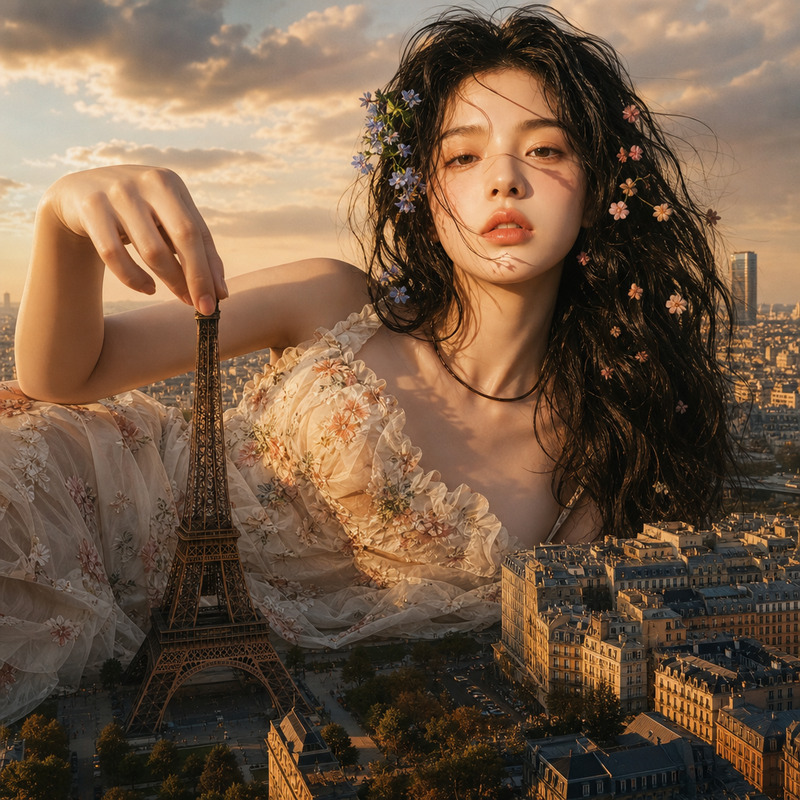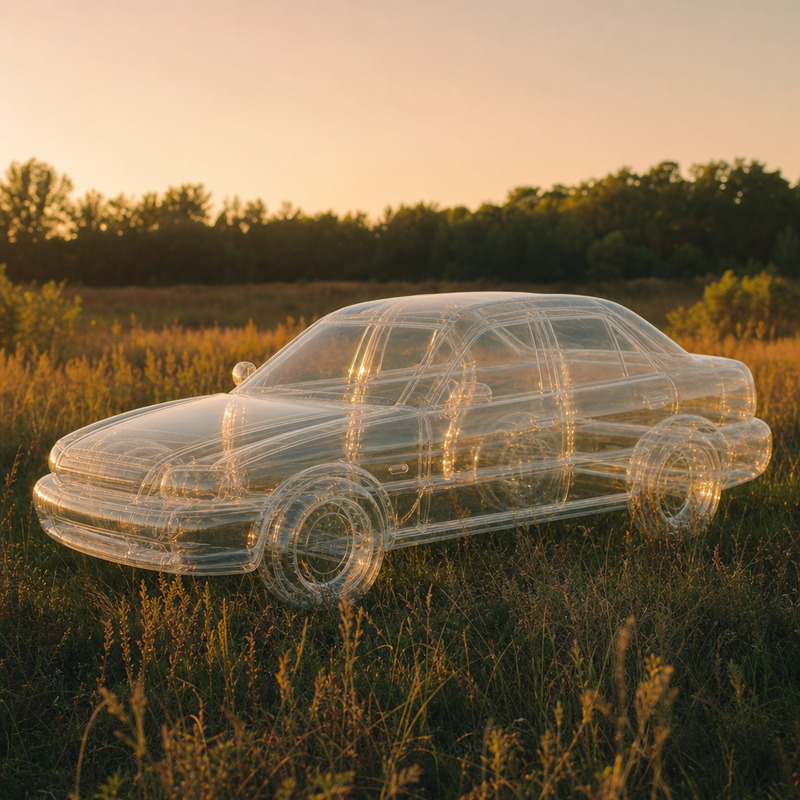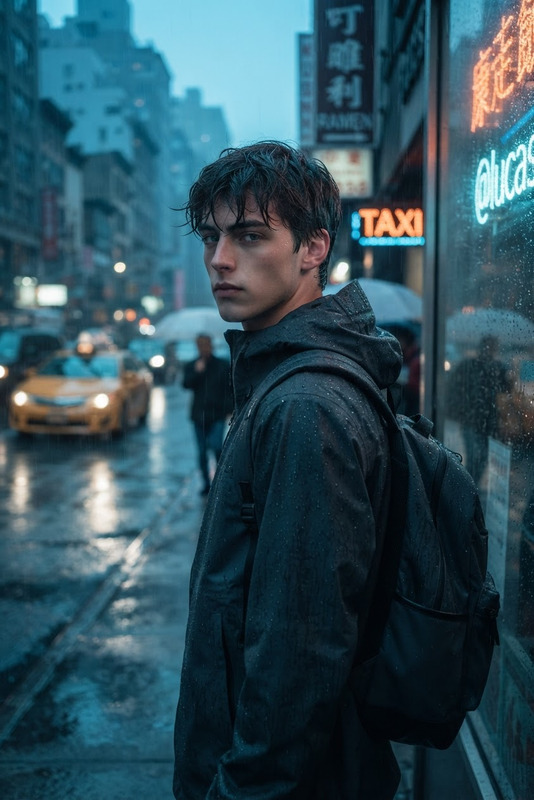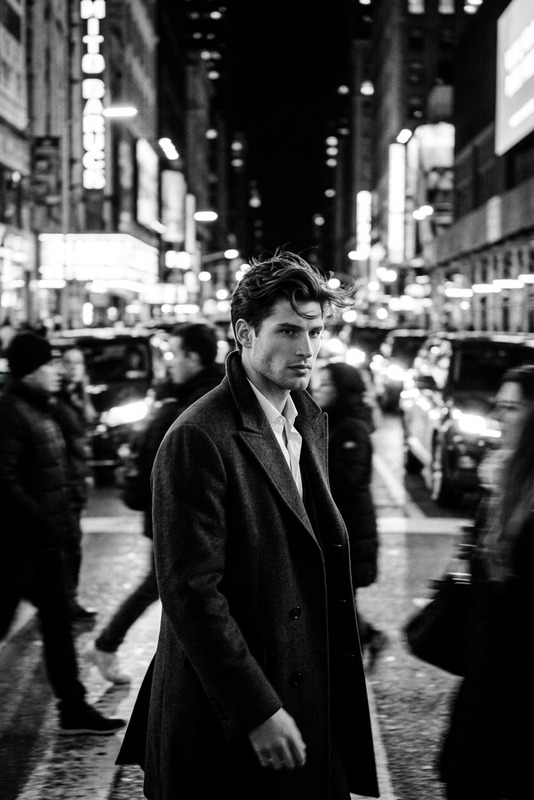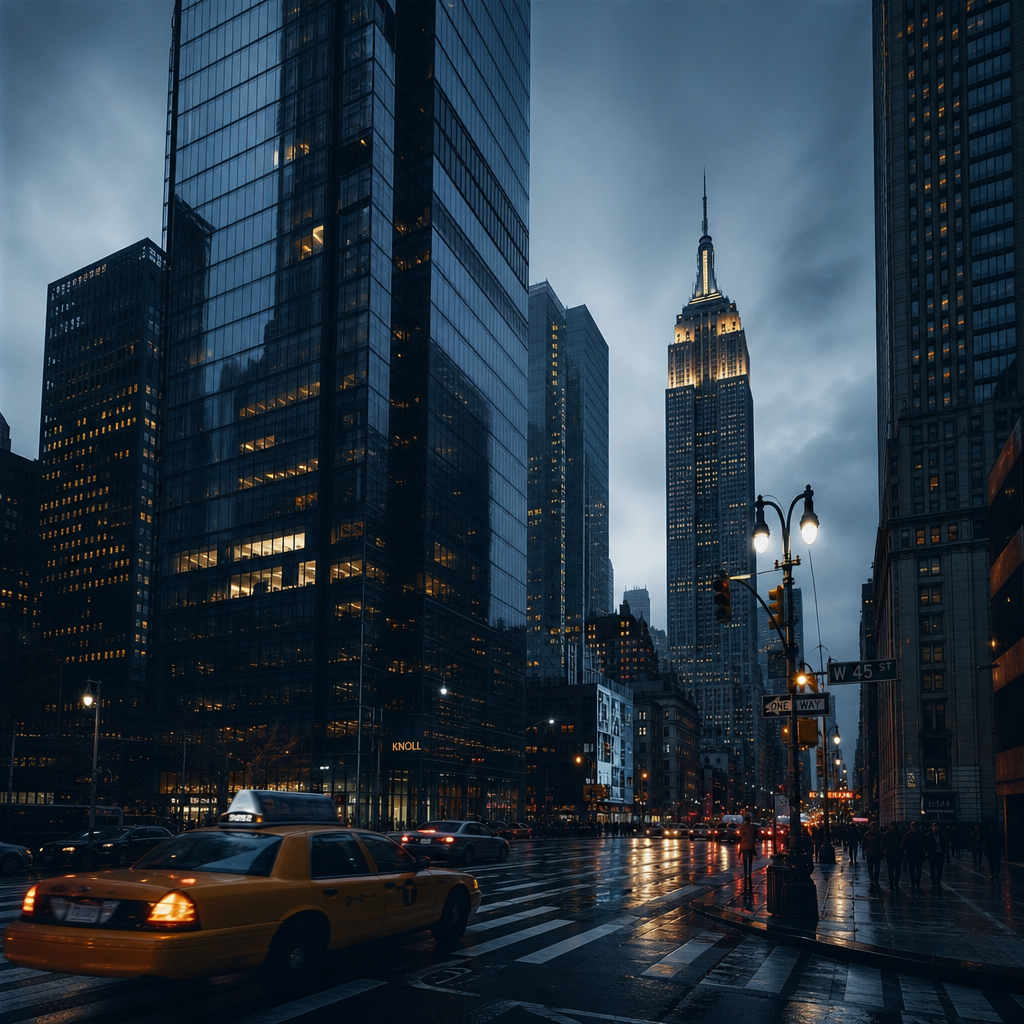
Modern city at dusk
- Model
- GPT Image 2
- Image
- 1024 × 1024 px
Prompt
“Ultra-realistic cinematic photo of a modern city at dusk, towering glass buildings, long shadows, cold color palette, practical lighting, subtle fog, precise architectural lines, low-angle shot, sharp contrast, minimalistic composition, realistic textures, 35mm film look, atmospheric tension”
Any aspect ratio
Overview
Capture the essence of urban elegance with the "Modern City at Dusk" template, designed for the AI Image Editor. This setting brings to life a modern cityscape with a cinematic flair, utilizing the gpt-image-2 model to create an ultra-realistic visual experience. It's perfect for those looking to craft imagery that combines architectural precision with atmospheric elements.
What It Does
This template transforms your input into a captivating cityscape image at dusk. It skillfully incorporates elements like towering glass buildings, long shadows, and cold color palettes, underpinned by the power of AI Image Generator. The low-angle shot and minimalistic composition deliver a 35mm film look, enhancing the mood with atmospheric tension and realistic textures.
Who It's For
The "Modern City at Dusk" template is ideal for architects, urban planners, and visual artists who want to depict urban environments with cinematic quality. It's also beneficial for content creators aiming to convey stories set in contemporary urban landscapes, providing a dynamic backdrop for presentations, marketing materials, or personal projects.
Summary
Utilize the "Modern City at Dusk" template to create compelling cityscape images with architectural accuracy and emotional depth. The AI Image Editor and gpt-image-2 model streamline the process, delivering ultra-realistic results that serve a variety of professional and creative needs.
How To
Choose the Template

Customize Your Image

Generate and Download

Use Cases
Architectural Visualization
- Add realistic urban backdrops to project proposals
- Enhance architectural presentations with detailed visuals
Marketing and Advertising
- Develop ads for metropolitan products
- Create engaging social media content
Cinematic Storytelling
- Design movie posters and promotional materials
- Create storyboards for film and video projects
Best Practices
Focus on Lighting
Experiment with different lighting scenarios to highlight specific architectural elements and create mood.Enhance Depth and Perspective
Use the low-angle shot element to provide a sense of grandeur and depth, drawing viewers into the scene.Refine Textural Details
Maximize realism by adjusting textures and contrast to fit within your intended narrative or visual style.