Violet Iris Cascade
- Model
- Nano Banana Pro
- Image
- 896 × 1200 px
Prompt
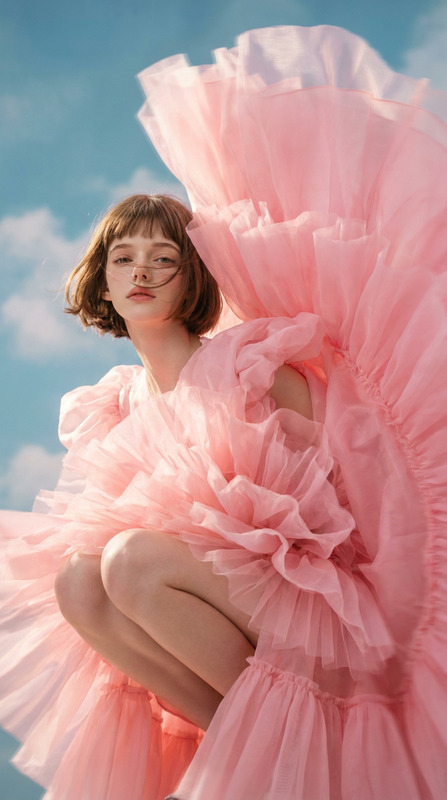
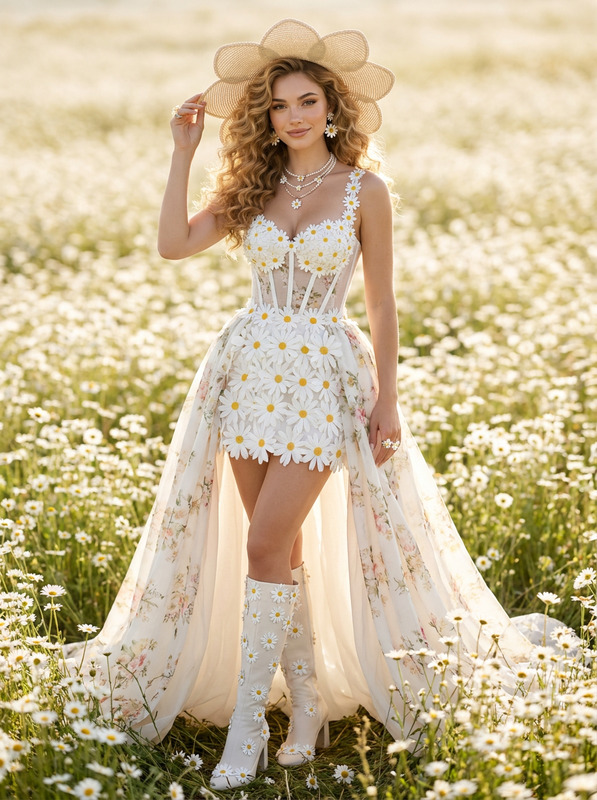
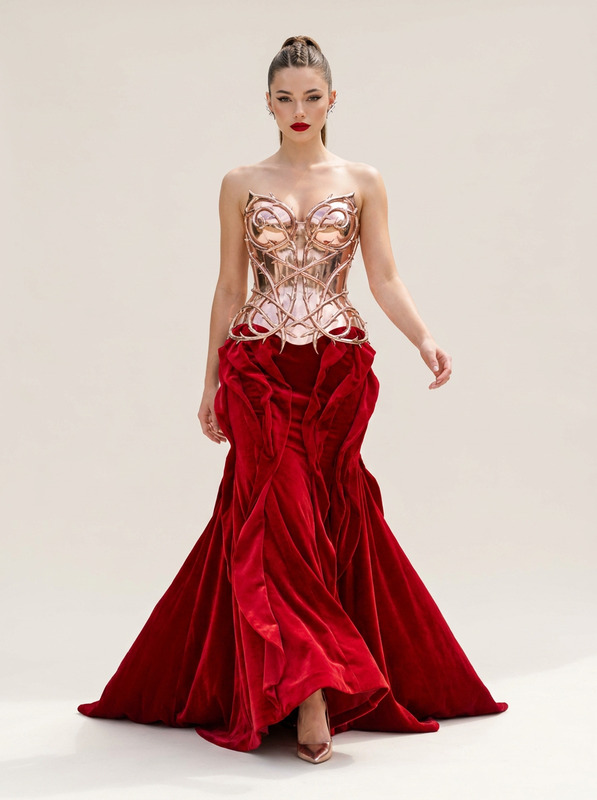
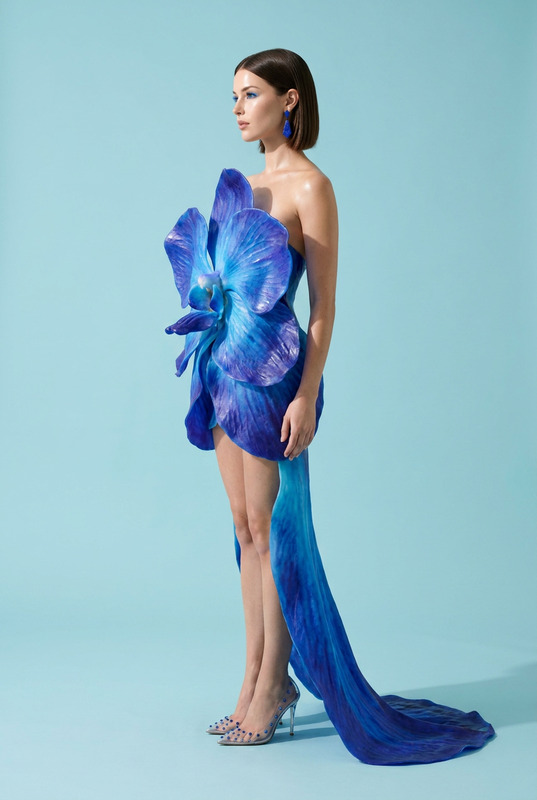
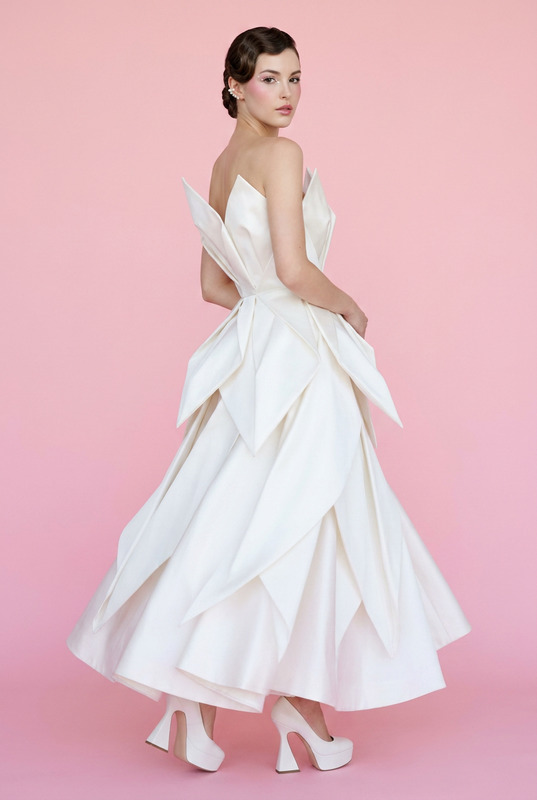
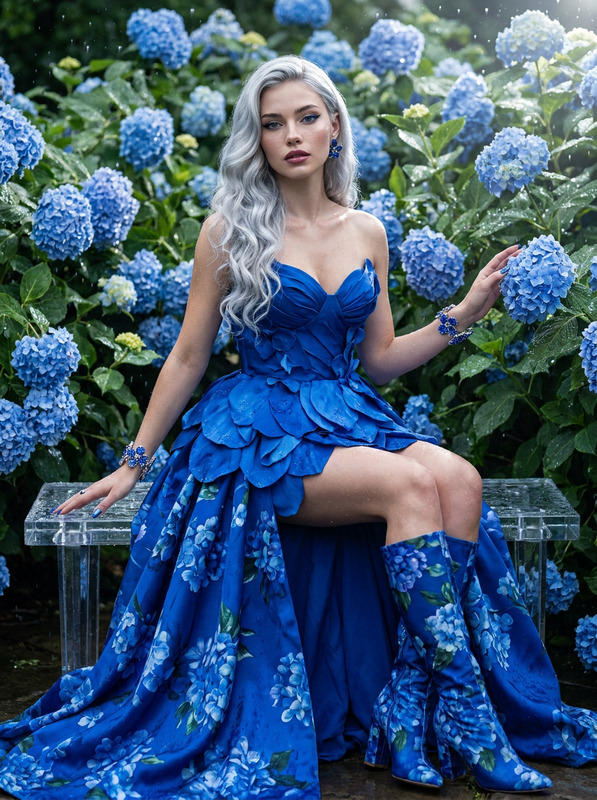
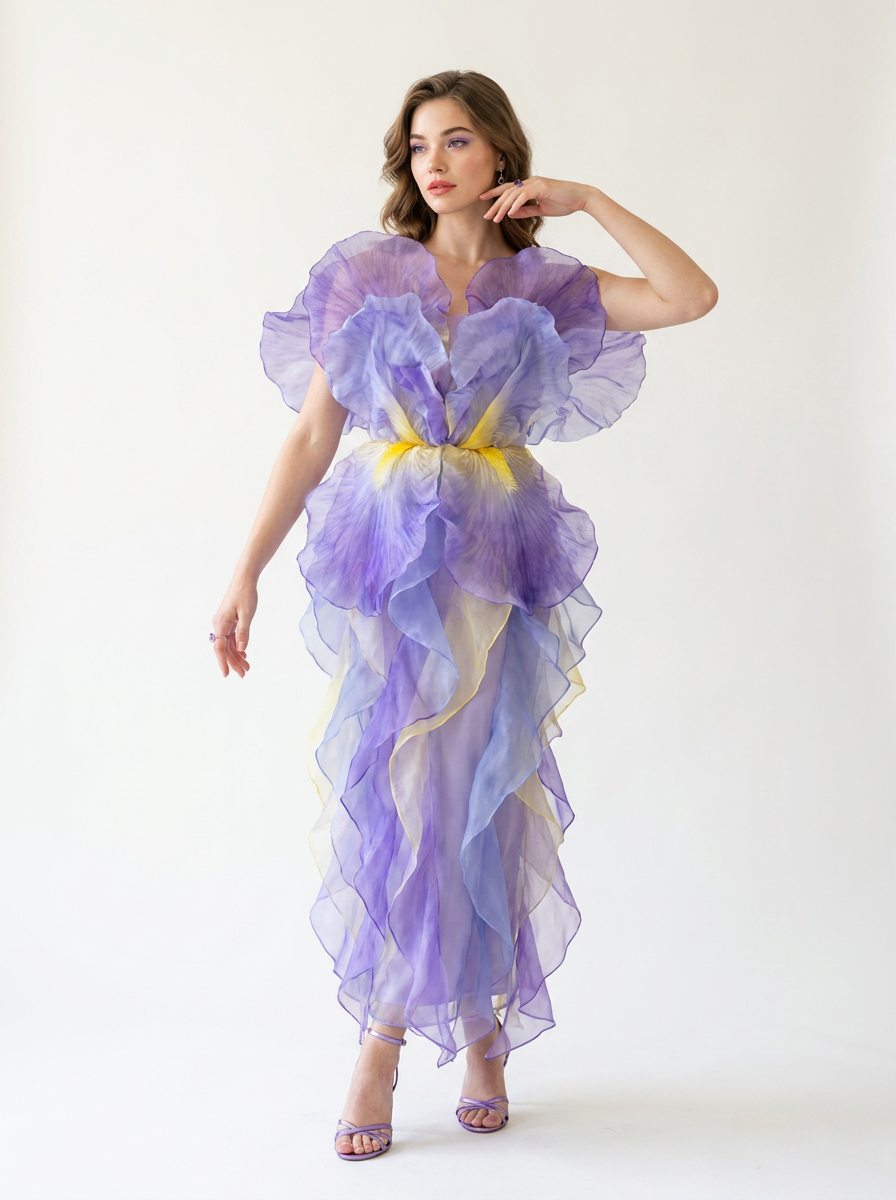
Subject & Pose: Full-body shot of the subject standing in a delicate, balletic stance, toes pointed, with one hand gently hovering near her face.Wardrobe & Styling: A floor-length column dress where the upper torso and shoulders are framed by massive, ruffled iris petals made of sheer violet, periwinkle, and yellow silk organza that cascade down to the hem in organic layers. Styled with metallic violet strappy heels and delicate amethysts drop rings.Makeup & Hair: Pastel lavender eyes with a touch of gold shimmer on the lids, luminous skin, and a soft coral lipstick. Hair is styled in soft, undone modern editorial waves.Environment & Lighting: Plain, minimalist off-white studio background illuminated by crisp, 5500K neutral daylight softboxes.Technical Spec: Simulated Canon R5, 85mm lens at f/1.8. Flawless 85mm depth compression, creamy background blurring, and extreme rendering of sheer fabric textures.Signature Finish: Apply professional color grading with high-key whites, deep vibrant saturation, and a clean, modern digital finish.
Any aspect ratio
Overview
"Violet Iris Cascade" is an innovative template designed for the AI Image Editor tool, crafted with the advanced nano-banana-pro model. Delivering highly detailed fashion photography, this template captures an ethereal balance of color, texture, and composition.
What It Does
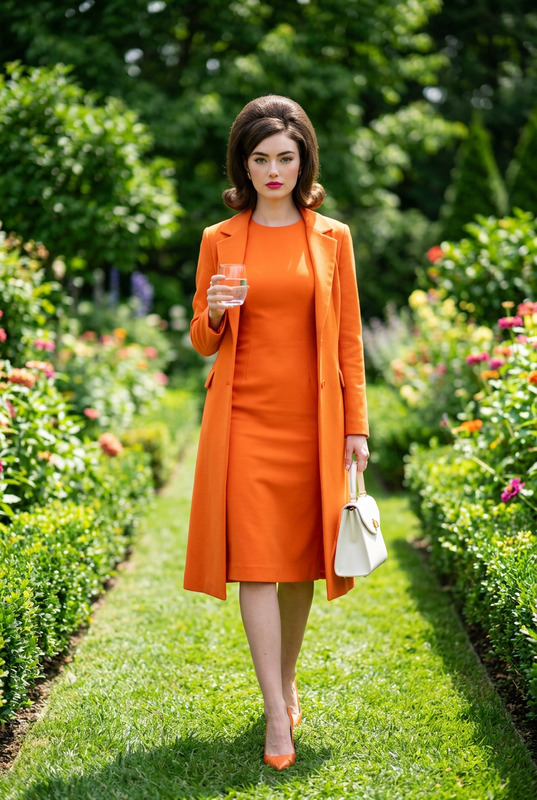
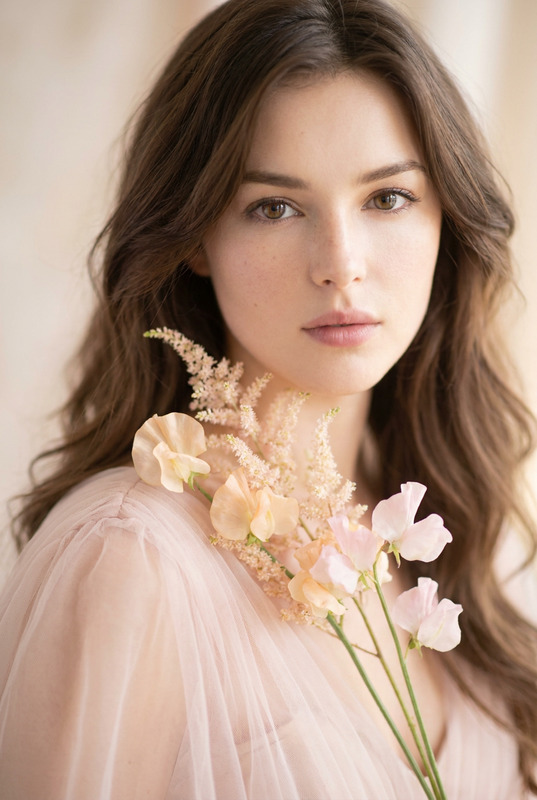
This template allows users to edit images to showcase a unique fashion editorial style. The template's prompt guides the creation of a full-body image featuring elaborate styling of iris petals, vibrant color palettes, and expert lighting that mimics professional studio effects. It includes realistic depth compression and creamy background blurring, making it ideal for high-end image creation.
Who It's For
Perfect for fashion editors, photographers, and designers seeking to create stunning high-fashion visuals that stand out. If you are someone who values AI Image Generator tools that provide cinematic and editorial appeal, this template is suited for your creative projects.
Summary
The "Violet Iris Cascade" template epitomizes the fusion of technology and fashion photography. It leverages the capabilities of the Gender Swap tool to explore limitless styling options, providing artists with a sophisticated and striking digital canvas.
How to Use
Choose the Template

Customize Your Inputs

Generate the Image

Use Cases
Fashion Editorials
- High-fashion magazines
- Online fashion blogs
- Portfolio work
Advertising Campaigns
- Billboards and print ads
- Digital ad campaigns
- Social media content
Creative Experiments
- Art installations
- Conceptual art pieces
- Digital exhibitions
Best Practices
Focus on Lighting
Utilize crisp, neutral daylight settings to ensure that materials and colors are accurately represented, enhancing the ethereal quality of the image.Experiment with Colors
Play around with color grading to enhance the saturation and depth, keeping in mind the vibrant and modern finish of the template.Leverage Professional Depth Effects
Opt for composition techniques that emphasize depth by using appropriate focal lengths and framing to achieve a professional-grade quality.