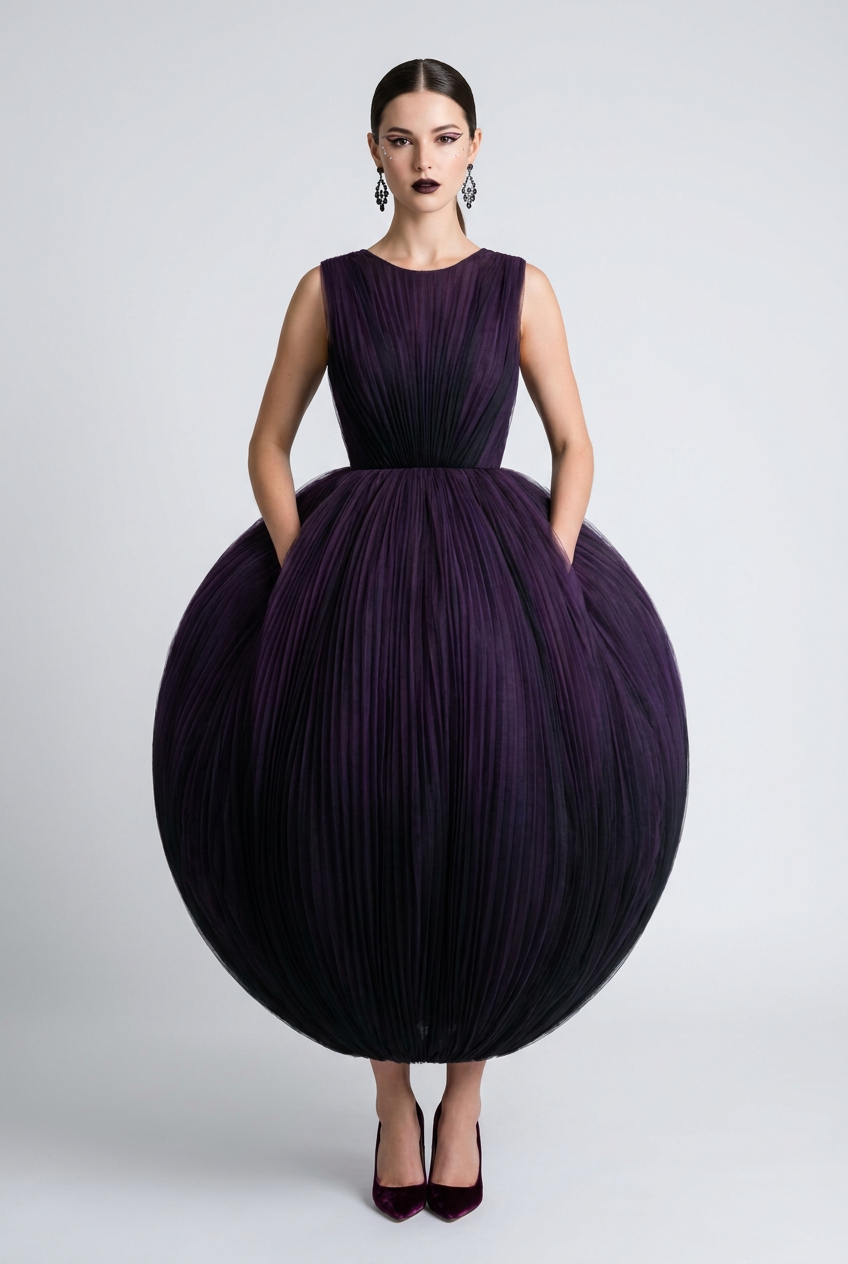
Black Dahlia Pleated
- Model
- Nano Banana Pro
- Image
- 848 × 1264 px
Prompt
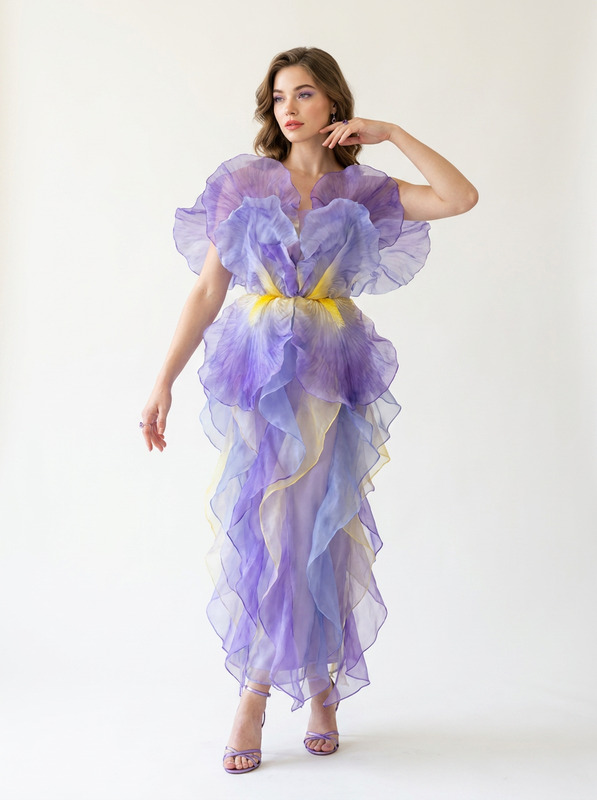
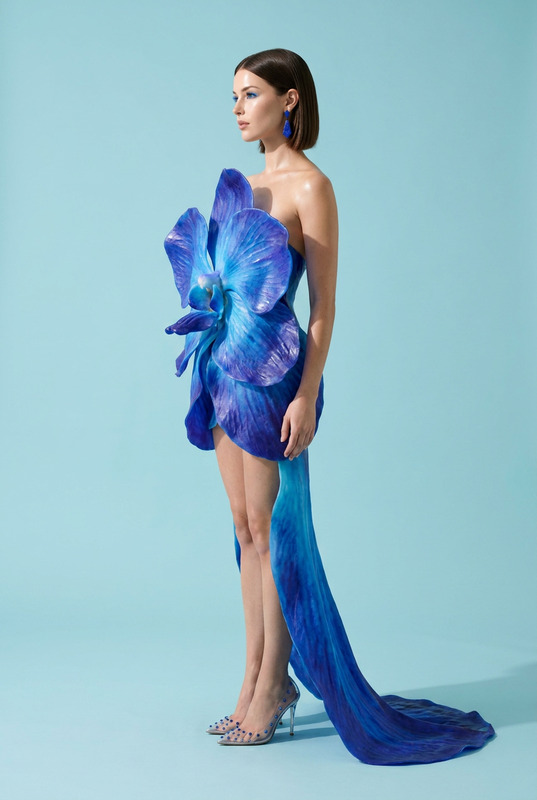
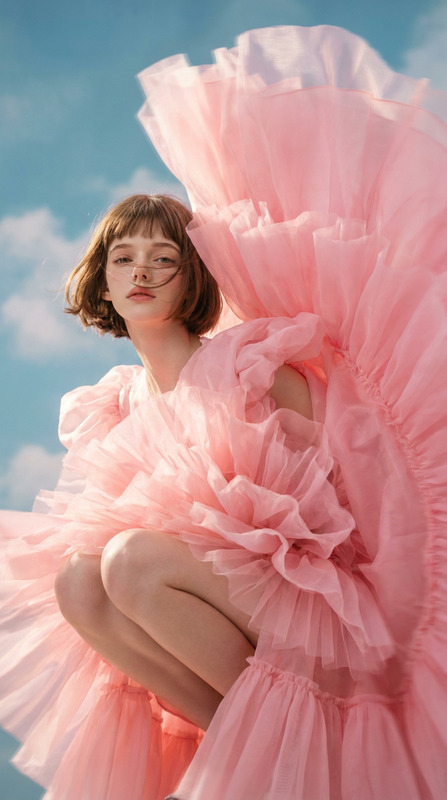
Subject & Pose: A commanding full-body editorial pose, standing straight on, hands casually tucked into hidden gown pockets, eyes piercing directly into the camera lens with hyper-sharp catchlights.Wardrobe & Styling: A dark avant-garde masterpiece made of deep violet and jet-black ombre pleated tulle, engineered to mimic the tight, mathematical petal formation of a Dahlia flower, forming an exaggerated spherical ballgown silhouette. Paired with velvet plum-colored pointed pumps and black diamond cluster chandelier earrings.Makeup & Hair: Avant-garde graphic floating eyeliner in deep purple, crystal-adorned cheekbones, and a deep plum-black gradient lip. Hair is slicked back into an ultra-tight low ponytail.Environment & Lighting: Plain high-contrast light grey studio backdrop, lit by bright, crisp neutral daylight ring lights to bring out the depth of the dark ombre tones without muddy shadows.Technical Spec: Simulated Canon R5, 85mm lens at f/1.4. Flawless micro-detail on pleated tulle weave, sharp facial texture, and soft, buttery studio bokeh.Signature Finish: Apply professional color grading with high-key whites, deep vibrant saturation, and a clean, modern digital finish.
Any aspect ratio
Overview
The Black Dahlia Pleated template transforms your images into stunning editorial masterpieces using the powerful AI Image Editor capabilities of the nano-banana-pro model. Focusing on high-fashion cues and sophisticated styling, this template enhances the drama and allure of your visual content.
What It Does
This template exquisitely integrates advanced AI Image Upscaler technology with precise color grading to highlight every detail, from the tight pleated tulle to the slick hair and avant-garde makeup. It captures the high-fashion essence with a hyper-sharp gaze and elegances posing, simulating the stunning quality delivered by a Canon R5 with an 85mm lens.
Who It's For
Ideal for professional photographers, fashion designers, and digital artists who aim to create high-impact fashion editorials. It's also perfect for brands seeking to elevate their product offerings in product launches, showcasing unique designs with a modern and clean digital finish.
Summary
The Black Dahlia Pleated template offers a seamless integration of Photo Colorizer capabilities to turn your edits into vivid editorials. By enhancing micro-details and capturing every contour with precision, this template supports the production of high-quality imagery that stands out in any portfolio or campaign.
How to Use
Choose the Template

Customize Your Inputs

Generate Your Image

Use Cases
Fashion Editorials
- Enhanced focus on silhouette and texture
- Professional-level styling and color grading
Brand Campaigns
- Perfect for both digital and print mediums
- Sophisticated style elements
Portfolio Development
- Highlight technical skill with intricate details
- Exhibit mastery in lighting and composition
Best Practices
Optimize Lighting
Use the high-key white lighting option to emphasize vibrant elements like the deep plum-black lip and crystal-adorned cheekbones.Highlight Texture
Focus on capturing the micro-details of the pleated tulle to exploit the professional color grading features of the template.Experiment with Angles
Consider varying the posing angles slightly to explore different reflective qualities and introduce dynamic visual interest.