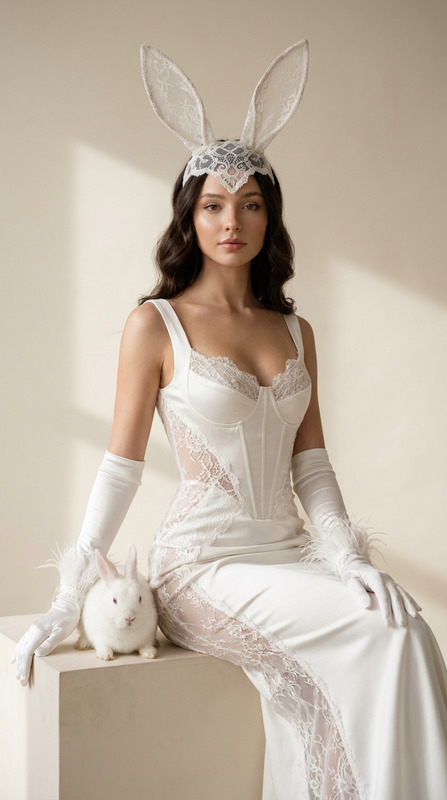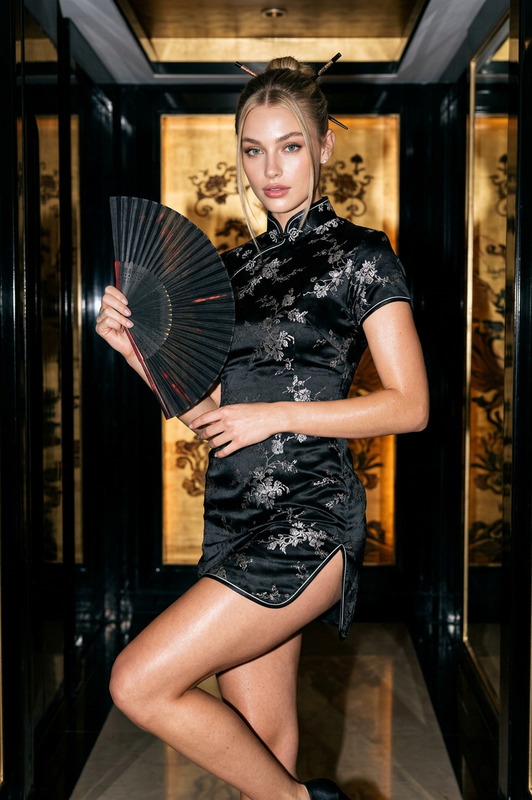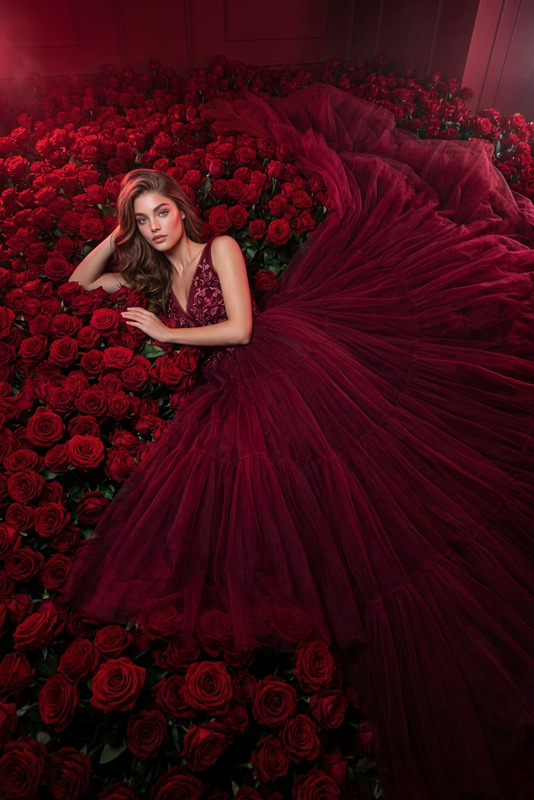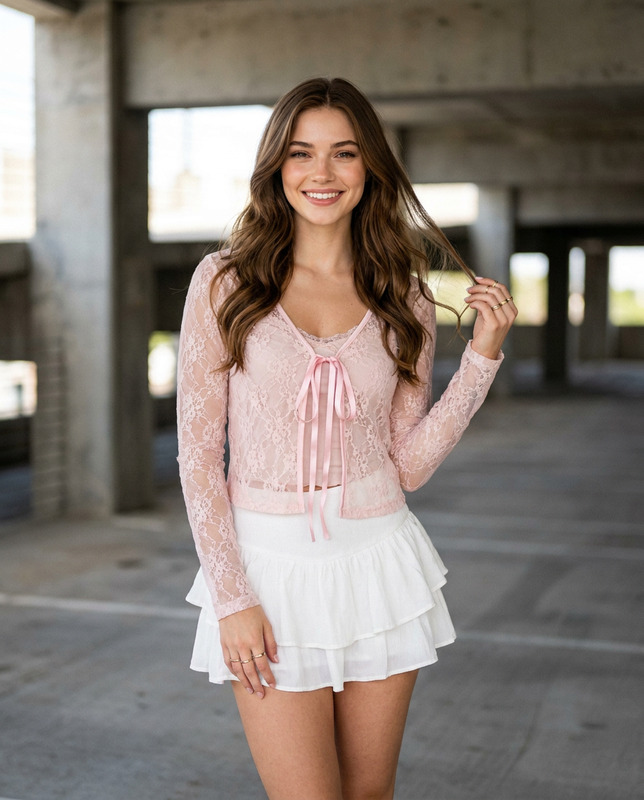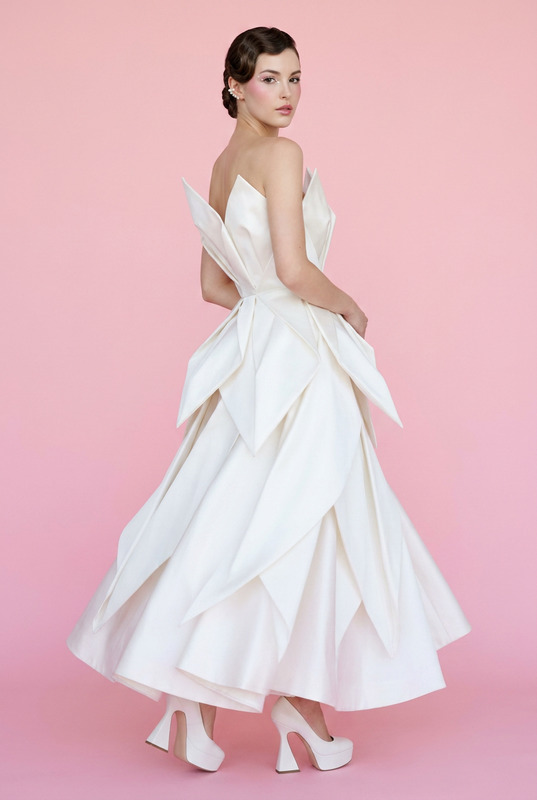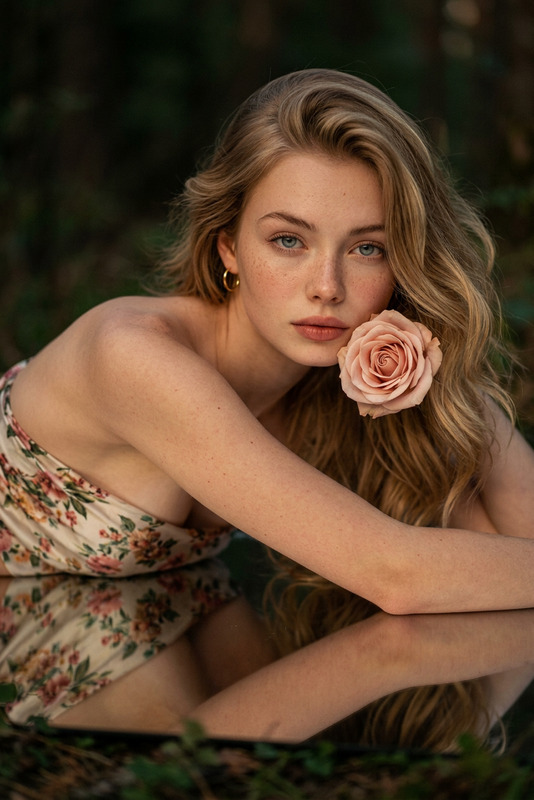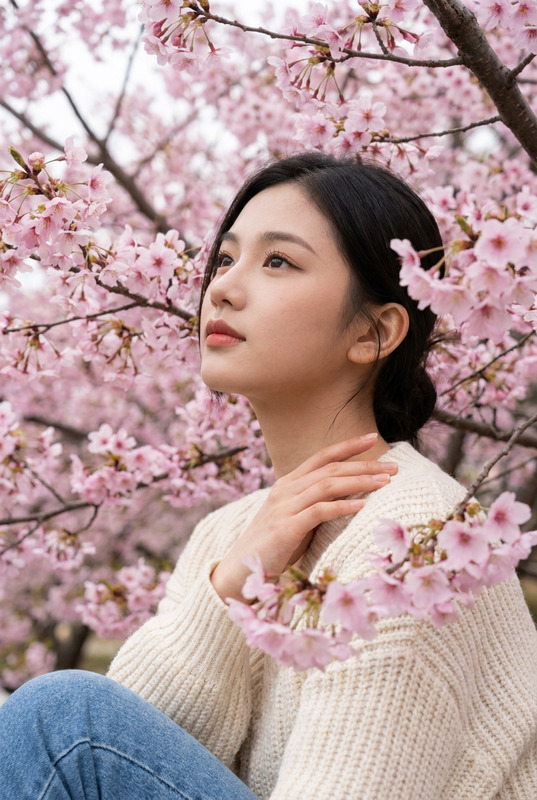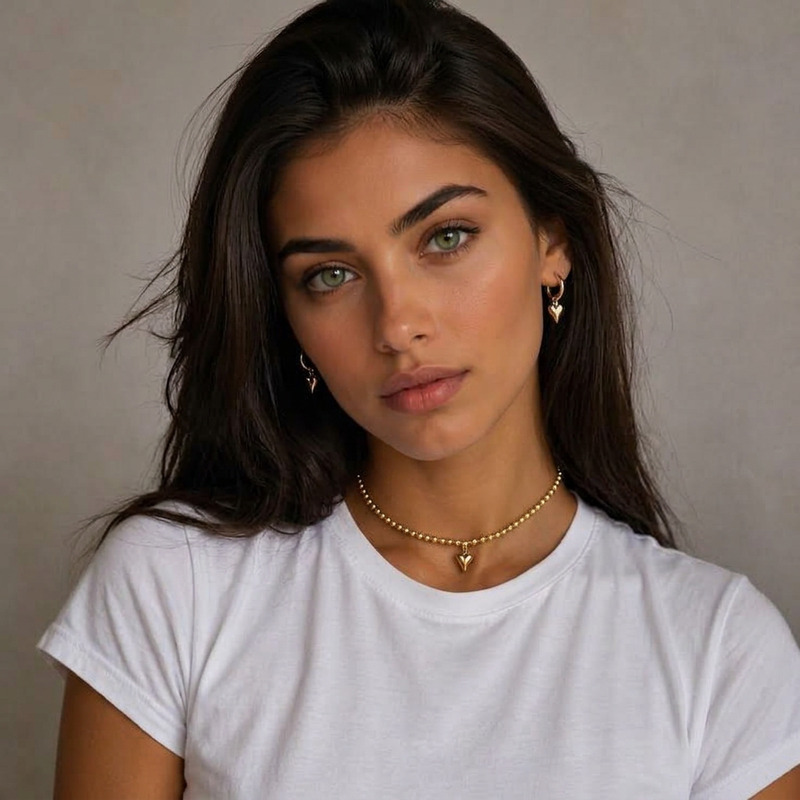
Pink Cloud Couture Portrait
- Model
- Nano Banana 2 Lite
- Image
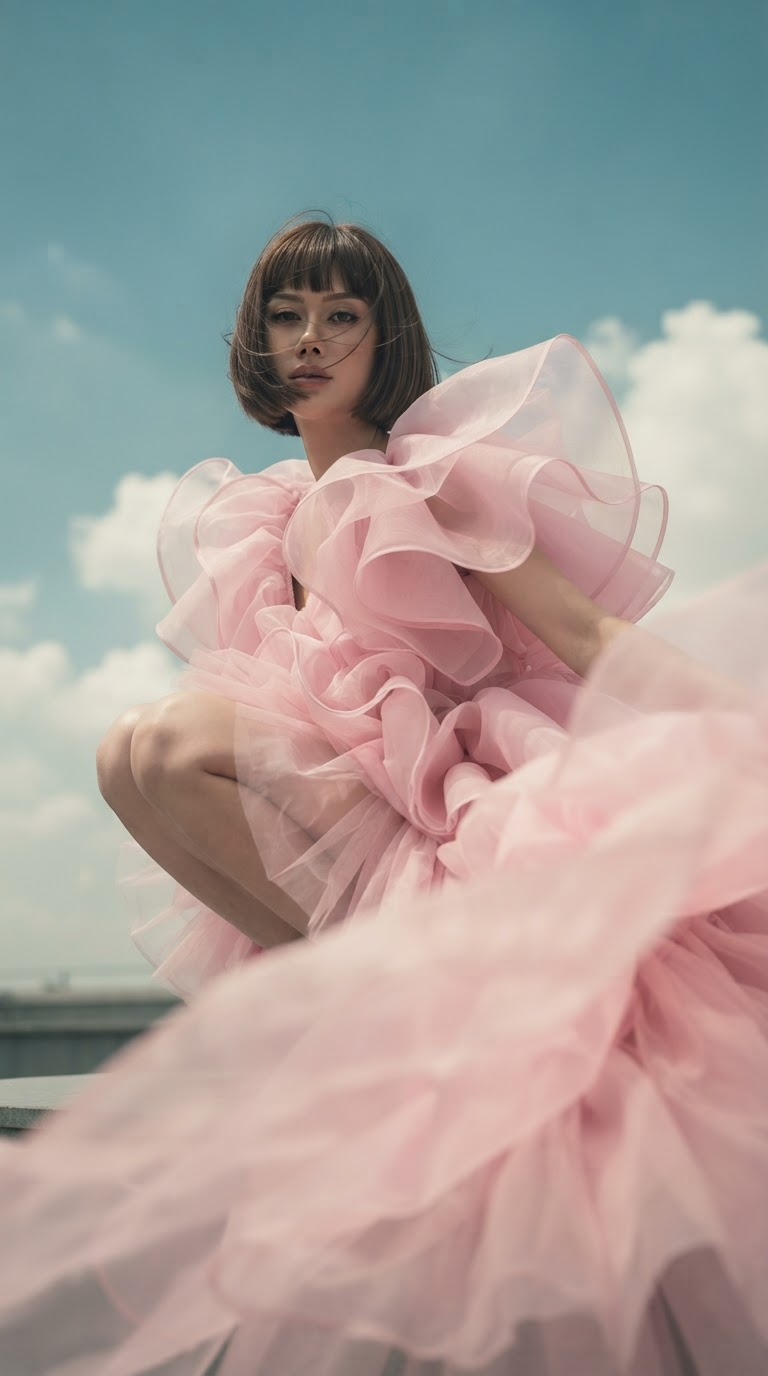
- 768 × 1376 px
Prompt
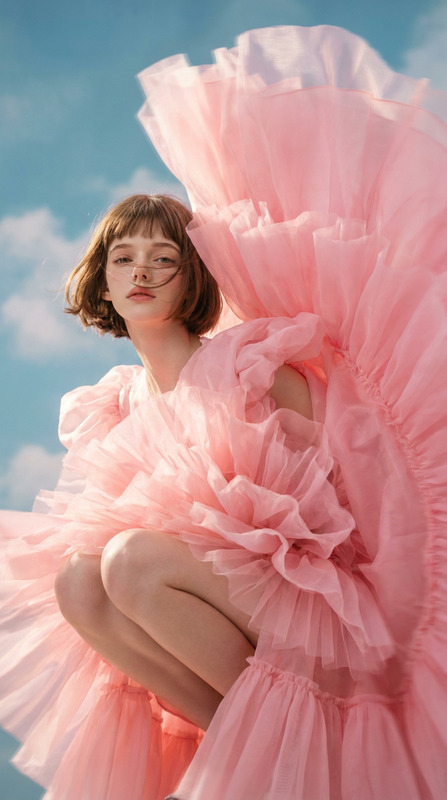
Photorealistic 9:16 vertical high-fashion editorial portrait using the uploaded facial reference as the sole identity reference and preserving the subject’s facial features consistently. The subject wears an oversized cloud-like pink couture gown made from layered organza, tulle, and silk taffeta, with massive ruffled folds and airy structured volume that billows around the body and partially sweeps across the foreground. The subject crouches confidently close to the lens, with a short ear-length haircut, straight eyebrow-length bangs, and a few windblown strands across the face. Capture the flowing dress with natural fluid motion and subtle motion blur along the outer fabric while keeping the face and upper body crisp. Use a low-angle perspective with a Canon EOS R5 and 85mm-style look, wide aperture and shallow depth of field focused on the face and upper body. Set the scene against a vintage-toned blue sky with soft white clouds, illuminated by gentle upward soft key light that makes the pink fabric appear luminous, weightless, and dreamlike. Keep the composition slightly left-weighted with a clean, refined haute-couture magazine aesthetic and controlled color grading.
Any aspect ratio
Overview
The Pink Cloud Couture Portrait template is a specialized AI Image Editor tool designed for creating high-fashion editorial portraits with photorealistic quality. By utilizing the nano-banana-2-lite model, this template excels in crafting dreamy, couture-inspired images that highlight luxurious fabric textures and maintain consistent facial features from the reference image.
What It Does
This template turns your facial reference into a high-fashion portrait where the subject dons an extravagant pink gown with tulle and silk taffeta, evoking a sense of elegance and dreamlike luxury. It uses advanced photo-editing capabilities to handle complex elements like fabric motion blur while keeping the face and upper body sharp. The integration of subtle color grading ensures the creation of a magazine-quality image.
Who It's For
This template is perfect for fashion photographers, magazine editors, and digital artists who want to produce stunning, editorial-style images without the hassle of organizing a photo shoot. It's also suitable for personal users aiming to create unique, artistic portraits for social media or personal portfolios. The detailed feature management makes it particularly useful for professionals in the eCommerce industry who need high-quality images to showcase fashion products.
Summary
The Pink Cloud Couture Portrait template leverages advanced AI to transform facial references into breathtaking high-fashion portraits. It's engineered to preserve facial features while enhancing the overall look with dramatic couture elements, making it an invaluable tool in the arsenal of any fashion-focused content creator. For those interested in other imaging capabilities, check out our AI Image Upscaler for improving image quality and AI Photo Relighting for enhancing lighting effects.
How to Use
Choose the Template

Customize Your Input

Generate Your Image

Use Cases
Fashion Editorials
- Vogue-style publications
- Haute couture showcases
Social Media Content
- Unique personal branding
- Influencer collaborations
eCommerce Visuals
- Document luxury fashion items
- Highlight unique garment details
Best Practices
Image Resolution
Ensure that your reference image is of high resolution to maximize detail preservation in the output.Prompt Customization
Tweak the prompt parameters for personalized creative outcomes, especially with different lighting and color grades.Focus and Composition
Maintain focus on the subject's face and upper body when choosing the reference image to achieve the best results.