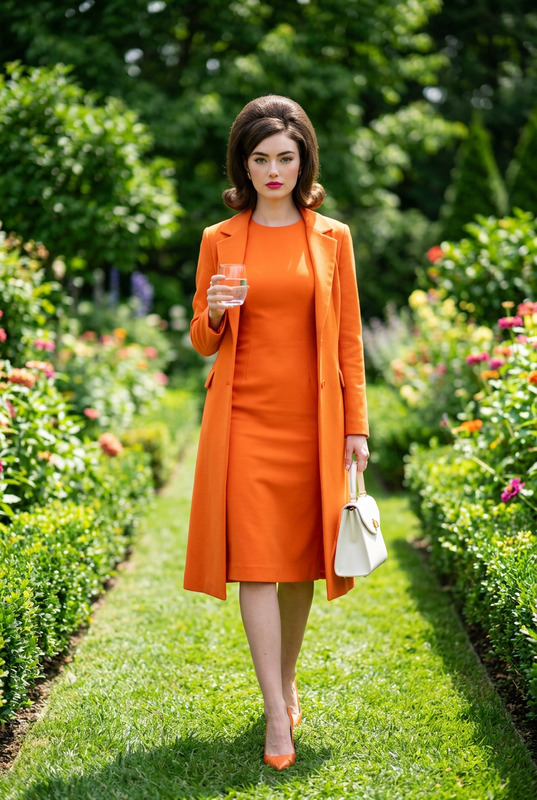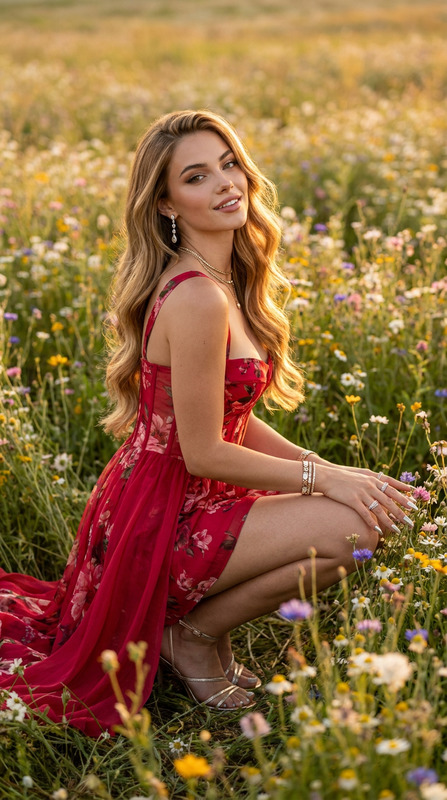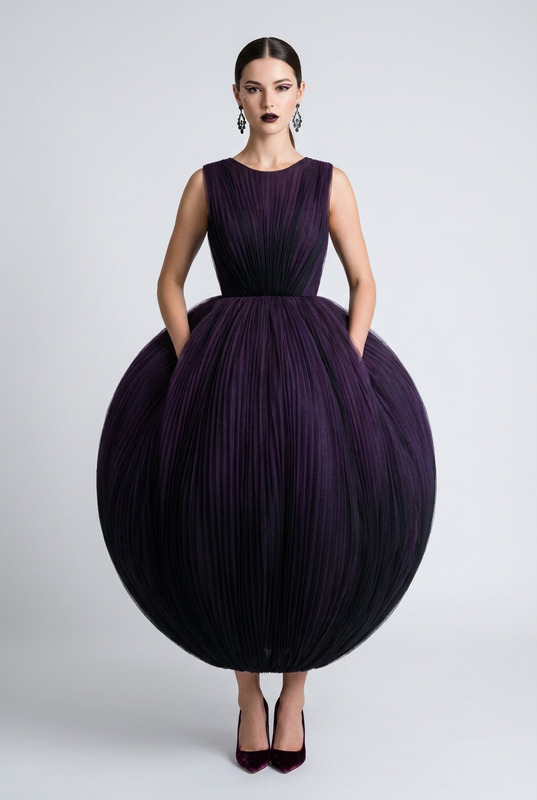
Rose Armor Runway
- Model
- Nano Banana Pro
- Image
- 896 × 1200 px
Prompt
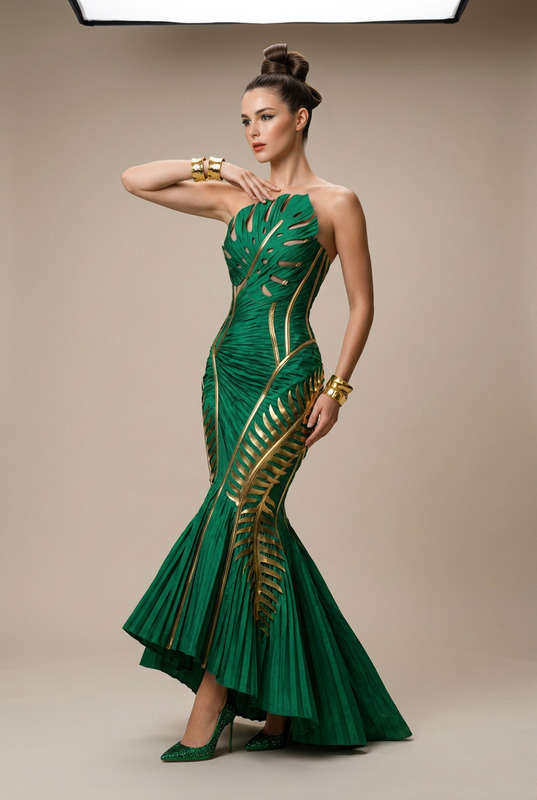
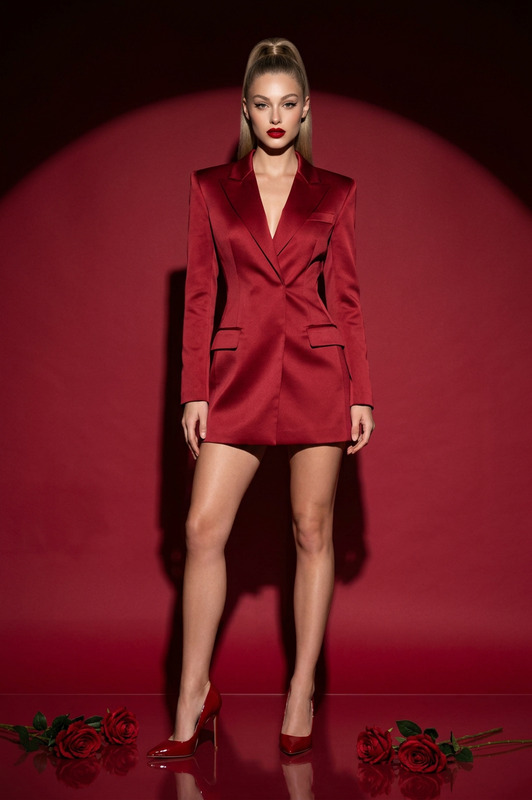
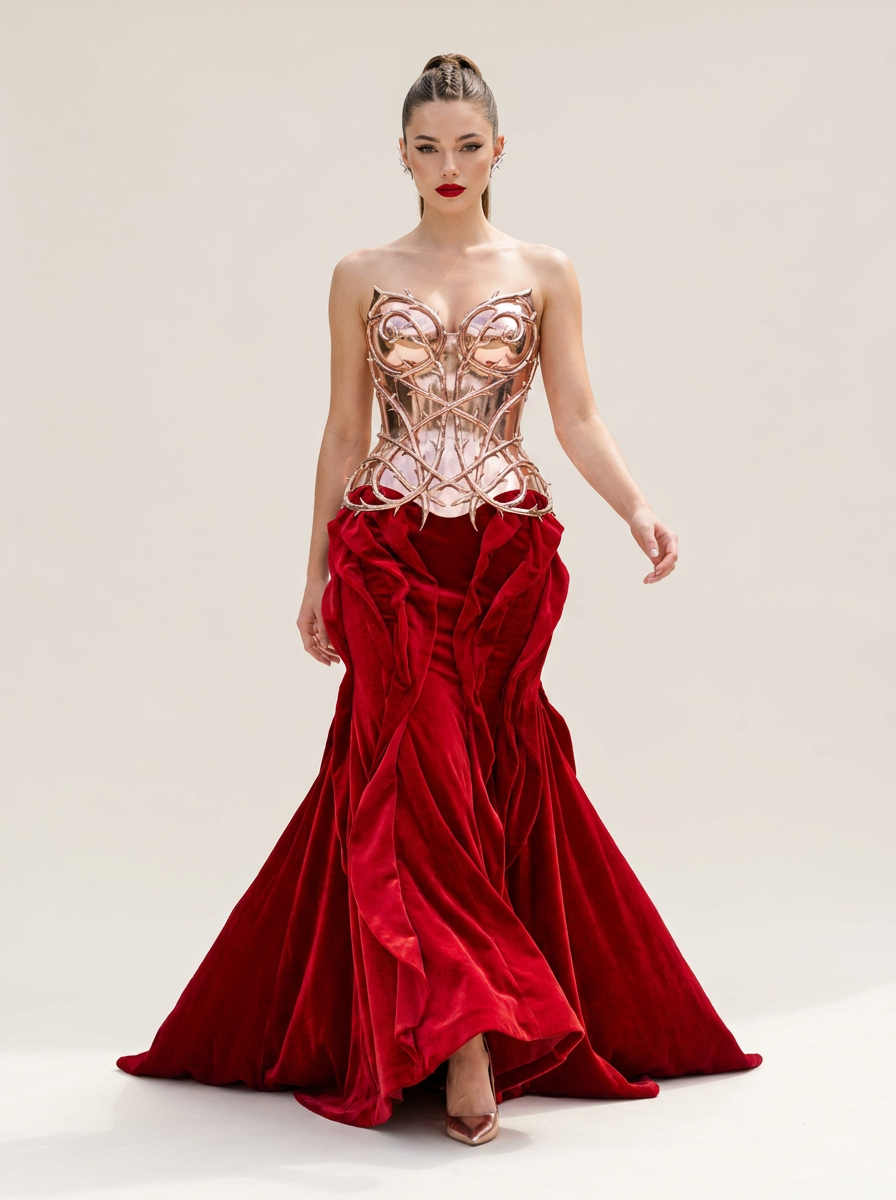
Full-body shot of a model walking confidently forward, arm swinging slightly, eyes locked onto the lens with sharp, sparkling catchlights.Wardrobe & Styling: A daring hybrid gown combining a metallic rose-gold molded armor corset resembling tangled Rose stems and thorns, flowing into a dramatic, sweeping skirt composed of heavy, candy-apple red velvet rose petals. Paired with rose-gold metallic heels and thorn-shaped silver ear climbers.Makeup & Hair: Sharp cat-eye liner, glass skin finish, and a bold, classic candy-apple red matte lip. Hair is styled into a tight, braided high ponytail.Environment & Lighting: Seamless plain light-beige studio backdrop, flooded with bright, high-key neutral sunlight (5500K).Technical Spec: Simulated Sony A7R V, 85mm lens at f/1.4. High 8K detail on velvet pile, metallic reflections, and razor-sharp facial textures.Signature Finish: Apply professional color grading with high-key whites, deep vibrant saturation, and a clean, modern digital finish.
Any aspect ratio
Overview
The Rose Armor Runway template offers an advanced AI Image Editing solution that transforms fashion photography into a striking visual experience. Utilizing the AI Image Editor capabilities, this template is suitable for creating vivid, high-definition fashion images. By harnessing the nano-banana-pro model, it provides exceptional detail and sharpness to highlight every intricate feature of high fashion garments.
What It Does
This template meticulously crafts a high-fashion image of a model showcasing a luxurious gown with a metallic rose-gold corset and velvet petals, enhanced by precise makeup and hair stylings. It fills the scene with optimal lighting to enhance the richness of textures and colors, all while maintaining a digital photography finish. This enhances the drama of fashion photography and brings out the full potential of garment designs.
Who It's For
Perfect for fashion photographers, designers, and visual content creators, the Rose Armor Runway is designed for those who demand high-quality imagery in their portfolio or marketing materials. It's particularly beneficial for professionals in the fashion industry aiming to emphasize the design and fabric details. Those interested can explore more about how AI enhances fashion content by checking out our AI Product Photography tools.
Summary
Leverage the power of artificial intelligence to elevate your fashion photography with the Rose Armor Runway template. This tool offers photorealistic edits of models in detailed couture, ideal for enhancing digital campaign assets. It's an excellent choice for anyone looking to boost their visual storytelling in fashion.AI Image Upscaler could further refine your images for use across various media platforms.
How to Use
Choose the Template

Customize Your Inputs

Generate the Image

Use Cases
Fashion Campaigns
- Highlight garment design and textures
- Produce portfolio-quality images
Product Launches
- Detailed imagery for press releases
- Social media campaign content
Social Media Content
- Instagram-ready photos
- Pinterest lifestyle campaigns
Best Practices
Mind the Details
Focus on adjusting the wardrobe and makeup features to match the intended fashion statement, as they significantly impact the final image quality.Lighting Effects
Make sure the lighting settings enhance the textures and colors of the garments to achieve a realistic and stunning result.Model Selection
Choose models whose features complement the styling and wardrobe for the most cohesive visual presentation.