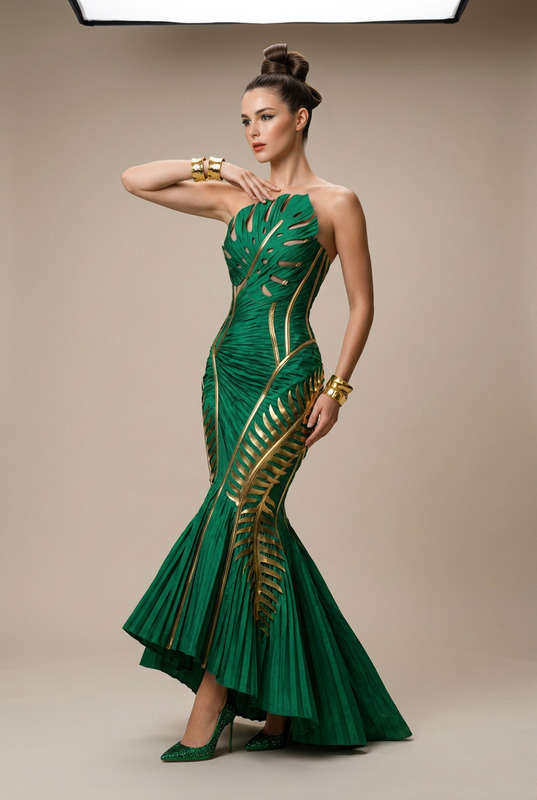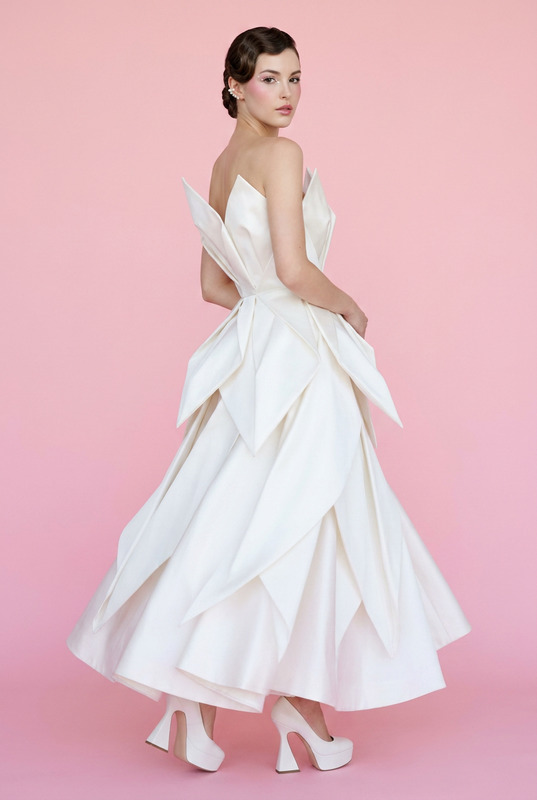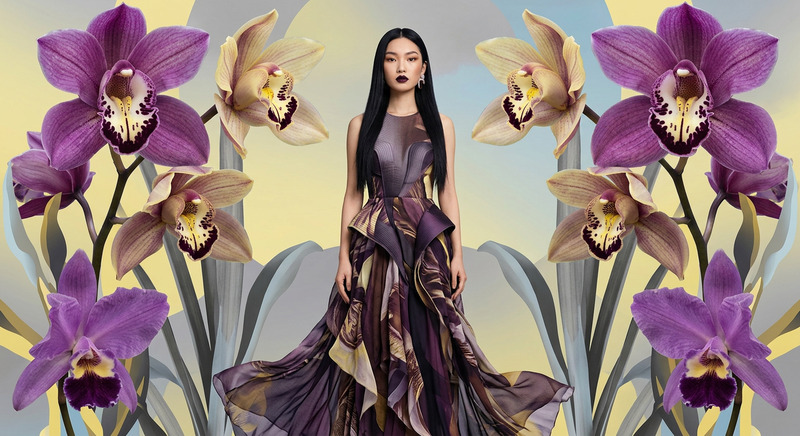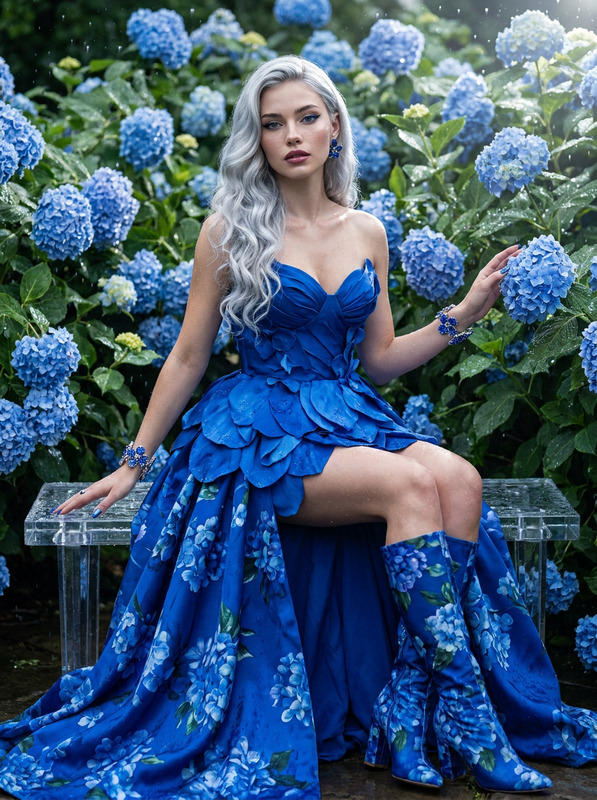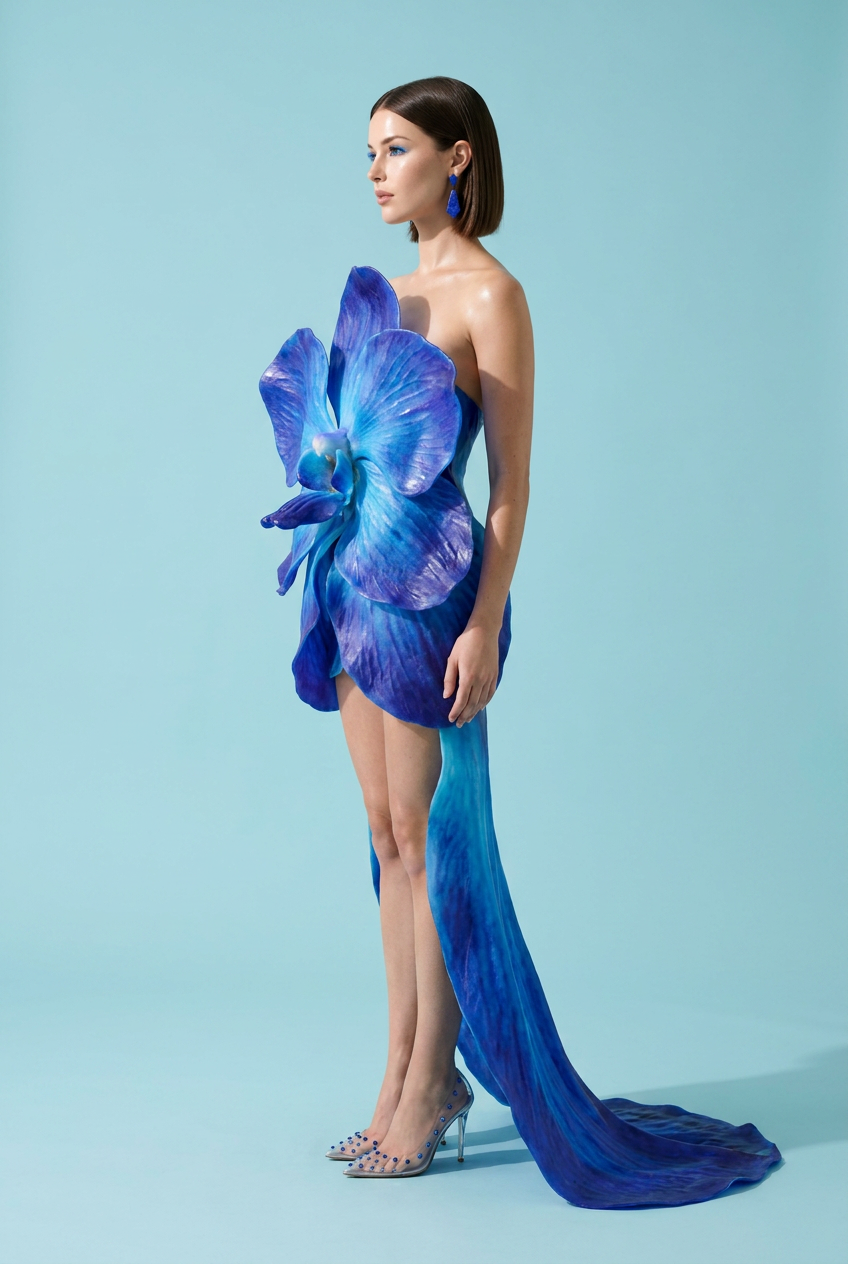
Blue Orchid Structural
- Model
- Nano Banana Pro
- Image
- 848 × 1264 px
Prompt
Subject & Pose: A striking full-body profile shot, the subject standing tall with shoulders back and eyes fixed forward, catching clear, crystalline light reflections.Wardrobe & Styling: A structural 3D-printed resin dress shaped like an exaggerated, blooming Blue Vanda Orchid. The electric-blue and indigo petals wrap sculpturally around the torso and cascade down into a sweeping floor-length train. Paired with clear acrylic pointed-toe high heels with sapphire-studded heels and matching geometric lapis lazuli drop earrings.Makeup & Hair: Ultra-glossy glass skin, vivid cobalt-blue mascara with electric cyan inner-corner highlights, and a sheer nude gloss. Styled in an ultra-sleek, razor-sharp blunt bob.Environment & Lighting: Clean, plain pastel-cyan studio background illuminated with intense, crisp neutral sunlight (5500K) to highlight the translucency of the resin petals.Technical Spec: Simulated Sony A7R V, 85mm lens at f/1.4. Flawless foreground-to-background separation, rendering full 8K textures of resin micro-fractures, skin texture, and sharp eye details.Signature Finish: Apply professional color grading with high-key whites, deep vibrant saturation, and a clean, modern digital finish
Any aspect ratio
Overview
The Blue Orchid Structural template harnesses the power of AI to create captivating fashion-inspired images. Through the lens of the AI Image Editor, this template produces a visually stunning and intricate portrayal of futuristic sartorial design by emphasizing every detail, from the translucency of 3D-printed garments to ultra-sharp hairstyle details.
What It Does
Leveraging the nano-banana-pro model, this template allows users to transform photos into high-fashion editorial visions. Key elements include a full 8K rendering of intricate details like skin textures and eye highlights, thanks to a simulated Sony A7R V camera setup. The end result features vibrant, saturated colors and a sleek digital finish.
Who It's For
This template is tailor-made for fashion designers, digital artists, and photographers who wish to explore bold visual concepts without needing physical samples. It's also perfect for creative directors looking to innovate in marketing campaigns by showcasing fashion in a new, digital-native format. Pair this with the AI Image Upscaler to enhance image quality further.
Summary
Transform ordinary images into stunning works of art with the Blue Orchid Structural template. Ideal for producing high-end visuals, it pays meticulous attention to aesthetic details, making it a perfect choice for those wanting to showcase cutting-edge fashion. For a comprehensive transformation experience, consider our AI Video Generator to bring elements of movement into fashion presentations.
How To
Choose Your Template

Customize Your Input

Generate and Download

Use Cases
Fashion Editorials
- Detailed 3D wardrobe renderings
- Crisp color grading
Digital Art Projects
- 8K textures and details
- Modern digital finishes
Advertising Campaigns
- High-impact fashion images
- Seamless integration of elements
Best Practices
Leverage Complementary Tools
Use the AI Background Changer to enhance your image’s backdrop for added effect.Focus on Lighting and Texture
Pay particular attention to the lighting specifications and texture details to create a realistic rendering that captivates.Engage with Color
Experiment with color grading to enhance the image's mood and invite viewer engagement.