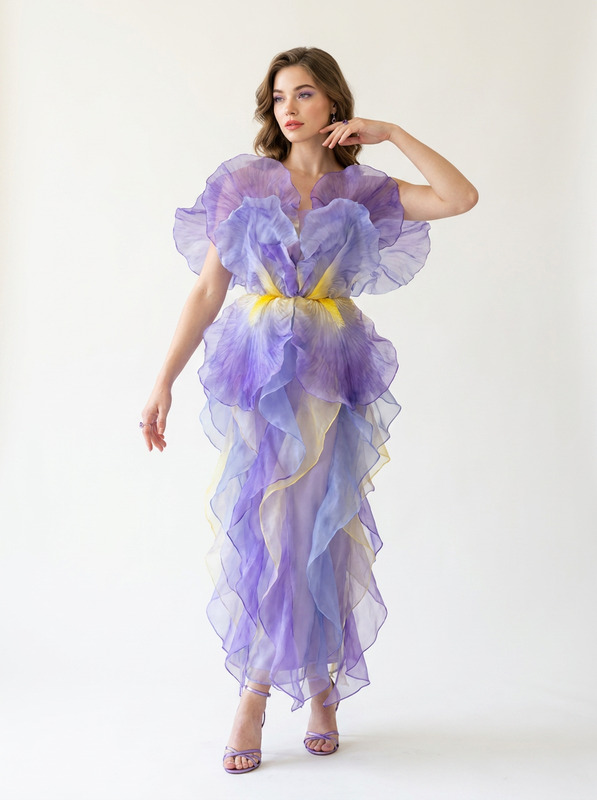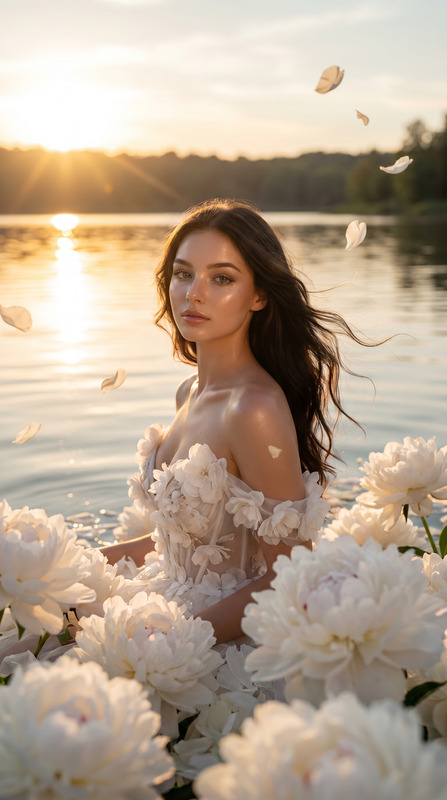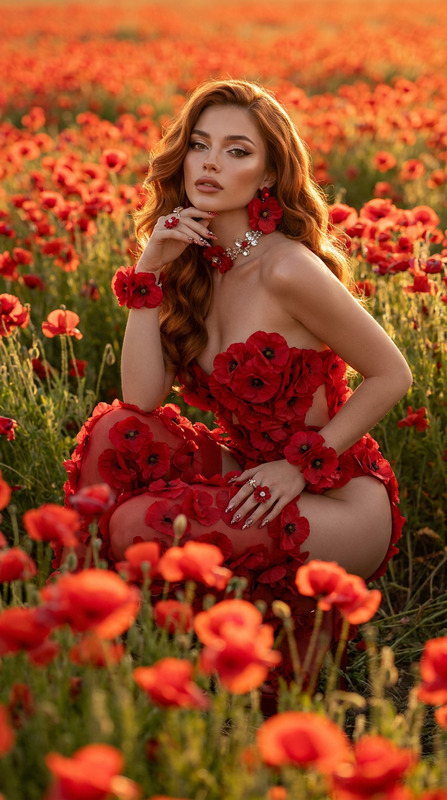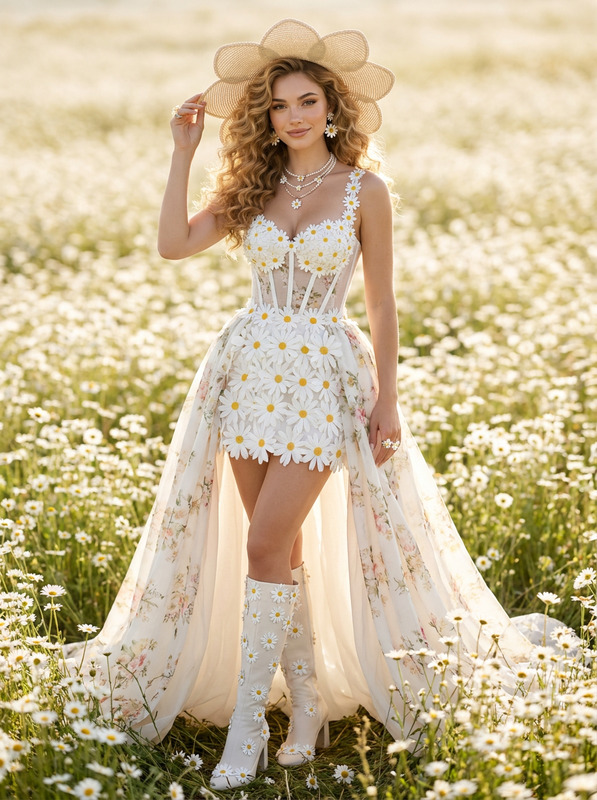
AI Image Editor · nu31.jpg
- Model
- Nano Banana Pro
- Image
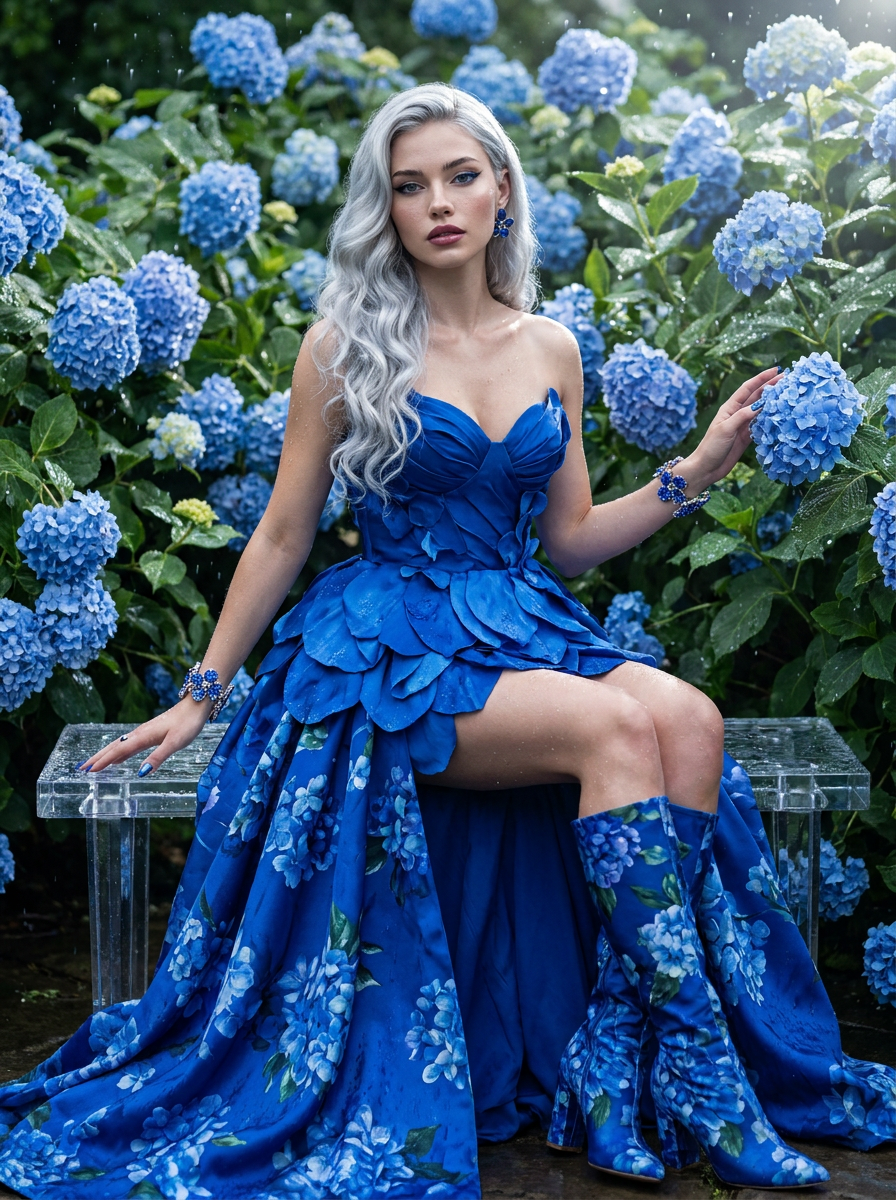
- 896 × 1200 px
Prompt
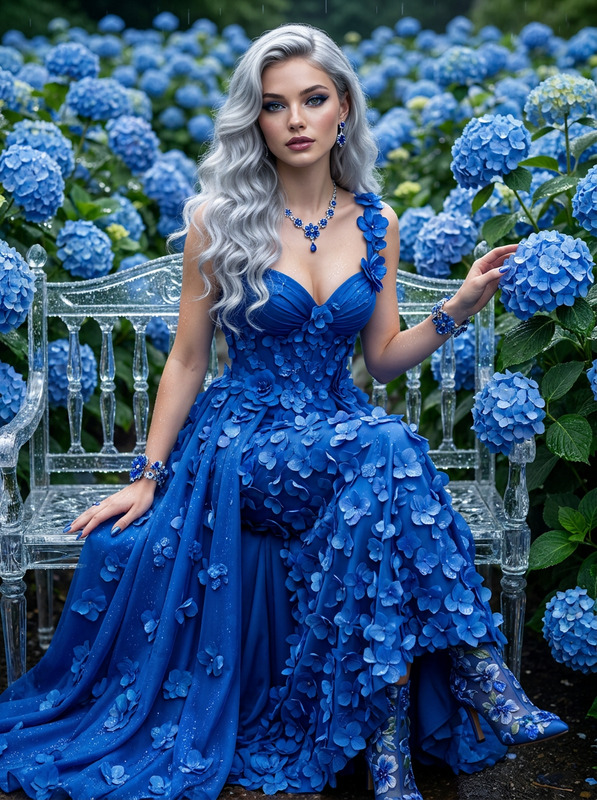
Ultra-realistic high-fashion haute couture editorial photoshoot inside an endless blue hydrangea garden after a gentle rain, with sparkling water droplets covering the flowers and foliage. The model wears an elegant royal blue hydrangea-inspired couture gown featuring a sculpted fitted bodice, layered hydrangea petals, a flowing floral overskirt, matching floral boots, sapphire flower jewelry, jeweled floral cuffs, and shimmering sapphire nails. Her long icy-silver Hollywood curls cascade over her shoulders, complemented by refined sapphire cat-eye makeup, radiant natural skin with realistic pores, and glossy plum ombré lips. She sits gracefully on a crystal garden bench with elegant posture, one hand resting softly on the bench while the other gently touches a blooming hydrangea. Full-body composition from head to toe. Low front-angle fashion editorial photography using an 85mm portrait lens, cinematic natural lighting, reflective rain droplets, luxurious floral textures, Vogue haute couture campaign, museum-quality realism, ultra-photorealistic, 8K, masterpiece.
Any aspect ratio
Overview
Capture the essence of high-fashion editorial photography with the AI Image Editor template featuring the nano-banana-pro model. This template transforms images into ultra-realistic scenes reminiscent of a Vogue haute couture campaign. Whether you're enhancing fashion photography or creating stunning visuals for marketing, this tool ensures AI Image Editor quality with every use.
What It Does
This AI Image Editor template allows you to transform your images into a stunning high-fashion photoshoot set in an idyllic hydrangea garden after rain. The editor focuses on intricate details such as realistic skin pores, vibrant floral textures, and high-definition cinematic lighting. By leveraging the capabilities of the nano-banana-pro model, users can expect museum-quality realism with every output.
Who It's For
Ideal for photographers, fashion designers, and marketers who need to produce editorial-quality images quickly. This template is perfect for those seeking to create head-turning visual content with limited resources. Whether you're preparing for a campaign or creating content for social media, this tool helps you achieve professional-grade results.
Summary
The AI Image Editor offers a sophisticated, detail-oriented approach to turning ordinary photos into high-fashion masterpieces. With its focus on realistic textures and lighting, it aligns perfectly with ecommerce ads, campaign visuals, and more, enhancing your creative projects with minimal effort.
How to Use
Choose the Template

Customize Your Prompt

Generate Your Image

Use Cases
Fashion Editorials
- Ultra-photorealistic finish
- Museum-quality realism
Marketing Campaigns
- High-impact imagery
- Enhanced brand aesthetic
Social Media Content
- Cinematic flair
- On-trend fashion appeal
Best Practices
Select High-Quality Input Images
For the best results, use high-resolution images as input to maximize detail in the final product.Tailor the Prompt for Specific Needs
Adjust details in the prompt to fit the aesthetic or theme you're aiming for.Leverage Natural Lighting
Natural and cinematic lighting settings in your input will enhance the final output's realism and depth.