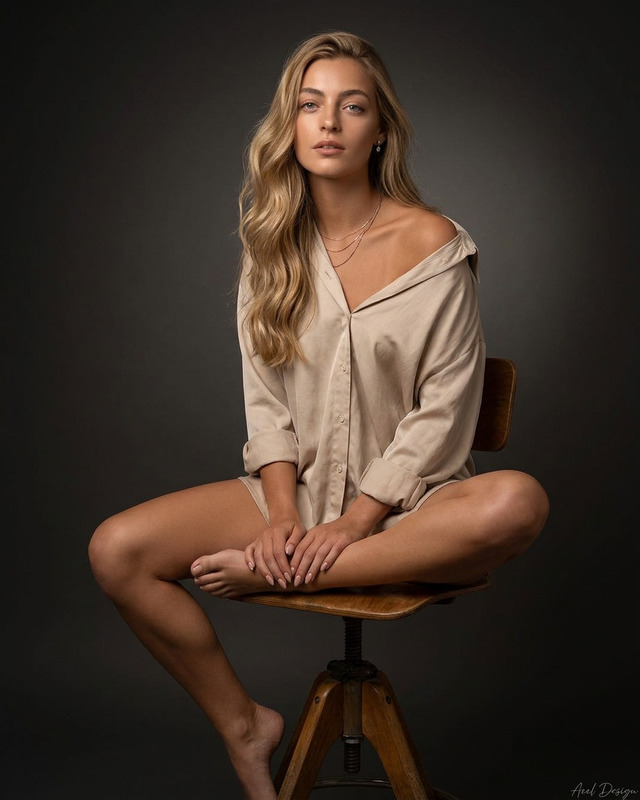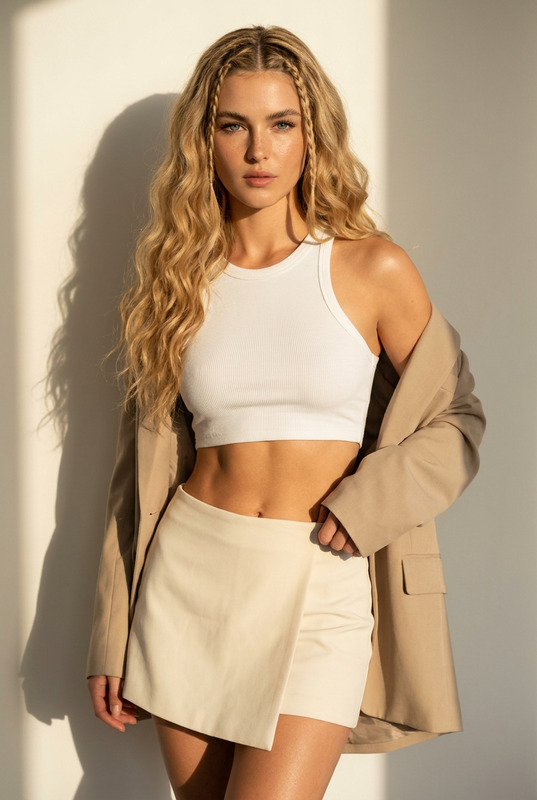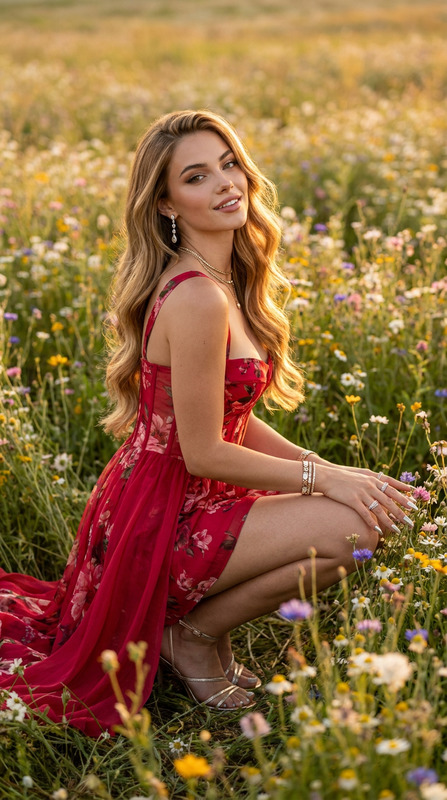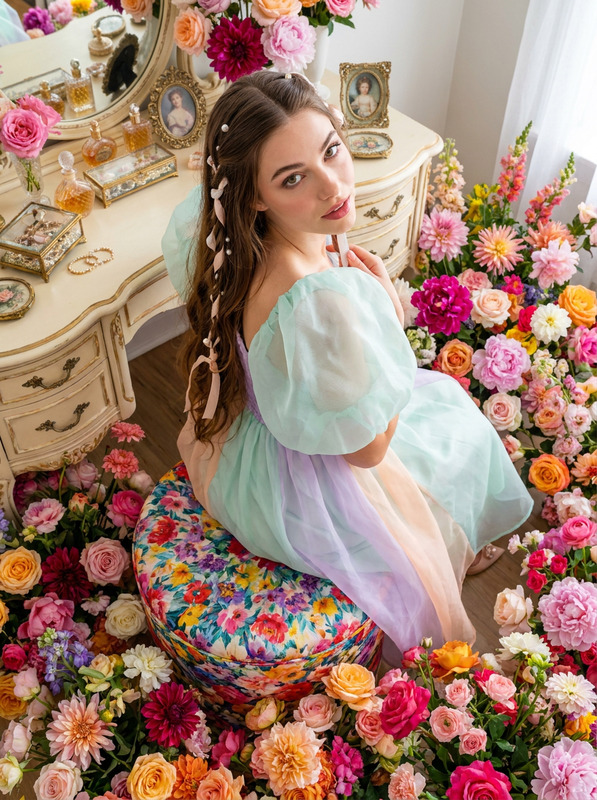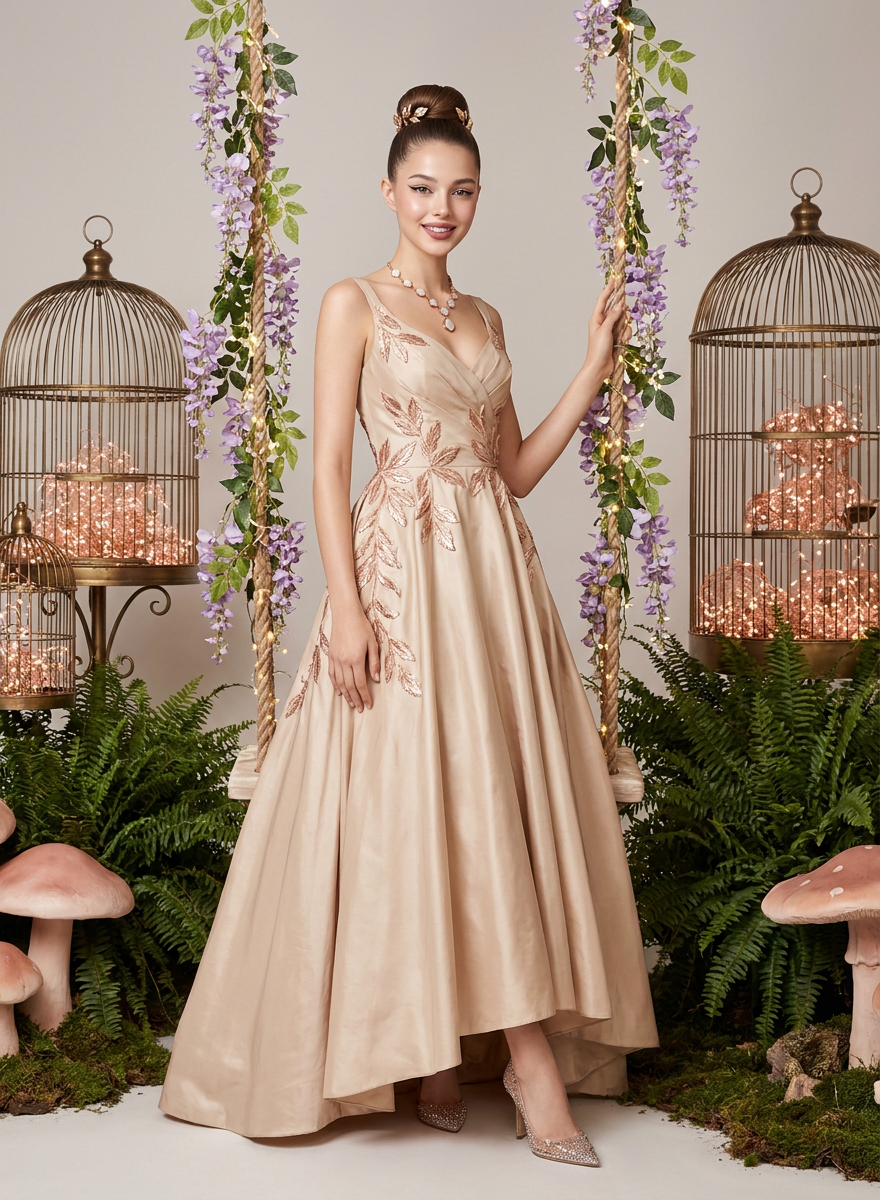
Wisteria Debut
- Model
- Nano Banana Pro
- Image
- 880 × 1200 px
Prompt
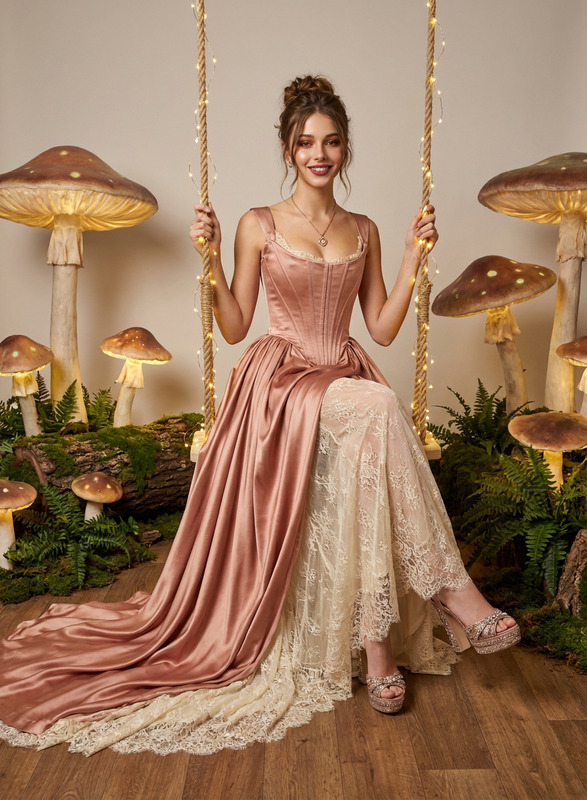
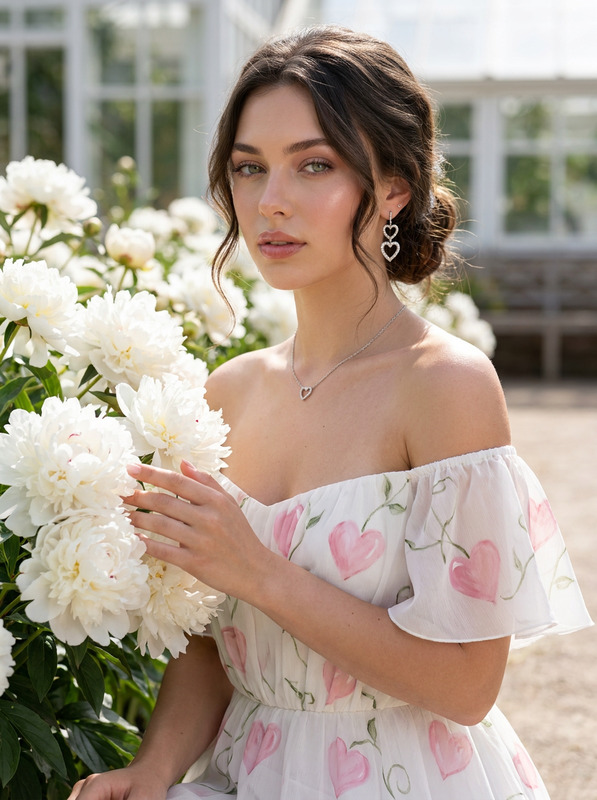
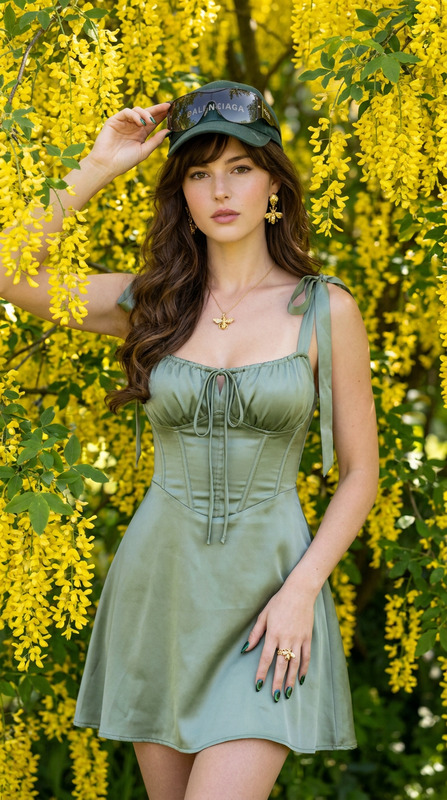
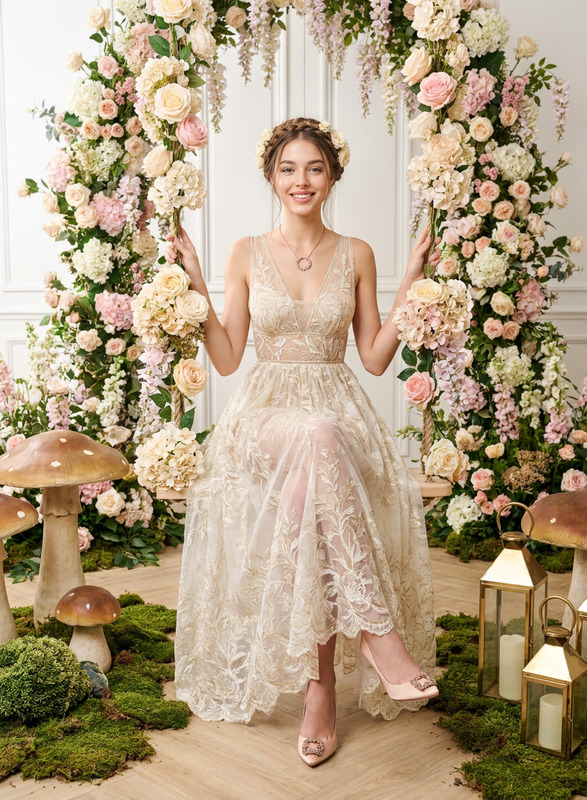
Full-body high-fashion editorial shot of an 18-year-old debutant standing elegantly next to an indoor floral swing, leaning lightly on a rope wrapped in cascading wisteria and twinkling fairy lights. Maintain 100% facial feature accuracy; do not alter the face of the reference photo. The subject features ultra-smooth skin with high-frequency detail and a luminous, flawless complexion. She wears an Elie Saab off-the-shoulder champagne silk taffeta gown with rose gold leaf appliques, matching Van Cleef & Arpels rose gold mother-of-pearl necklace, and Jimmy Choo crystal-embellished pointed heels. Hair styled in a sleek high bun with gold leaf hairpins, sharp winged eyeliner, and dusty rose lipstick. The indoor set includes large vintage brass birdcages filled with rose gold lights, thick fern foliage, and oversized blush mushrooms on the ground. Perfectly sharp background, zero depth of field blur, infinite focus, hyper-detailed background elements. Shot on Canon EOS R5, 50mm lens, f/8, crisp strobe lighting setup. Negative Promptbokeh, shallow depth of field, blurred background, blur, out of focus, unfocused background, soft focus, aperture blur, plastic skin, poreless distortion, airwashed texture, altered facial features, face change, distorted hands, extra limbs, watermark, text.
Any aspect ratio
Overview
The "Wisteria Debut" template in our AI Image Editor category offers a richly detailed, high-fashion editorial shot. This template enables creators to render a stunning debutant image with precise facial feature accuracy, captivating elements like cascading wisteria, fairy lights, and intricate vintage decor.
What It Does
"Wisteria Debut" uses the nano-banana-pro model to edit images, maintaining the integrity of your reference photo's facial features, while enhancing skin texture and composition accuracy. Ideal for crafting high-fashion visuals, it enriches your imagery with lush environmental details using advanced strobe lighting effects.
Who It's For
Perfect for professional photographers, fashion designers, and digital artists seeking to create sophisticated editorial images. The template suits projects requiring meticulous detail and luxurious aesthetics, such as AI Product Photography and visual storytelling in high-end fashion editorials.
Summary
This template elevates images to high-fashion art pieces, suitable for portfolios, magazine spreads, or digital campaigns. Whether you're a seasoned professional or an aspiring artist, "Wisteria Debut" delivers a seamless process for creating captivating imagery with precise detail and flawless execution.
How-To
Choose the Template

Customize Your Image

Generate Your Final Image

Use Cases
Fashion Editorials
Product Promotion
Digital Art Creations
Best Practices
Maintain Reference Integrity
Always use high-quality reference photos to ensure facial features remain unaltered.Attention to Detail
Fine-tune facial details and background elements for a polished and cohesive visual output.Lighting and Camera Settings
Leverage strobe lighting and recommended camera settings to maximize detail and depth in your images.