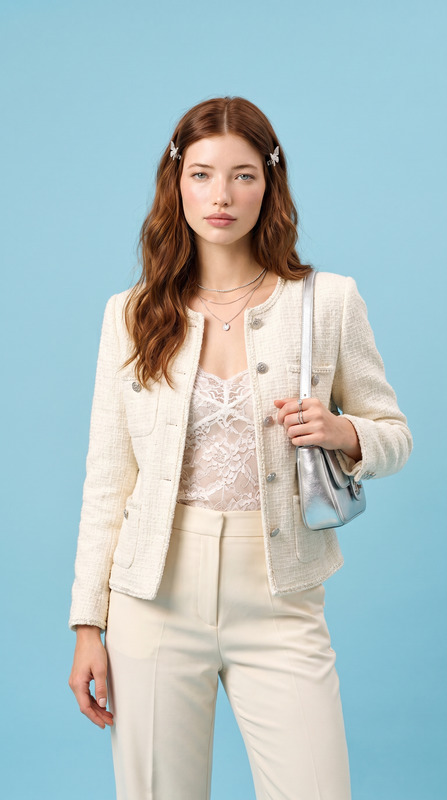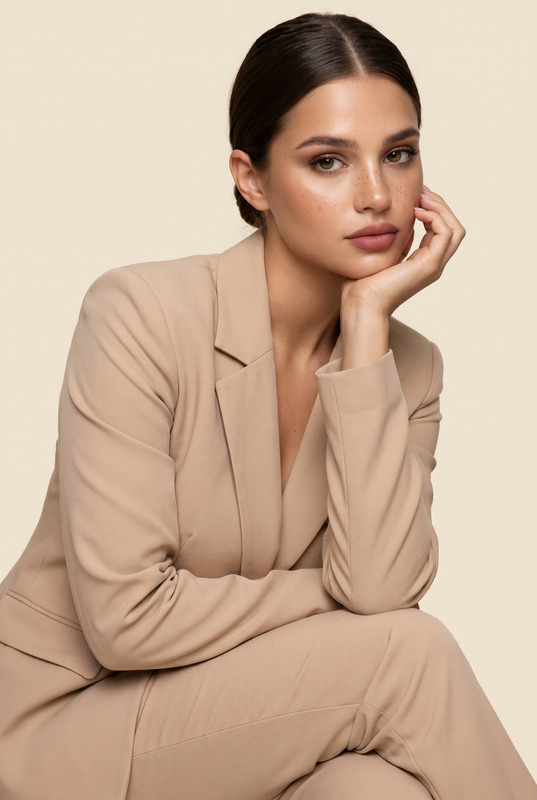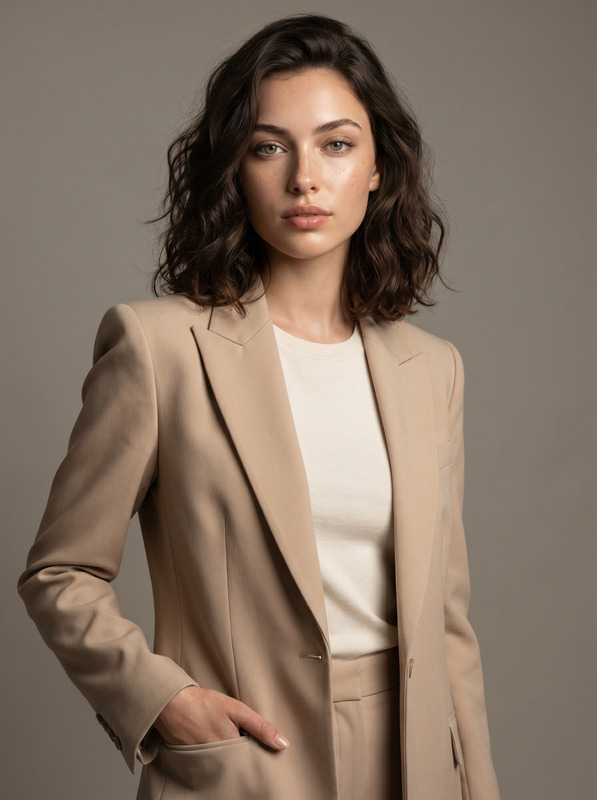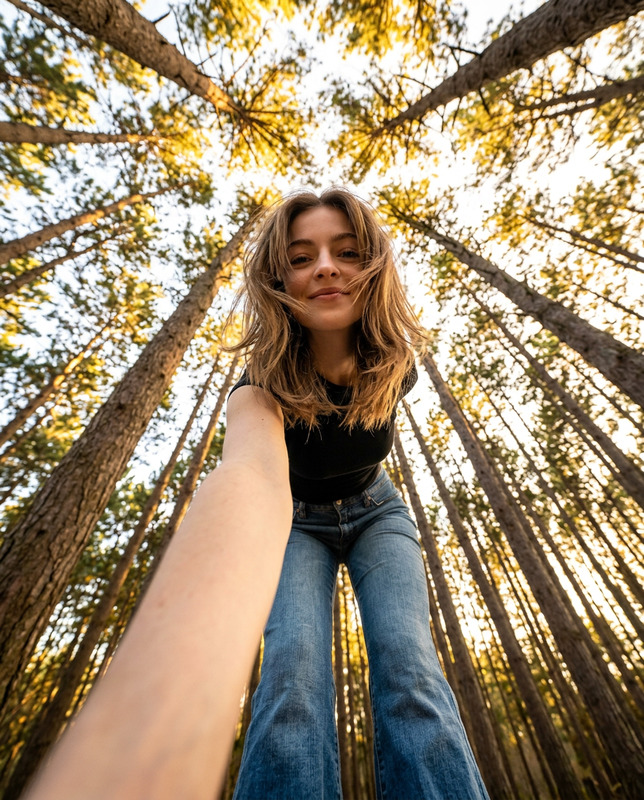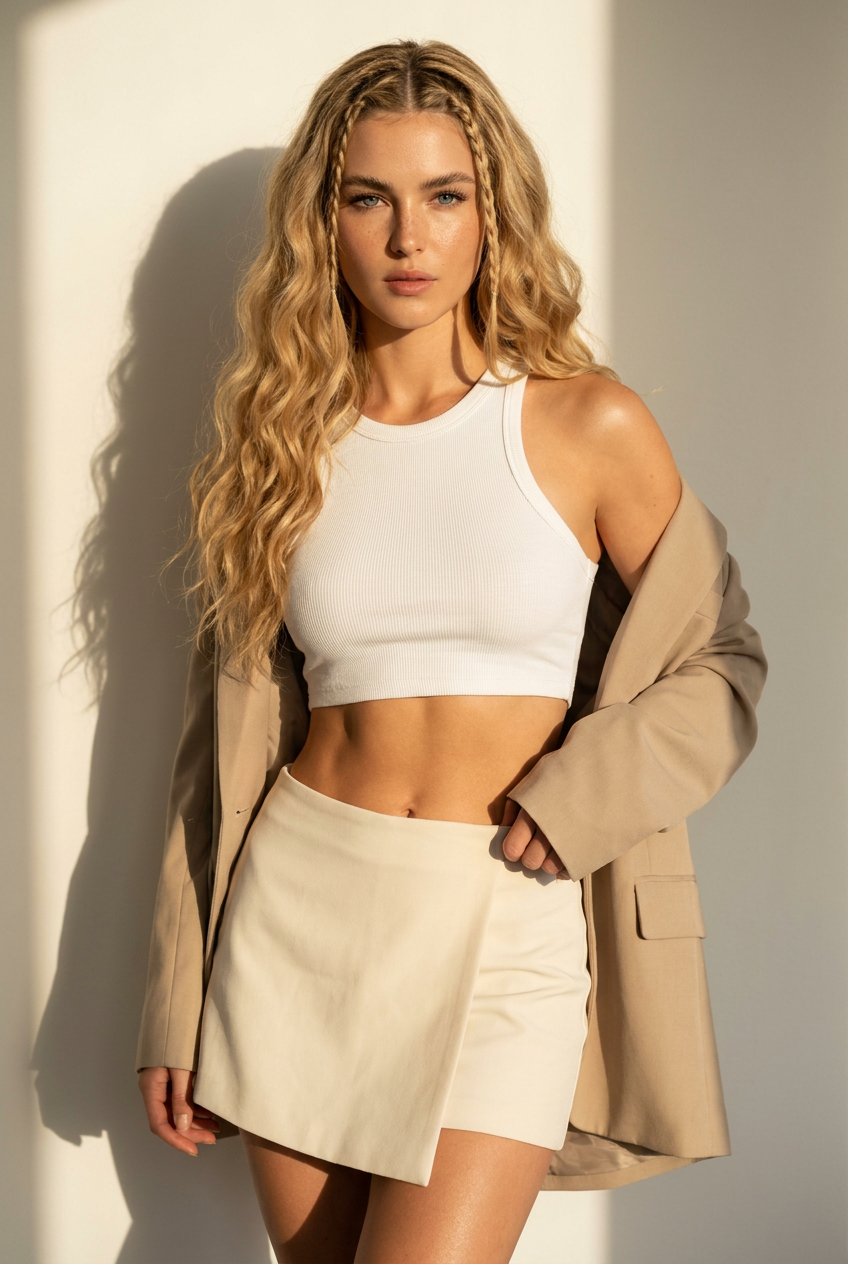
Boho Blonde
- Model
- Nano Banana Pro
- Image
- 848 × 1264 px
Prompt
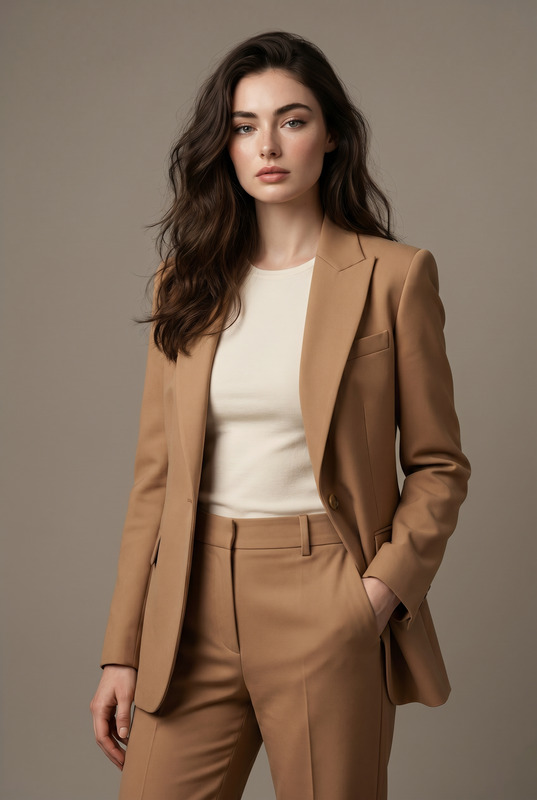
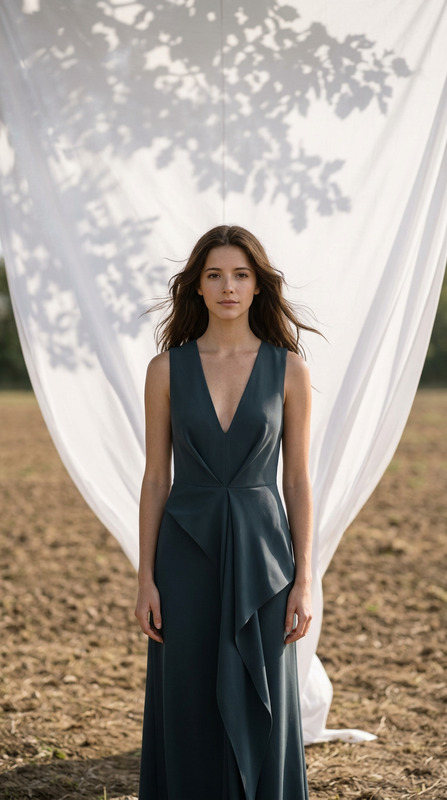
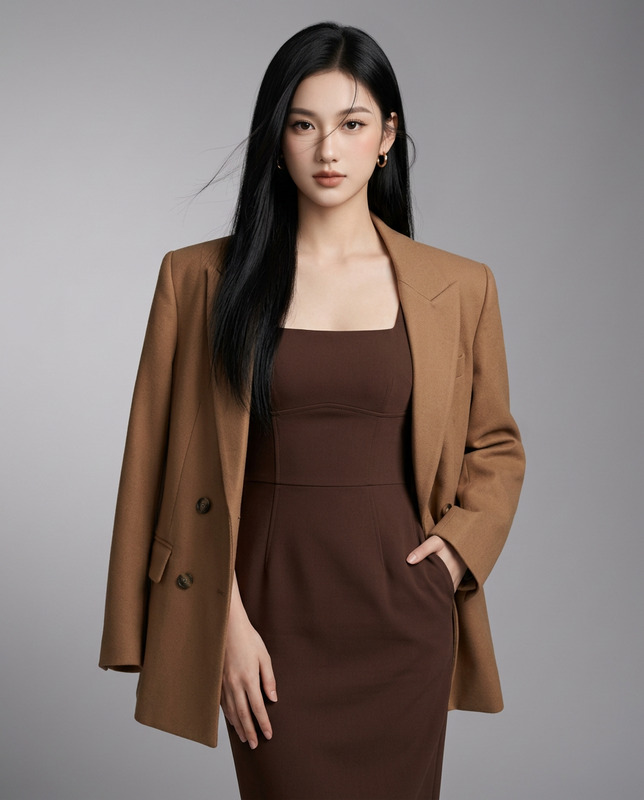
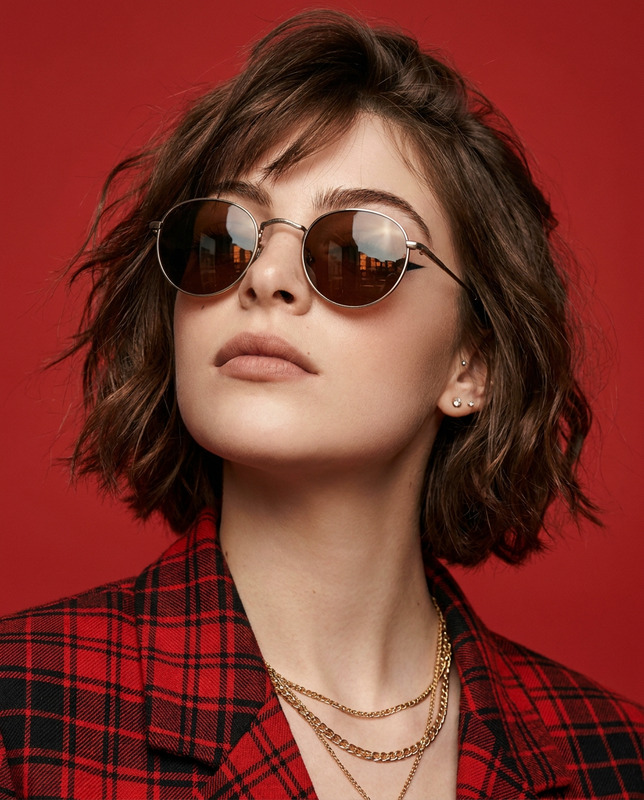
Ultra-realistic high-fashion editorial portrait of a stunning young woman posing confidently against a clean off-white studio wall. She has long, voluminous golden blonde hair with soft beach waves and multiple thin Dutch braids woven from the crown, creating an elegant boho-luxury hairstyle. Her eyes are crystal blue with subtle catchlights, thick natural eyebrows, long eyelashes, sun-kissed glowing skin with realistic pores, soft freckles across the nose, glossy nude lips, and defined cheekbones.She wears a fitted white ribbed racerback crop top that accentuates her silhouette, paired with a cream-colored high-waisted mini skirt featuring an asymmetric front slit. An oversized beige blazer hangs casually off her shoulders while she gently holds both lapels with her hands, creating a relaxed yet confident fashion pose.Athletic yet feminine body proportions, toned waist, natural curves, long legs, realistic anatomy, luxury fashion styling.Warm golden-hour sunlight enters from the left, creating dramatic soft shadows across the wall and body. Cinematic lighting, soft contrast, premium editorial color grading, subtle skin sheen, highly detailed fabric textures, realistic wrinkles, natural hair strands, shallow depth of field, ultra-sharp focus on the face.Luxury Vogue photoshoot, fashion campaign, Hasselblad X2D, 85mm lens, f/2.0, HDR, 8K, masterpiece, photorealistic, extremely detailed, natural skin texture, premium photography, minimalist studio background.Negative prompt: low quality, blurry, overprocessed skin, plastic skin, bad anatomy, extra fingers, deformed hands, crossed eyes, duplicated limbs, unrealistic proportions, oversaturated colors, watermark, logo, text, signature, cropped face, artifacts.
Any aspect ratio
Overview
The Boho Blonde template utilizes the advanced capabilities of the AI Image Editor, specifically modeled on nano-banana-pro, to generate a breathtaking high-fashion portrait. This template captures the essence of bohemian luxury with detailed styling and photographic precision suited for editorial needs.
What It Does
The Boho Blonde template creates ultra-realistic, high-fashion editorial portraits. It focuses on capturing intricate hair details, exquisite wardrobe textures, and sophisticated lighting techniques with the help of the AI Image Editor. The end result is a premium image that meets the demanding standards of fashion campaigns and editorial shoots.
Who It's For
Fashion photographers, digital artists, and campaign managers will find the Boho Blonde template invaluable. It's perfect for those involved in high-level fashion campaigns, offering detailed imagery that enhances any AI Image Editor project with enriched visual aesthetics.
Summary
With the Boho Blonde template, users can create a fashion portrait that stands out with its rich details and high-end styling. Featuring the latest model's capabilities, it elevates visual projects by emphasizing clarity, detail, and artistic composition. It ensures a photorealistic representation fit for AI Image Editor enthusiasts looking to achieve editorial quality results.
How-To
Choose the Template

Customize Your Inputs

Generate Your Image

Use Cases
High-Fashion Editorials
- Luxury magazine features
- Fashion campaign visuals
- Editorial cover shoots
Advertising Campaigns
- Launch new fashion lines
- Promote high-quality fabrics
- Showcase styling in luxury ads
Social Media Content
- Fashion influencer posts
- Brand photography for luxury items
- Creative collaborations
Best Practices
Focus on Lighting
Make use of the warm golden-hour lighting in your prompt to enhance the natural look and feel of the image.Keep It Realistic
Avoid overly saturated colors and ensure the anatomy is realistic to maintain editorial authenticity.Attention to Detail
Pay close attention to fabric textures and skin details to elevate the photorealism of your final image.