Golden Boho Reverie
- Model
- Nano Banana Pro
- Image
- 848 × 1264 px
Prompt
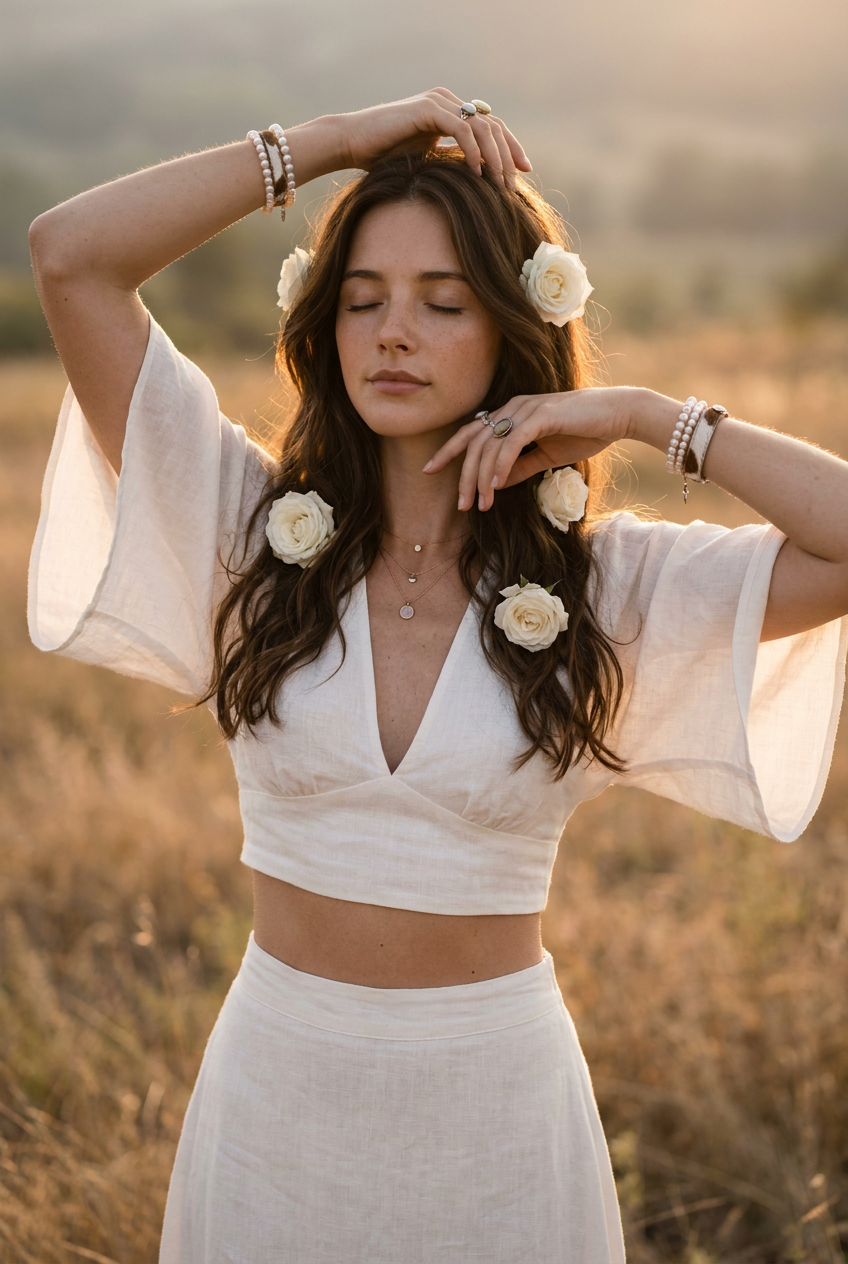
Using my reference imageA beautiful young girl in boho style stands in a dry meadow during the golden hour just before sunset. She wears a light, white crop top with a deep V-neck and wide, sheer batwing sleeves, paired with a matching long skirt. Her long, slightly wavy dark brown hair falls freely over her shoulders. White roses are tucked into her hair at the sides. Both arms are raised above her head, hands relaxed in her hair. Her eyes are closed and her face looks calm and serene. She is adorned with numerous boho accessories: multiple pearl and cowhide bracelets on both wrists, several delicate necklaces of varying lengths, accompanied by small rings and natural materials. The warm background light creates a golden hairline and a soft glow around her figure. The setting consists of hazy meadows and dry grass with a strong boho style. Natural skin texture, subtle sunspots, hyper-realistic detail, cinematic color grading, warm earth tones, soft lighting, depth of field, 85mm lens, f/1.8, hyper-realistic, high detail, fashion photography, dreamy atmosphere, 8k.Negative warnings:Blur, basic body, extra fingers, distorted hands, two arms, unbalanced proportions, artificial skin, plastic look, cartoonish, CGI, overexposure, overexposure, bad eyes, unbalanced face, blurry detail.
Any aspect ratio
Overview
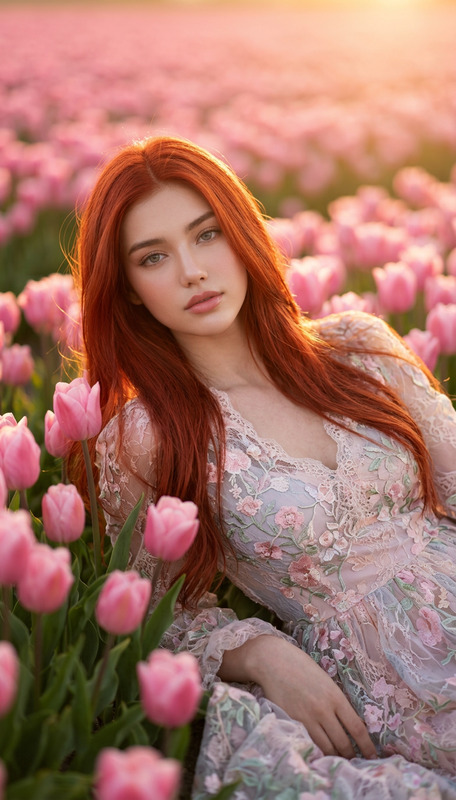
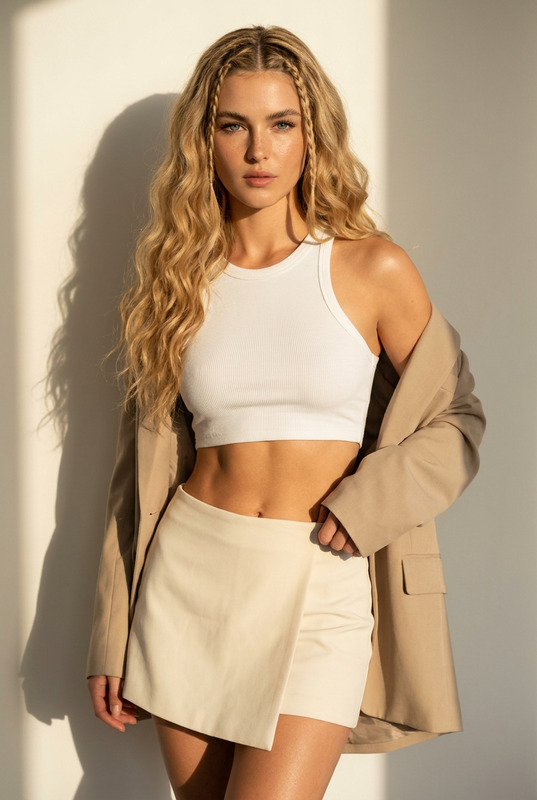
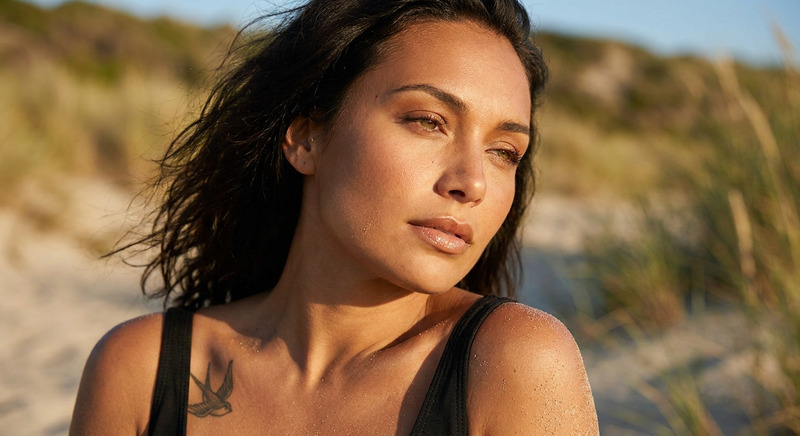
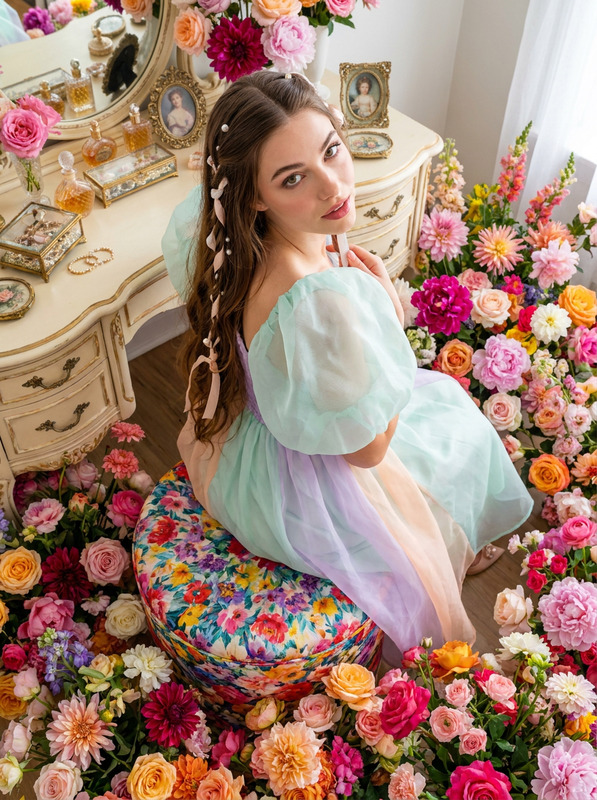
Discover the artistry of the Golden Boho Reverie AI Image Editor template. Ideal for fashion and lifestyle photographers, this template uses the capabilities of the nano-banana-pro model to bring a dreamy, golden-hour aesthetic to your images. With incredible detail and realism, it transforms a simple photograph into a cinematic masterpiece.
What It Does
The Golden Boho Reverie template crafts a scene of serenity and bohemian charm, utilizing advanced AI to elevate your photo's style and appeal. It maintains authentic textures and subtle details while applying cinematic color grading and enhancing light effects to mimic the golden glow of the hour just before sunset. Maximize the aesthetic potential of your images by applying this high-detail, fashion-forward enhancement.
Who It's For
This template is designed for photographers, creative directors, and fashion brands looking to create captivating, high-resolution images that resonate with audiences. It's perfect for those seeking to portray a rustic boho aesthetic with cinematic flair. Whether your focus is on editorial fashion photography or creating impactful social media content, this template helps achieve professional-grade results.
Summary
With the Golden Boho Reverie template, bring the enchanting essence of boho style during the golden hour into your projects. Anchoring on AI Image Editor technology, this template transforms ordinary shots into stylistic visuals rich with warmth, depth, and authenticity, suitable for a variety of creative needs.
How-To
Choose Your Template

Customize the Template

Generate Your Image

Use Cases
Fashion Editorials
Social Media Campaigns
Lifestyle Blogging
Best Practices
Use High-Quality Reference Images
Ensure your reference images are of high quality to maximize detail retention and enhancement.Focus on Natural Lighting
Choose images that already have some natural lighting to further enhance the golden hour effect.Adjust Prompt as Needed
Customize the prompt to maintain the authenticity and style unique to your intended output, especially if replicating specific fashion trends.