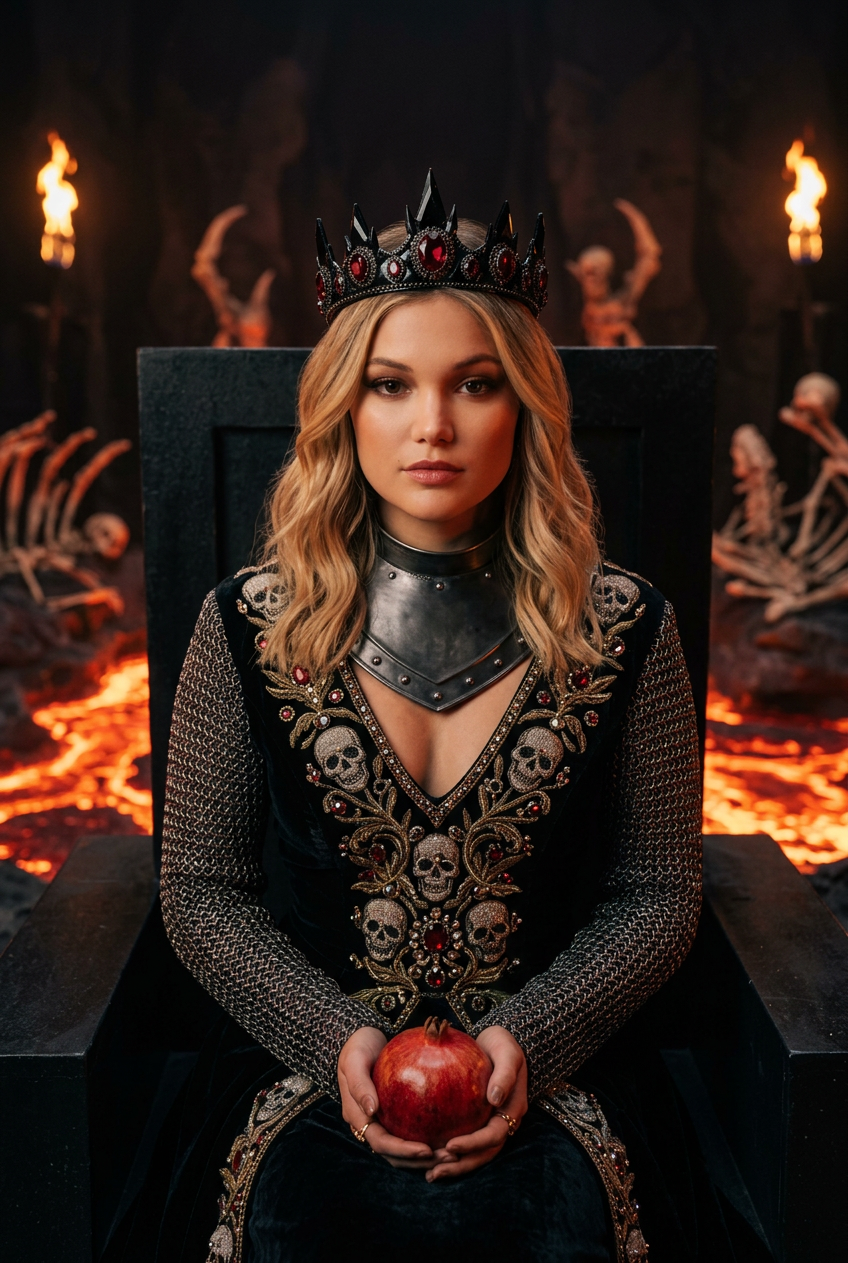
Queen of Hell
- Model
- Nano Banana 2
- Image
- 848 × 1263 px
Prompt
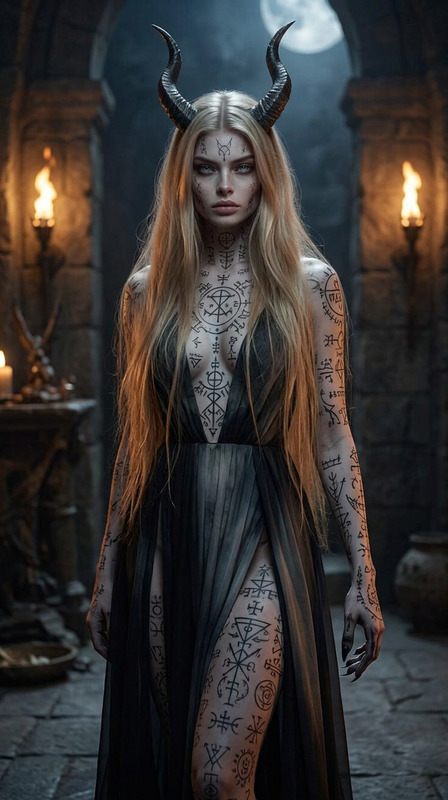
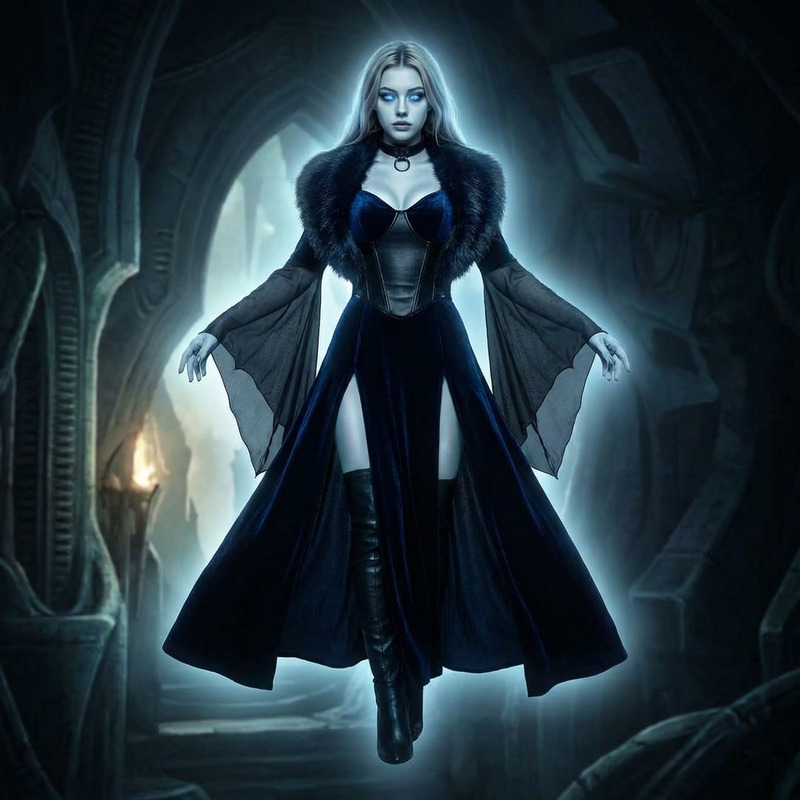
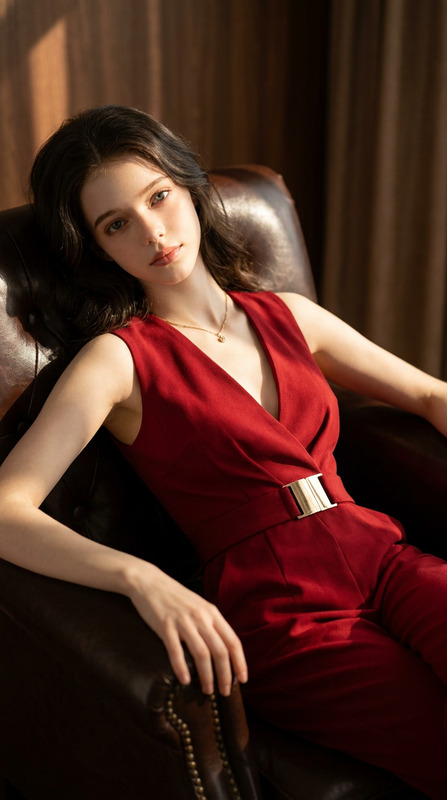
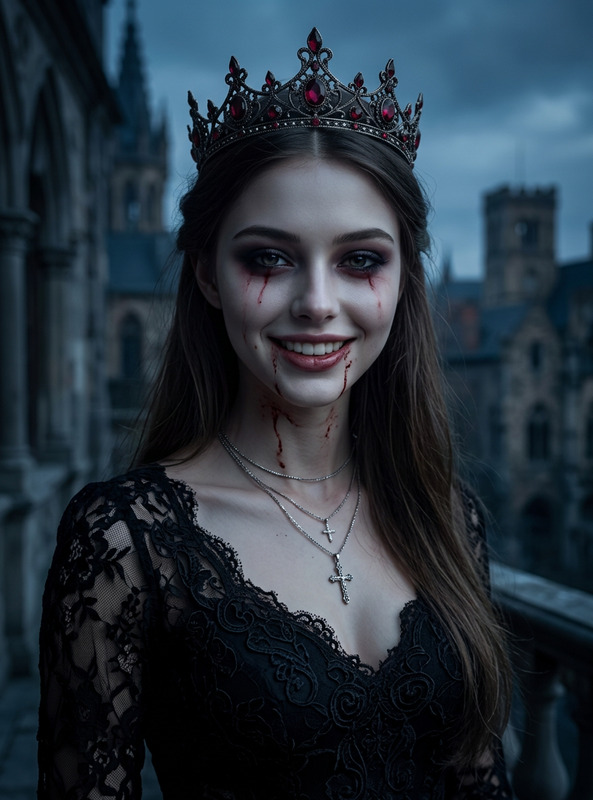
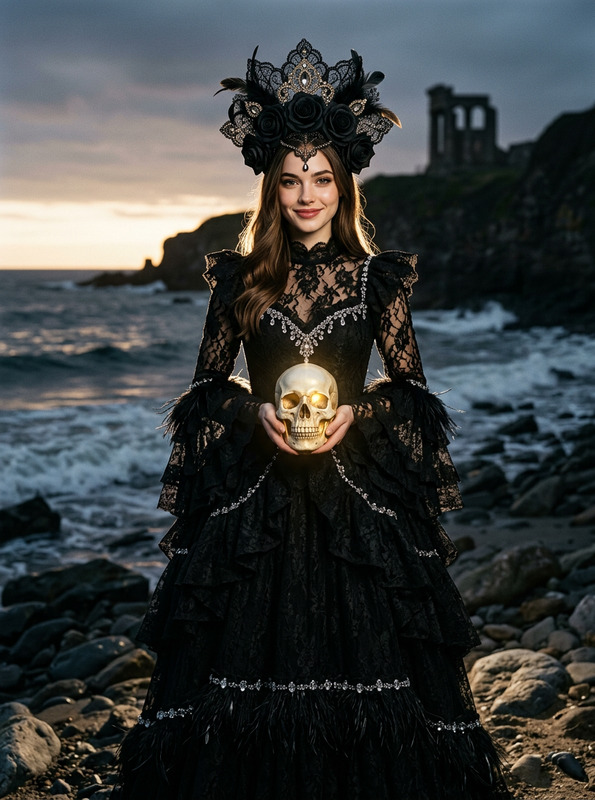
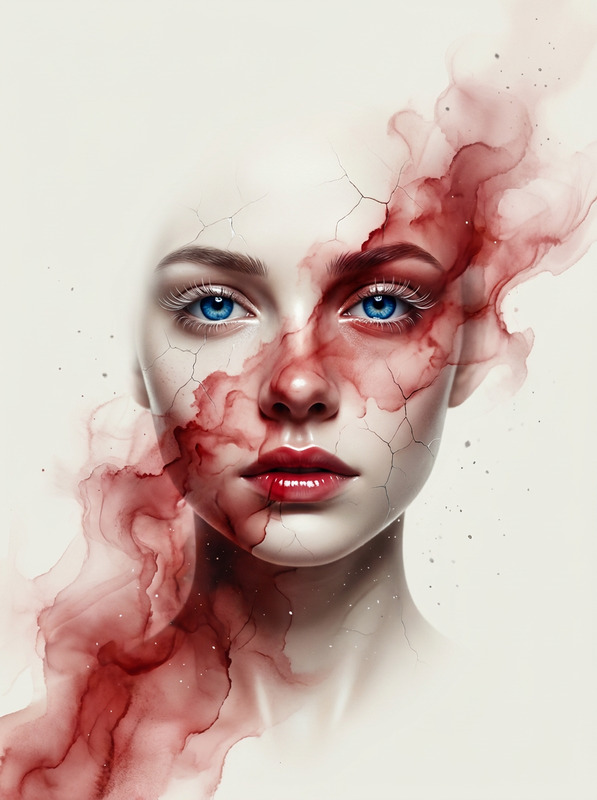
Hyper-realistic medium-shot portrait of a woman as the Queen of the Underworld, looking directly at the camera with a calm yet commanding expression. Dramatic smokey eyes in burnt gold and deep crimson. She wears a structured deep V-neck gown of black velvet and blood-red silk, with a sculpted collar and dark metal pauldrons, crowned with obsidian and gold. Inside her vast underworld palace, soft warm lava light glows from below, blending naturally with her skin and gown. Cinematic diffused chiaroscuro lighting, DSLR 85mm f/1.8, sharp eyes, realistic skin texture, cohesive lighting, regal and photorealistic.
Any aspect ratio
Overview
The 'Queen of Hell' template within the AI Image Editor series empowers creators to manifest regal, otherworldly visuals with a focus on deep visual storytelling. This template harnesses the nano-banana-2 model to deliver hyper-realistic, cinematic images of unparalleled quality.
What It Does
This AI Image Editor template transforms simple portraits into stunning works of art. The sophisticated model handles intricate details like smokey eyes, richly textured fabrics, and atmospheric lighting, turning any input photo into a depiction of a noble figure ruling the underworld. It's an ideal tool for those wishing to incorporate exquisite visual effects in their projects.
Who It's For
Artists, designers, and filmmakers keen to explore fantastical themes will find this tool invaluable. It is perfect for those in the visual effects industry, especially anyone working on gaming cinematics or fantasy media creation. The template is also beneficial for content creators who want to elevate their social media ads with striking imagery.
Summary
In essence, the 'Queen of Hell' template offers a direct pathway to creating immersive, high-detail portraits. It bridges the gap between reality and fantasy, providing tools tailored for generating photorealistic images enriched with dramatic lighting and textures suited for a royal underworld setting. It's an essential part of the AI Image Editor suite, allowing deep customization and creativity in each project.
How To
Choose Your Template

Customize Your Inputs

Generate Your Image

Use Cases
Fantasy Book Covers
- Intricate costumes and settings
- Epic visual storytelling
Game Character Design
- Highly detailed textures
- Immersive in-game aesthetics
Concept Film Art
- Detailed atmosphere settings
- Cinematic lighting effects
Best Practices
Focus on Lighting
Leverage chiaroscuro lighting for depth and realism, giving your image the dramatic appearance of the Queen of the Underworld.Enhance Textures
Adjust textures carefully to maintain realism, particularly with elements like velvet and silk fabrics.Refine Details
Pay particular attention to facial features and expressions to capture the calm yet commanding look vital for the template's theme.