Female Vampire Chic
- Model
- Nano Banana 2
- Image
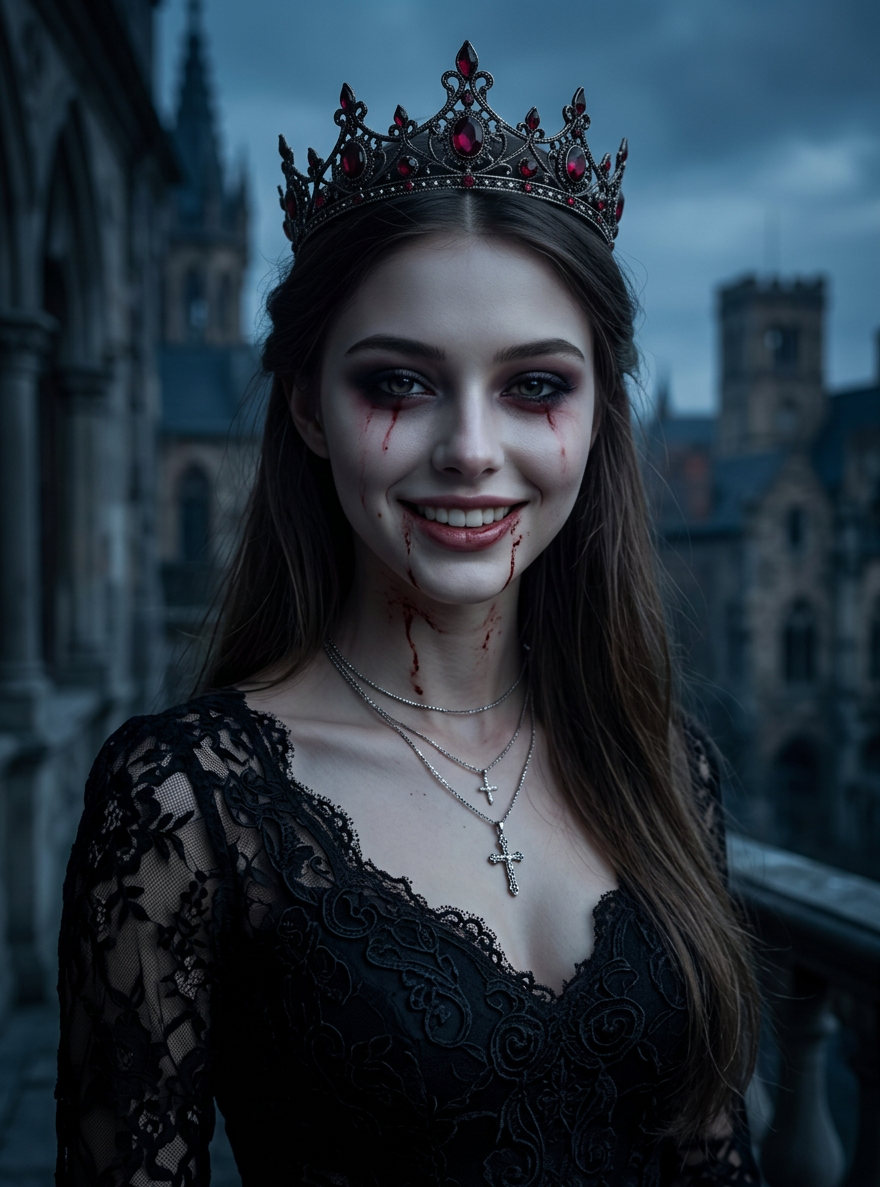
- 880 × 1187 px
Prompt
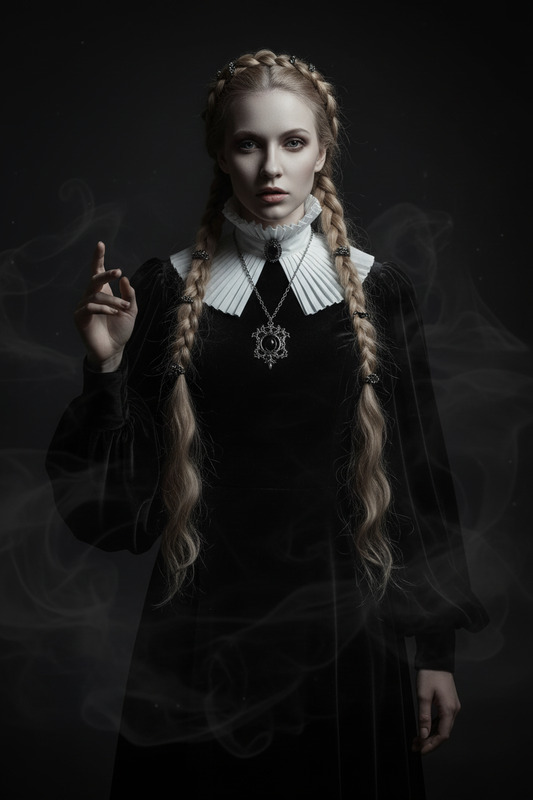
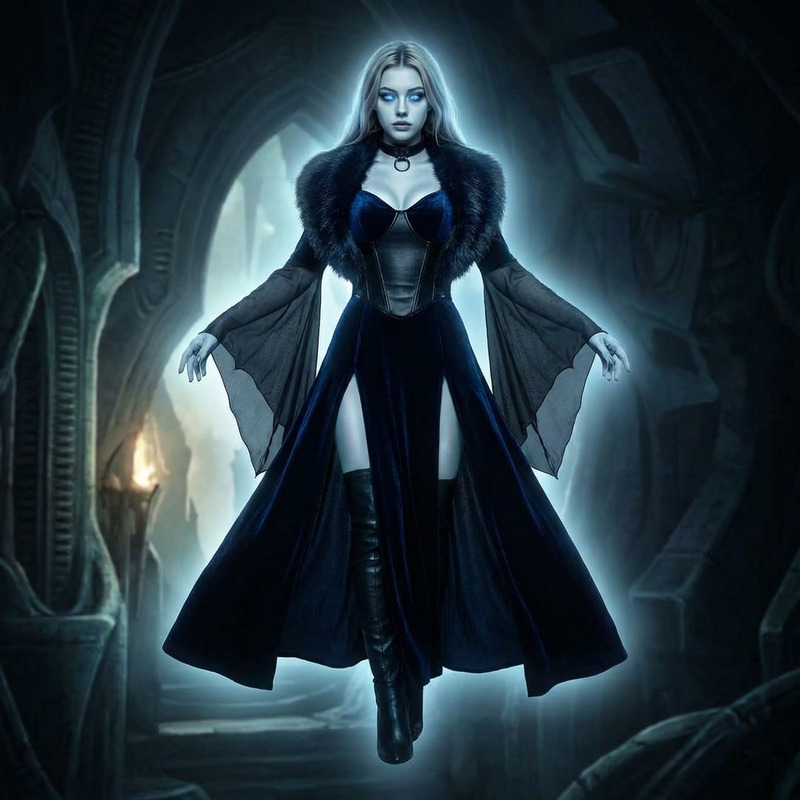
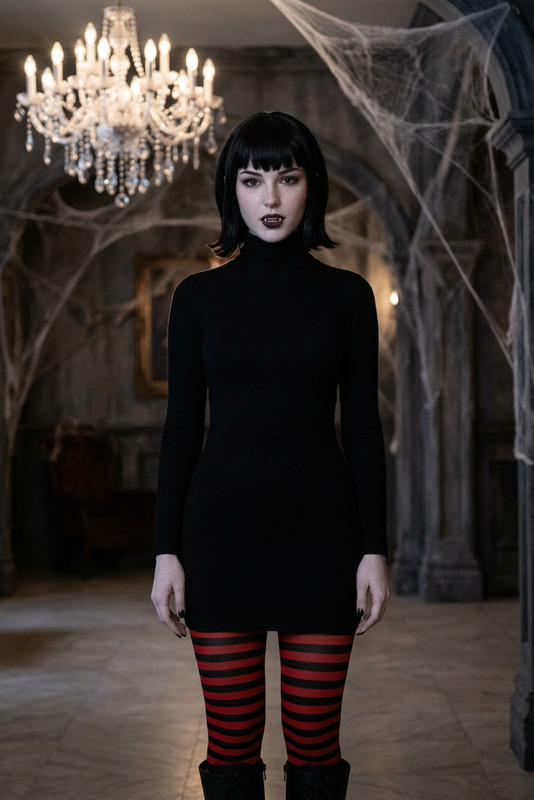
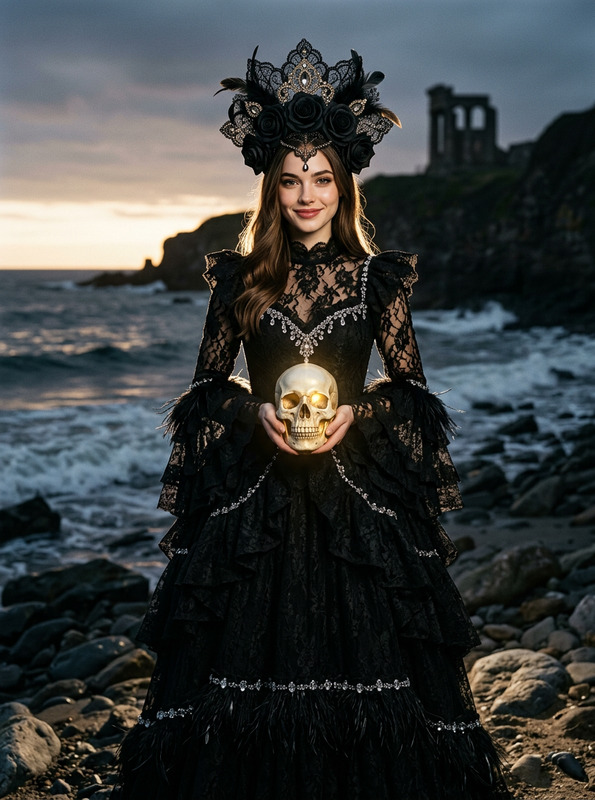
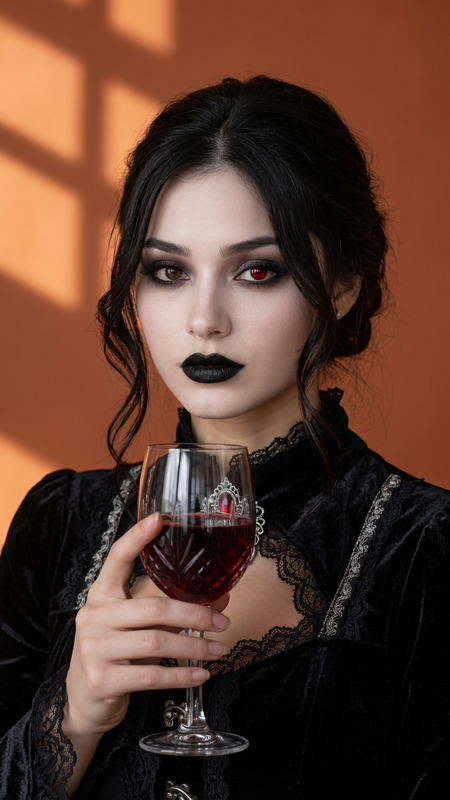
Strongly preserve the person’s real face, eyes, mouth, and facial structure. Transform them into a regal female vampire in a hyper-realistic, live-action cinematic style: she wears an elegant black lace gown, a dark ornate crown with red gem accents, and has a pale complexion paired with dramatic dark eye makeup (subtle crimson streaks under the eyes) plus delicate blood stains trailing from the lips down the neck. The scene is steeped in a dark, moody gothic atmosphere, lit with cinematic lighting (deep shadows, soft highlights) that emphasizes photorealistic textures—from the intricate lace of the gown to the crown’s ornate craftsmanship—for a hauntingly beautiful, live-action film aesthetic (avoid CG or video game-style rendering). 8k resolution, ultra-detailed.
Any aspect ratio
Overview
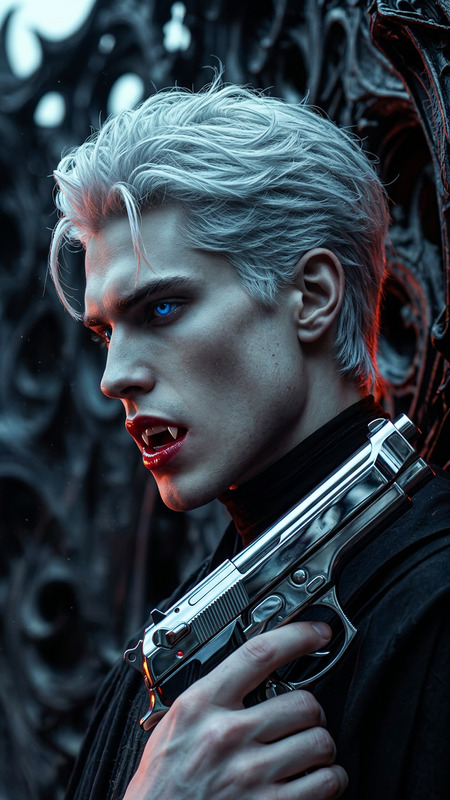
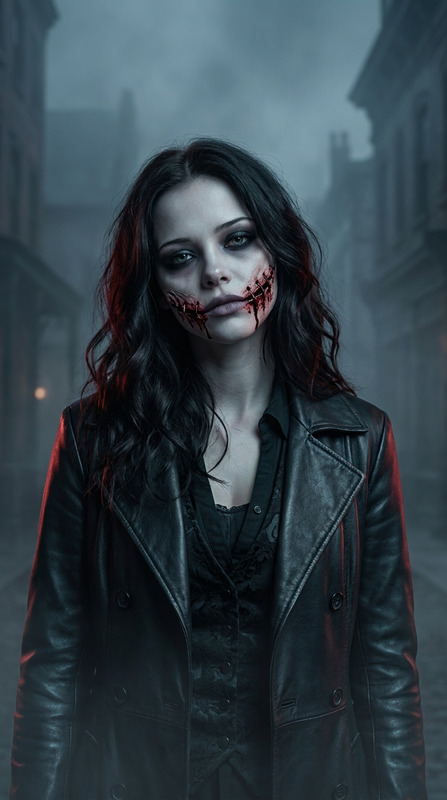
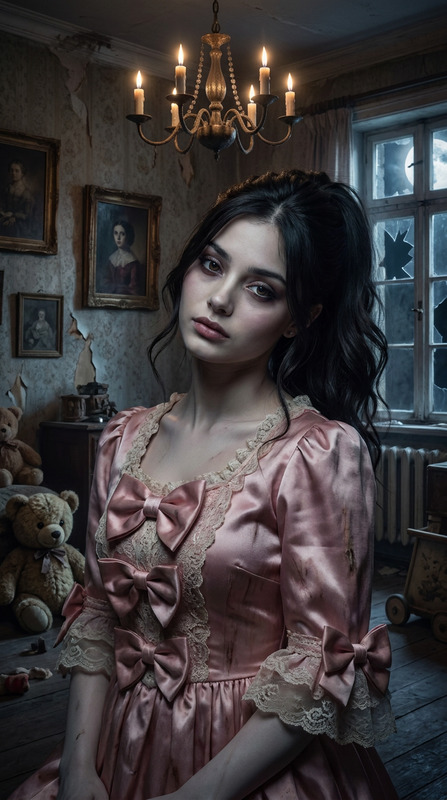
The Female Vampire Chic template offers a transformative experience, turning your image into a live-action cinematic masterpiece. This AI Image Editor leverages the power of the AI Image Editor to keep your distinct features while artistically morphing your appearance into that of a stately female vampire.
What It Does
This template carefully preserves your unique facial characteristics all while enhancing them with a gothic, vampiric allure. The AI Image Upscaler ensures every detail from the elegant black lace gown to the ornate crown is captured in ultra-detailed 8k resolution. The result is a hyper-realistic rendering suited for cinematic visuals that avoid artificial or game-like appearances.
Who It's For
Designed for visual content creators and enthusiasts, this template is perfect for those in film, photography, and content creation fields who wish to craft hauntingly beautiful live-action scenes. Whether you are working on gaming cinematics or producing content for Gothic-themed projects, this tool enhances the creative depth of your work.
Summary
The Female Vampire Chic template offers a specialized approach to image editing by maintaining key facial features while transforming the subject into a regal vampire. Utilizing the AI Image Generator, it delivers a photorealistic outcome ideal for cinematic effects, appealing to creators aiming for a professional, dramatic touch.
How to Use the Female Vampire Chic
Choose the Template

Customize Your Image

Generate Your Image

Use Cases
Film Visual Effects
- Transforms actors into vampires without physical makeup
- Ideal for creating mood-setting posters or promos
Social Media Content
- Perfect for Halloween or thematic posts
- Generates high-engagement visuals
Fashion Photography
- Suitable for avant-garde or Gothic fashion series
- Enhances storytelling through visuals
Best Practices
Choose the Right Lighting
Ensure your original photo has good lighting as the transformation uses these cues to enhance the cinematic atmosphere.Focus on Key Features
Pay attention to maintaining the core facial features to strike the perfect balance between realism and transformation.Iterate for Perfection
Experiment with different customization settings to get the exact gothic look desired for your project.