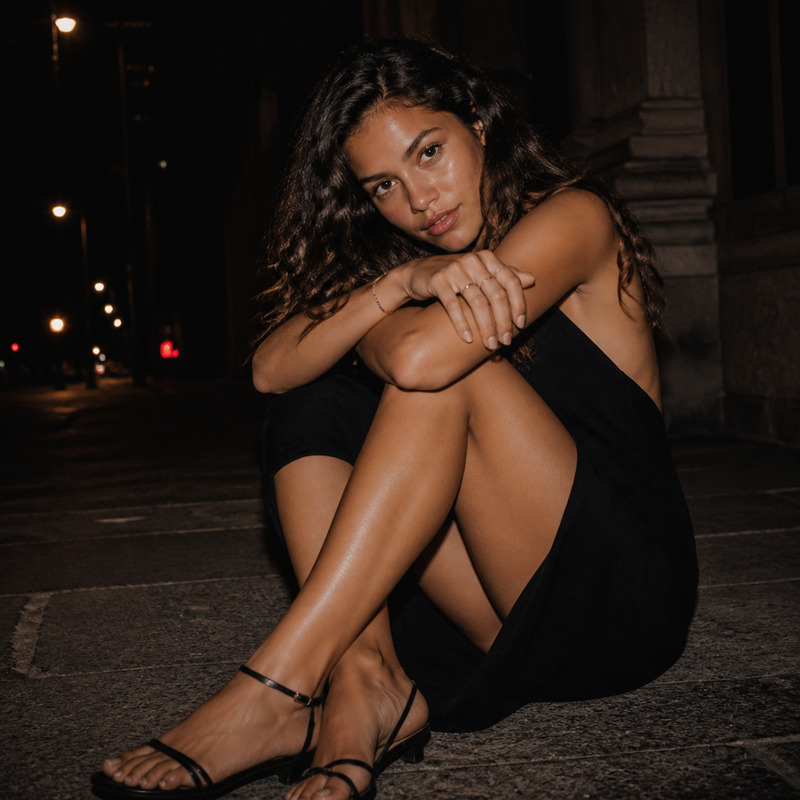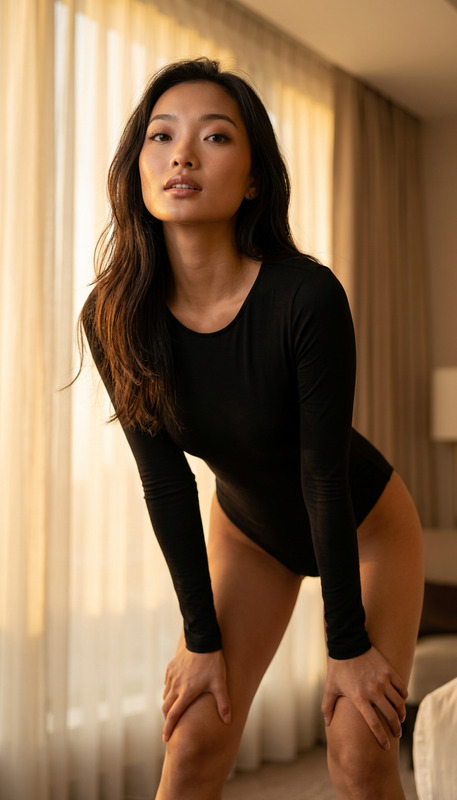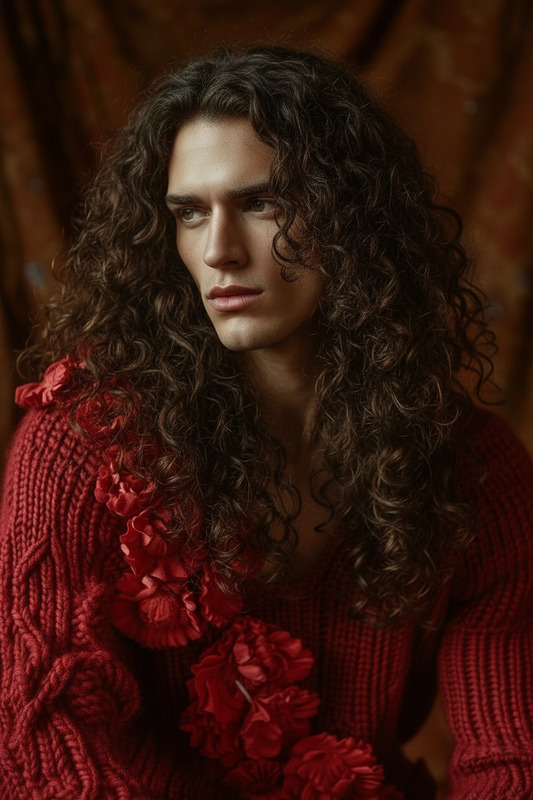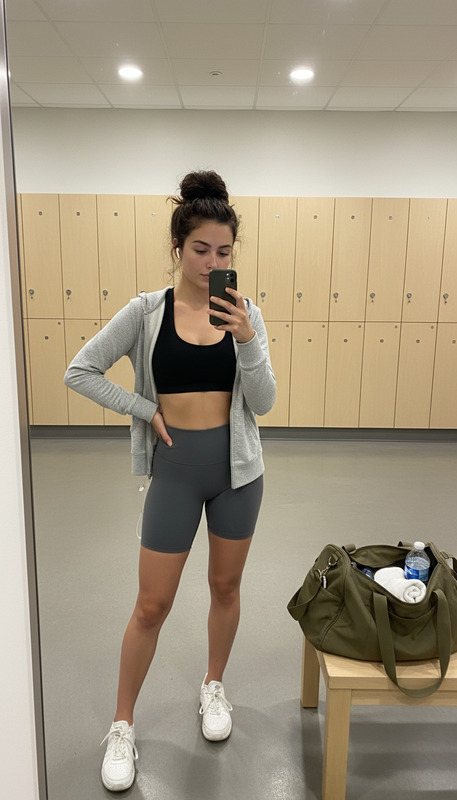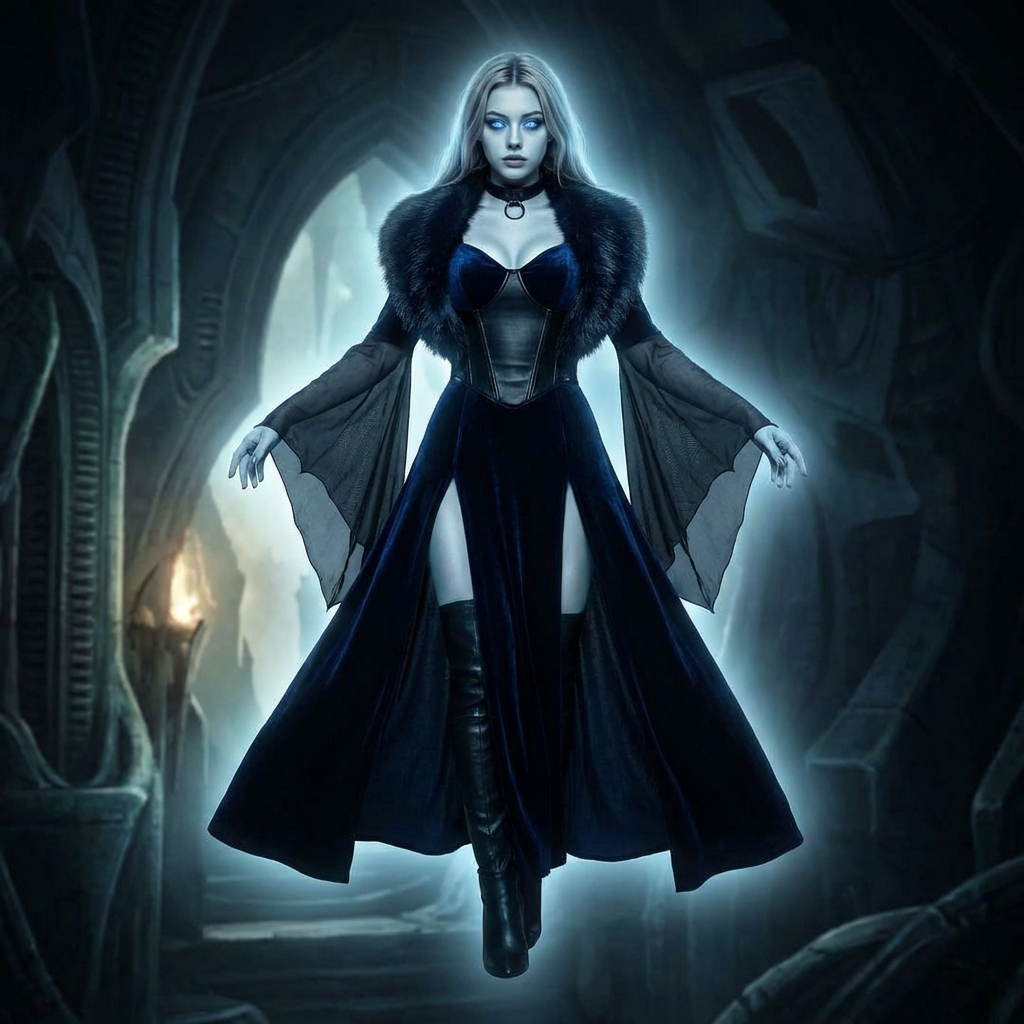
Voidborne Blood Empress
ai-image-editor
Any aspect ratio
Dark sci-fi fantasy portrait of the subject as an alien vampire supervillain, full body levitating above the ground. Tall, lithe, curvy and powerful form, pale corpse-like skin with cold bluish-white aura, glowing eyes in darkness. Wearing black and midnight-blue gothic attire with sheer bat-like robe, long sleeves, leather choker, thigh-high boots, and a fur stole. Cinematic lighting, eerie glow, high-detail, sinister, elegant, otherworldly atmosphere.
AI Image Editor Template: Clean White Shirt Product Photo
Create polished, studio-quality product photos of white shirts in minutes—no photographer, no reshoots, no complex software. This Magic Hour template uses the AI Image Editor to turn ordinary photos into high-converting catalog images ready for e‑commerce, ads, and lookbooks.
What this template does
This template is designed to:
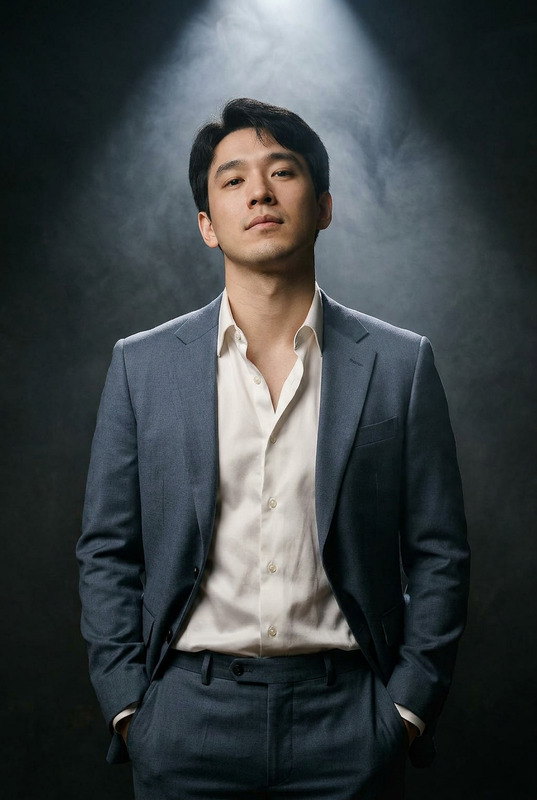
- Clean and refine a white shirt (or any light-colored top) in your photo
- Remove unwanted wrinkles, stains, logos, or distractions
- Standardize the look for product pages and marketplace listings
- Help you quickly test different stylistic directions (lighting, background, styling) by remixing
Ideal for:
- Fashion brands and DTC shops standardizing catalog images
- Marketplace sellers (Amazon, Etsy, eBay, Depop, Poshmark, etc.)
- Creators, stylists, and photographers building lookbooks
- Startups validating product ideas before full-scale shoots
For broader apparel workflows, this pairs well with Magic Hour’s AI Clothes Changer, AI Fashion Generator, and Full Body Generator.
How to use this template
Upload your base image
Use any photo that clearly shows a white (or nearly white) shirt: flat lay, on-model, or on a mannequin. The AI Image Editor works best when the shirt is clearly visible with minimal obstructions.Apply the template edit
The template will guide the AI Image Editor to:- Clean and even out fabric tones
- Preserve realistic texture and folds
- Maintain true-to-life shape and fit
- Avoid over-brightening that loses detail
Refine and export
- Review details like seams, collars, and cuffs
- Make additional passes if you need to adjust minor artifacts
- Export for web, catalog, or ad creative
You can then upscale your final image using the AI Image Upscaler for crisp detail on high-resolution storefronts.
How to remix this template in Magic Hour
You can use this as a starting point to create your own reusable templates for your brand or store:
1. Change the garment type
Use the same approach for:
- T‑shirts, hoodies, and outerwear
- Dresses and jumpsuits
- Pants, jeans, or skirts
Edit the instructions in Magic Hour’s AI Image Editor so the model focuses on the correct garment (e.g., “clean and refine black jeans” instead of “white shirt”).
2. Standardize your brand’s visual system
Create variants of this template for different use cases:
- Pure product shots – no model, clean background
- Combine with Image Background Remover or AI Background Generator to place your shirt on neutral or branded backgrounds.
- On-model lifestyle images
- Use the same shirt-cleaning logic, but keep the model and environment intact.
- Campaign / editorial looks
- After cleaning the shirt, enhance the scene with the AI Art Generator or AI Illustration Generator for stylized campaigns.
3. Adapt for different marketplaces and formats
Remix this template into variants optimized for:
- E‑commerce product pages – clean, consistent, true-to-color
- Ad creatives – more dramatic lighting or styled backgrounds
- Marketplaces – neutral backgrounds and clear garment visibility that meet platform listing guidelines
You can also generate ad-ready short clips of your product using Image to Video or Text to Video once your hero images are ready.
Advanced workflows for teams and power users
For teams building repeatable, scalable content workflows, you can combine this template with other Magic Hour tools:
Face consistency and styling
- If your model’s face or expression needs refinement, pair with AI Face Editor or AI Face Generator.
- For talking product explainers, use AI Talking Photo with your cleaned product image.
Visual experimentation & A/B testing
- Rapidly generate multiple background / styling variants with AI Background Generator.
- Turn your product into short GIF loops for social using the AI GIF Generator.
Catalog clean-up and restoration
- Fix older or low-quality product shots with Old Photo Restoration and Unblur Image.
- Remove props or distracting elements with the AI Remover or Remove Object from Photo.
Who this template is for
This template is built for:
- Fashion and apparel brands standardizing multi-season catalogs
- DTC founders and marketers rapidly iterating on product imagery
- Agencies and studios building efficient, repeatable editing pipelines
- Developers and product teams prototyping AI-driven merchandising tools
If you’re building a full AI‑native creative stack, you can complement this with:
- Portraits and creator-focused assets via the AI Selfie Generator and AI Headshot Generator
- Branded visual systems using the AI Logo Generator, Thumbnail Maker, and Album Cover Generator
Related Magic Hour templates & tools to explore
If you like this AI Image Editor template, you may also want to try:
- Face Swap Video – test how different models wear your products in video
- Lip Sync – create engaging talking product clips for social
- Video to Video – restyle existing fashion videos while preserving motion
- Animation – turn still product shots into animated sequences for campaigns
And supporting tools for visual consistency and experimentation:
- AI Photo Generator – generate lifestyle shots around your product
- AI Outfit Generator – design full looks featuring your white shirt
- AI Meme Generator – spin informal social content from your product imagery
Use this template as a dependable base: clean, accurate white-shirt photos that you can quickly remix into your own brand-specific workflows across Magic Hour.