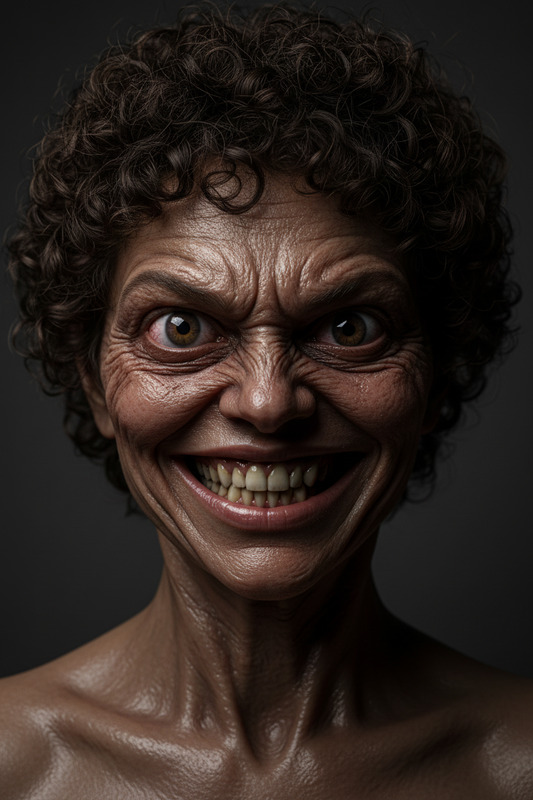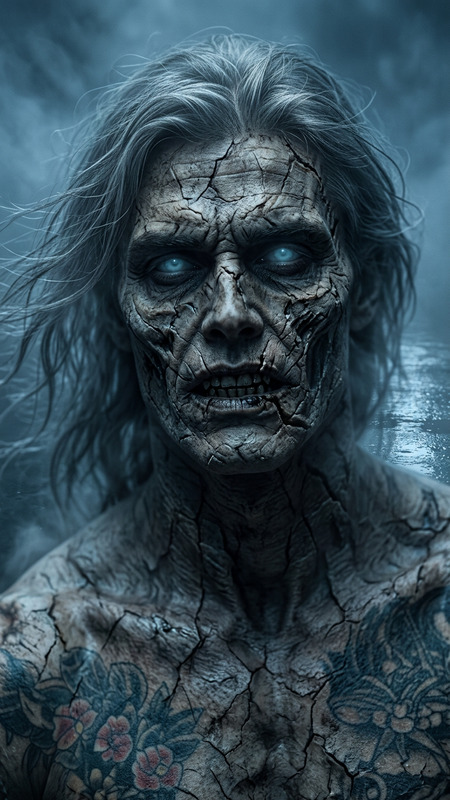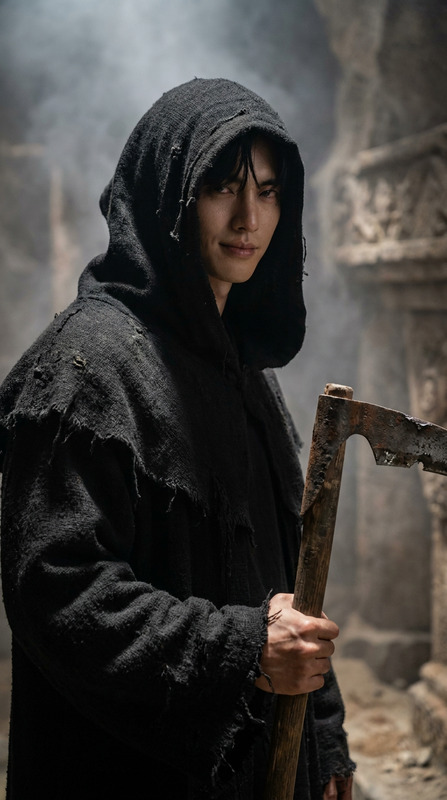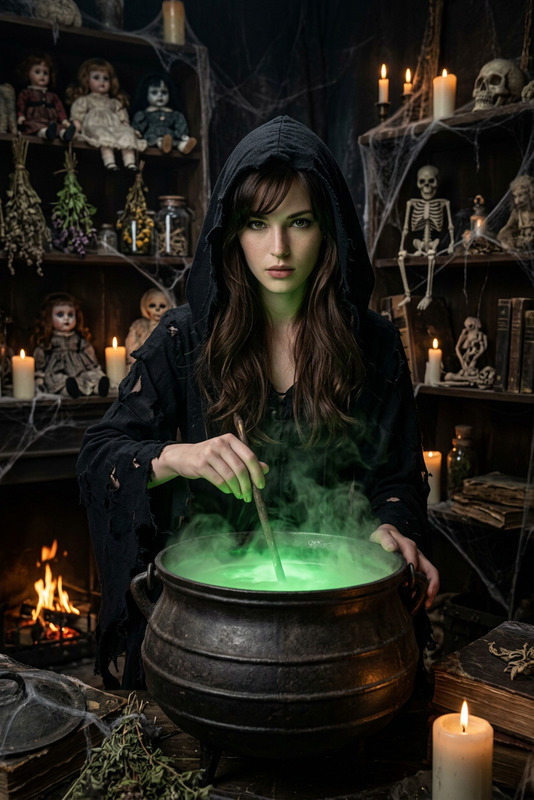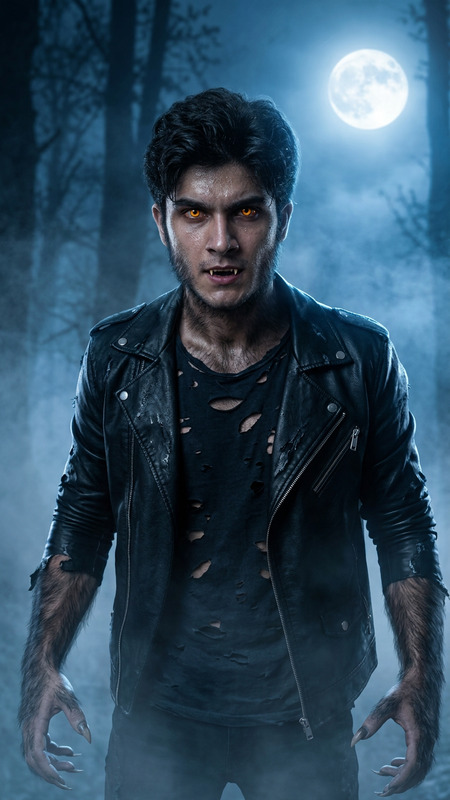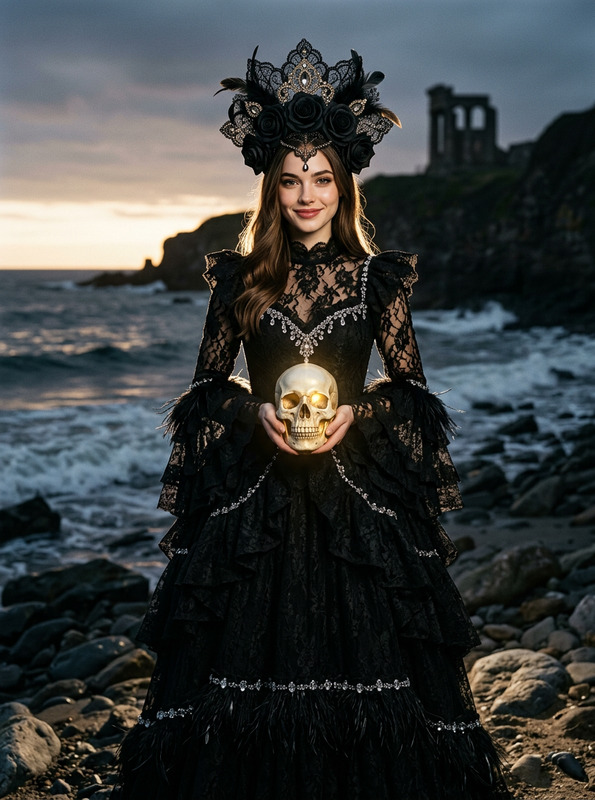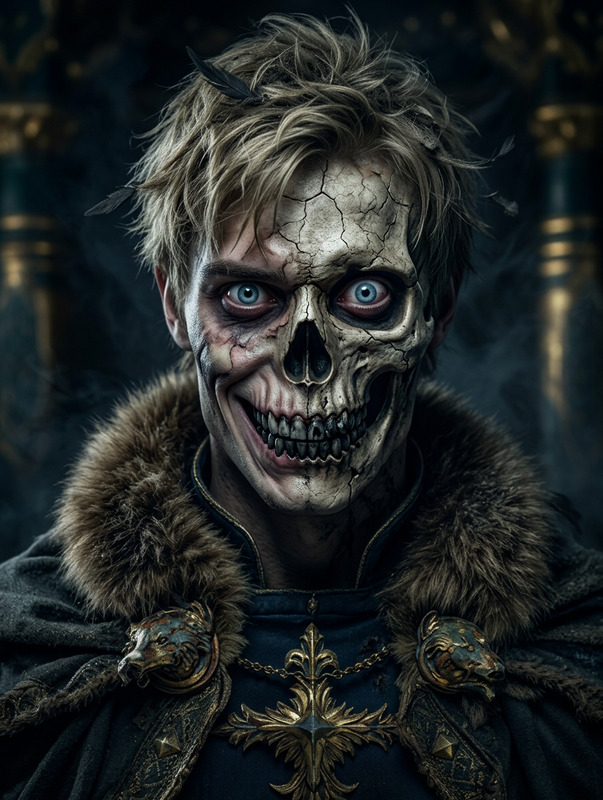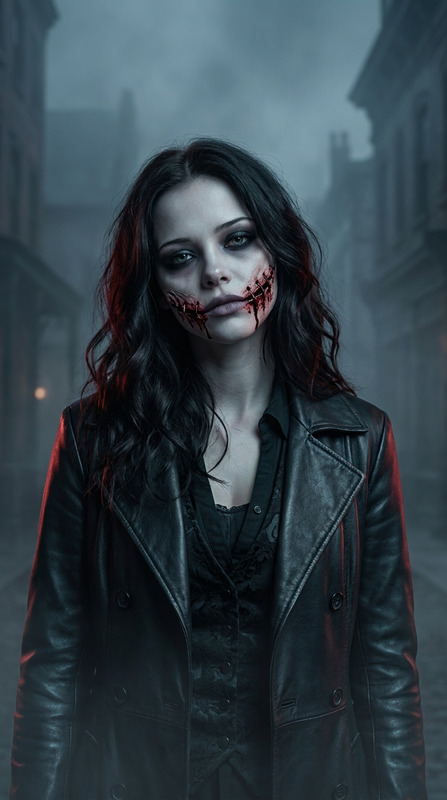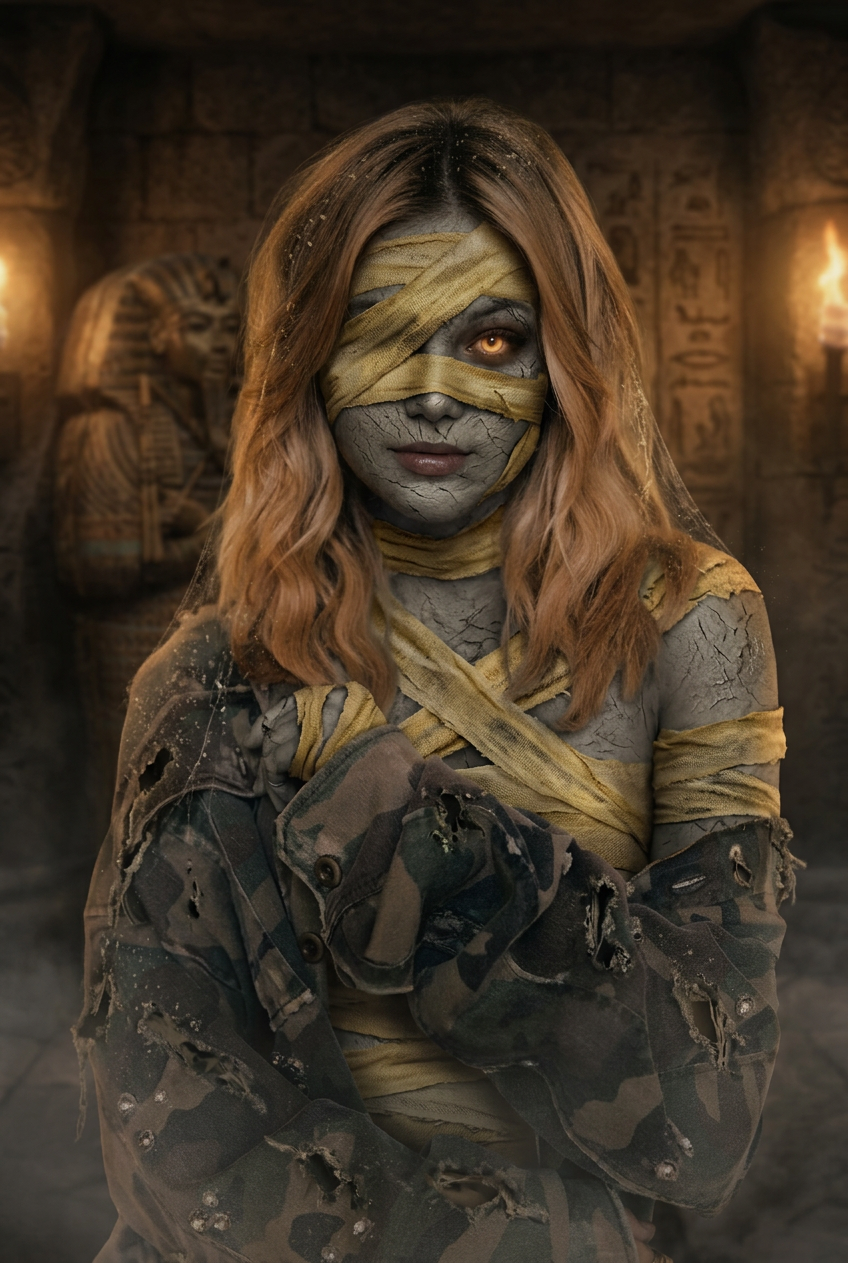
Mummy Ancient Curse
- Model
- Nano Banana 2
- Image
- 848 × 1263 px
Prompt
Strongly preserve the person’s real face, eyes, nose, mouth, facial structure, and body pose — do not change the person’s identity or expression. Keep the same recognizable person. Transform them into a realistic mummy version for a Halloween horror photo: partially wrapped ancient bandages across face, arms, and body, slightly cracked dry skin texture, glowing eyes, eerie dust and decay details. Change the background to an ancient tomb or dark sand temple with dim cinematic lighting, soft fog, and warm torchlight glow. Ultra-realistic portrait photography style, dark horror atmosphere, not anime, not cartoon, not illustration, not painting.
Any aspect ratio
Overview
"Mummy Ancient Curse" leverages advanced AI to transform any photo into a haunting mummy masterpiece, perfect for Halloween festivities or spooky promotions. By maintaining the integrity of the subject's facial features, it ensures that the original identity remains intact while adding chilling mummy attributes.
What It Does
This tool expertly wraps the subject in ancient, partially disintegrated bandages, adding cracked skin texture and glowing eyes for an ultra-realistic horror effect. The background is replaced with a setting that evokes an eerie ancient tomb, complete with soft fog and torchlit ambiance. It falls under the AI Image Editor category, offering high-fidelity transformation with a dark, cinematic style.
Who It's For
This template is ideal for content creators, photographers, and horror enthusiasts looking to elevate their visual work with professional-grade eerie effects. Whether you're creating content for social media ads or enhancing a thematic project, this tool provides the thrilling visuals you need.
Summary
With the "Mummy Ancient Curse" template, transform your photos into striking Halloween-themed creations. It's an indispensable tool for those working on horror projects or personalizing scary-themed social media content, thanks to its ability to preserve identity while applying high-quality visual effects.
Explore the capabilities of other products like AI Video Extender and AI Image Generator for more creative options.
How To
Choose Your Image

Customize Features

Generate and Download

Use Cases
Halloween Promotions
- Spooky social media teasers
- Eerie themed email campaigns
Horror Film Projects
- Visual effects for movie posters
- Scary movie stills
Personal Projects
- Haunting wall art
- Unique profile pictures
Best Practices
Select High-Quality Images
Use photos with clear details to help the AI produce more defined transformations.Fine-Tune the Lighting
Ensure the image's existing lighting complements the template's dark, atmospheric effects.Leverage Backgrounds
Take advantage of the background change to accentuate the eerie ancient tomb or temple vibe.