Cute Ghost Kawaii
- Model
- Nano Banana 2
- Image
- 768 × 1371 px
Prompt
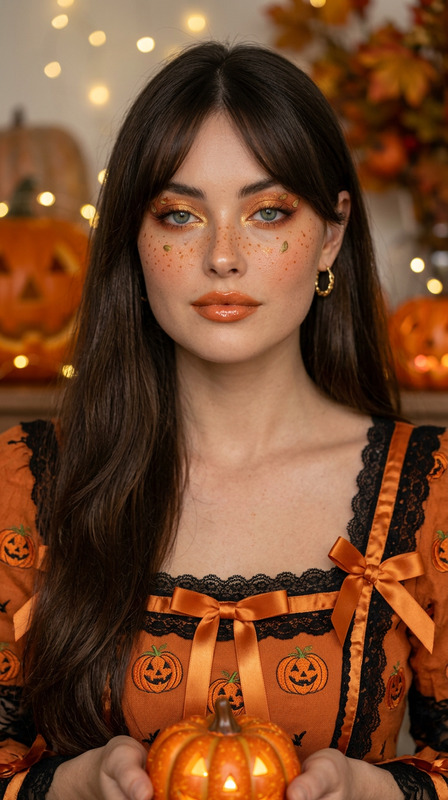
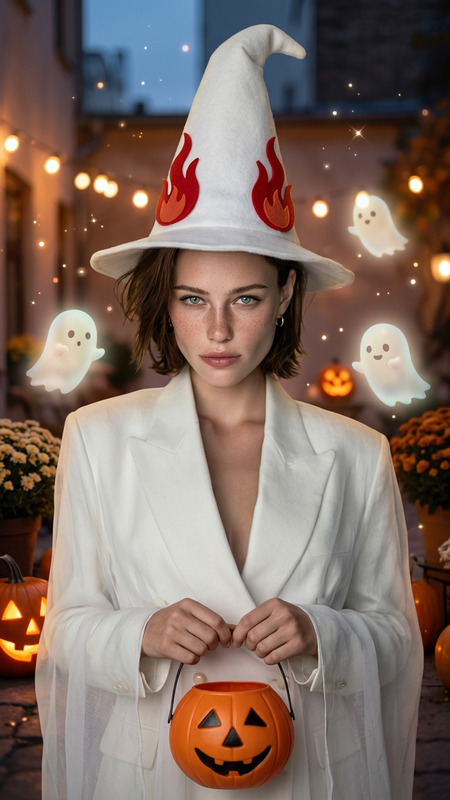
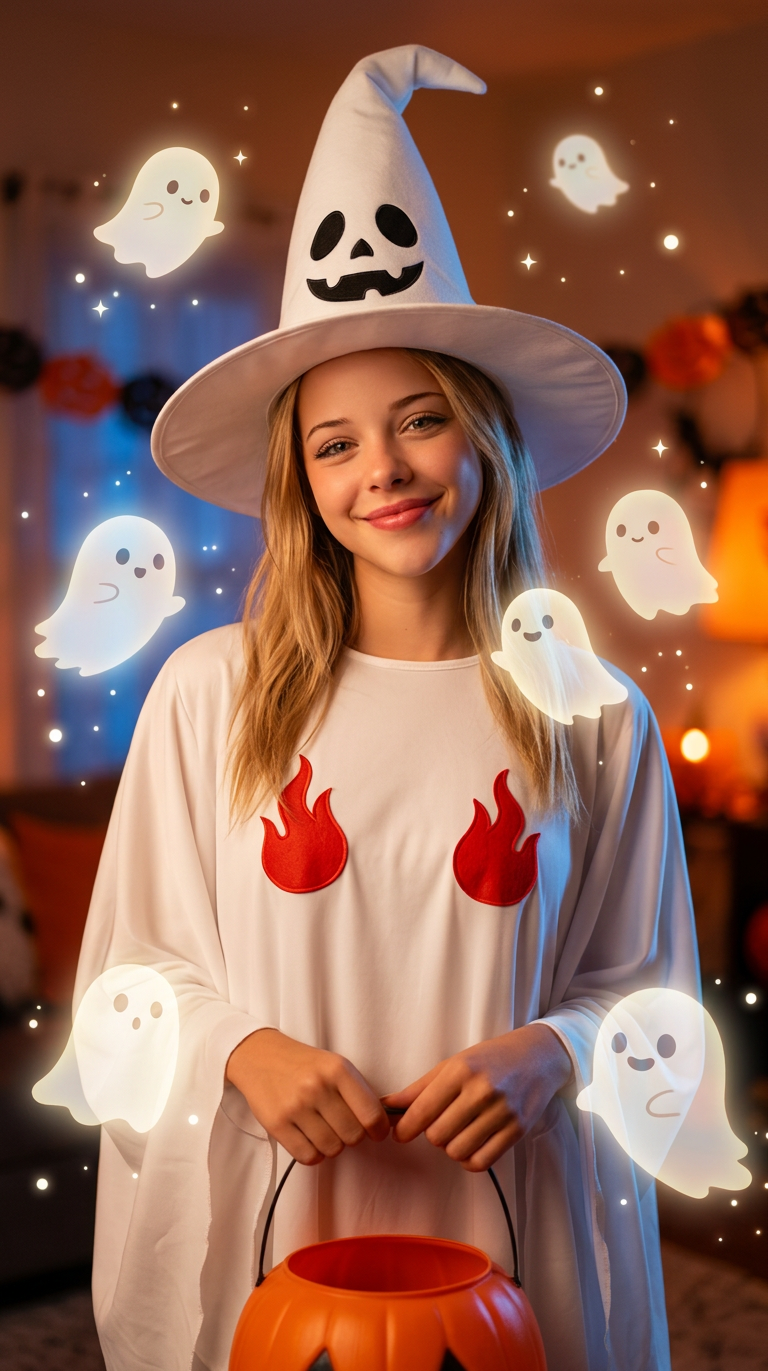
Preserve the person’s real face, expression, and body pose — do not change their identity. Keep the white ghost outfit with tall white hat and two red flame decorations, and the orange pumpkin bucket in hands. Transform the background into a cozy Halloween night scene with soft cinematic lighting and floating cute mini ghosts around the person. The small ghosts are glowing gently, semi-transparent, friendly-looking, and surrounded by floating sparkles and bokeh. Add warm orange and soft blue tones for a dreamy effect. Lighting: fashion portrait style with soft flash and ambient glow. Style: cute Halloween ghost portrait, ultra-realistic photography, dreamy and cozy, not horror, not anime
Any aspect ratio
Overview
Transform your photos into a dreamy Halloween scene with the Cute Ghost Kawaii template. Using the AI Image Editor capabilities of the nano-banana-2 model, this template overlays a cute ghost outfit onto a subject while preserving their identity. Enjoy a unique blend of ultra-realistic photography and whimsical Halloween charms.
What It Does
This template enhances your image by dressing the subject in a cute ghost outfit, complete with a tall white hat and a pumpkin bucket. The background morphs into a cozy Halloween night, teeming with friendly floating mini ghosts and atmospheric lighting. It's perfect for producing a cute, dreamy Halloween aesthetic without switching out facial details or body poses.
Who It's For
If you are someone who enjoys the Halloween season's visual delights and wants to transform existing photos into festive, heartwarming scenes, this template is for you. Ideal for personal use, social media enthusiasts, or creative professionals looking to offer whimsical portrait edits to clients. Explore more tools like AI Talking Photo for further visual effects.
Summary
Bring your photos to life with the Cute Ghost Kawaii template. Create enchanting images that evoke the cozy warmth and spirited charm of Halloween. While preserving personal features, this tool offers a delightful artistic transformation to showcase your spooky season spirit. You might also be interested in the AI Image Generator for creating new visuals.
How-To
Choose Your Template

Customize Your Inputs

Generate Your Image

Use Cases
Social Media Posts
- Festive profile images
- Halloween-themed timelines
Personal Keepsakes
- Holiday greeting cards
- Photo gifts
Professional Photography
- Portrait studios
- Festive photography packages
Best Practices
Use High-Quality Images
Start with a high-resolution photo for the best results in image detail and lighting.Maintain Natural Expressions
Ensure subjects have neutral or joyful expressions to align with the template's warm theme.Experiment with Lighting
Utilize ambient lighting in your original photos to enhance the final dreamy effect.