Ghost Face

Ghost Face

AI Image Editor
1 clip
2 uses

Any aspect ratio

Prompt

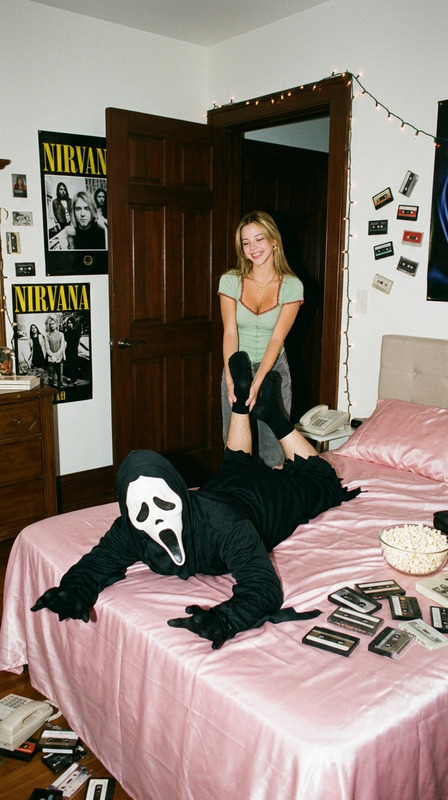
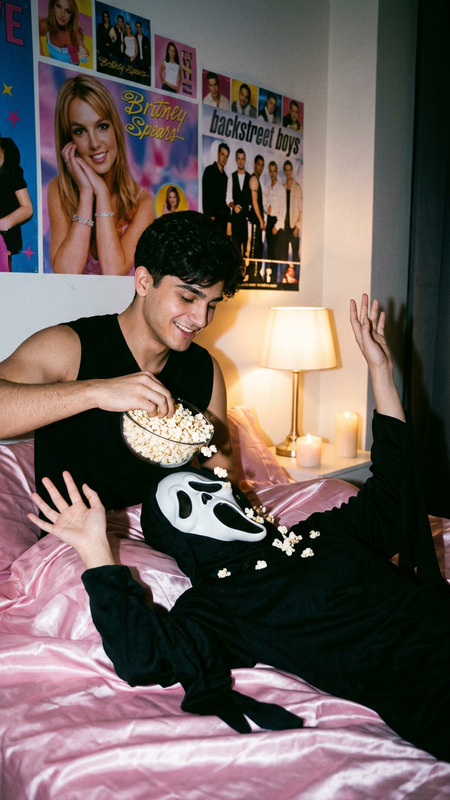
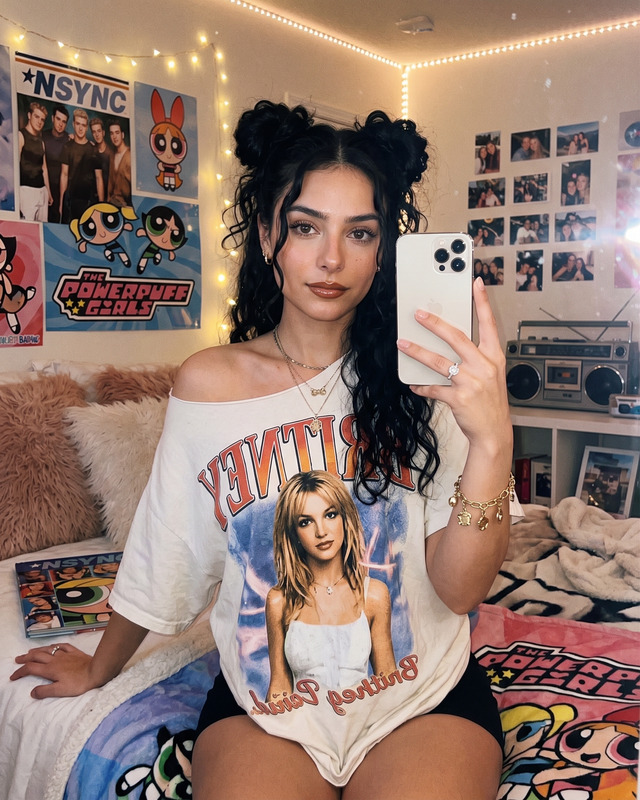
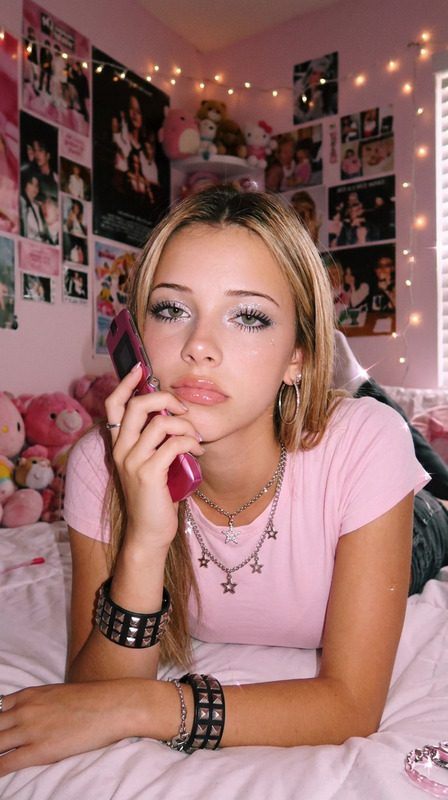
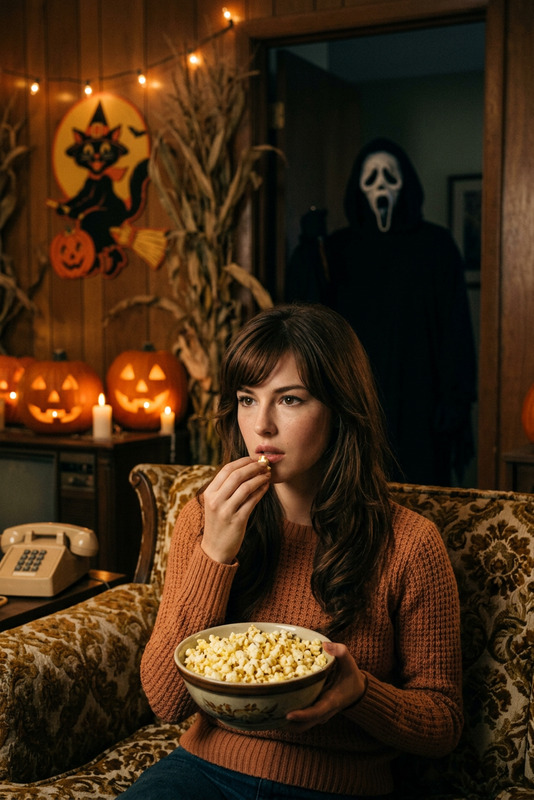
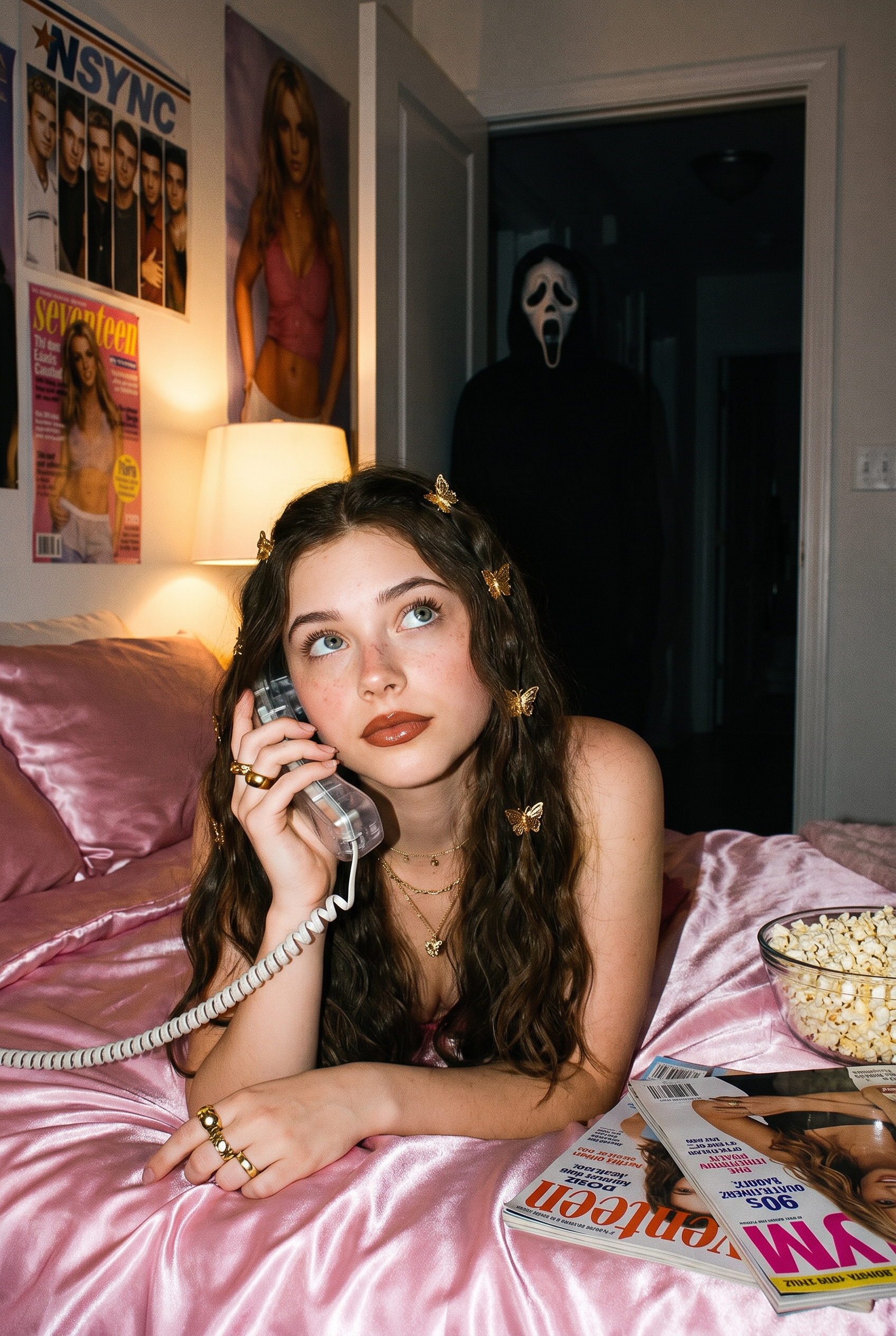
Create a photo of me in a dreamy y2k style portrait of me laying on a shiny pink satin bedding as i hold a large 90s style chorded phone and in a thoughtful daydreaming pose her long wavy hair gold butterfly clips on each side. she wears delicate jewelry including dainty gold necklaces and accessories and gold chunky rings. the room behind her is girly and daydreamy with 90s style posters. her makeup is simple yet glamorous with brown lipgloss and brown lip liner. the photo should have a grainy 90s style to it with a light source like a lamp in a dimly lit room at night. a bowl of popcorn rests beside her near some 90s style magazines. A guy with ghostface costume should be behind her staring at her, his body should be dimly lit, and he should be standing in the doorway of a dimly lit hallway. the background behind he should be slightly dark and ominous

Tags

visual effects

Overview

The "Ghost Face" AI Image Editor template offers creators a way to craft stunningly nostalgic compositions with a vivid y2k aesthetic. Use it to create portraits that blend glamour with a touch of noir mystery, featuring iconic 90s elements and storytelling depth. This template leverages the nano-banana-pro model to ensure high-quality and evocative visuals that hark back to a beloved era.

What It Does

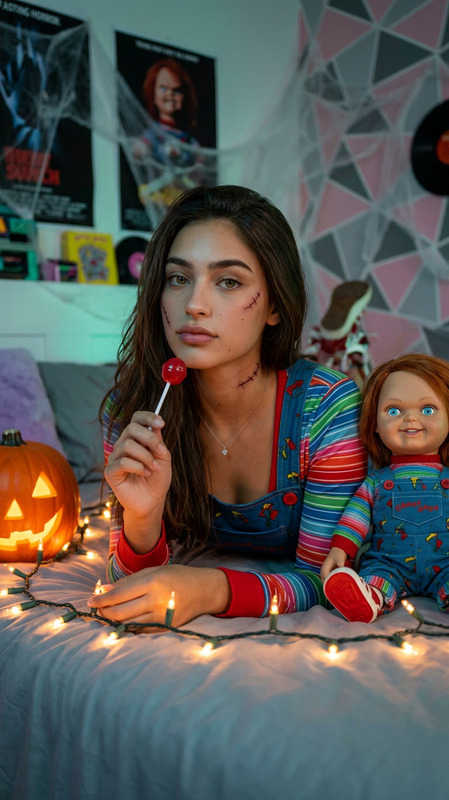
This template transforms your images by reimagining them in a dreamy 90s style. It encapsulates the essence of y2k vibes with detailed elements such as pink satin bedding, gold butterfly hair clips, and nostalgic props like a chunky, chorded phone. The inclusion of a Ghost Face figure adds an intriguing visual effect, perfect for a modern twist on retro themes. Using the AI Image Editor, the template layers these details seamlessly into a unified and engaging scene.

Who It's For

"Ghost Face" is ideal for content creators, film enthusiasts, and digital artists looking to infuse their work with a unique blend of retro charm and suspenseful narrative. It's perfect for marketers aiming to capture the attention of audiences nostalgic for the 90s or those in the social media ads sector aiming to stand out with creative visuals. The tool is equally suited for brands creating themed campaigns or personal projects in need of a quirky, captivating image style.

Summary

Blend nostalgia with creativity by using the "Ghost Face" template to craft memorable, detailed images that captivate and intrigue. With its focus on 90s aesthetics and the mystery of a Ghost Face figure, it offers a platform for unique storytelling through visuals. Explore the full potential of the AI Meme Generator to pair with your images and enhance the storytelling experience.

How To

Follow these steps to create a captivating image using the "Ghost Face" template.
    01

    Choose the Template

    Navigate to the AI Image Editor section, and select the "Ghost Face" template from the list of available options.
    02

    Customize Your Inputs

    Upload your photo and adjust the prompt to match your vision. Focus on the specific elements you want to incorporate, like hair accessories, jewelry, or the ambiance of the room.
    03

    Generate the Image

    Click on the generate button to process the image. Once the image is created, download it in your preferred format from the dashboard.

Use Cases

Discover different scenarios where the "Ghost Face" template can enhance your work.
📸

Social Media Content

Use the nostalgic 90s aesthetic to create eye-catching posts that engage followers.
  • Perfect for Instagram stories and reels
  • Ideal for themed posts or throwback style content
🎨

Digital Art Projects

Incorporate the template into larger multimedia art pieces for exhibitions or digital galleries.
  • Blend with AI-generated music videos
  • Use in conjunction with VR art installations
🛍️

Marketing Campaigns

Capture the imagination of your audience with unique visuals that tell a story.
  • Utilize for product launches with a retro angle
  • Engage audiences in mystery and suspense themed promotions

Best Practices

Maximize your use of the "Ghost Face" template with these expert tips.
  • Focus on Detail

    Ensure that every detail in the image—from the lighting to accessories—aligns with the 90s theme for a cohesive look.
  • Leverage Lighting Effects

    Play with the lighting to enhance the ghostly atmosphere. Subtle changes can intensify the mysterious vibe of your final image.
  • Combine with Other Tools

    Use alongside the AI Voice Changer for projects incorporating audio, adding an eerie or nostalgic tone.
Frequently asked questions

The "Ghost Face" template allows downloads in popular image formats such as PNG and JPEG.

Yes, fine-tune the lighting and shadows in the customization phase to achieve your desired effect.

The Ghost Face element adds a suspenseful and eerie vibe, enhancing the overall narrative of your image.

Absolutely, the template can be used in commercial projects, ensuring unique and engaging visuals for marketing campaigns.

More Like This