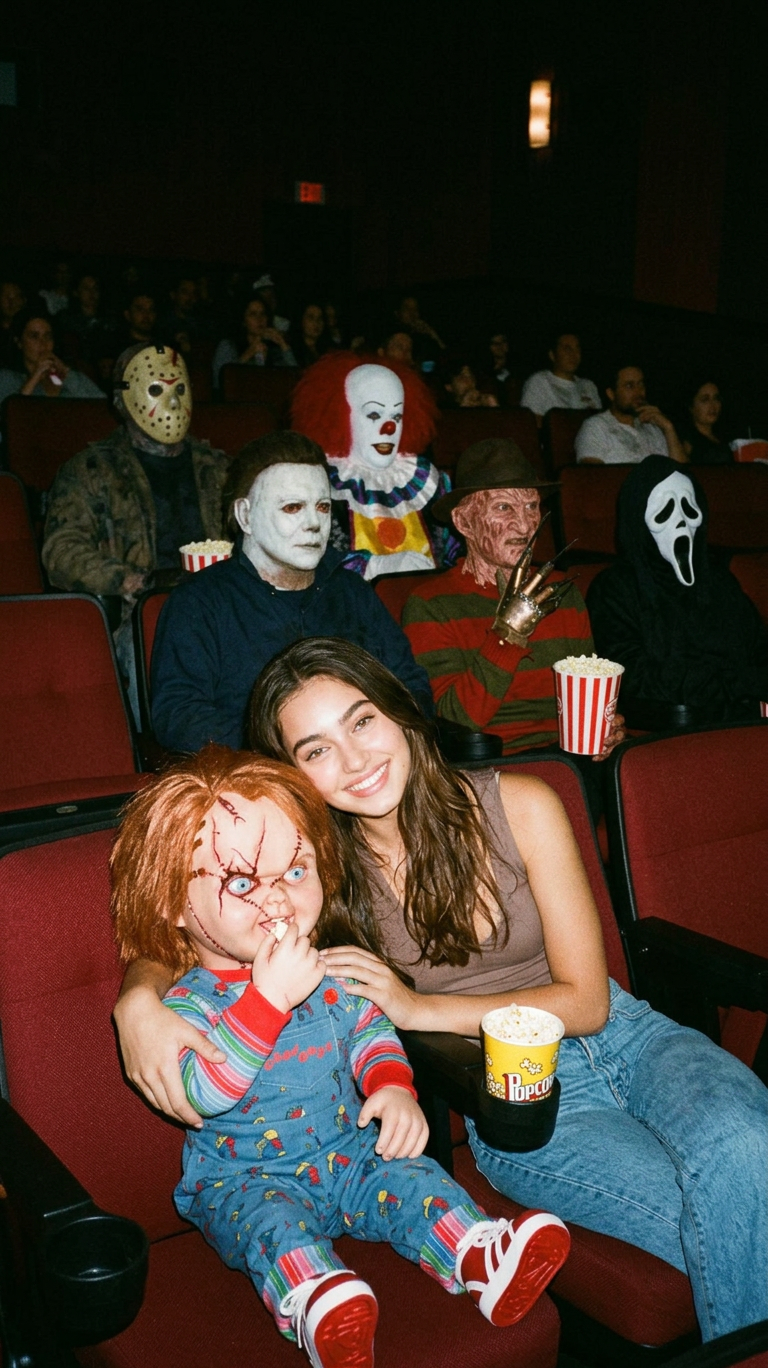
Slasher Movie Night
- Model
- Nano Banana 2
- Image
- 768 × 1368 px
Prompt
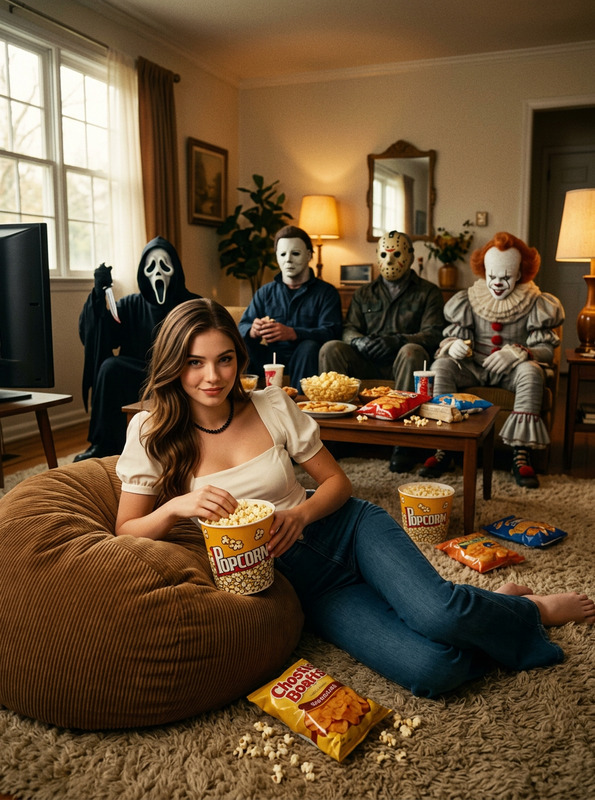
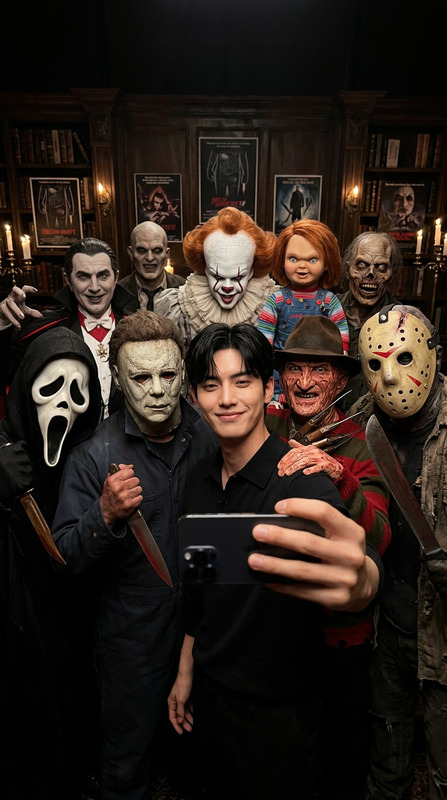
A grainy, 90s-style photo. In the foreground, I am sitting next to Chucky in a movie theater, sharing a large bucket of popcorn. My facial features are recognizable. One row behind us are Michael Myers, Freddy Krueger, and Ghost Face. Two rows behind us are Jason Voorhees and Pennywise. Everyone is in the theater, eating popcorn. The photo has the feel of a casual, vintage snapshot.
Any aspect ratio
Overview
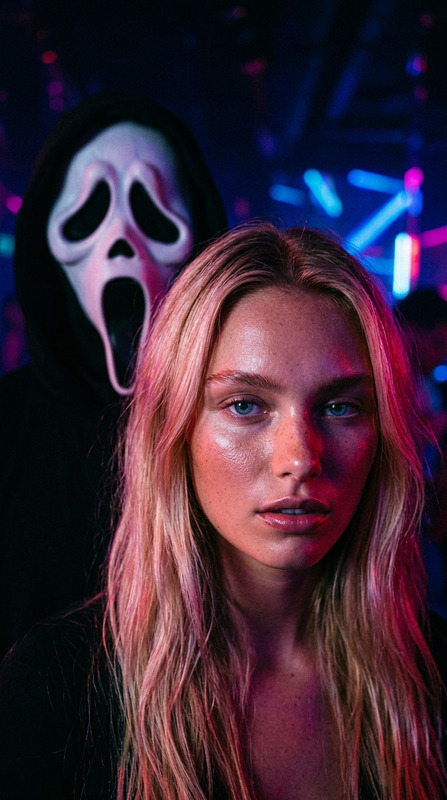
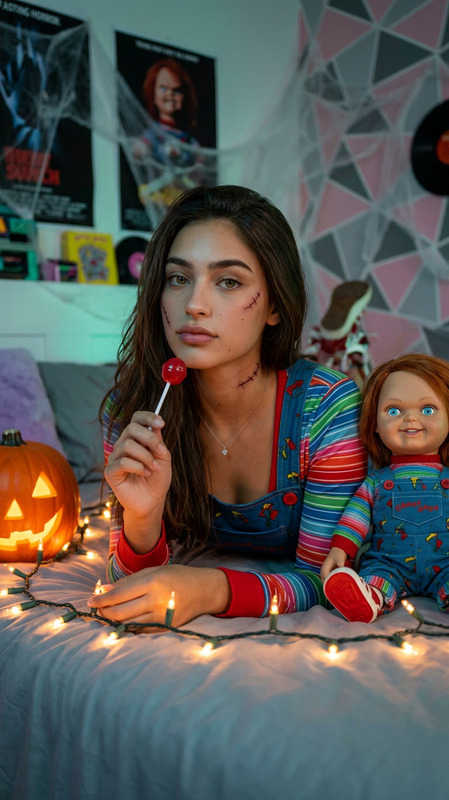
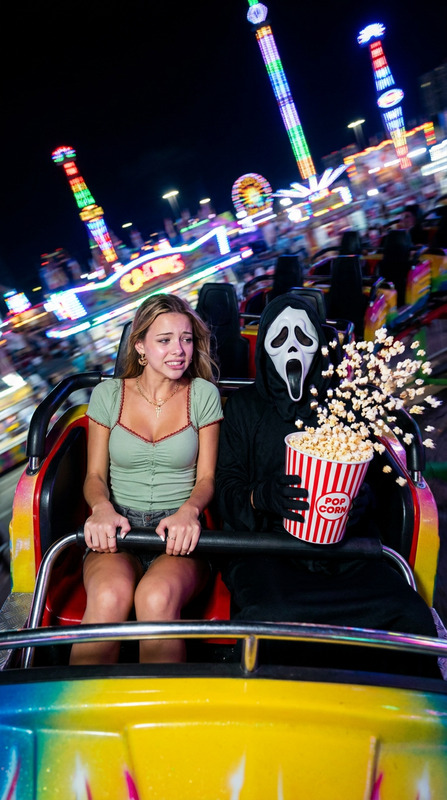
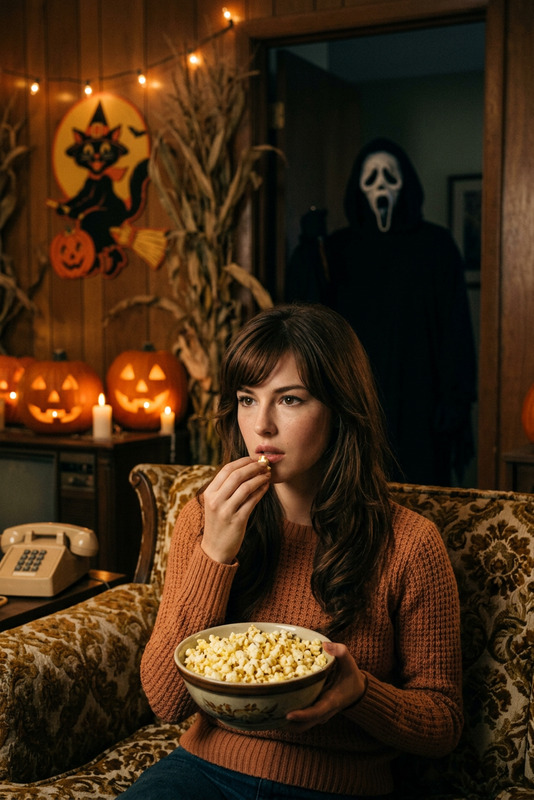
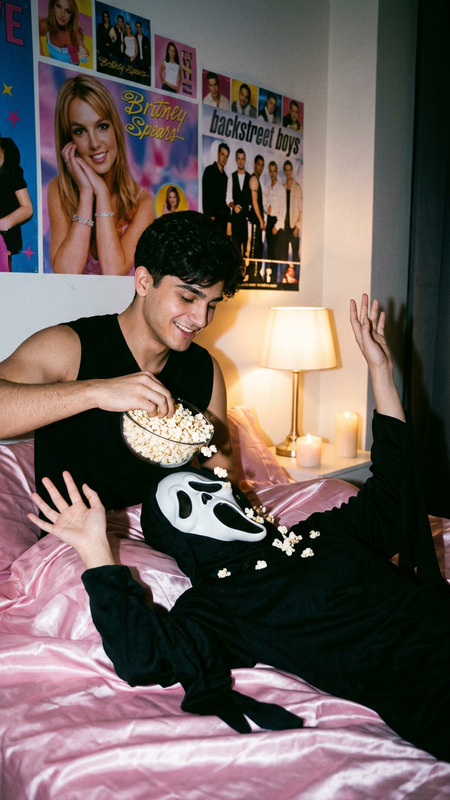
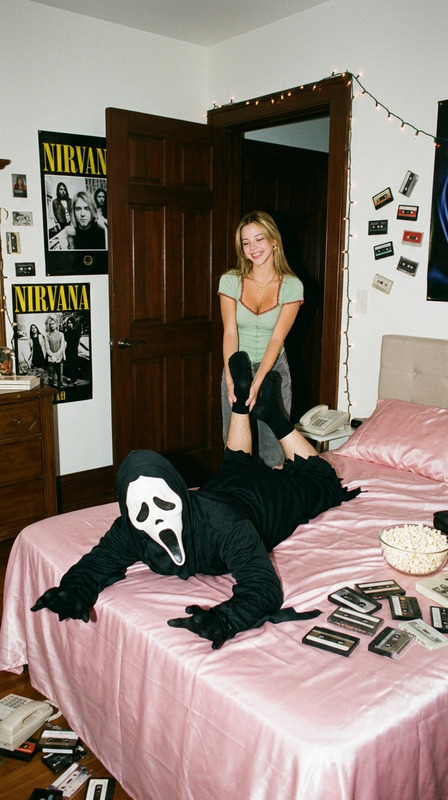
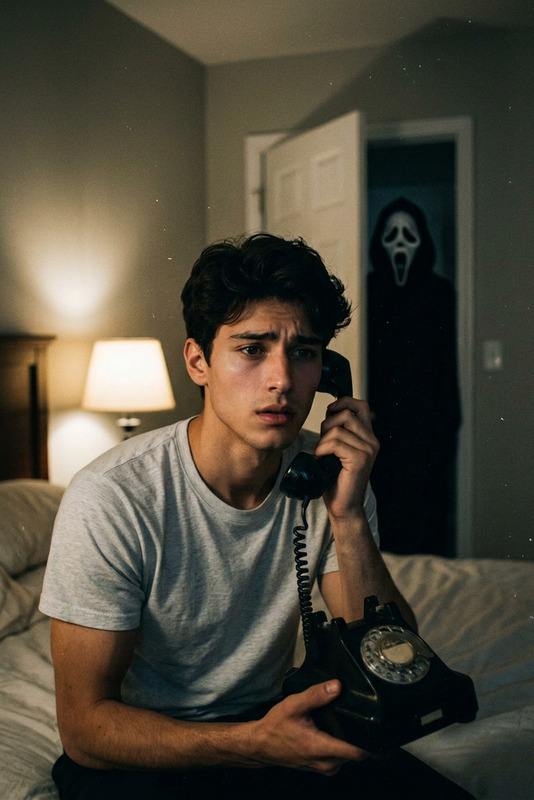
Bring the charm of 90s horror classics to life with the "Slasher Movie Night" AI Image Editor template. This template uses the nano-banana-2 model to create a unique, grainy retro look, perfect for horror movie enthusiasts or Halloween-themed projects.
What It Does
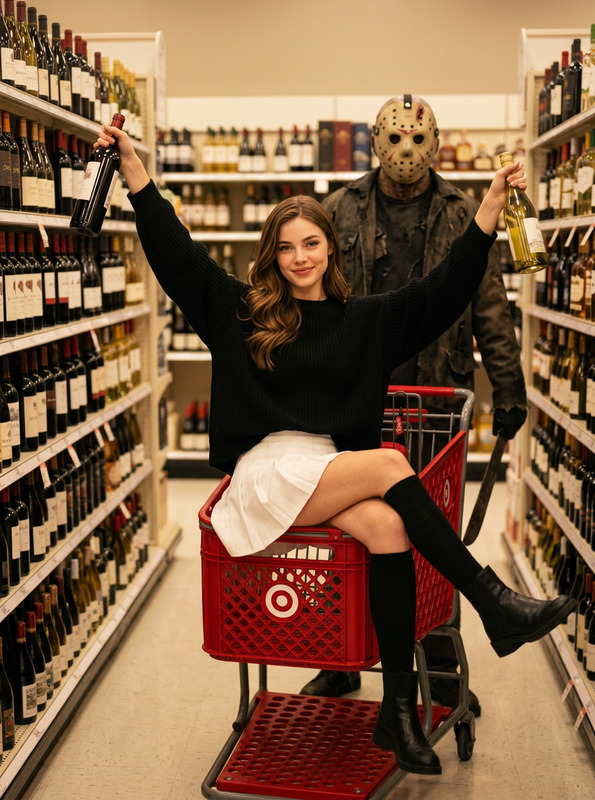
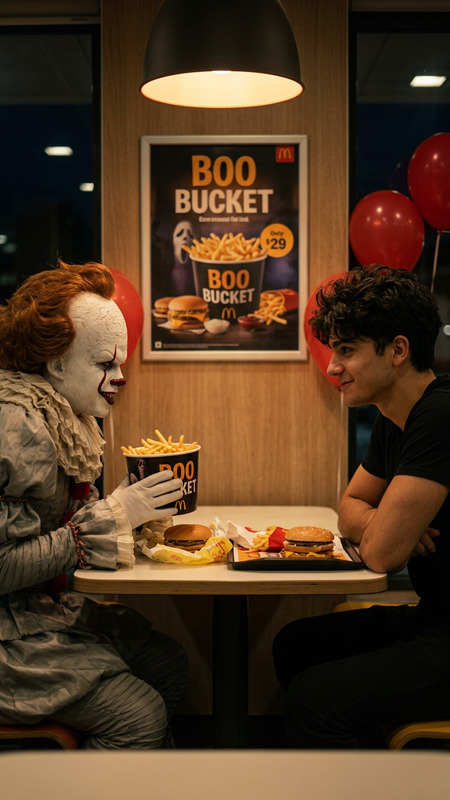
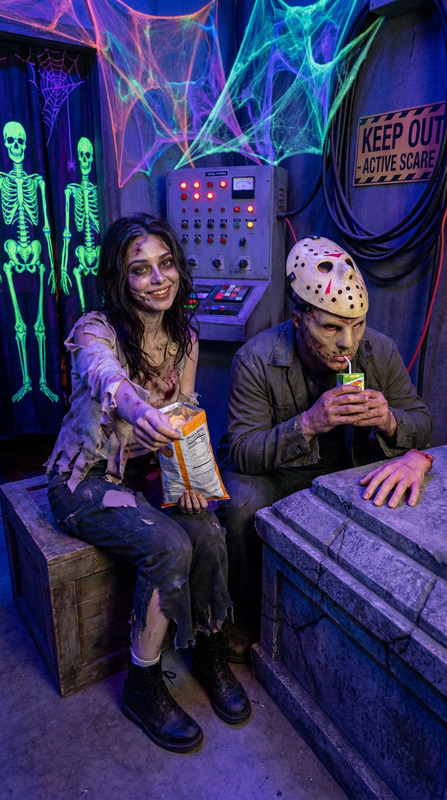
This template lets you craft a recognizable, 90s-style photograph with familiar horror movie icons like Chucky, Michael Myers, and Freddy Krueger. You'll find yourself sitting in a movie theater, sharing popcorn with these characters, making for an engaging and nostalgic image.
Who It's For
Ideal for horror film fans, content creators focusing on retro content, or anyone looking to add a touch of horror to their projects. This tool is also a great fit for marketing campaigns needing a vintage horror twist. Enhance your Halloween promotions by pairing this with our AI Talking Photo tool for added character animation.
Summary
Incorporate multiple iconic horror figures into a single, personalized image with "Slasher Movie Night." Whether for personal amusement or a commercial project needing that retro 90s flair, this template is a versatile choice. To further edit and enhance features, our AI Image Editor offers extensive capabilities.
How to Use
Choose Your Template

Customize Your Image

Generate Your Image

Use Cases
User-Generated Content
- Instagram throwback posts
- Facebook profile pictures
- Halloween event promotions
Marketing Campaigns
- Retro movie theater flyers
- Halloween party invitations
Creative Storytelling
- Storyboards
- Online fan fiction enhancements
Best Practices
Play with Vintage Effects
Enhance the 90s feel by experimenting with grain and vintage filter settings in the image editor.Focus on Lighting
Ensure characters are well-lit to maintain recognizability; adjust lighting settings to fit the nostalgic theme.Combine Tools for Depth
Utilize other tools like the AI Video Generator for creating animated sequences with these characters.