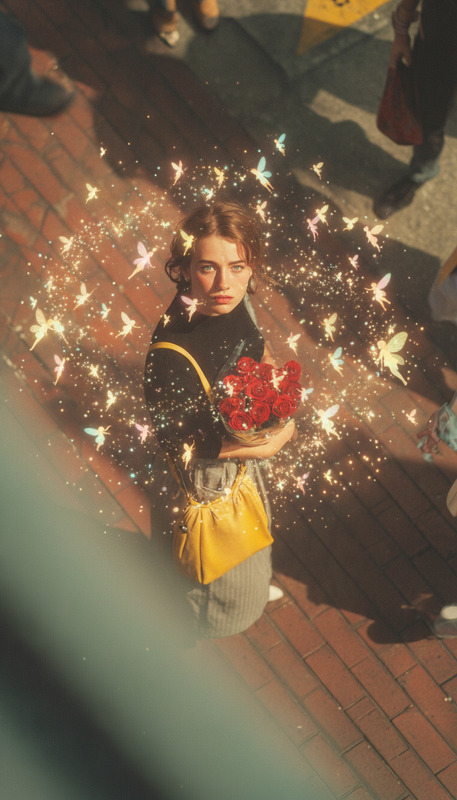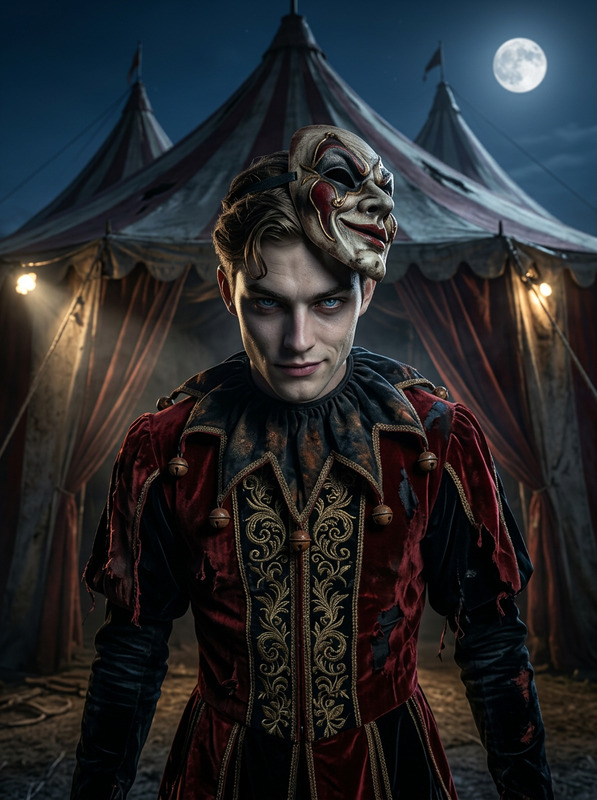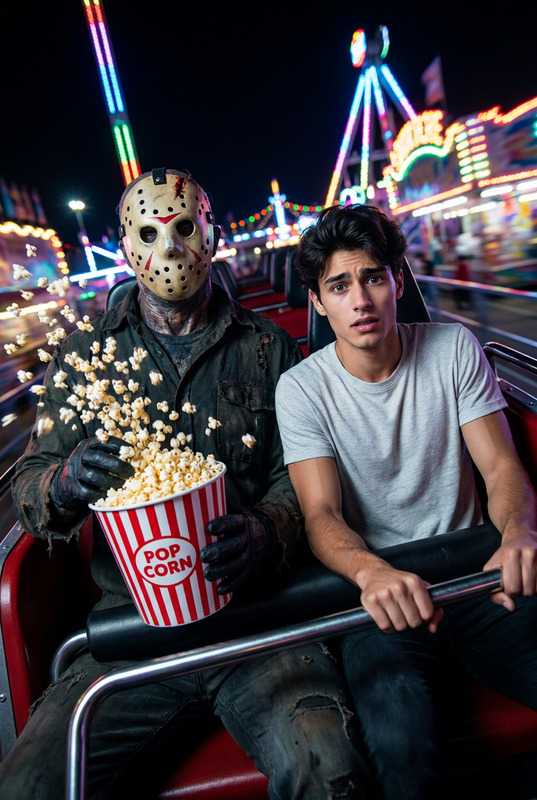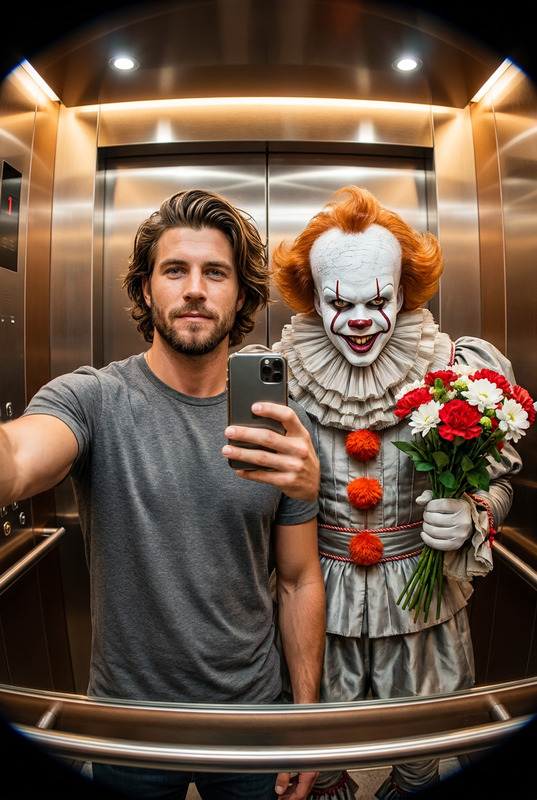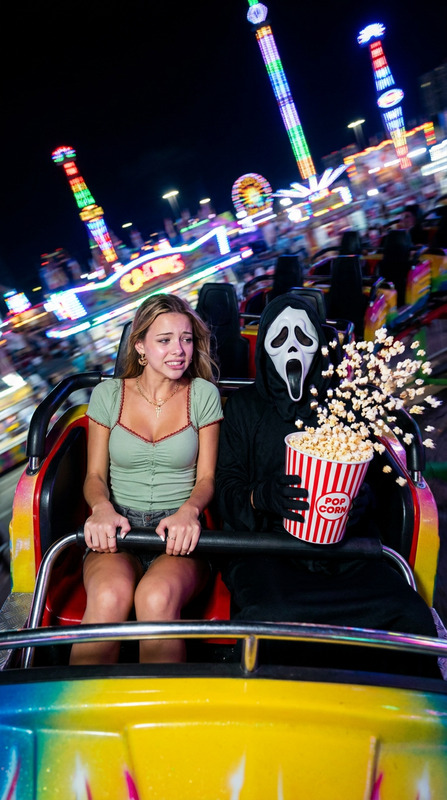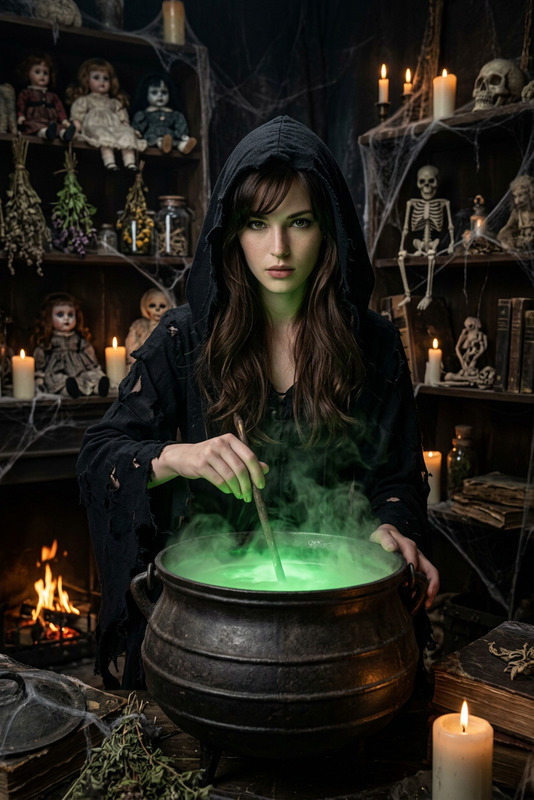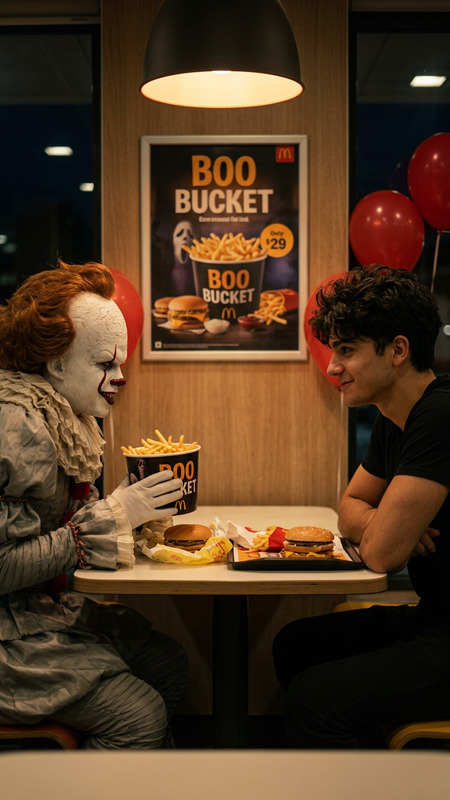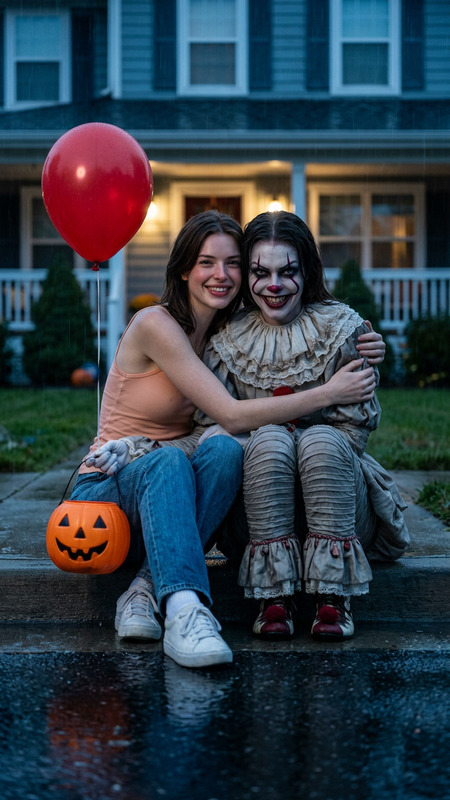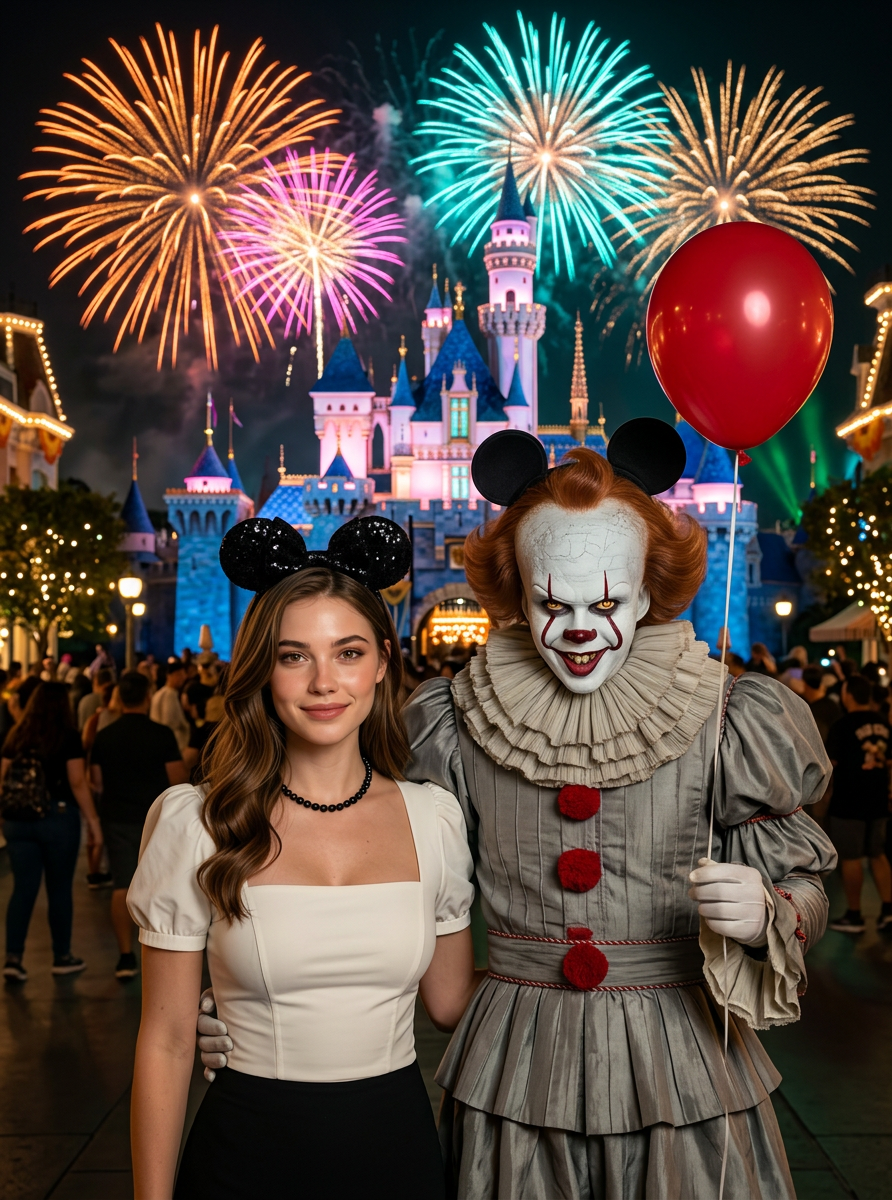
Clown Disney Date
- Model
- Nano Banana 2
- Image
- 892 × 1200 px
Prompt
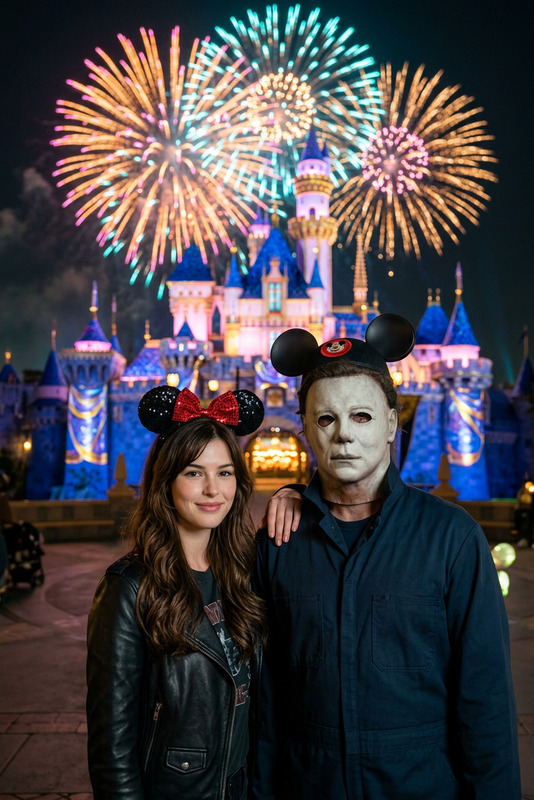
The night view of Disneyland is like a movie. A person (based on the photo you uploaded) and the dancing clown Pennywise stand side by side in front of the brightly lit castle. This person (based on the photo you uploaded) is wearing black Mickey Mouse ears, with a calm and confident smile, and one hand is casually placed on the other person. In "It", he was dressed in a pleated clown costume, with white paint on his face, an evil smile on his face, holding a red balloon in his hand and wearing matching Mickey Mouse ears. They interacted naturally and logically. Behind them, brilliant fireworks bloomed above the castle, illuminating the bright sky in orange, pink, cyan and gold. The towers of the castle flickered with magical reflections, and the soft light outlined their contours. Ultra-realistic 8k film still life, natural ambient lighting, high dynamic range, cinematic orange-green tones, soft shadows, shallow depth of field, delicate skin textures, a festive atmosphere with a touch of horror, a magical and mythical mood, professional night photography aesthetics, a masterpiece.
Any aspect ratio
Overview
The 'Clown Disney Date' template allows you to inject a unique visual twist into your images by combining the allure of Disneyland with the eerie charm of Pennywise from "It." Using the AI Image Editor powered by the versatile nano-banana-2 model, this template creates an ultra-realistic scene where your uploaded photo becomes part of a magical, yet slightly unsettling, tableau at Disneyland.
What It Does
This AI Image Editor template seamlessly blends your personal photo with the vibrant night view of Disneyland, enhanced with dynamic lighting and cinematic tones. It accurately positions your likeness alongside Pennywise, both sporting Mickey Mouse ears and set against the backdrop of fireworks bursting over the castle. The template's high dynamic range and professional night photography aesthetic make the final image stunningly detailed and film-like.
Who It's For
Designed for photographers, social media influencers, and visual artists, this template transforms ordinary images into extraordinary storytelling pieces. It is ideal for creating themed posts or projects that require a mix of fantasy and horror elements. Anyone looking to captivate their audience with visually engaging content will find this template invaluable.
Summary
The 'Clown Disney Date' template leverages advanced AI to craft images that combine fantastical and horror themes in a high-quality 8k resolution, capturing a unique moment at Disneyland. Perfect for those who love creative, thematic visuals and utilize AI Talking Photo for storytelling projects.
How To
Choose Your Template

Customize Your Scene

Generate Your Image

Use Cases
Fantasy Photo Album
- Capture once-in-a-lifetime Disney trips with a unique flair
- Create a themed photo album unmatched by conventional photography
Social Media Content
- Perfect for Halloween posts or themed social media campaigns
- Boost engagement with eye-catching imagery
Themed Invitations
- Create unique party invites with a whimsical yet eerie twist
- Stand out with highly customized and thematic designs
Best Practices
Select a Clear Image
Ensure the uploaded photo is of high quality with clear facial features for the best results.Experiment with Lighting
Adjust the built-in lighting settings to enhance the mood and depth of the final image.Use High-Resolution Output
Always download the highest resolution available to maintain image clarity and quality, suitable for printing or high-quality posting.