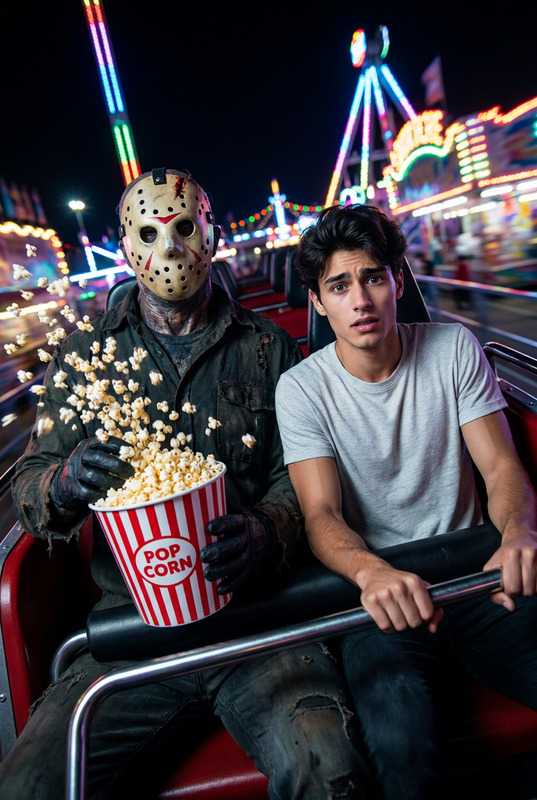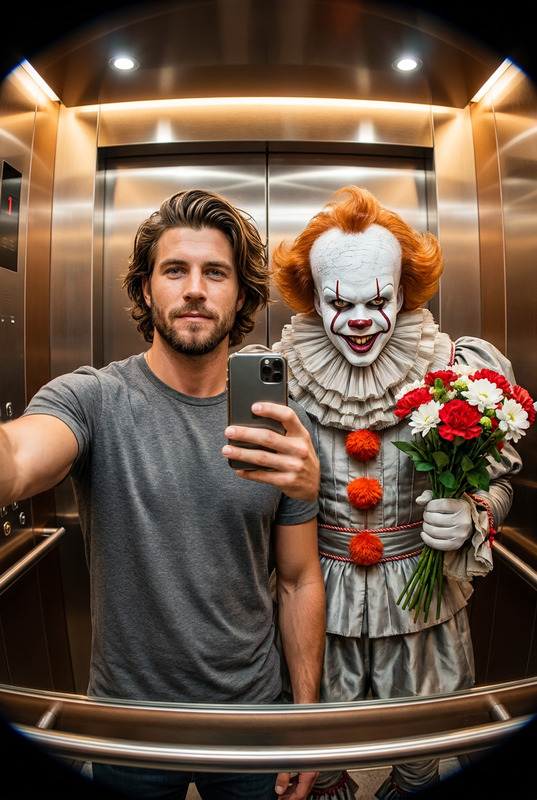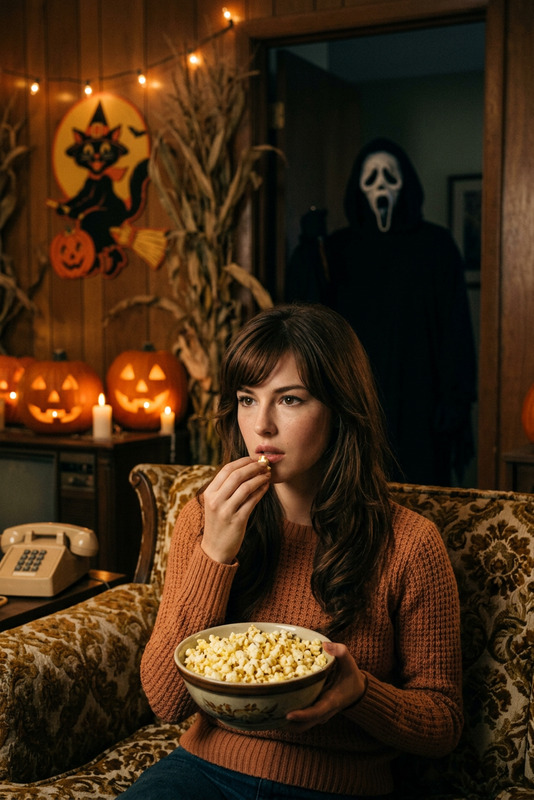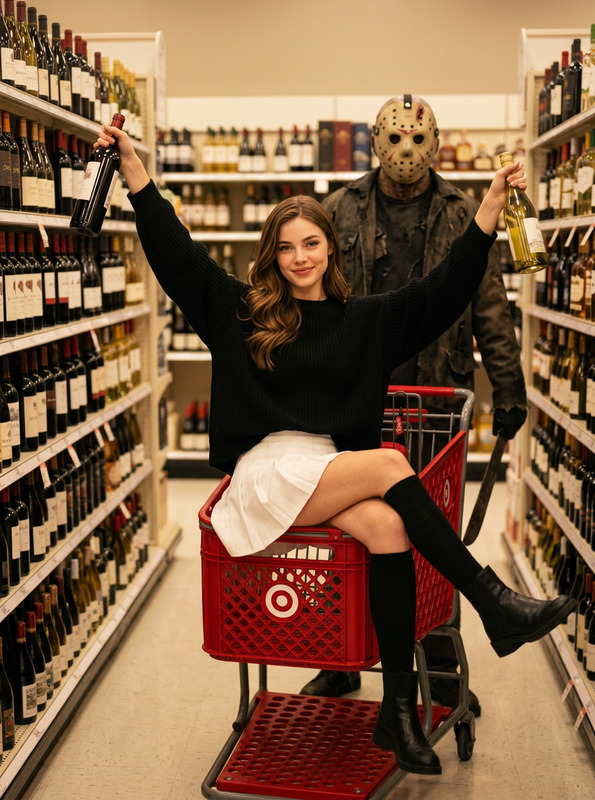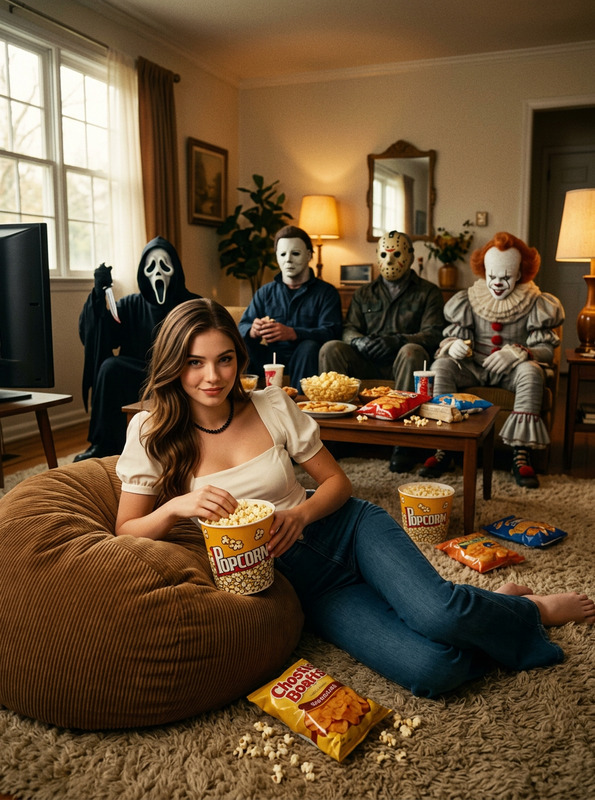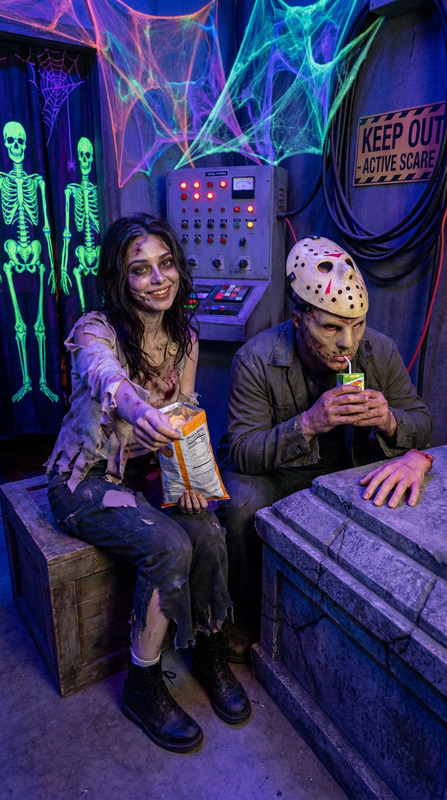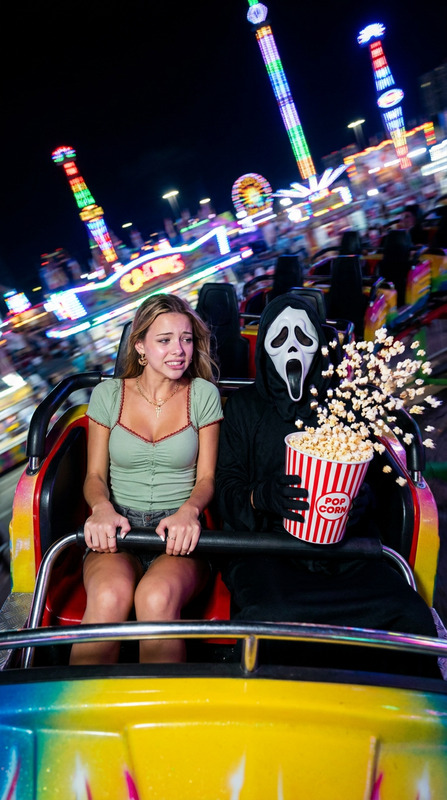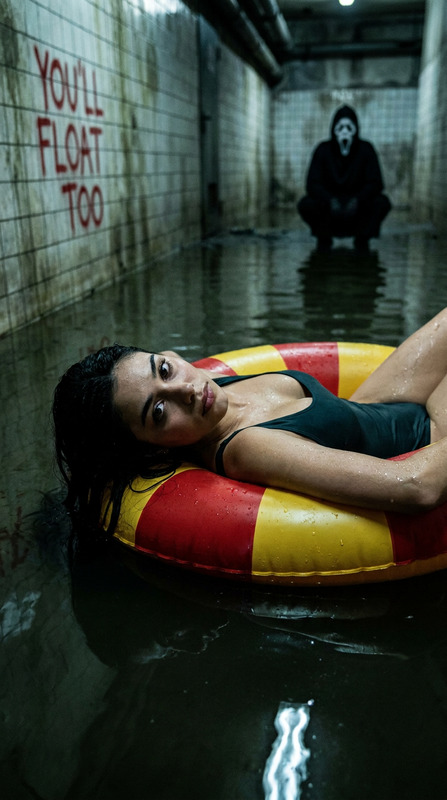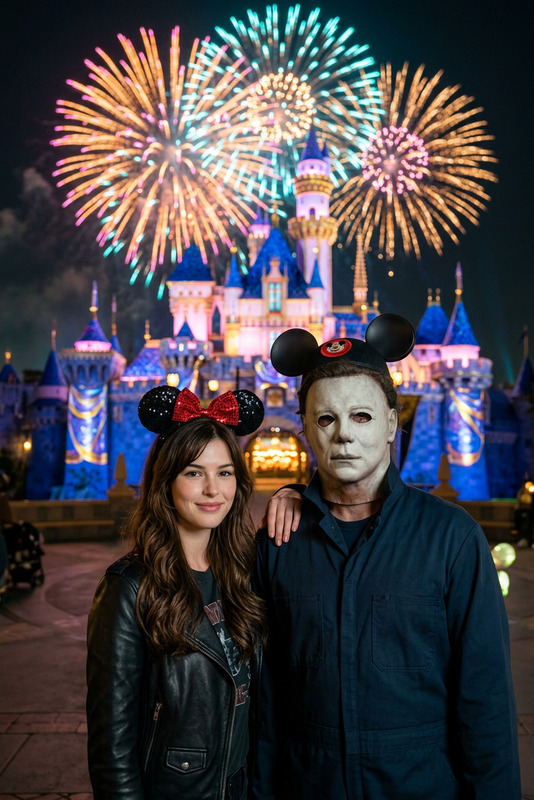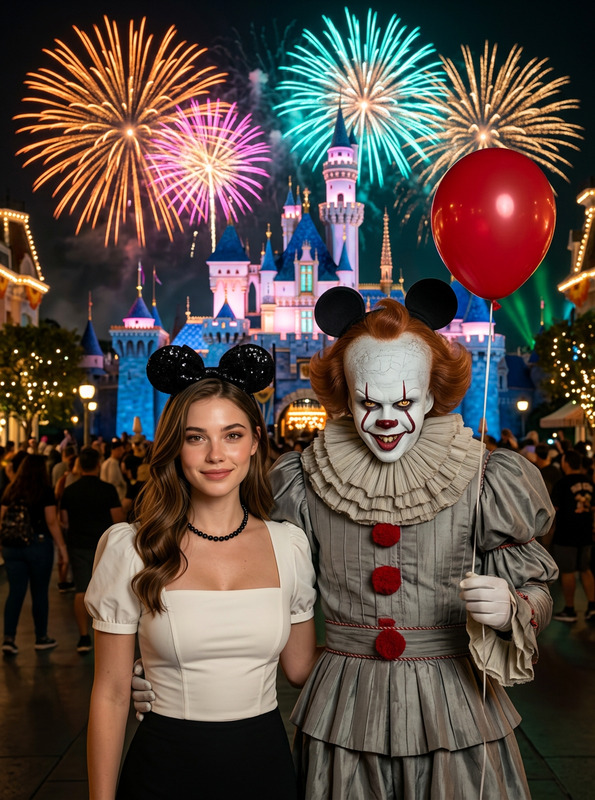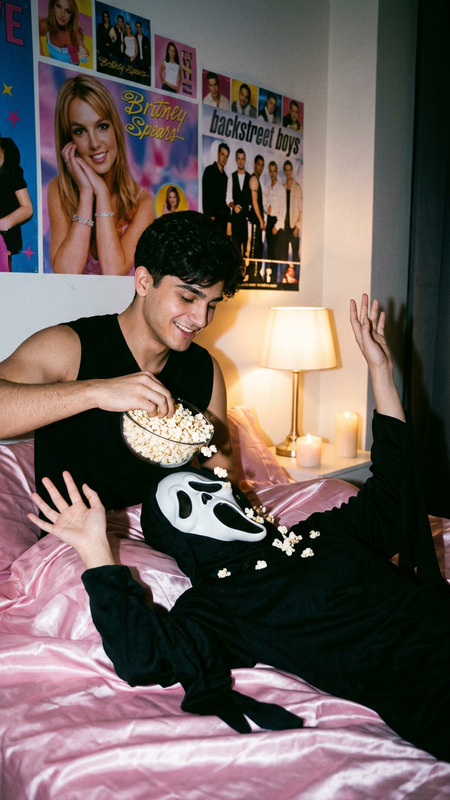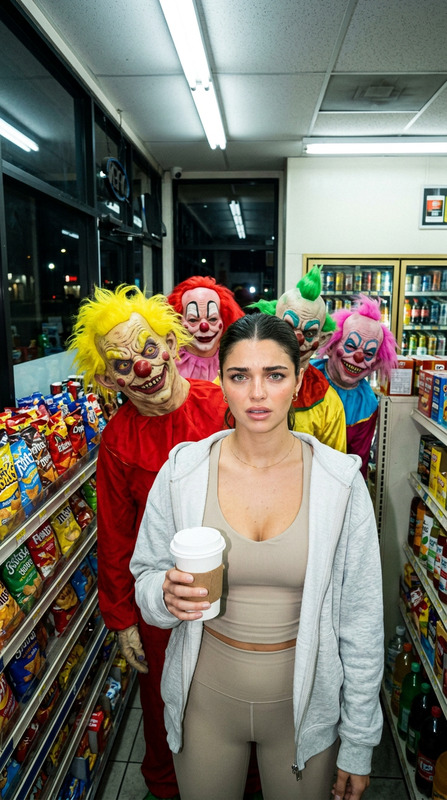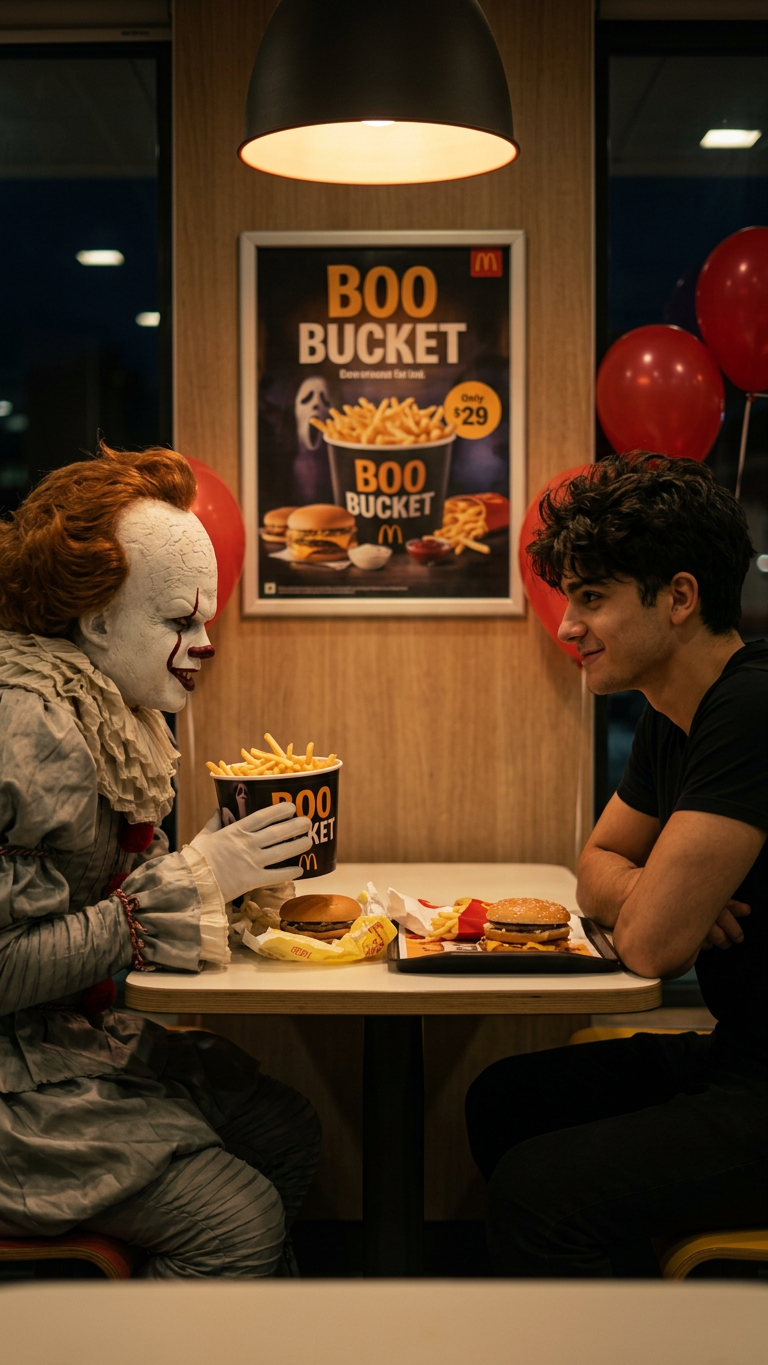
Clown Fast Food Date
- Model
- Nano Banana 2
- Image
- 768 × 1365 px
Prompt
A dramatic 8K cinematic profile shot, two-shot composition. Two figures are seated facing each other in a booth by the window in a dimly lit McDonald's at midnight. [Description of your uploaded person] is seen in profile, leaning forward with a subtle, knowing smirk, their face illuminated by the warm interior light. Directly across from them, the sinister Pennywise the Dancing Clown from "IT" is also captured in profile, his white face paint and red balloon visible, one gloved hand holding a McDonald's hamburger with an unsettling, playful gesture. The table between them is littered with McDonald's wrappers, an open red fry carton, and a small plastic jack-o'-lantern bucket filled with french fries. A "Boo Bucket" Halloween promo poster is visible on the wall in the background. The lighting is highly cinematic, creating a stark contrast between the warm tones on the subjects and the cool, deep shadows of the empty restaurant. Hyper-detailed, filmic quality, eerie yet playful Halloween atmosphere.
Any aspect ratio
Overview
Step into a world of dramatic confrontation with the "Clown Fast Food Date" AI Image Editor template. This tool leverages the advanced AI Image Editor capabilities to craft an eerie yet intriguing scene inside a late-night McDonald's. Utilizing the power of the nano-banana-2 model, this template brings your selected character face-to-face with Pennywise, creating a scene of high tension and visual storytelling.
What It Does
"Clown Fast Food Date" allows users to upload their own image, which is seamlessly incorporated into a cinematic two-shot composition. Your uploaded figure will share a late-night McDonald's booth with the menacing Pennywise, depicted in hyper-detailed 8K quality. This image editor provides users with tools to adjust lighting, atmosphere, and detailed facial features for maximum impact. Explore similar editing possibilities with our AI Talking Photo tool.
Who It's For
This template is designed for digital artists, storytellers, and horror enthusiasts eager to create chilling yet playful imagery. It's perfect for individuals who want to enhance their social media content or those engaged in video projects that utilize our Video to Video application. Whether you're crafting marketing visuals or engaging in personal creative projects, this tool is ideal for those who thrive on blending humor with horror in visual effects.
Summary
"Clown Fast Food Date" offers a unique opportunity to place any character in a memorable scene with Pennywise at a fast-food restaurant. The template’s cinematic lighting and eerie ambiance ensure it stands out, engaging both creators and audiences alike. To dive deeper into creating such striking images, explore our AI Image Upscaler for enhanced detail and quality.
How To
Select the Template

Input Customization

Generate the Image

Use Cases
Social Media Content
- Spooktober Instagram challenges
- Facebook event promotion images
Marketing Campaigns
- Halloween candy brands
- Horror movie launches
Digital Art Projects
- Online horror galleries
- Virtual reality experience elements
Best Practices
Choose High-Quality Images
For best results, ensure that the image you upload is of high resolution to match the 8K cinematic quality.Experiment with Lighting
Adjust the lighting parameters within the tool to either enhance the eerie mood or introduce playful elements.Refine Character Descriptions
Use detailed character descriptions to enrich the narrative and visual impact of your scene.