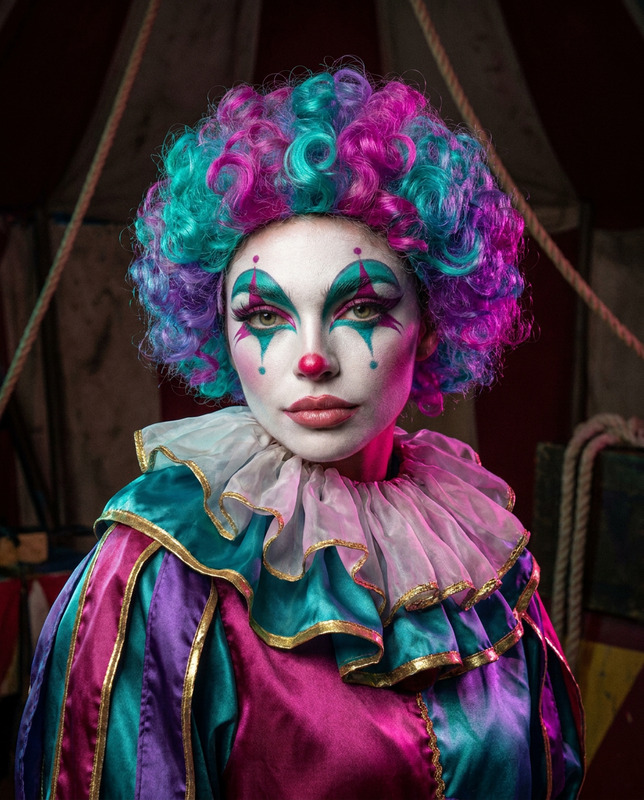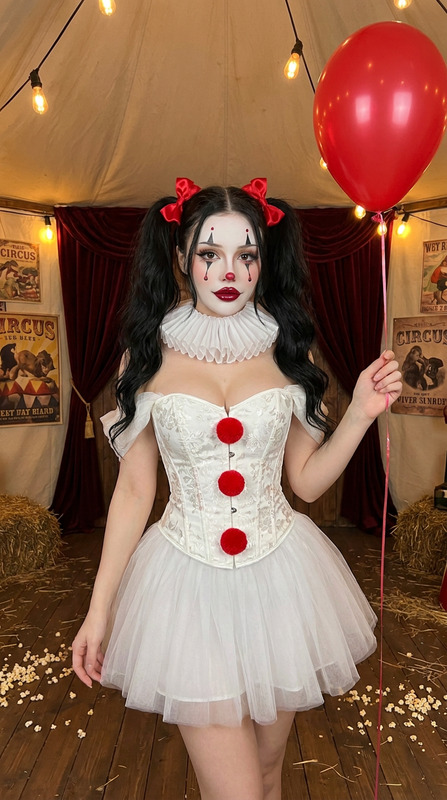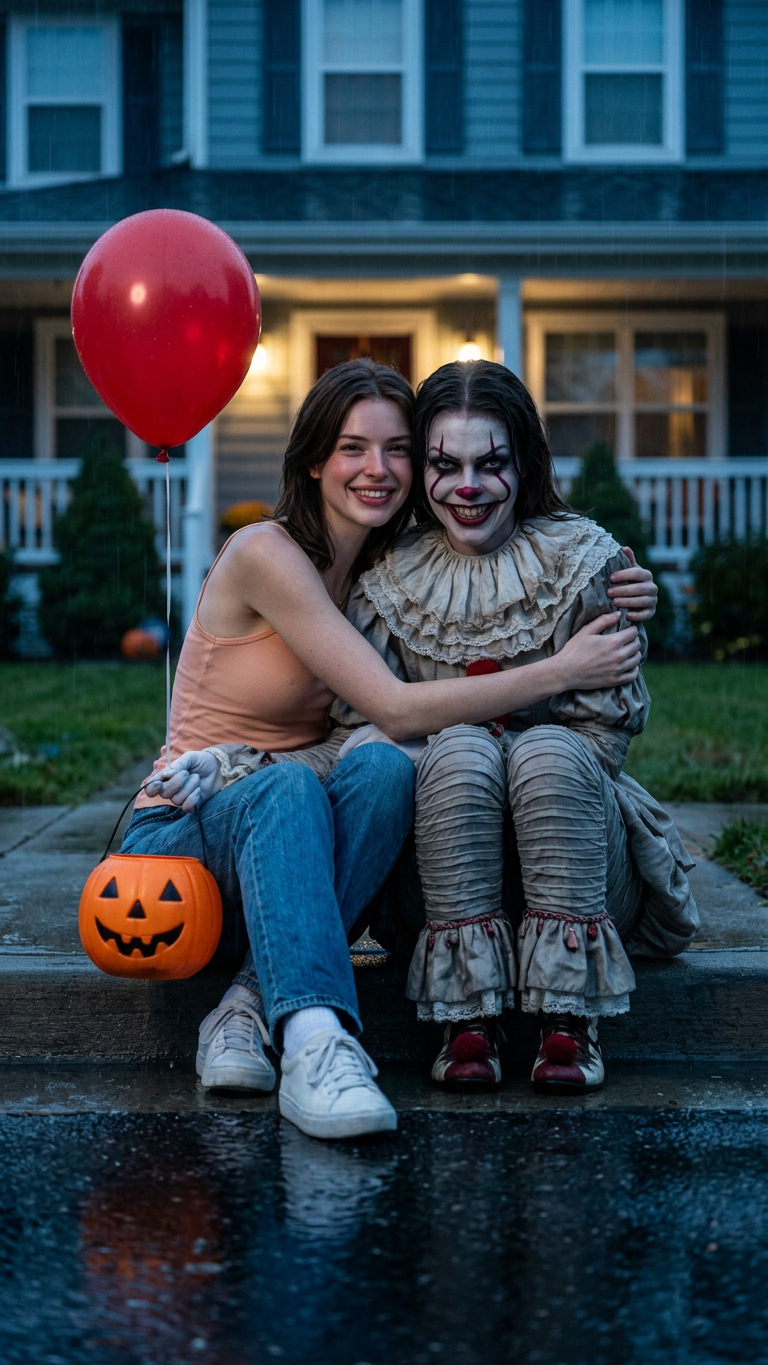
My Clown Twin
- Model
- Nano Banana 2
- Image
- 768 × 1365 px
Prompt
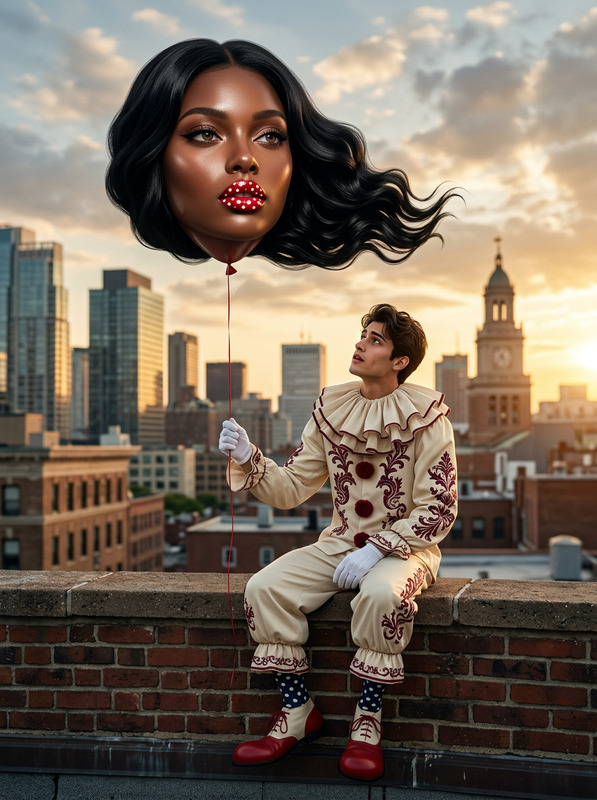
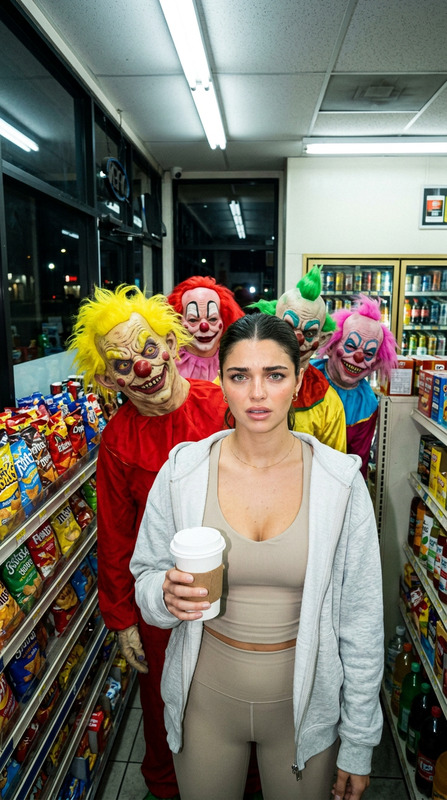
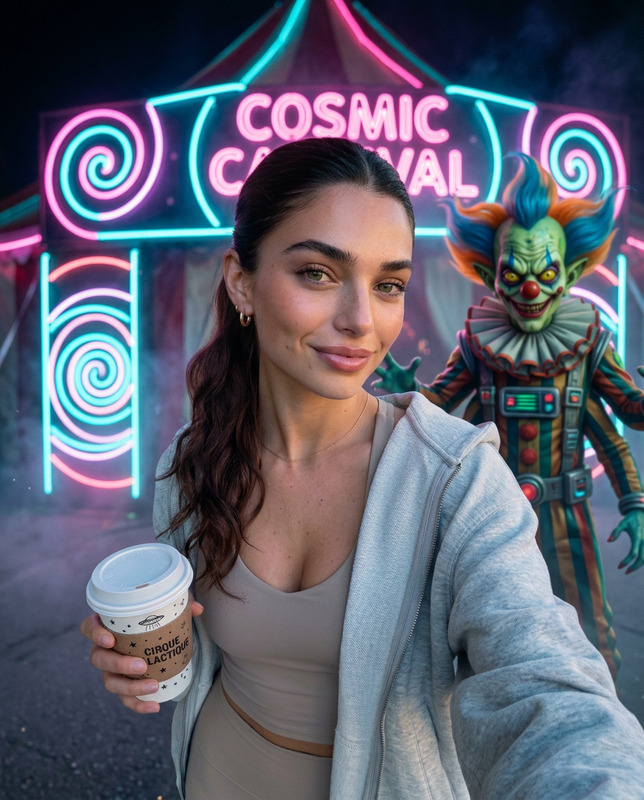
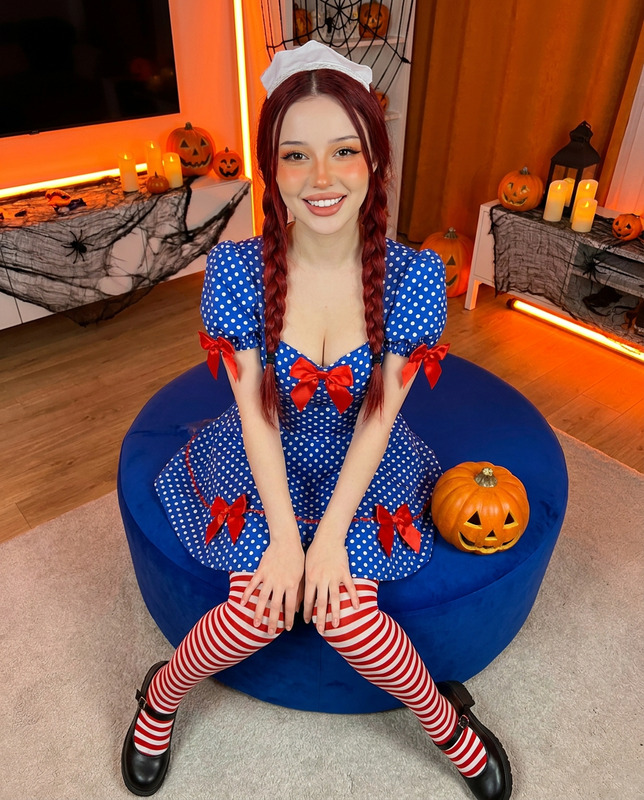
From the provided image, generate a new hyper-realistic cinematic Halloween image. Keep the uploaded subject’s real facial features exactly recognizable and clearly visible. In one hand, the subject holds a red balloon.Beside the subject, create a clown character inspired by Pennywise-style costume design, but the clown must have the same recognizable facial features, hair color, skin tone, and overall identity as the uploaded subject, as if the same person has transformed into a clown version of themself. The clown should have much more obvious and dramatic clown makeup: a fully painted pale white face, strong red clown lines, a clearly defined red nose, darker eye makeup, exaggerated mouth detailing, and a more striking horror-clown appearance. The clown’s facial expression should be far more terrifying and unsettling: an unnaturally wide sinister grin, intense predatory eyes, a cold menacing stare, slightly lowered brows, and a disturbing expression that feels eerie, twisted, and deeply inhuman, while still preserving the uploaded subject’s recognizable identity beneath the makeup. The clown wears a Pennywise-style clown outfit only, while preserving the same facial identity. The clown sits beside the subject, and the subject friendly hugs the clown.The background should be slightly blurred, showing an American-style house with a front garden. The environment is humid, with light rain, wet asphalt, and a dark, cold, bluish atmosphere. Use natural soft lighting, realistic reflections in puddles, subtle sparkle on the balloon, and believable rain-soaked texture on clothing and skin.Make both characters feel highly realistic and lifelike, with natural skin texture, authentic facial detail, realistic proportions, subtle imperfections, and true-to-life photographic depth.The image should feel like it was shot on an iPhone camera, with a natural iPhone photography aesthetic: realistic exposure, slightly shallow depth of field, clean but natural sharpness, soft low-light noise, subtle HDR balance, realistic color rendering, and an intimate handheld cinematic feeling.Style: ultra-realistic quality, 8K, Halloween photo style with an artistic touch, realistic iPhone photography look.
Any aspect ratio