Clown Elevator Date
- Model
- Nano Banana Pro
- Image
- 848 × 1264 px
Prompt
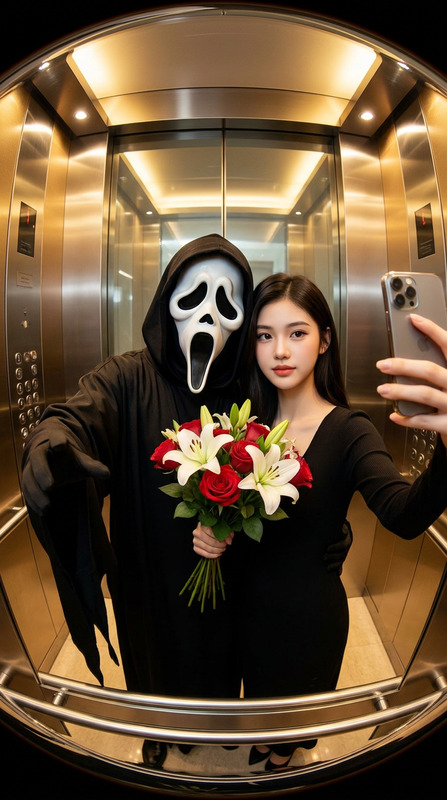
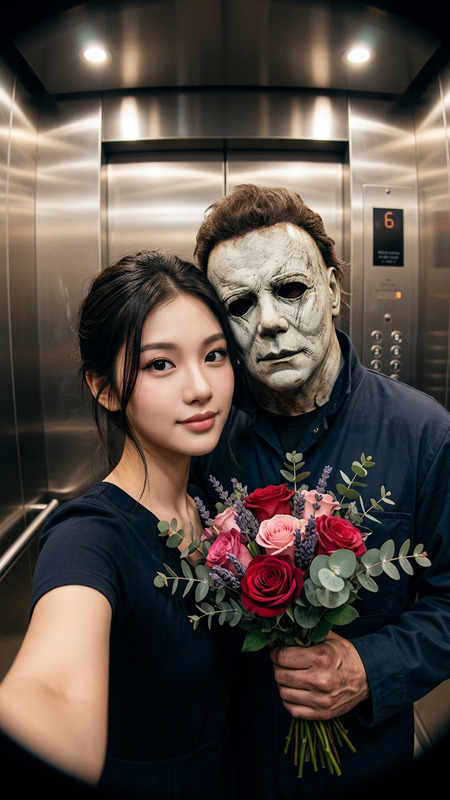
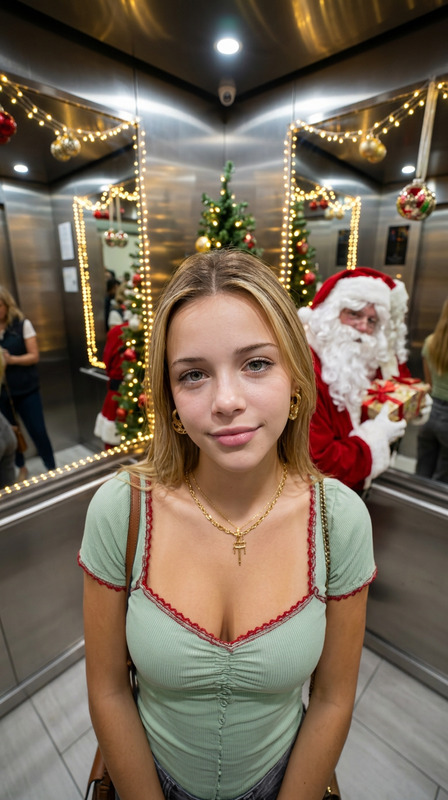
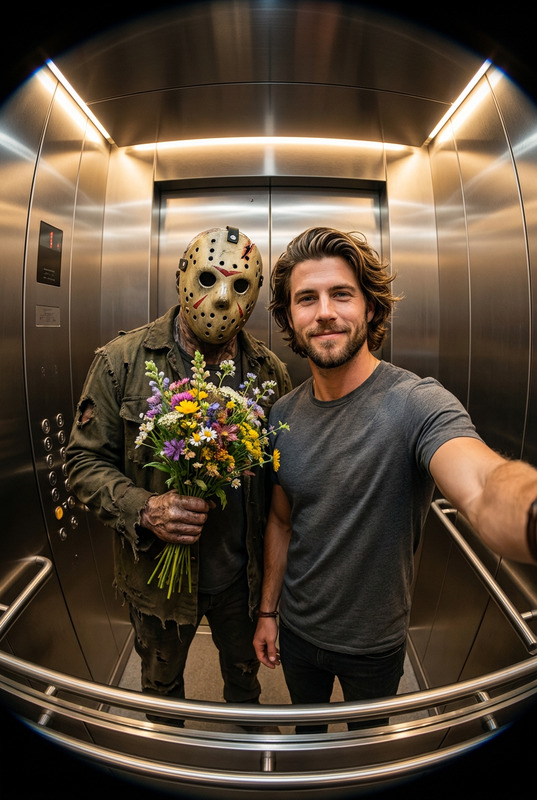
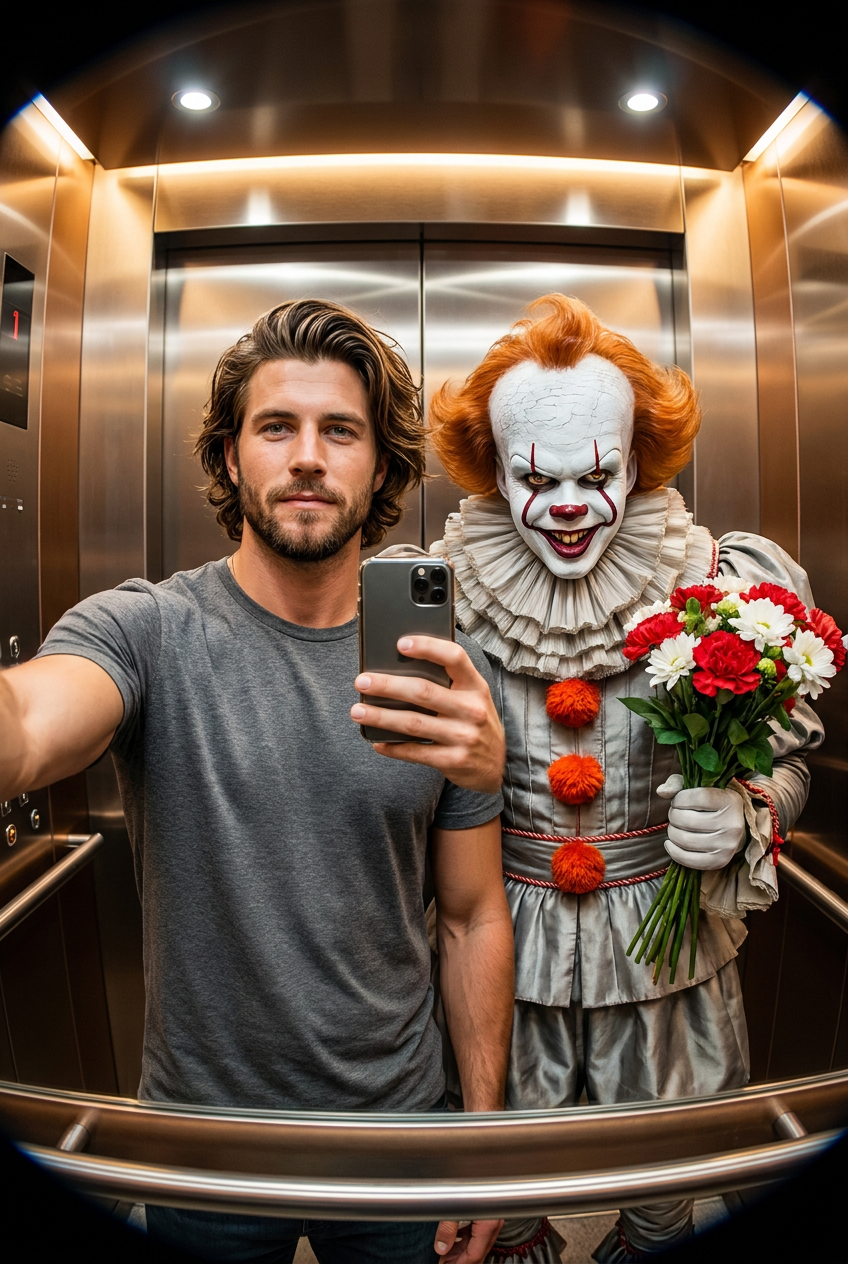
A hyperrealistic, cinematic selfie taken in a modern elevator with a noticeable fisheye lens effect. A person and Pennywise the Dancing Clown from IT are standing side-by-side, facing the camera, centered in the frame. The person appears calm and elegant, with facial features identical to the reference photo, holding a smartphone in a selfie pose. Pennywise stands close to them, featuring a white-painted face with a prominent red forehead, vibrant orange pom-poms on his costume, and a sinister, smiling expression. He is holding a bouquet of flowers in a playful, contrasting gesture. The elevator interior has warm lighting and metallic reflections. The image is sharp and hyperrealistic.
Any aspect ratio
Overview
Clown Elevator Date is an engaging AI Image Editor template that combines the cinematic intrigue of a modern elevator setting with the playful eeriness of Pennywise. Leverage the unique capabilities of the nano-banana-pro model to create hyperrealistic, dramatic selfies.
What It Does
This template allows users to create a striking image that blends realistic human features with the fictional embodiment of Pennywise. Use it to enhance visual storytelling or to create memorable imagery for social media and marketing campaigns. The model's precision ensures the final image maintains high quality with distinct details.
Once the template is applied, enjoy its compatibility with a wide range of media projects, supported by related tools like the AI Image Editor.
Who It's For
Ideal for social media influencers, marketers, and digital artists, this template helps bridge reality with fictional characters in a visually impactful manner. It's perfect for those seeking to add a touch of cinematic surrealism to their projects without a steep learning curve. This template also suits professionals in the film and entertainment industries looking to experiment with new storytelling techniques.
Summary
With the Clown Elevator Date template, create attention-grabbing visuals infused with detailed, realistic artistry. Perfectly suited to enhance media campaigns or for personal exploration in visual effects, this template simplifies complex image blending tasks. Boost your creative projects further by exploring related tools such as the Face Swap and AI Video Generator.
How to Use
Choose Your Template

Customize Your Inputs

Generate and Download

Common Use Cases
Social Media Content
- Boost engagement with cinematic selfies
- Incorporate recognizable fictional characters into reality
Marketing Campaigns
- Stand out with hyperrealistic images
- Differentiate campaigns with creative visuals
Creative Projects
- Experiment with new narrative techniques
- Use in mood boards and pitch decks
Best Practices
Choose High-Quality Photos
Ensure the reference photo used for the person is of high quality to maximize the result's clarity.Consider Lighting
Pay attention to the lighting in the reference photo to match the cinematic feel of the template.Experiment with Angles
Try different selfie angles to create dynamic and engaging compositions.