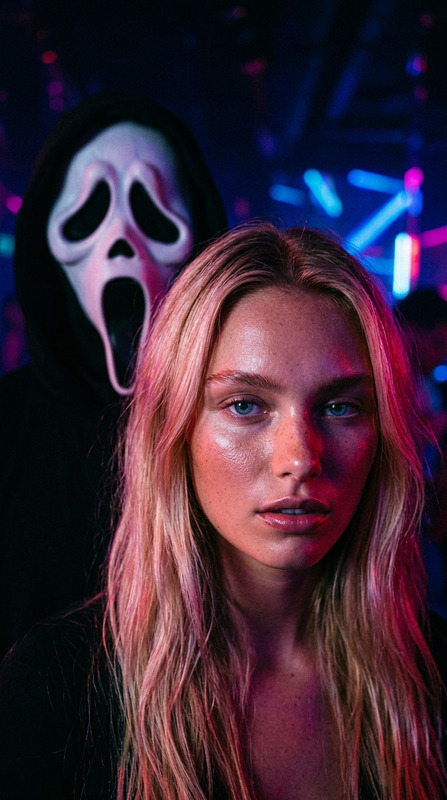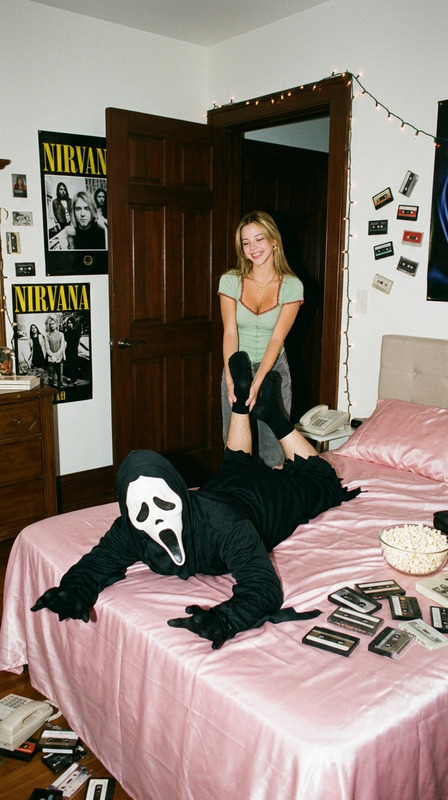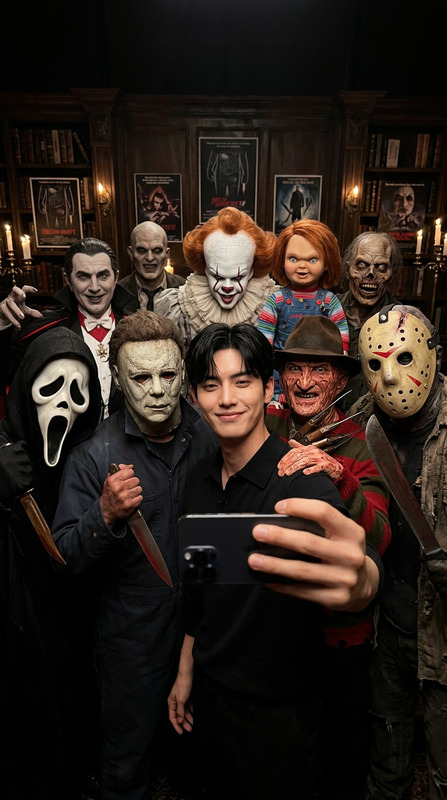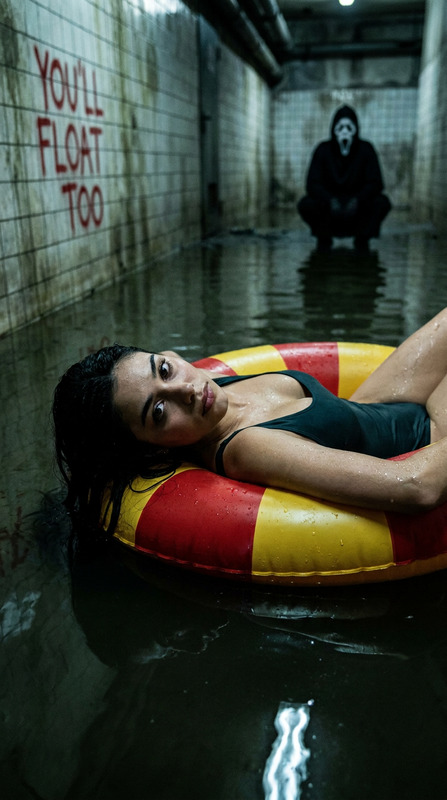
Ghostface Sewer
- Model
- GPT Image 2
- Image
- 848 × 1248 px
Prompt
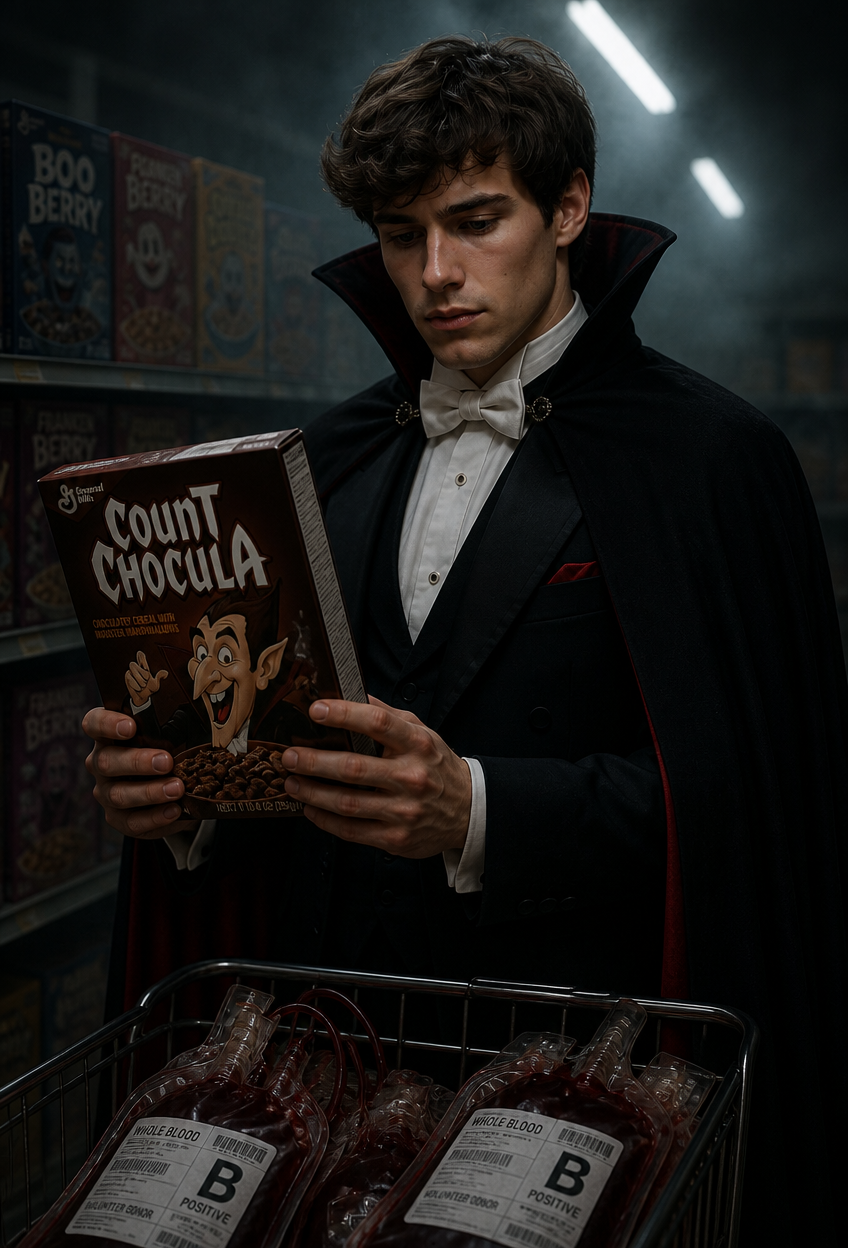
A close-up, three-quarter view realistic photograph with a cold, deeply shadowed and sinister atmosphere. [a person matching the uploaded reference photo] styled as Dracula (in a black vampire cape, white bow tie, and formal tuxedo) stands in a dimly lit supermarket cereal aisle, holding a Count Chocula cereal box (with a cartoon vampire graphic) with both hands, gazing grimly at the box (the character dominates most of the frame). A shopping cart filled with dark red blood plasma bags sits in the lower foreground, partially visible to balance the composition while enhancing the character's imposing presence. The background features cereal boxes on shelves, but they are largely obscured by deep shadows and a thick, murky haze. The overhead fluorescent lights are sparse and flickering, casting only a few sickly, cold beams of light that struggle to pierce the oppressive gloom, creating a chilling and claustrophobic tone. The scene creates dark humor through the contrast of a classic vampire in a mundane yet now foreboding shopping environment, strictly maintaining the original framing, proportions, and specified three-quarter perspective.
Any aspect ratio
Overview
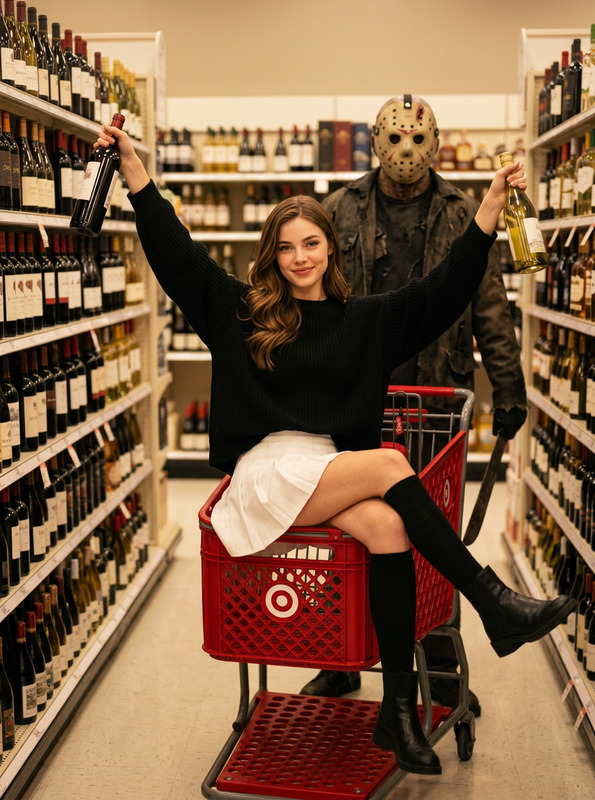
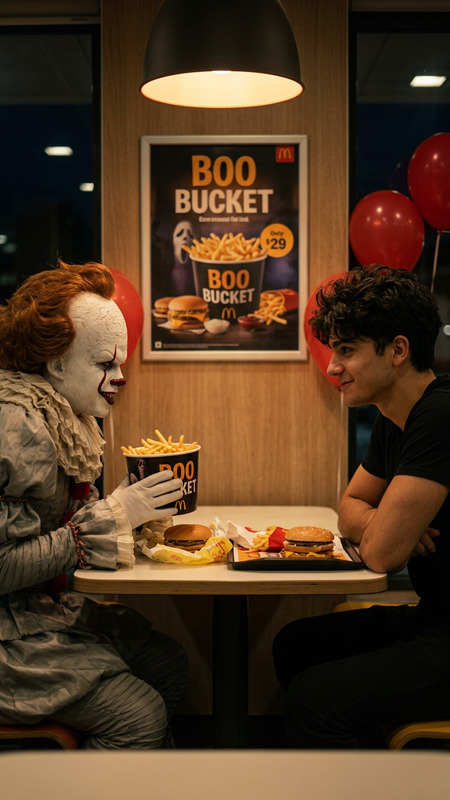
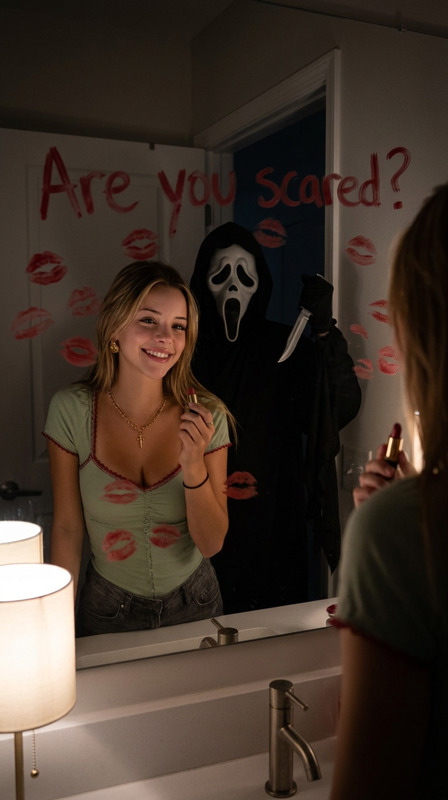
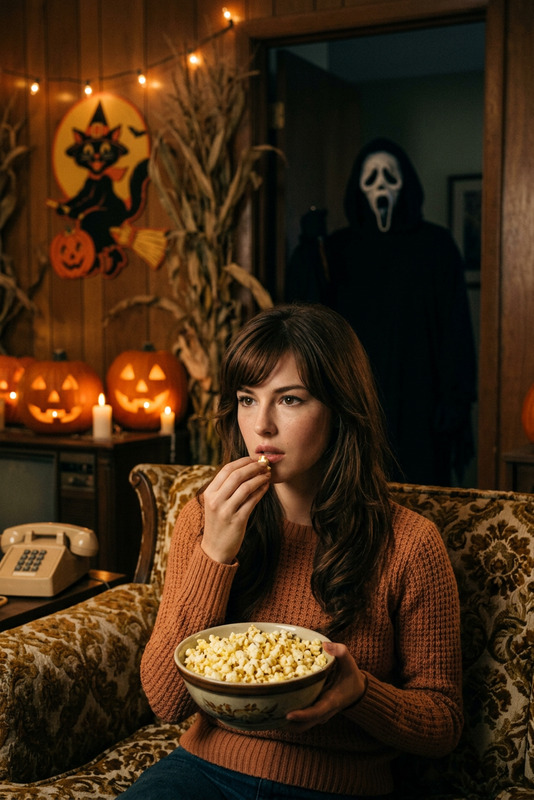
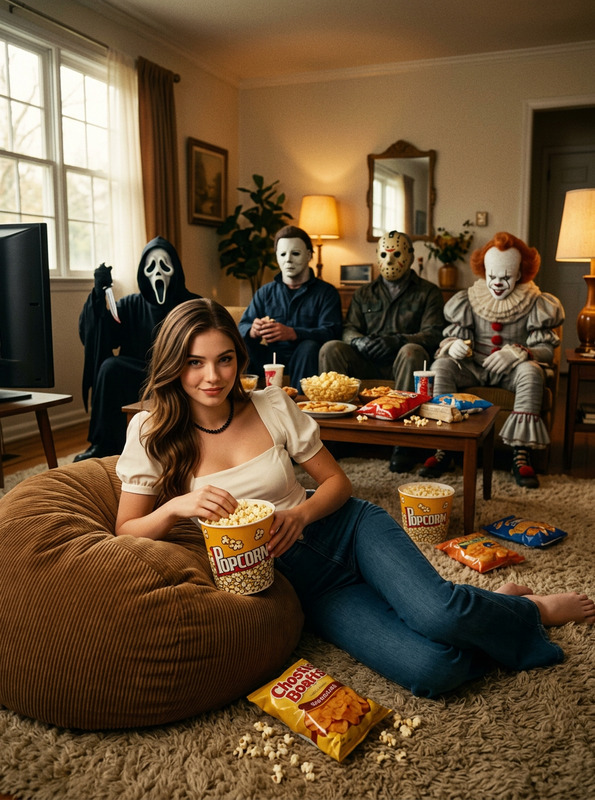
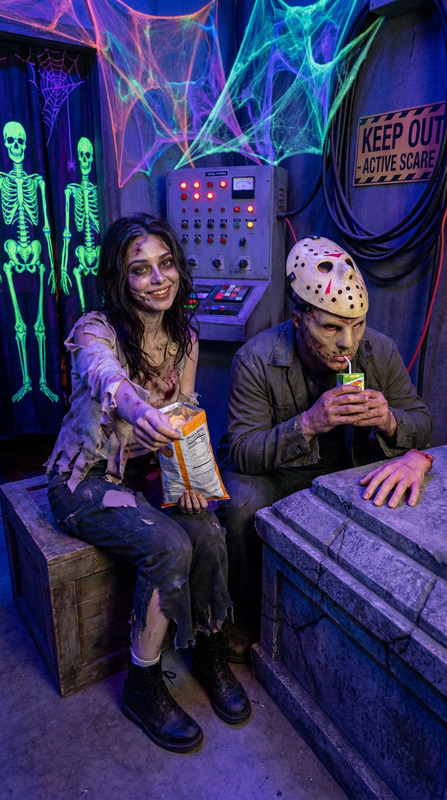
The "Ghostface Sewer" AI Image Editor template reimagines your visual inputs by transforming a simple scene into a chilling and comedic narrative. Utilizing AI Image Editor capabilities with the GPT-Image-2 model, this template crafts an eerie atmosphere where Dracula finds himself in a mundane yet sinister setting, merging horror with humor through visual effects.
What It Does
This template uses advanced AI to turn an uploaded photo into a chilling scene set in a dimly lit supermarket aisle. The focus is on transforming your reference photo subject into a Dracula character, complete with a black vampire cape and other classic attire, while maintaining original proportions and framing. The template enhances the comedic horror element by juxtaposing a classical vampire figure with a modern, mundane setting.
Who It's For
This tool is perfect for digital artists and content creators looking to create unique, atmospheric images with a touch of dark humor. It's ideal for those working on projects in genres like visual storytelling, Halloween promotions, and social media content that requires distinctive visuals to capture attention. It pairs well with our AI Talking Photo feature if you're looking to animate these characters for more engaging content.
Summary
The "Ghostface Sewer" template provides users with the ability to create a uniquely styled image that seamlessly blends elements of horror and humor. Designed for creatives, this tool offers a straightforward process to edit images into scenes that are both visually captivating and thematically rich. As part of our visual effects suite, it pairs effectively with the Video-to-Video products for multi-faceted storytelling.
How-To
Choose Your Template

Customize Your Image

Generate and Download

Use Cases
Digital Storytelling
- Enhance horror stories
- Add visual comedy to narratives
Marketing Campaigns
- Create themed social media posts
- Design inventive advertisements
Graphic Novels
- Add depth to character setups
- Ensure consistent artistic theme
Best Practices
Maintain Quality Inputs
Use high-resolution reference photos for best results. This ensures the AI captures details accurately, improving the overall quality of the edited image.Optimize Lighting
Consider the existing lighting in your reference image. Aligning it with the narrative lighting can amplify the desired spooky and comedic effect.Experiment with Angles
Vary the perspective of your uploaded photo to see how different angles can influence the final output's impact.