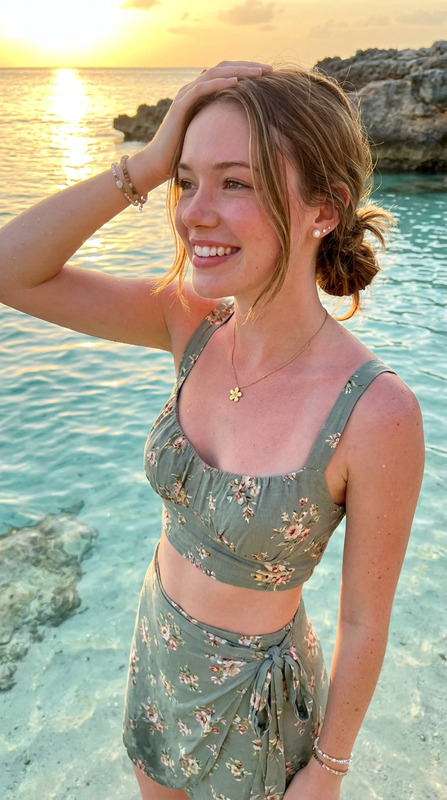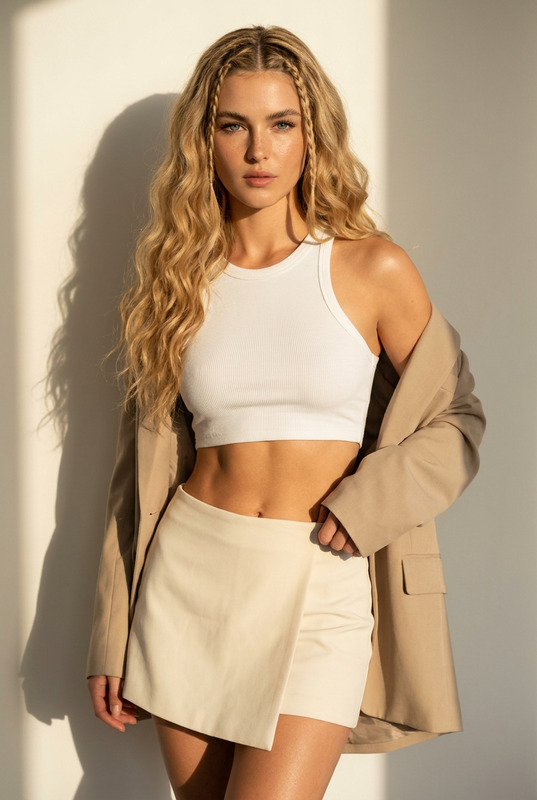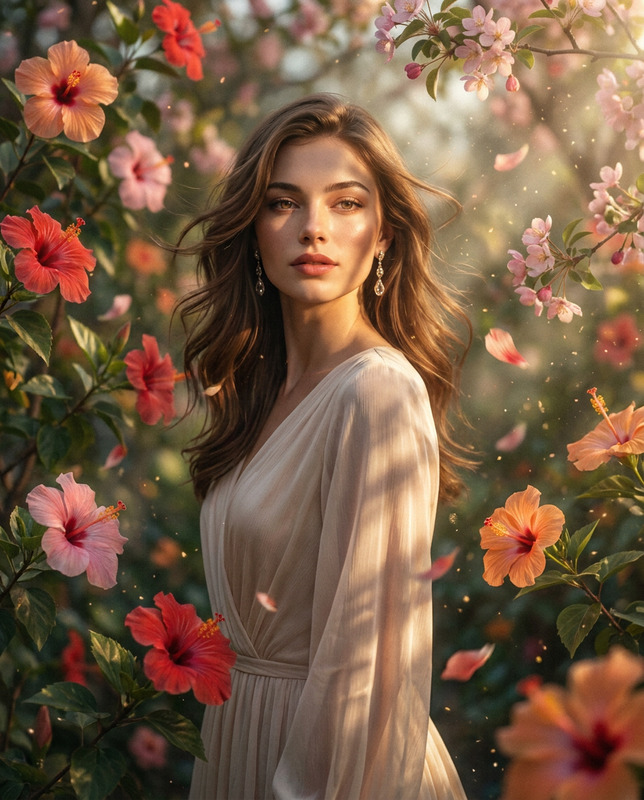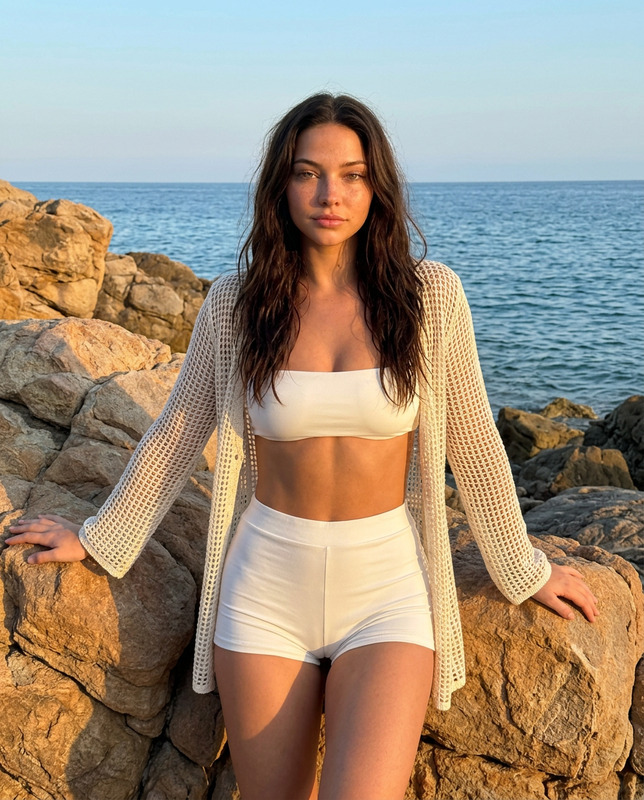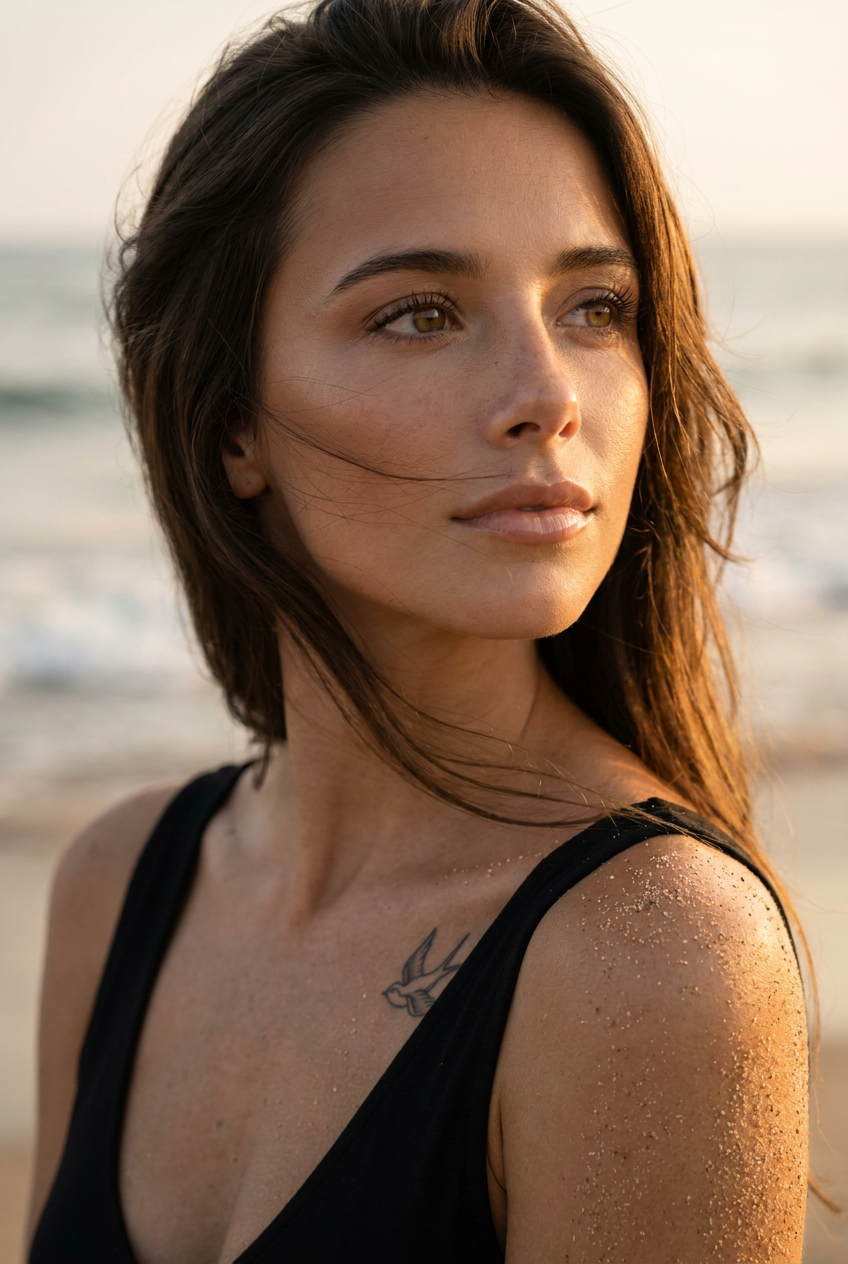
Golden Beach Vogue
- Model
- Nano Banana Pro
- Image
- 848 × 1264 px
Prompt
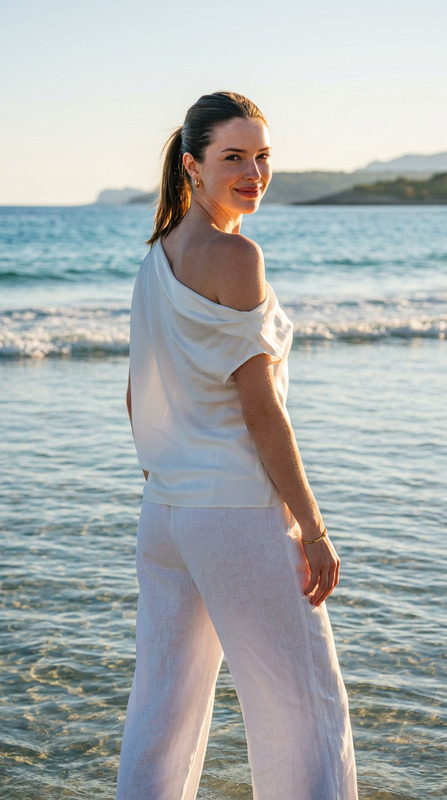
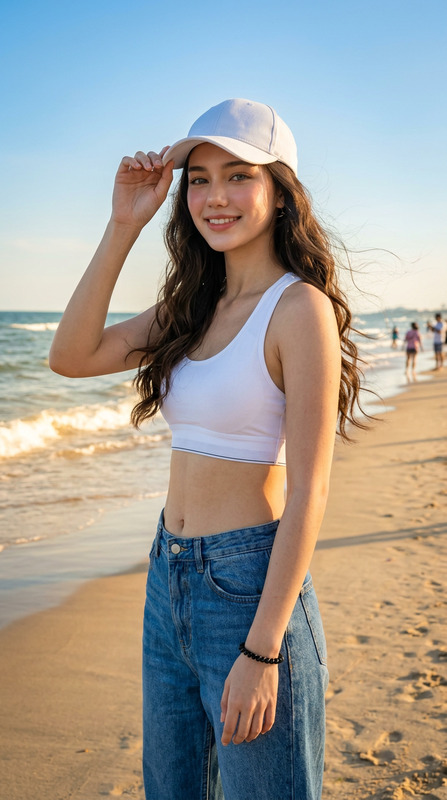
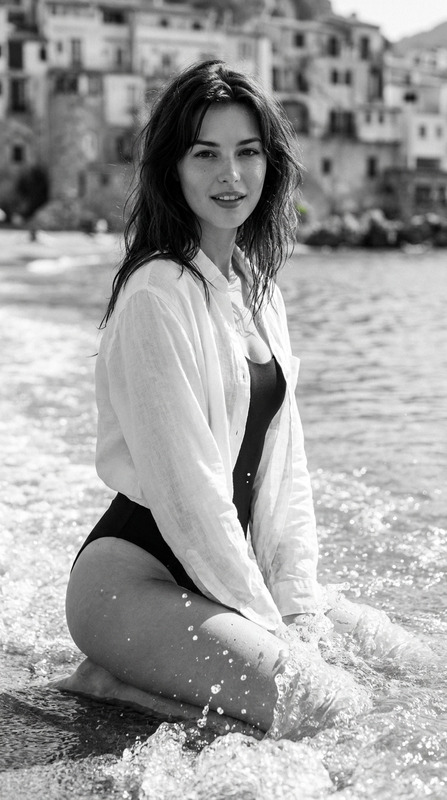
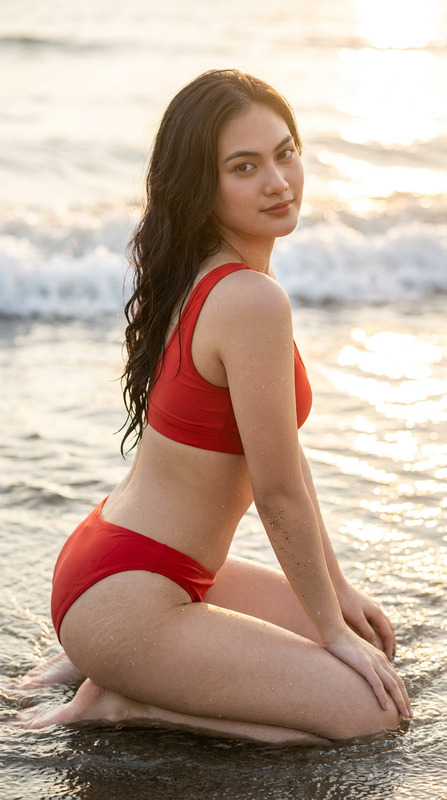
Use the uploaded reference image only to preserve the subject's exact facial identity, facial structure, facial proportions, skin tone, eye color, eyebrow shape, hairstyle, and all recognizable facial features. Do not alter or stylize the face in any way. Change only the pose, lighting, environment, clothing, and composition as described below.Hyperrealistic beauty portrait of the same young woman with naturally olive-toned, sun-kissed skin and long dark brown hair gently tousled by the ocean breeze. Loose strands sweep softly across her face, creating natural movement. Her expressive hazel eyes feature long lashes and well-defined dark eyebrows. She wears subtle luxury beach makeup with bronzed highlights, soft contouring, naturally radiant skin, and full glossy nude lips.Her face is tilted slightly upward while gazing dreamily into the distance with a calm, confident editorial expression. Fine grains of golden sand cling naturally to her shoulder and collarbone, enhancing the authentic seaside atmosphere. A small minimalist swallow tattoo remains visible below her collarbone.She wears a minimalist black bikini top or elegant black beach tank with clean modern styling.The setting is a serene beach during golden hour, illuminated by warm sunset sunlight that creates soft cinematic shadows, glowing rim light around the hair, and beautiful volumetric light. The background features creamy ocean bokeh with softly blurred waves and warm coastal tones, emphasizing depth while keeping the subject as the focal point.Natural skin texture with visible pores, lifelike details, realistic hair strands, authentic fabric textures, luxury Vogue-inspired beauty editorial, premium fashion photography, HDR, photorealistic rendering, ultra-high resolution, 8K quality.Camera: Canon EOS R5, 85mm prime lens, f/1.8, eye-level close-up portrait, shallow depth of field, creamy bokeh, razor-sharp focus on the eyes and facial features, natural color grading, cinematic composition.Negative Prompt:blurry, low quality, low resolution, cartoon, anime, CGI, plastic skin, excessive retouching, overprocessed skin, deformed face, altered facial features, identity change, bad anatomy, extra fingers, extra limbs, duplicate body parts, distorted eyes, unrealistic proportions, oversaturated colors, watermark, logo, text, signature, artifacts, excessive noise, cropped face.
Any aspect ratio
Overview
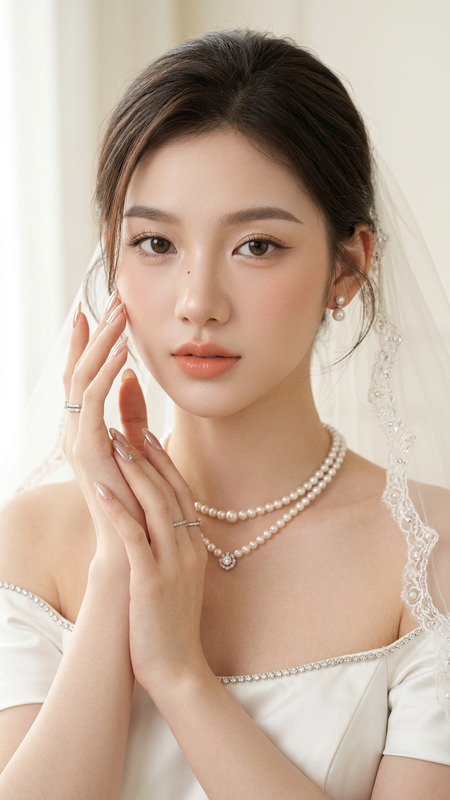
The Golden Beach Vogue template harnesses the power of the AI Image Editor to transform your images into stunning beach-themed portraits. Centered around capturing natural beauty, this template maintains the subject's facial identity while enhancing the environment, lighting, and setting for a lifelike editorial look.
What It Does
Enhance your portraits with a hyperrealistic beauty style reminiscent of a luxury beach photoshoot. This template works exclusively with the nano-banana-pro model to ensure high-fidelity renditions. It keeps the facial features intact while adjusting elements like pose, lighting, and background, using sunset tones and creamy ocean bokeh to highlight the subject.
Who It's For
Ideal for photographers, content creators, and fashion editors who seek to elevate their images with a refined beach aesthetic. Profile picture enthusiasts and social media influencers will find this template useful for creating compelling visuals that capture attention and convey high-fashion elegance.
Summary
This template offers an automated, yet customizable path to creating breathtaking editorial portraits. By maintaining essential facial details and featuring environments crafted with premium quality, AI Product Photography incorporates the essence of a Vogue-style photoshoot. The result is a captivating depiction that balances photorealism and artistic flair.
How to Use
Choose Your Template

Customize Your Input

Generate and Download

Use Cases
Fashion Editorials
- Luxury brand campaigns
- Editorial magazine spreads
Social Media Content
- Instagram influencer features
- Beauty brand promotions
Portfolio Enhancements
- Photographer portfolio displays
- Online galleries
Best Practices
Choose High-Quality Images
For optimal results, start with a high-resolution reference image that highlights key facial features.Mind the Lighting
Consider how the natural golden hour lighting aligns with your subject's existing skin tones and environment.Focus on Details
Pay close attention to details like sand placement and fabric textures to maintain authenticity.