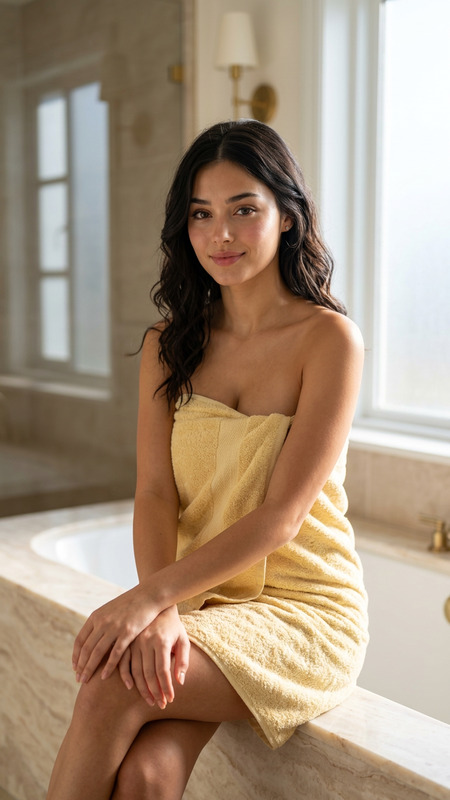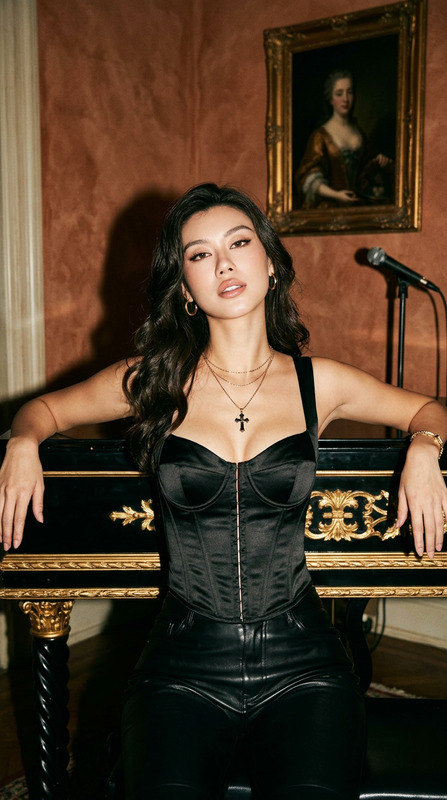
Noir Pianist
- Model
- Nano Banana 2
- Image
- 768 × 1376 px
Prompt
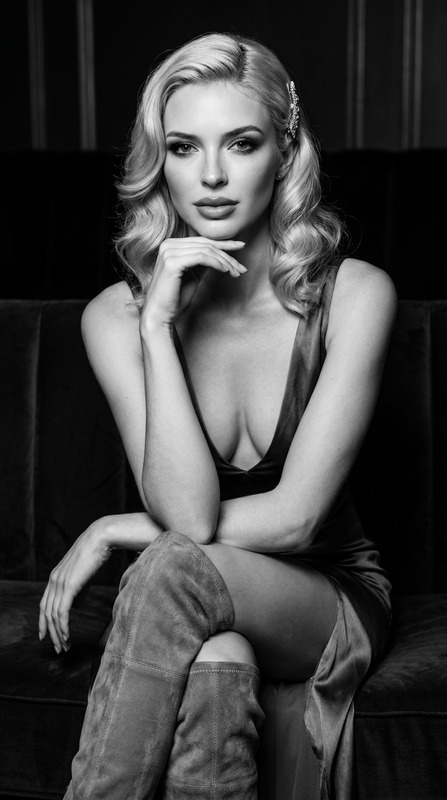
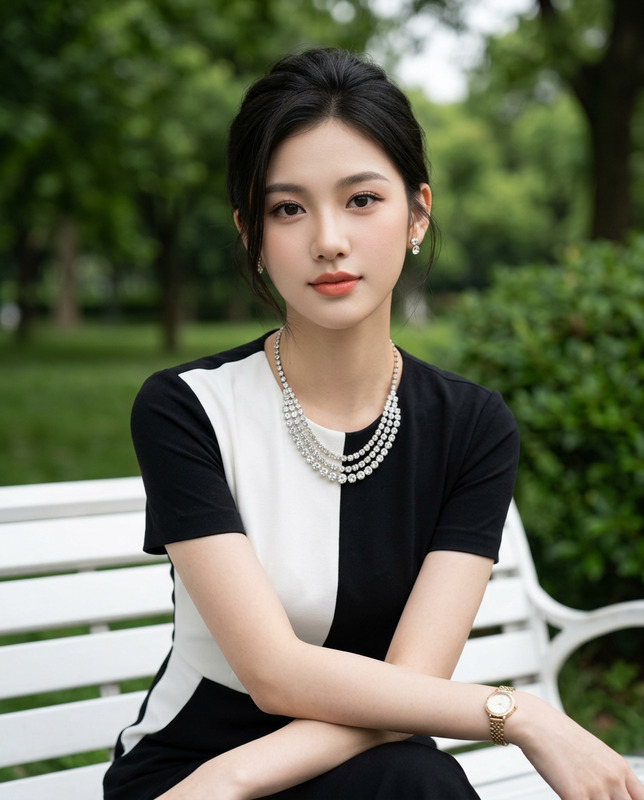
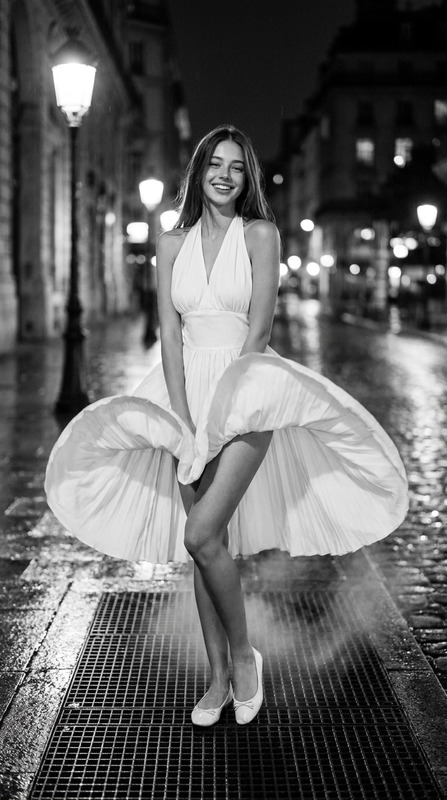
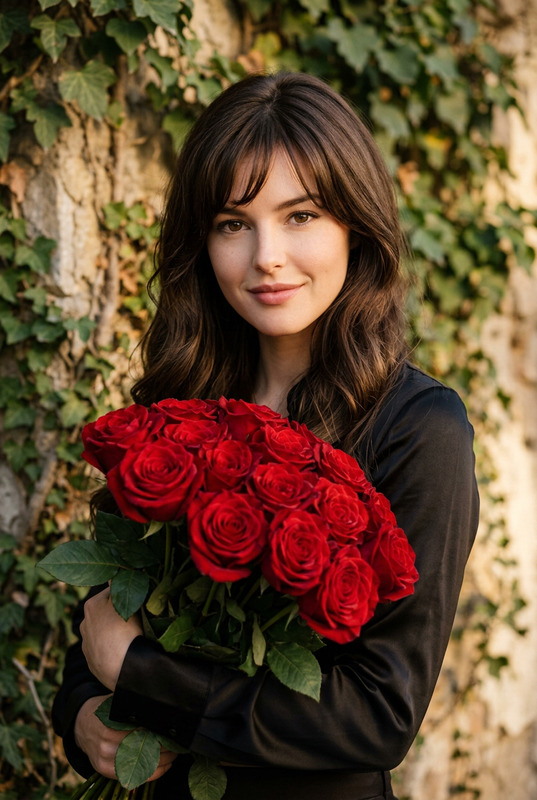
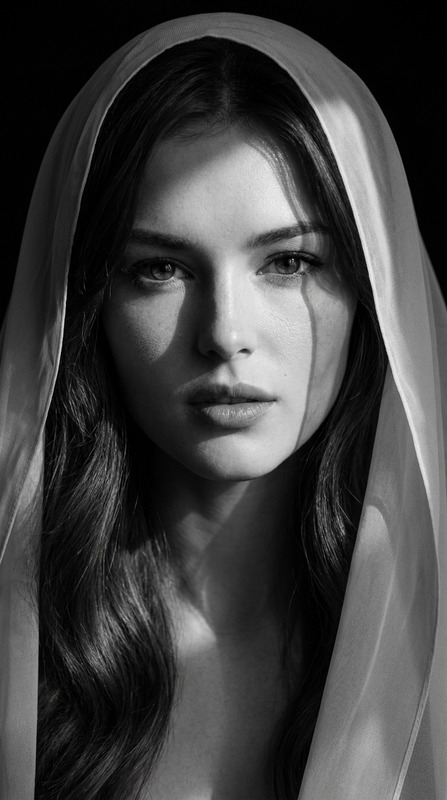
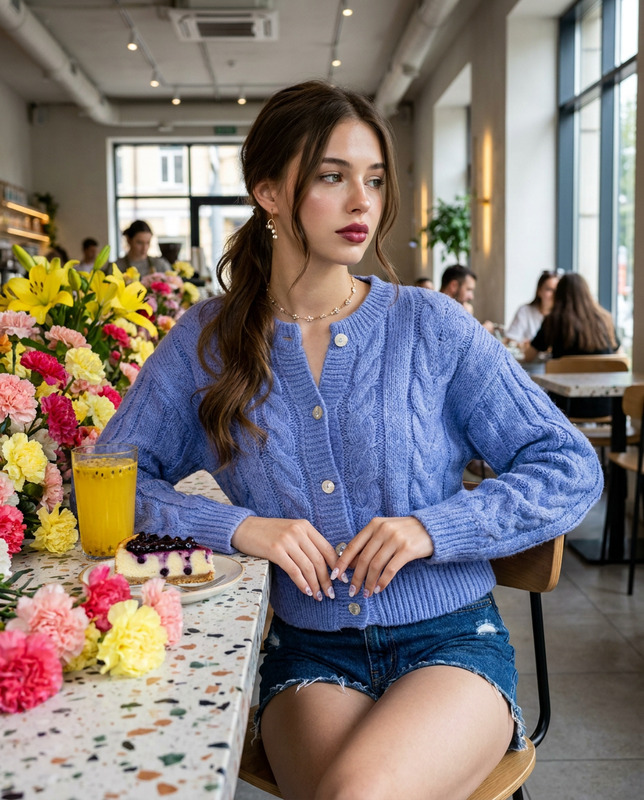
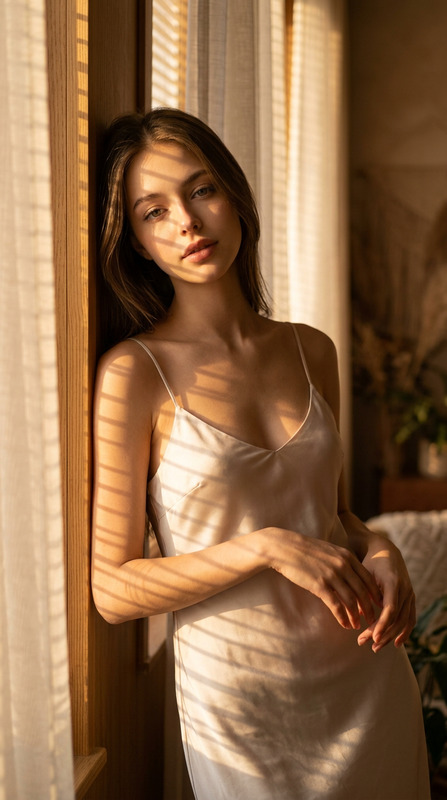
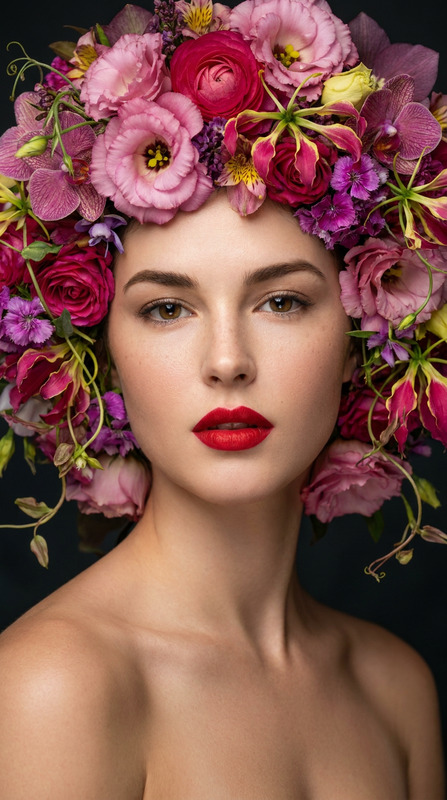
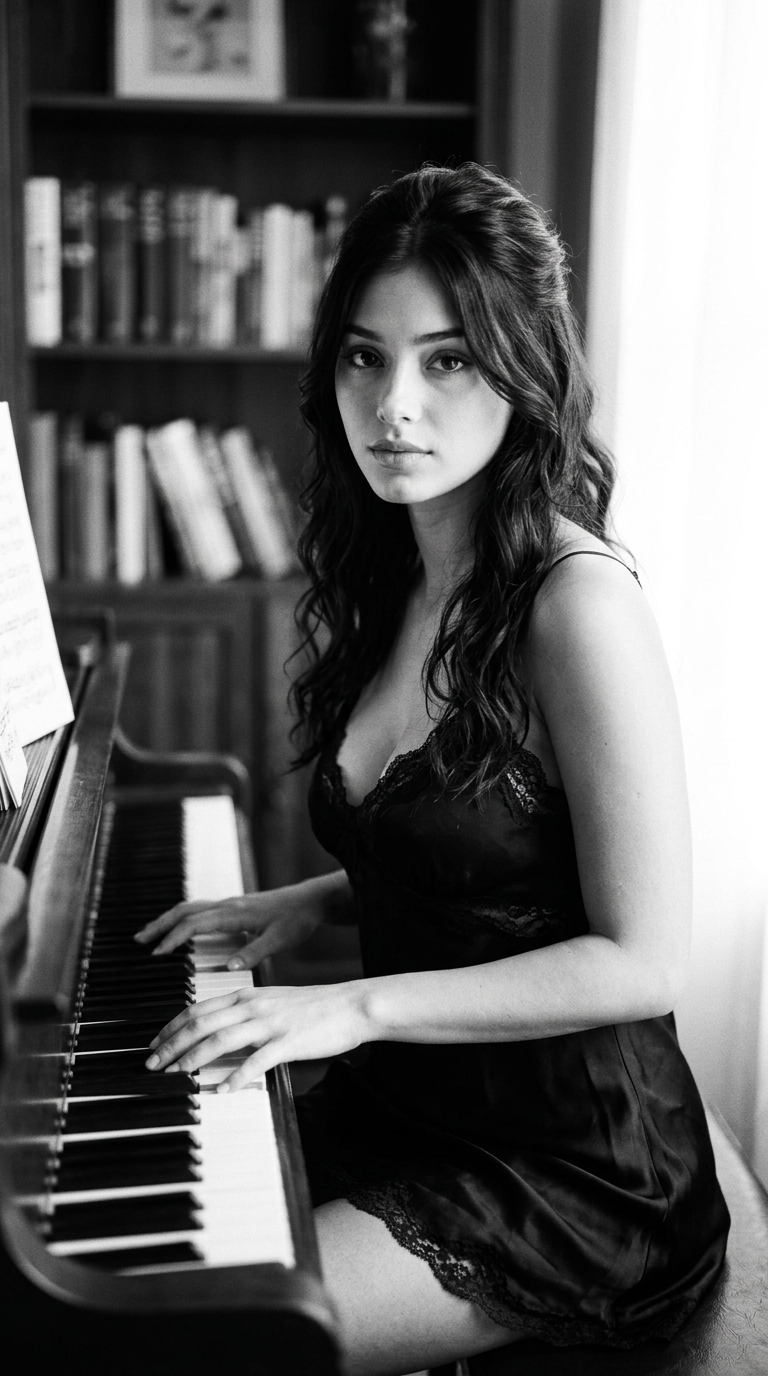
Preserve 100% of the original face from the reference photo. The facial identity, proportions, skin tone, hairstyle, eye shape, eyebrows, nose, lips, jawline, and all distinctive features must remain completely unchanged. Modify only the clothing, pose, accessories, lighting, and environment."Create a candid black-and-white editorial photograph, shot on 35mm Ilford HP5 film, features a stunning beautiful woman with the exact facial structure and identity of the reference photo. The medium close-up composition is vertically framed in a 9:16 aspect ratio, positioning her from the chest up while seated sideways at an upright piano inside a softly lit, vintage-styled parlor. Her symmetrical, refined facial features are rendered with exquisite skin texture, delicate bone structure, expressive dark eyes looking directly into the camera lens with a subtle, contemplative, and serene expression, complementing the nighties she wear. Her posture is poised and engaged, with her torso angled toward the keyboard, her head tilted slightly, and her chin held at a graceful, elegant angle. The scene is illuminated by dramatic natural side-lighting streaming through an adjacent window, creating a chiaroscuro effect with soft, luminous highlights on her cheekbones and deep, rich shadows that define the room's atmosphere. Technical rendering showcases razor-sharp focus on her eyes and the piano keys directly beneath her fingers, paired with a shallow depth of field that dissolves the background antique furnishings into a creamy bokeh. The frame is finished with authentic organic film grain, deep blacks, and a wide dynamic range, enhanced by 8K resolution, photorealistic texture fidelity, and timeless analog photography aesthetics.Negative Prompt ComponentStrict exclusion list: distorted hands, extra fingers, missing limbs, blurry face, unnatural eye direction, distorted anatomy, poorly rendered piano keys, harsh lighting, artificial texture, color artifacts, low resolution, bad proportions, watermark, text, mirror image, color, sepia.
Any aspect ratio
Overview
Transform any image into a captivating black-and-white masterpiece with the Noir Pianist AI Image Editor template. Using the advanced capabilities of the nano-banana-2 model, this template preserves facial identity and focuses on modifying elements like lighting and environment to create a stunning narrative.
What It Does
The Noir Pianist template specializes in preserving the facial details of the subject, ensuring that all original proportions and features remain intact. It modifies background elements and lighting to craft a dramatic, high-contrast black-and-white editorial image. Add authenticity to your images with film grain and classic photography aesthetics, all in AI Image Editor fidelity.
Who It's For
This template is perfect for photographers, graphic designers, and artists who wish to enhance their portfolios with high-quality, editorial-style images. Whether you're creating visuals for magazines, advertisements, or product demo videos, the distinction in lighting and texture offered by this template will elevate your work.
Summary
The Noir Pianist template allows visual creators to produce film-like images that stand out. By preserving facial characteristics and enhancing environmental aspects, this AI Image Editor component is ideal for achieving professional-grade results. Explore more with our AI Product Photography tools to expand the scope of your artistic projects.
How-To
Choose Your Template

Customize Your Inputs

Generate Your Image

Use Cases
Photography Portfolios
- Create standout editorial photos
- Maintain subject's natural facial features
- Enhance images with dynamic lighting and composition
Fashion Magazines
- Preserve model's identity
- Emphasize clothing textures
- Capture dramatic lighting
Advertising Campaigns
- Attract attention with artistic photos
- Utilize for high-end brand campaigns
- Create memorable black-and-white imagery
Best Practices
Select High-Quality Reference Photos
Ensure the original image is of high resolution to maintain facial accuracy and detail.Use Proper Lighting Prompts
Effectively adjust lighting in prompts to achieve desired dramatic effects for your image.Test Various Angles and Compositions
Consider different camera angles and compositions that align with the overarching style of noir photography.