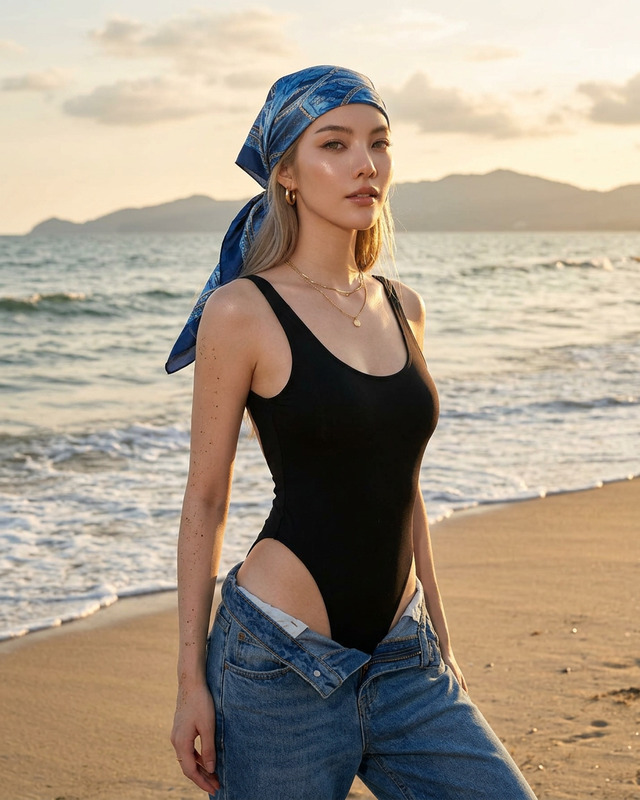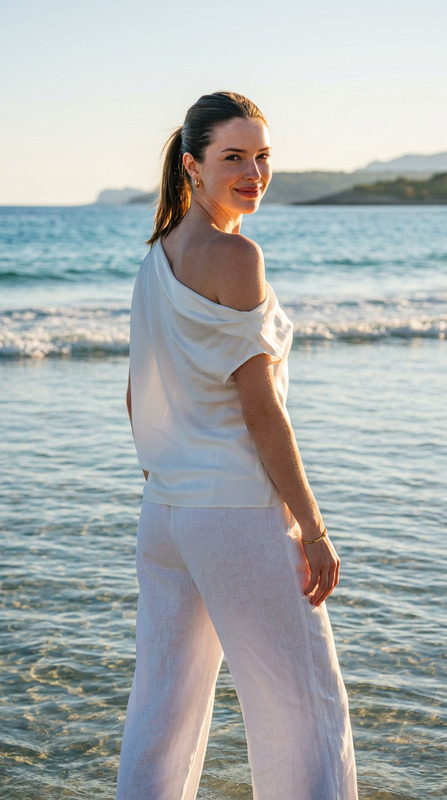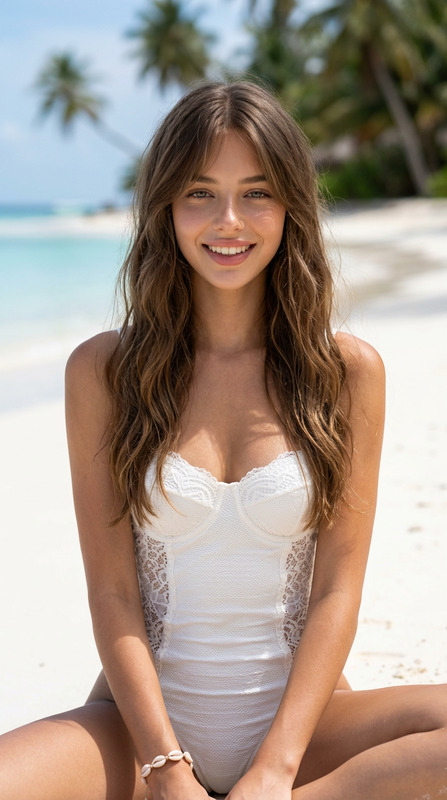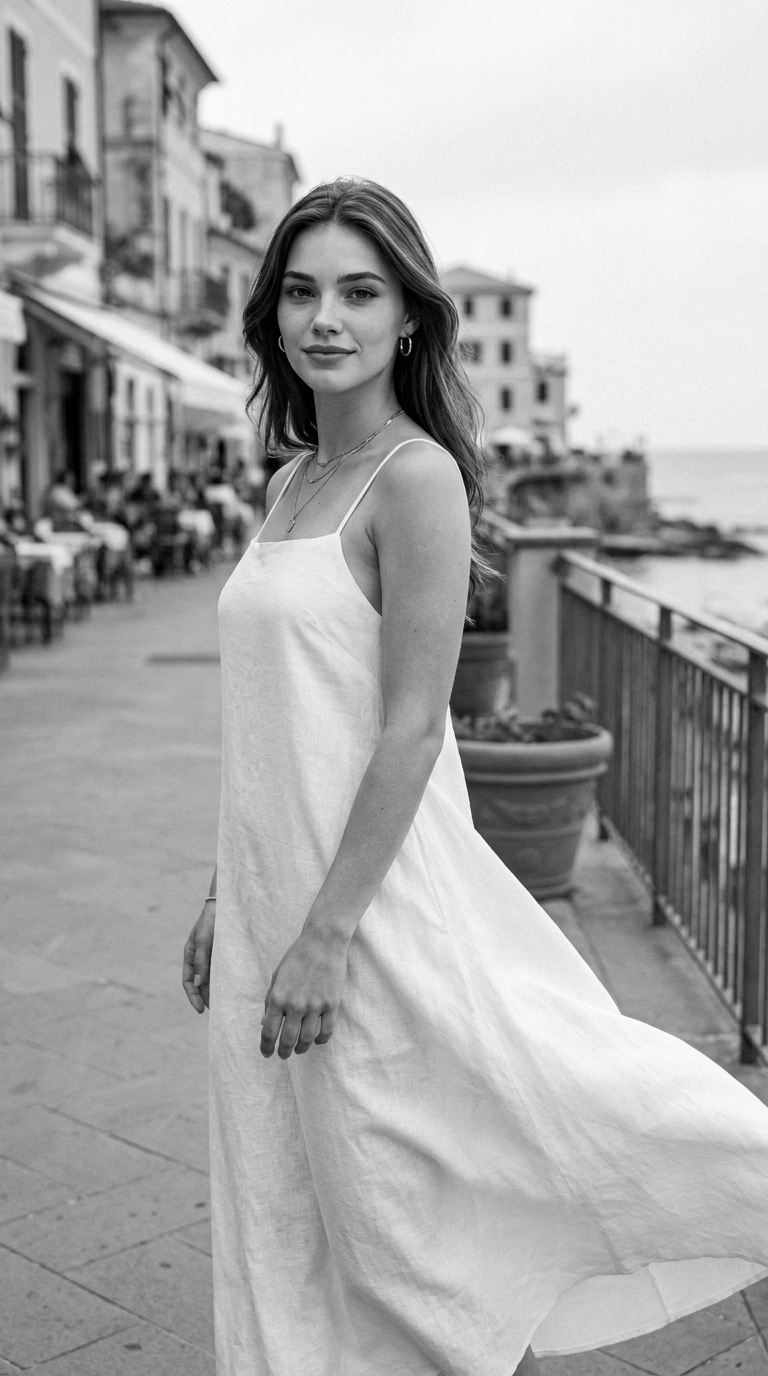
Riviera Walk
- Model
- Nano Banana Pro
- Image
- 768 × 1376 px
Prompt
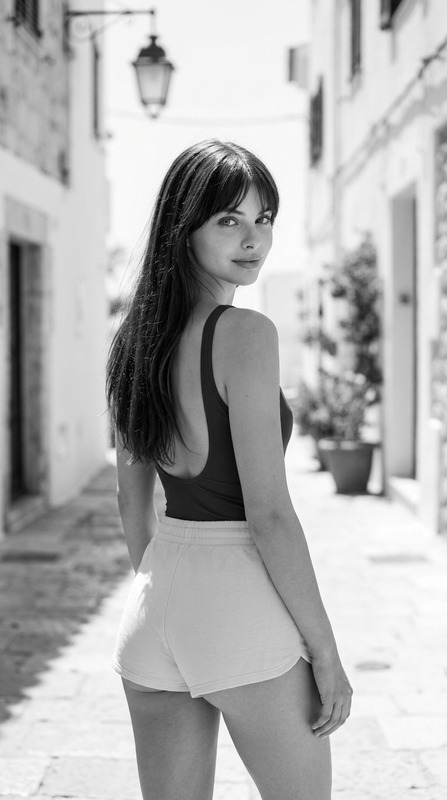
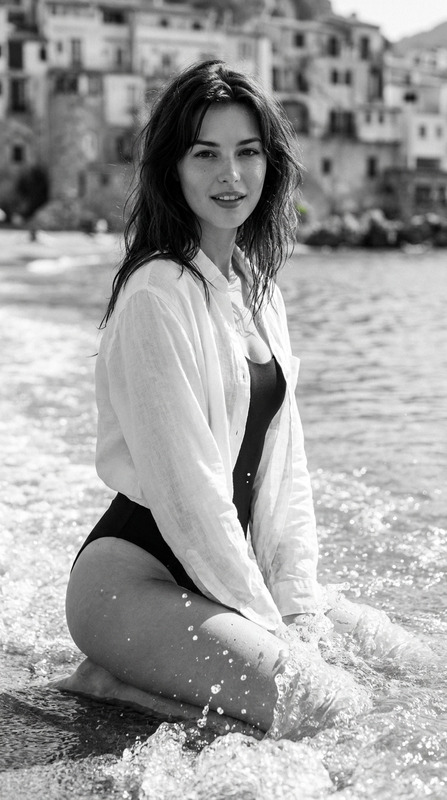
Use the uploaded reference image only to preserve the subject's facial identity, hairstyle, and natural facial proportions. Change only the environment, pose, clothing, lighting, and composition to match the described beach scene while maintaining a photorealistic appearance.A hyper-realistic black-and-white editorial fashion photograph of a beautiful woman with expressive eyes, naturally defined eyebrows, minimal makeup, and a bright, gentle smile directed straight at the camera. She is wearing a simple white sleeveless linen maxi dress with thin spaghetti straps, a relaxed flowing silhouette, and lightweight semi-textured fabric that catches the wind gracefully. Small silver hoop earrings, delicate layered necklaces, and subtle rings complete her understated look.She is standing on a seaside promenade in a relaxed, candid pose. Her body is turned about 20 degrees to the left while her head rotates back toward the camera, maintaining warm eye contact. Her weight rests naturally on one leg while the other leg is slightly forward, creating a subtle walking stance. Both shoulders are relaxed. Her left arm hangs naturally beside her body with slightly curved fingers, while her right hand rests loosely near her thigh. The lower portion of her dress billows dramatically to one side from the coastal breeze, adding movement and elegance.The setting is a Mediterranean-style waterfront promenade with charming cafés, historic buildings, large planters, and a metal railing running alongside the shoreline. The sea stretches into the distance with a few birds flying over the water. Everything behind the subject is softly blurred to emphasize depth.Captured on a Canon EOS R5 with an 85mm f/1.4 RF lens, full-body vertical composition, eye-level perspective, shallow depth of field, creamy background bokeh, ultra-sharp focus on the subject, natural perspective, editorial framing.Soft overcast daylight provides beautifully diffused illumination with gentle contrast, smooth skin tones, and natural highlights. Processed as a timeless fine-art monochrome image with rich grayscale tonality, subtle film grain, high dynamic range, crisp fabric texture and lifelike skin texture. Fine-art fashion photography, magazine editorial quality, ultra-photorealistic, 8K resolution, vertical 9:16 aspect ratio.
Any aspect ratio
Overview
The "Riviera Walk" template offers a sophisticated approach to transforming your images into luxurious black-and-white editorial-style photographs. Featuring the advanced capabilities of the AI Image Editor with the nano-banana-pro model, this template enables you to preserve facial identity while altering environmental and stylistic elements to craft stunning beachside compositions.
What It Does
The "Riviera Walk" template exclusively utilizes a reference image to maintain the subject's facial characteristics while employing advanced editing techniques to modify the setting, attire, and composition. This template excels at rendering photorealistic fashion photography set in an idyllic beachfront scene, achieved through fine art black-and-white processing for a magazine-quality finish.
Who It's For
This template is ideal for photographers, fashion designers, and creative directors looking to create high-fashion editorial images with minimal hassle. It's also perfect for anyone in need of high-res, photorealistic images for marketing campaigns or digital art projects. For more fashion-related transformations, consider exploring the Full Body Generator as well.
Summary
With the "Riviera Walk" template, experience the balance between maintaining subject authenticity and enhancing environmental artistry. Perfect for high-impact visual storytelling, this tool helps you deliver compelling imagery effortlessly. Learn more about similar offerings at AI Product Photography.
How to Use the Riviera Walk Template
Choose the Template

Customize Your Image

Generate and Download

Use Cases
Editorial Fashion Photography
- Enhance scenic backgrounds for impactful visual narratives.
- Create photorealistic fashion showcases.
Marketing and Advertising
- Produce high-impact ads with a luxury style.
- Align brand aesthetics through customizable edits.
Digital Art Projects
- Preserve subject identity while exploring new artistic dimensions.
- Incorporate fine artist editorial effects.
Best Practices
Focus on Subject and Setting Balance
Ensure that the subject's identity remains consistent while enhancing the environment to tell a better story.Utilize Grayscale Effectively
Take advantage of the template's ability to produce monochrome images that emphasize depth and texture.Experiment with Lighting Adjustments
Adjust lighting settings to maintain natural highlights and shadows, reinforcing the realistic appearance of your image.