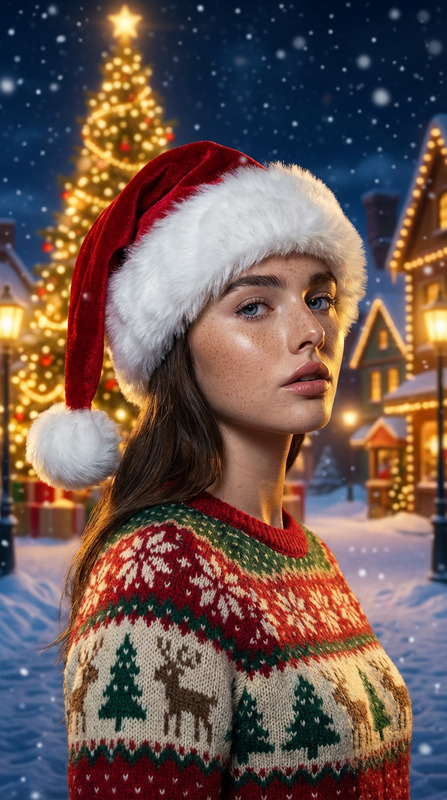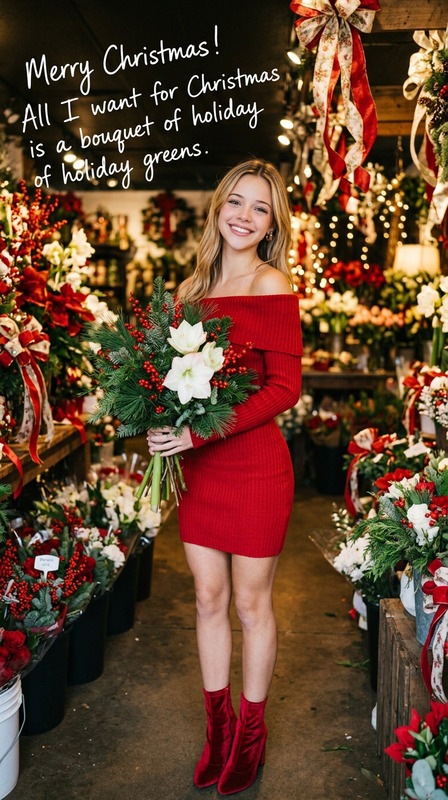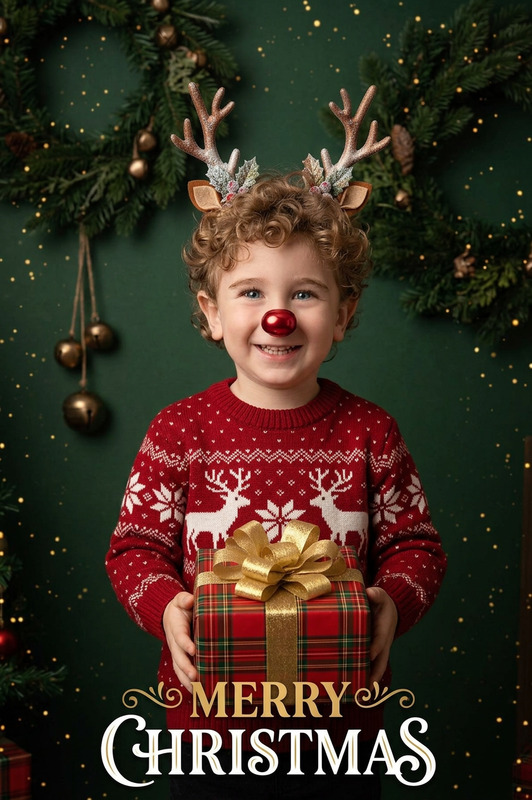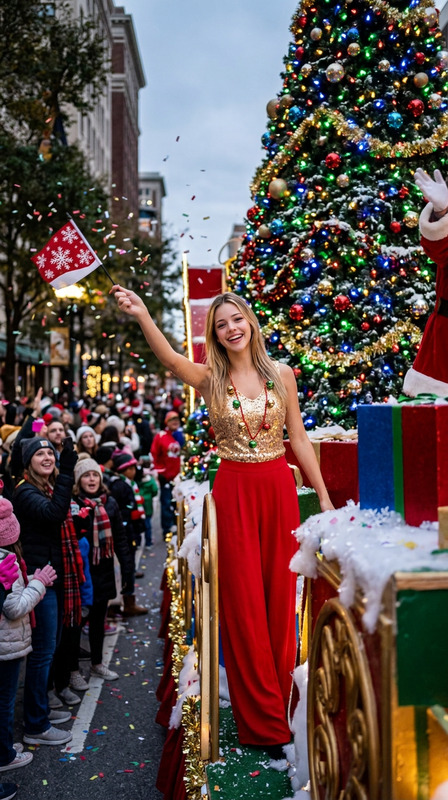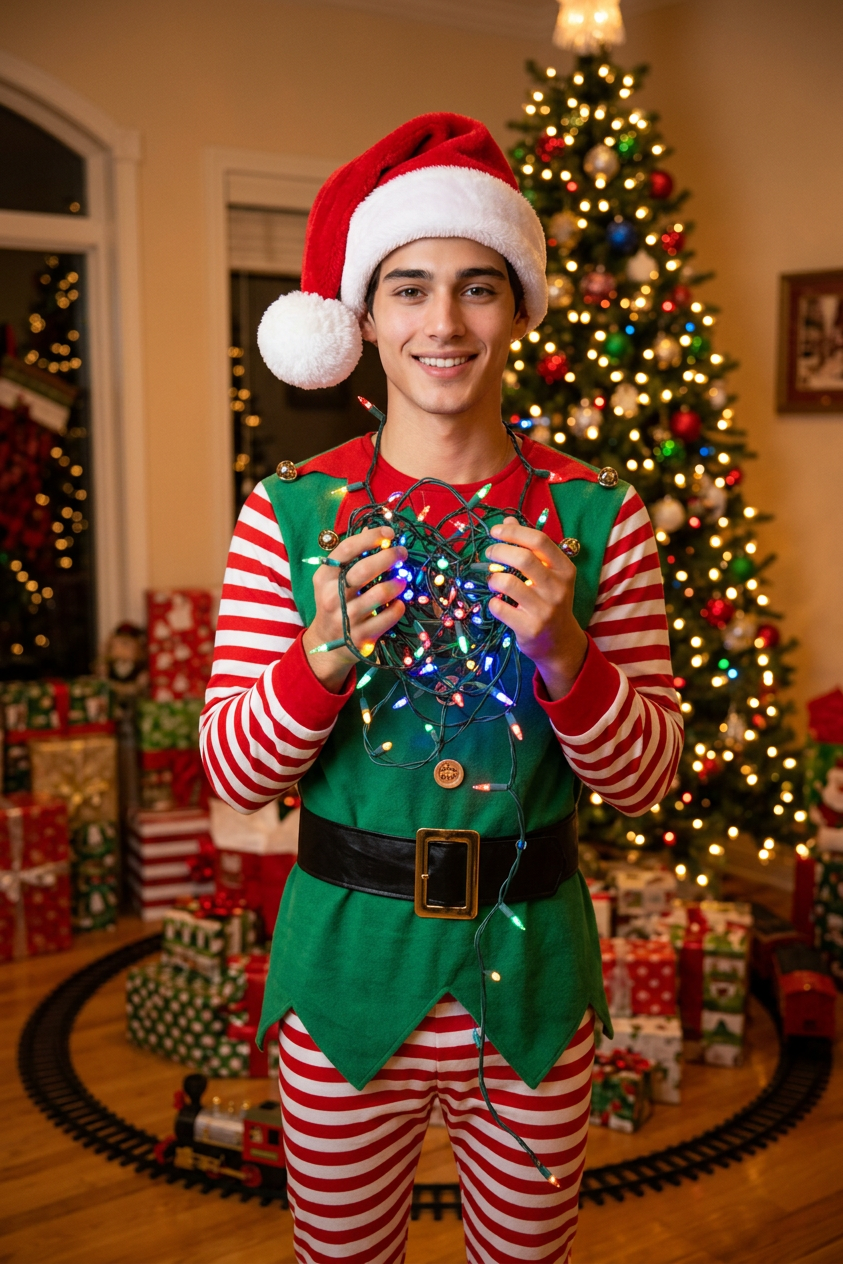
Christmas Elf Festive Look
- Model
- Nano Banana 2
- Image
- 843 × 1264 px
Prompt
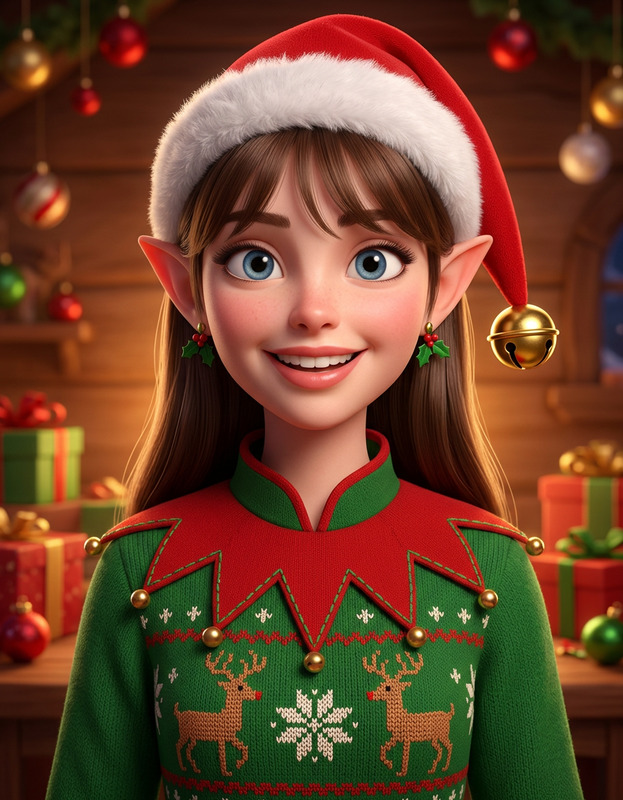
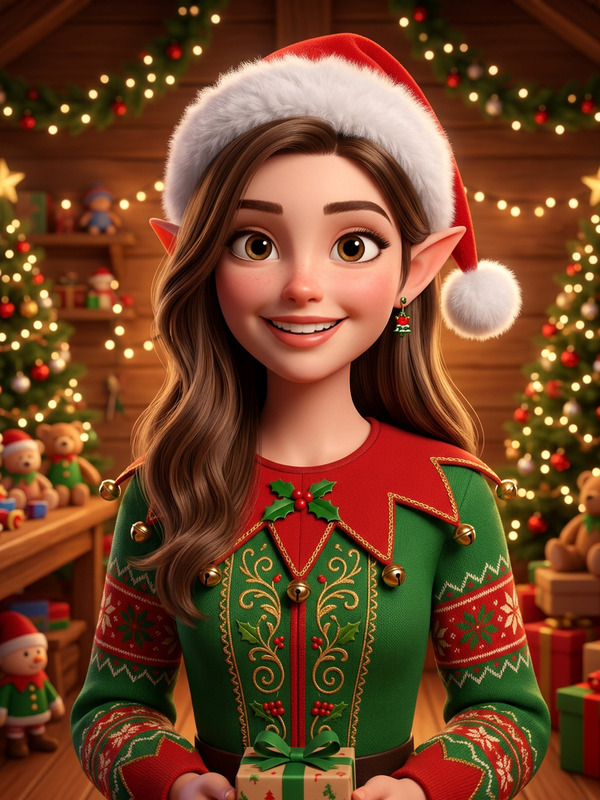
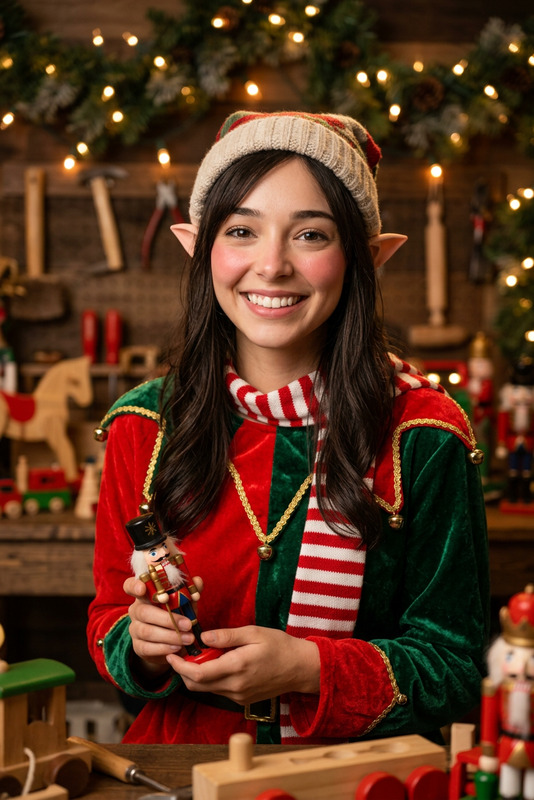
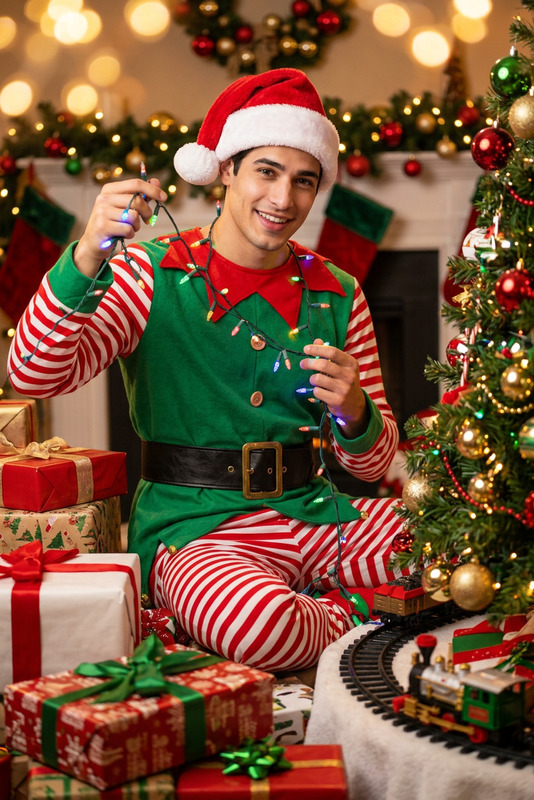
Based on the character in the reference image, dress the character in a classic Christmas elf outfit (with red-and-white striped details and a black belt), add a red Santa hat with a white pom-pom, and have the character hold tangled Christmas string lights; replace the backdrop with a festive Christmas indoor scene featuring a brightly decorated Christmas tree, piles of wrapped gifts, and small train tracks; adjust the character’s proportions to a cute, elf-like size, fully enhancing the playful and joyful Christmas atmosphere.
Any aspect ratio
Overview
Transform your photos into a Christmas wonderland with the Christmas Elf Festive Look template. This AI Image Editor tool allows you to give a character in your image a magical elf makeover. Using the AI Image Editor capabilities of the nano-banana-2 model, you can adjust proportions, add festive attire, and create a vibrant holiday scene.
What It Does
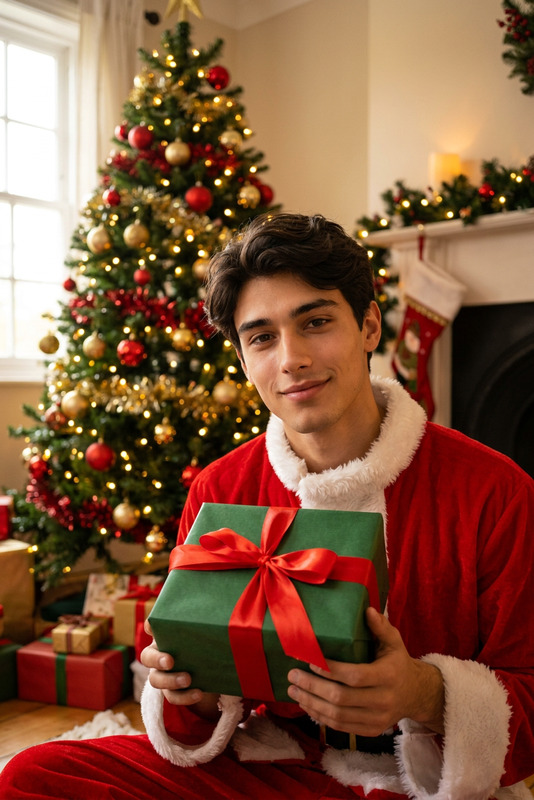
This template takes your reference image and dresses the character in a delightful Christmas elf outfit, complete with red-and-white striped details, a black belt, and a red Santa hat. The character will also be holding tangled Christmas lights against a backdrop brimming with holiday décor like a beautifully decorated tree and presents. Effortlessly reduce the character's size for a charming elf-like appearance, enhancing the overall festive vibe.
Who It's For
This template is perfect for anyone looking to create holiday-themed visuals without the need for complex editing skills. Whether you're a content creator who specializes in social media ads, a designer looking to spice up your mood boards, or someone simply interested in crafting unique digital holiday cards, this tool is designed to meet your creative needs.
Summary
The Christmas Elf Festive Look template is your gateway to producing enchanting, festive imagery quickly and effectively. Leverage the power of the AI Image Generator alongside the AI Image Editor to achieve a professional-quality result that embodies the joy and spirit of the season.
How To
Choose Your Template

Customize Your Inputs

Generate Your Image

Use Cases
Social Media Content
- Instagram stories
- Facebook posts
- Pinterest pins
Digital Greeting Cards
- E-cards
- Family newsletters
- Virtual invitations
Marketing Campaigns
- Holiday promotions
- Seasonal advertisements
- Email marketing
Best Practices
Attention to Detail
Ensure your initial image has clear details, as these will be integral to creating a realistic elf transformation.Scene Selection
Select a reference image with the subject already isolated against a clean background for best results.Experiment with Settings
Don’t hesitate to tweak different elements like outfit details to better resonate with your vision.