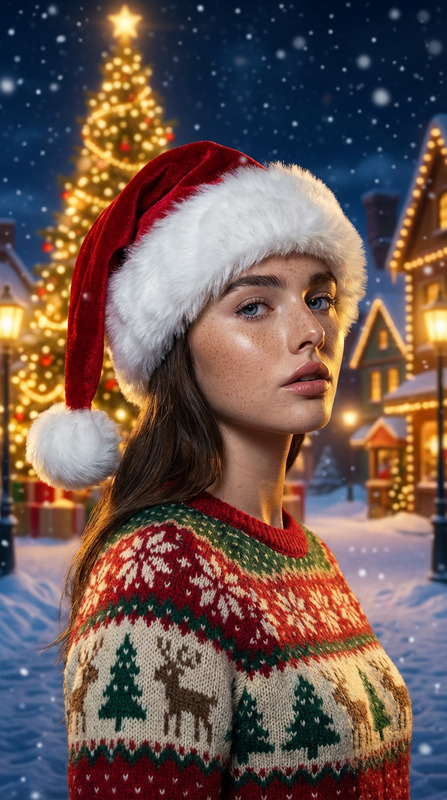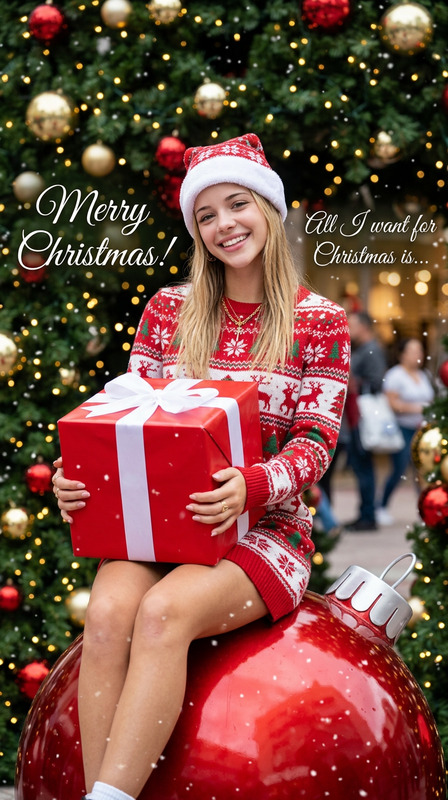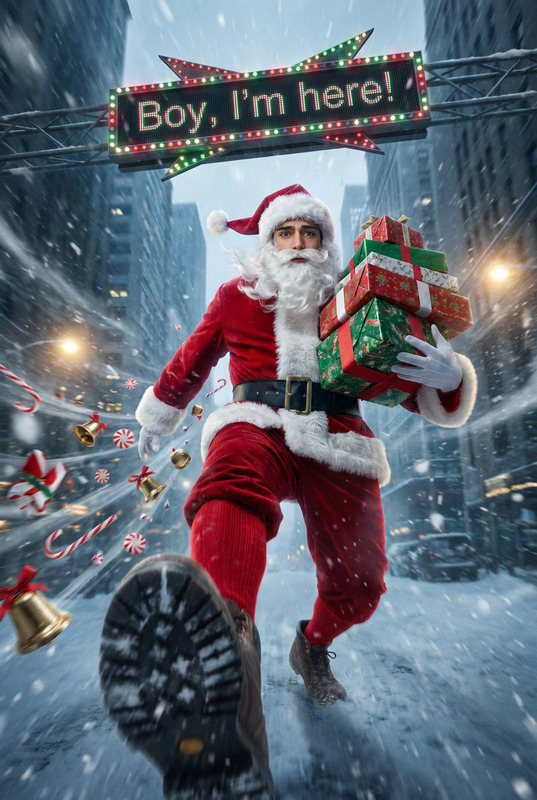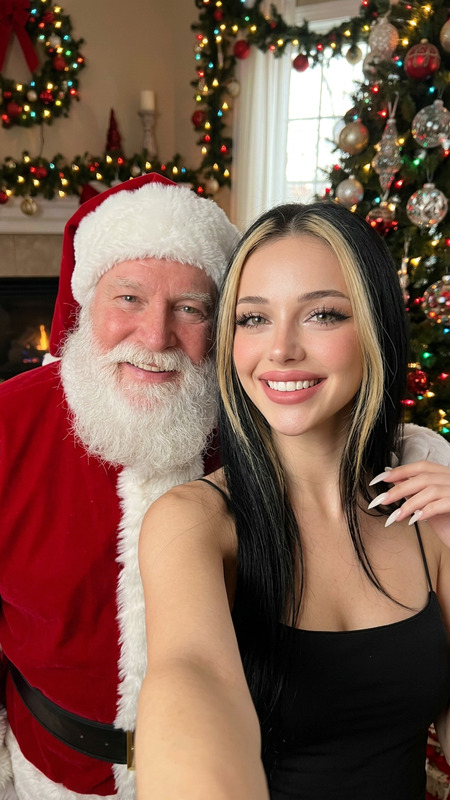
Confetti Christmas Crew
- Model
- Nano Banana Pro
- Image
- 848 × 1264 px
Prompt
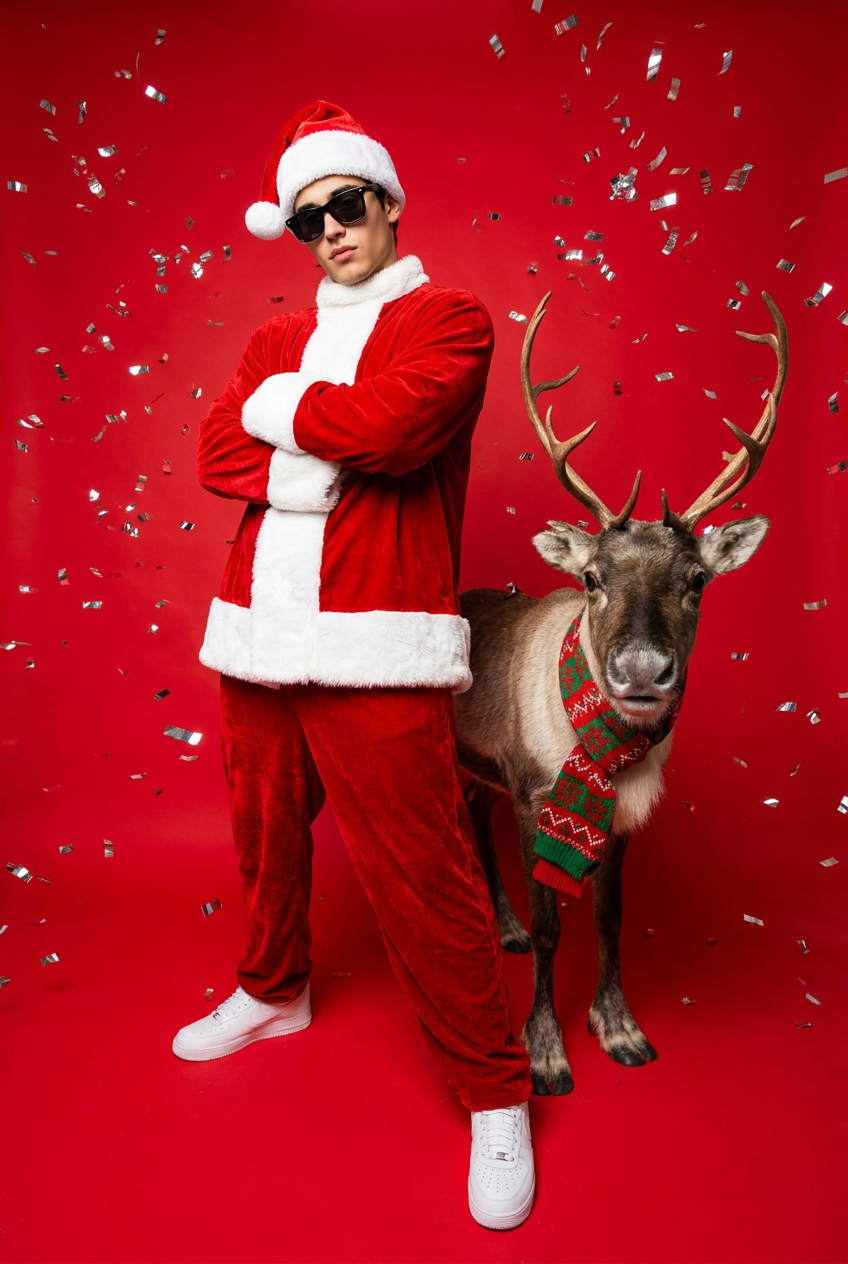
Use the exact real face from the attached photo, 100% unchanged. A dynamic full-body shot captured from a low angle (worm's-eye view), creating an exaggerated perspective. The subject is a young adult embodying a modern, stylish, and rebellious Santa Claus. They wear black sunglasses perched low on their noses, arms crossed over their chests in a confident and arrogant pose(Try different pose if suitable). Standing next to them is a real reindeer wearing a red and green Christmas pattern knit scarf, looking directly at the camera lens. The background is a solid, vibrant red studio backdrop, filled with floating silver confetti that reflects shimmering light, creating a lively, festive atmosphere. High-contrast, sharp studio lighting highlights the velvet texture of the outfit and the glossy details. They wear an oversized red velvet Santa Claus suit and a matching Santa hat, paired with clean white low-top sneakers. Wide-angle shot, vertical orientation, 2:3 aspect ratio, 8 K, photorealistic, ultra-detailed, shot on Sony Alpha a7R IV with a 16mm ultra-wide lens, vivid colour grading, commercial photography style.
Any aspect ratio
Overview
The "Confetti Christmas Crew" template in the AI Image Editor offers a festive solution for creating striking images with an ultra-detailed, photorealistic finish. Leveraging the power of the nano-banana-pro model, this template turns your real-life photos into eye-catching, commercial-grade visuals that capture the essence of a modern, stylish Santa Claus amid a celebratory backdrop.
What It Does
This AI template allows users to create dynamic, high-impact images featuring a rebellious, modern Santa Claus with uncompromised facial accuracy. It incorporates advanced visual editing features to insert a professional-looking reindeer and an environment full of festive cheer, complete with shimmering confetti and vibrant backgrounds. The result is a seamless blend of real-world elements and enhanced photography techniques.
Who It's For
"Confetti Christmas Crew" is perfect for marketers, advertisers, and content creators looking to produce attention-grabbing Christmas visuals. Additionally, artists and photographers who specialize in holiday themes or those developing content for social media ads can greatly benefit from its features. It suits anyone who values vivid, commercial-quality images powered by modern AI photography tools.
Summary
Create striking holiday visuals effortlessly with the "Confetti Christmas Crew" template. Ideal for commercial photography and festive marketing campaigns, this AI Image Editor template changes the game for creating Santa-themed images. Explore the capabilities of the AI Multi-Angle Generator to enhance your visual storytelling further.
How to
Choose Your Template

Customize Input

Generate Image

Use Cases
Holiday Marketing Campaigns
- Festive banners and posters
- Online ads with a holiday twist
- Print campaigns for retail promotions
Social Media Content
- Instagram holiday posts
- Facebook ads promoting seasonal deals
- Pinterest pins for festive inspiration
Branding and Merchandise
- Custom Christmas cards
- Unique product packaging
- Seasonal brand updates
Best Practices
Maintain Photo Quality
Ensure the uploaded photo is high-quality to maximize the accuracy of facial rendering and overall image detail.Experiment with Lighting
Utilize different lighting settings within your scene to highlight textures and enhance the festive atmosphere.Focus on Composition
Use the wide-angle shot to emphasize the dynamic elements of your image, creating engaging compositions.