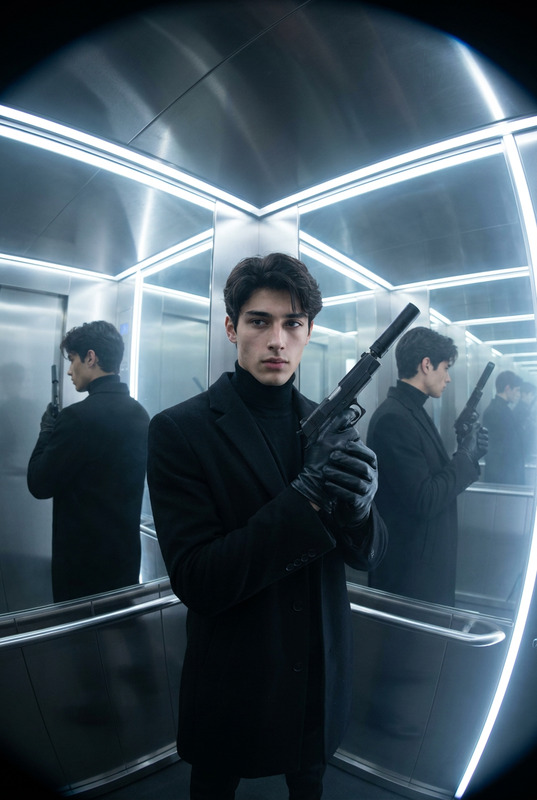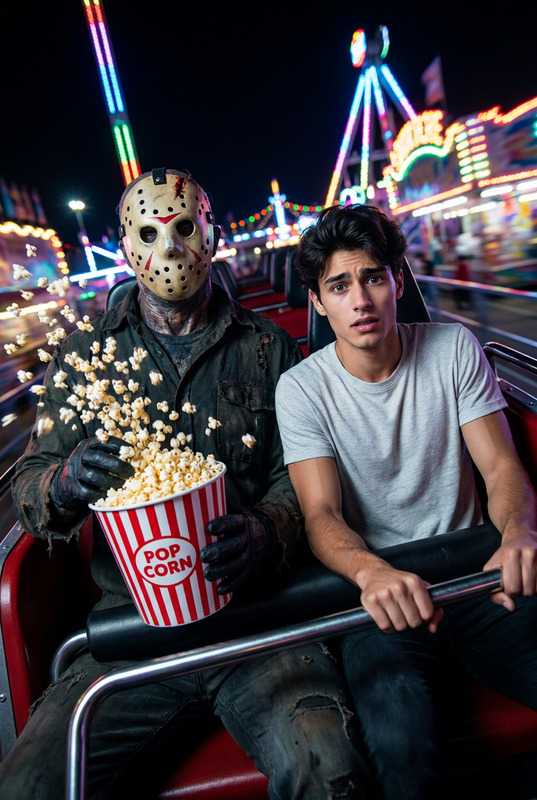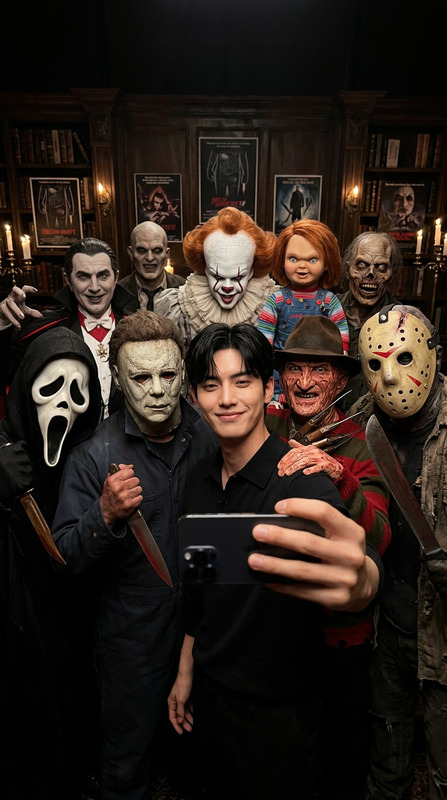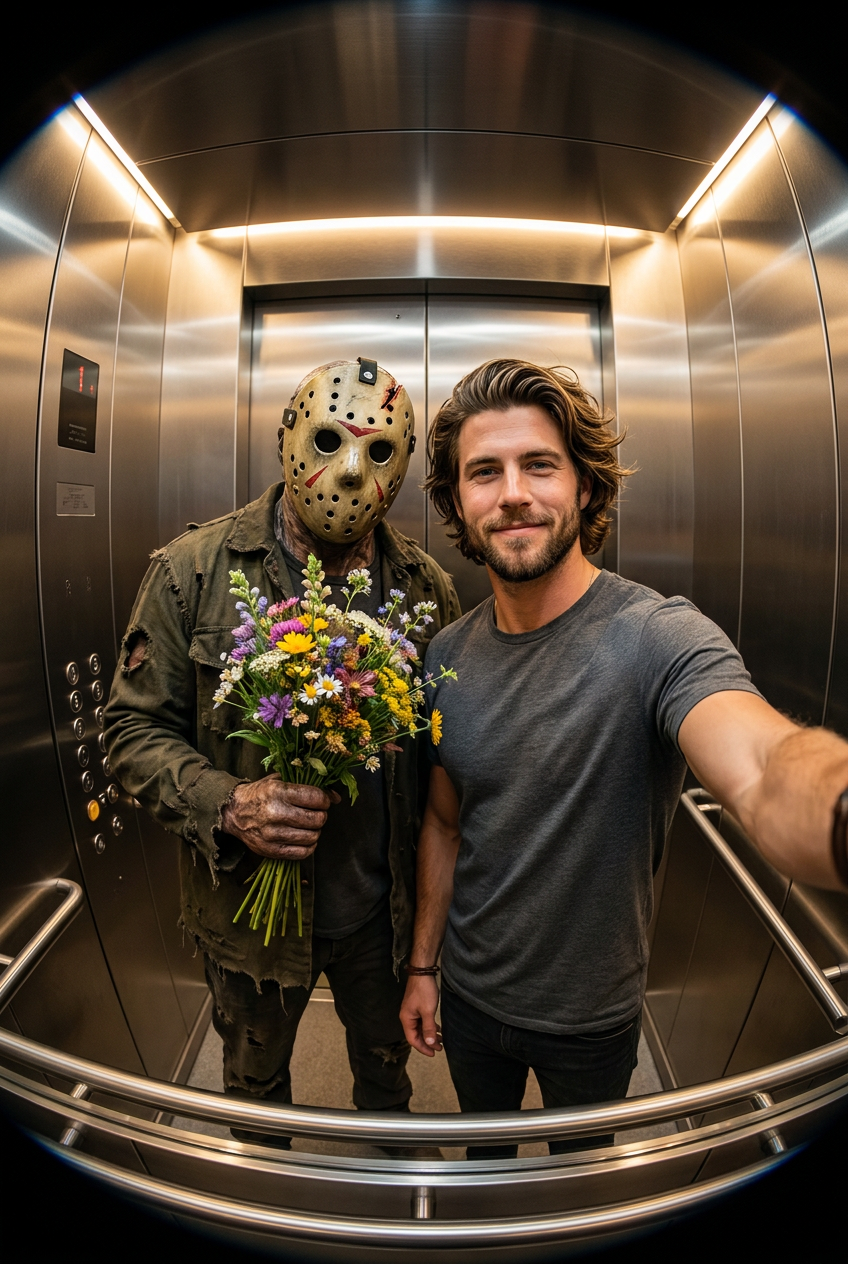
Jason Elevator Date
- Model
- Nano Banana Pro
- Image
- 848 × 1264 px
Prompt
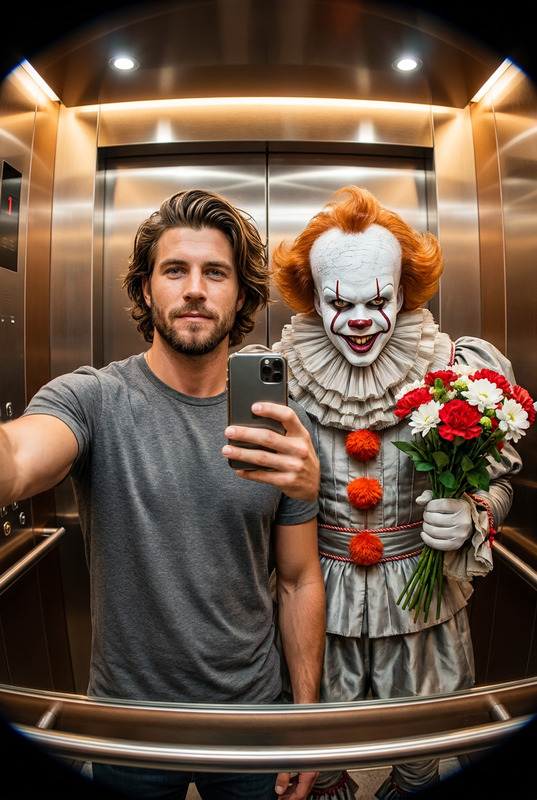
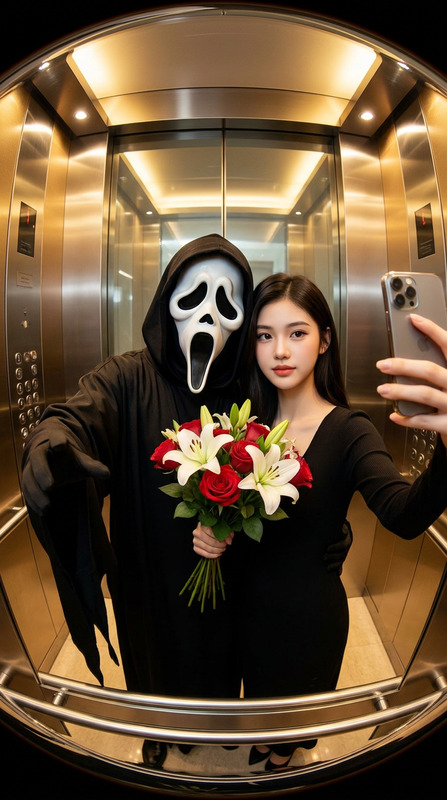
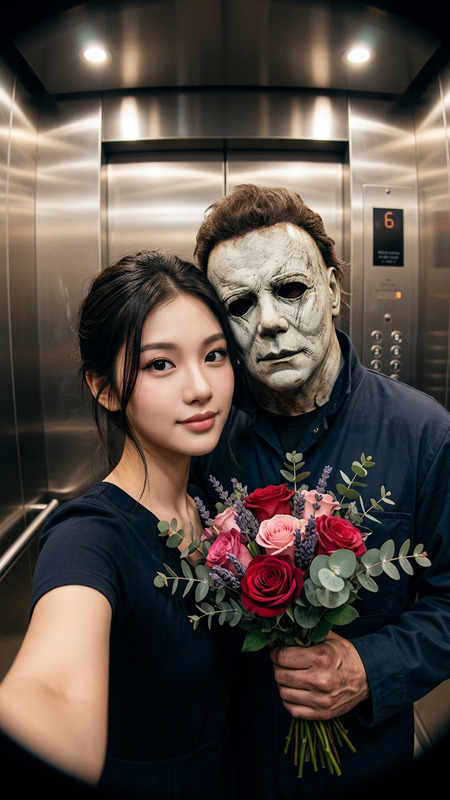
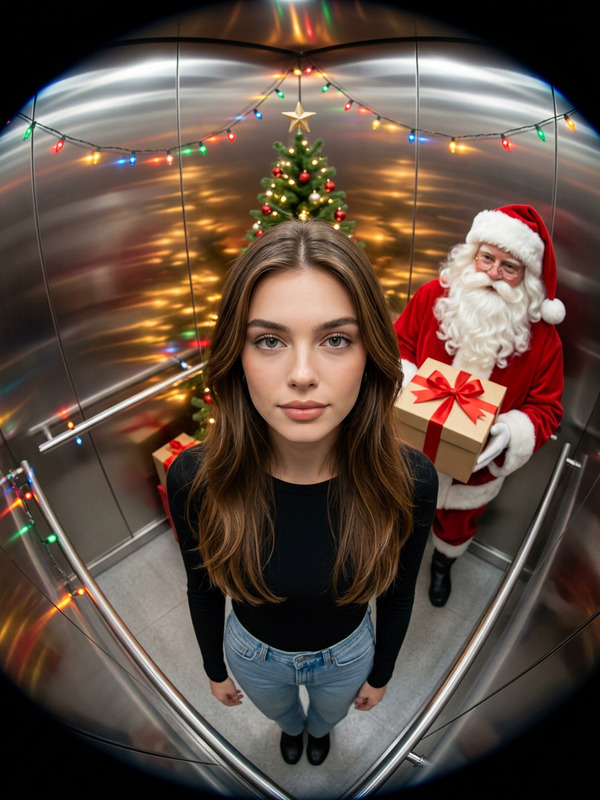
A hyperrealistic, cinematic selfie taken in a modern elevator with a noticeable fisheye lens effect. A person and Jason Voorhees from Friday the 13th are standing side-by-side, facing the camera, centered in the frame. The person appears calm and elegant, with facial features identical to the reference photo, holding a smartphone in a selfie pose. Jason Voorhees stands close to them, wearing his signature tattered, dark olive-green jacket and the iconic, weathered hockey mask. He is holding a bouquet of flowers in a playful, contrasting gesture. The elevator interior has warm lighting and metallic reflections. The image is sharp and hyperrealistic.
Any aspect ratio
Overview
The Jason Elevator Date template uses the advanced nano-banana-pro model to create stunning hyperrealistic images. This template places you in a cinematic scenario alongside Jason Voorhees, capturing the eerie yet intriguing interaction in a modern elevator setting. The fisheye lens effect adds a unique twist, emphasizing the vivid metallic textures and warm lighting.
What It Does
This AI Image Editor template allows users to create a hyper-stylized selfie featuring their likeness with detailed precision, alongside the infamous horror character Jason Voorhees. Perfect for those looking to explore unique and playful horror representations, this tool combines realism with cinematic aesthetics, all within an elevator setting.
Who It's For
This template is ideal for horror enthusiasts, selfie aficionados, and creative storytellers who enjoy integrating fictional elements in their images. It's also a great choice for social media influencers who wish to captivate their audience with intriguing images. Learn more about creating captivating images with our AI Profile Picture Generator.
Summary
With the Jason Elevator Date template, users can enjoy crafting unique, theatrical portraits featuring themselves and Jason Voorhees. The template leans into modern horror aesthetics with a comedic twist, making it great for both professional use and playful personal projects. Explore more on how to manipulate images in creative ways with our AI Image Editor.
How-To
Choose the Template

Customize Your Scene

Generate and Download

Use Cases
Social Media Content
- Unique selfies for Instagram
- Promotional content for Halloween events
Marketing & Promotion
- Event posters
- Holiday-themed ads
Artistic Projects
- Digital exhibitions
- Narrative storytelling
Best Practices
Select High-Quality Photos
Upload a high-resolution image as your reference photo to ensure optimal output quality.Experiment with Lighting
Use various lighting settings to highlight different features and enhance the cinematic fisheye effect.Understand Your Audience
Consider the tastes of your audience when creating scenarios involving horror elements to ensure they are impactful and engaging.