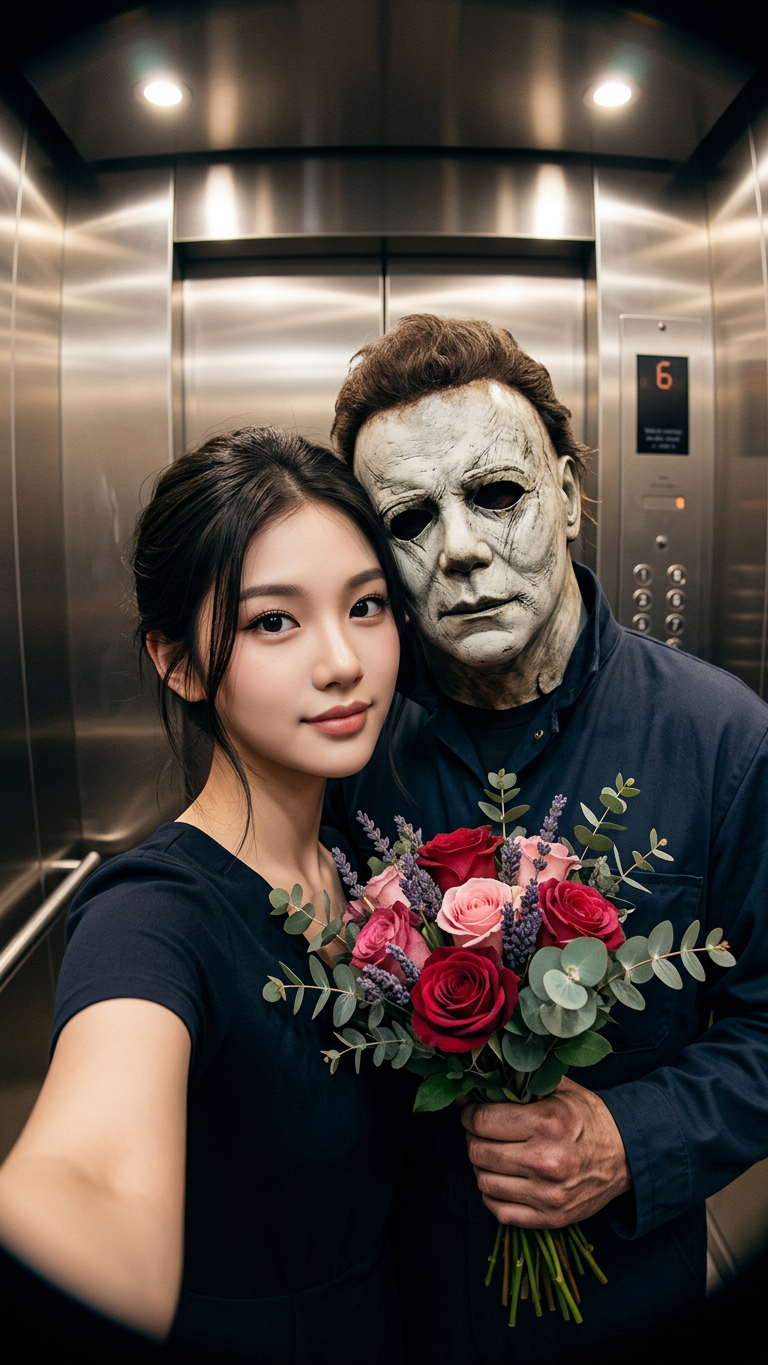
Myers Elevator Date
- Model
- Nano Banana 2
- Image
- 768 × 1365 px
Prompt
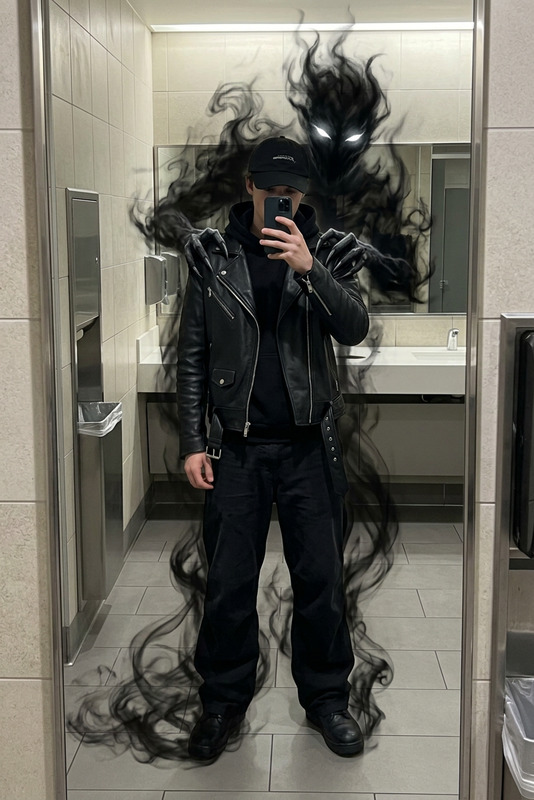
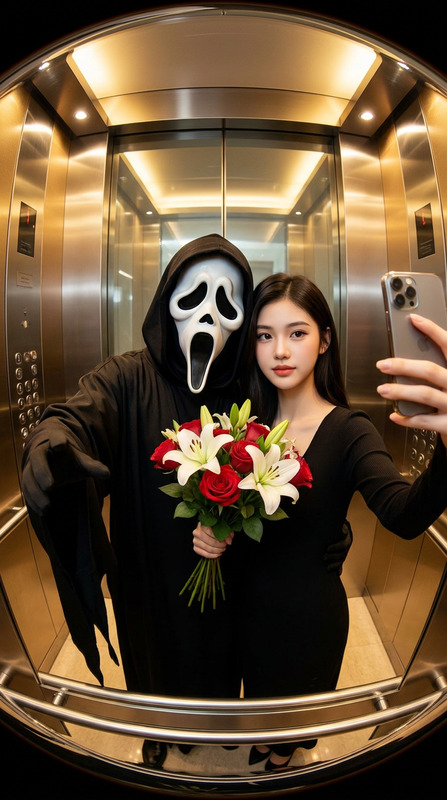
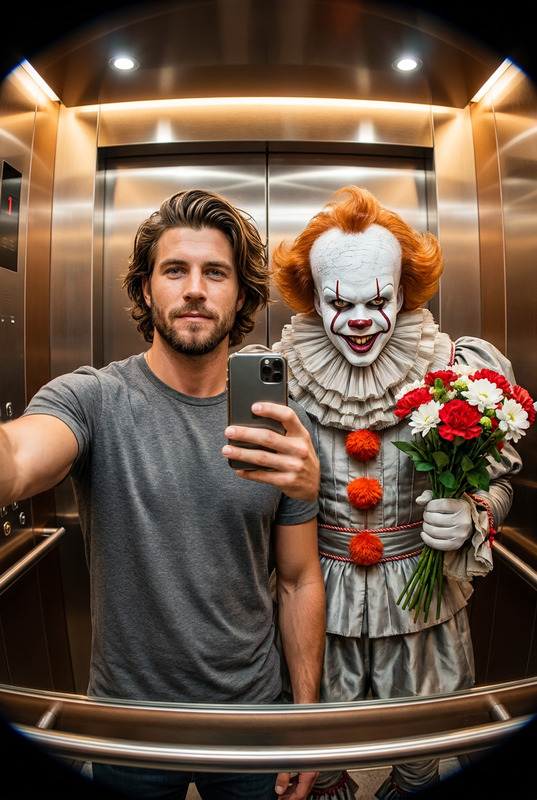
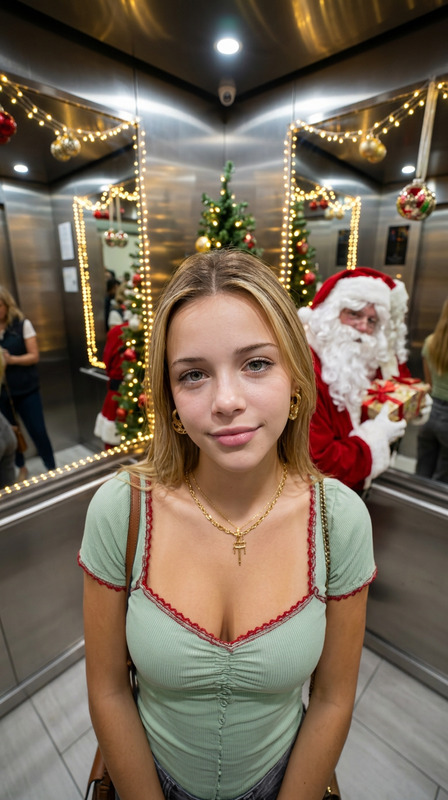
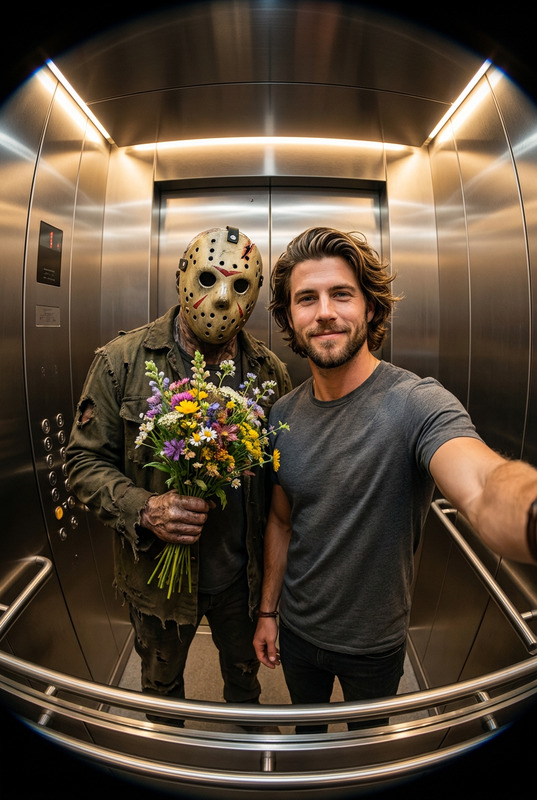
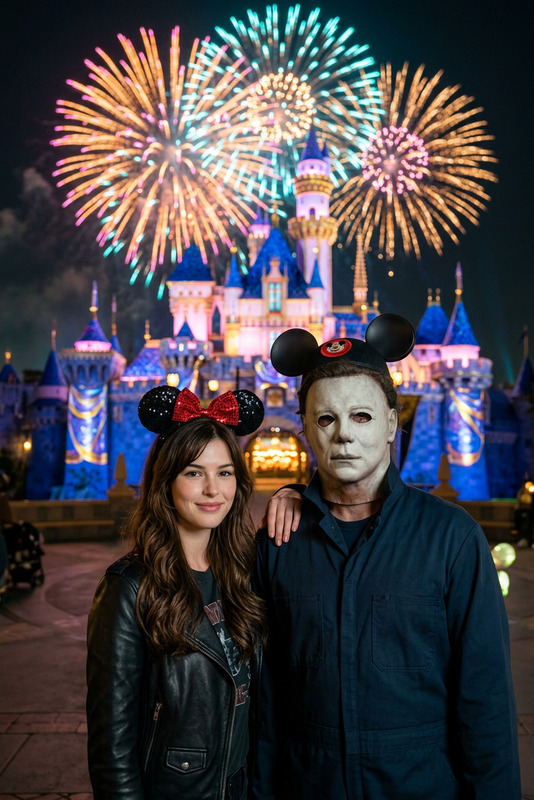
A hyperrealistic, cinematic selfie taken in a modern elevator with a noticeable fisheye lens effect. A person and Michael Myers from Halloween are standing side-by-side, facing the camera, centered in the frame. The person appears calm and elegant, with facial features identical to the reference photo, holding a smartphone in a selfie pose. Michael Myers stands close to them, wearing his iconic faded blue mechanic's overalls and the stark, featureless white mask. He is holding a bouquet of flowers in a playful, contrasting gesture. The elevator interior has warm lighting and metallic reflections. The image is sharp and hyperrealistic.
Any aspect ratio
Overview
The Myers Elevator Date template offers a unique blend of horror and humor with a hyperrealistic and cinematic touch. Utilizing advanced AI capabilities, this template allows users to create striking images featuring themselves alongside the legendary Michael Myers. Perfect for Halloween enthusiasts or anyone looking to add a playful touch to their social media content.
What It Does
This AI Image Editor template transforms your input reference photo into a meticulously detailed selfie with a modern elevator backdrop. The composition includes a distinctive fisheye lens effect enhanced by warm elevator lighting and metallic reflections. Michael Myers, wielding a bouquet of flowers, stands beside you, creating an eerie yet amusing narrative.
Who It's For
Ideal for horror film fans, social media influencers, or anyone interested in creative image editing. This template is an excellent tool for marketers in the entertainment industry looking to generate buzzworthy visual content. Additionally, those seeking to explore unique editing possibilities with the AI Image Generator will find this template engaging.
Summary
The Myers Elevator Date template is a creative means to delve into AI-driven visually engaging content. It caters to the desire for both high-quality image manipulation and thematic storytelling in a single tool.
How To
Choose Your Template

Customize Your Scene

Generate and Download

Use Cases
Viral Social Media Posts
- Halloween-themed posts
- Engagement-driving selfies
Promotional Posters
- Event marketing
- Film promotions
Personalized Memes
- Comedy-horror memes
- Personalized selfie jokes
Best Practices
Use High-Quality Reference Photos
Ensure that the reference photo is high-resolution to maximize the template’s output quality.Adjust Lighting Thoughtfully
Pay attention to lighting adjustments to enhance the hyperrealistic effect and maintain visual consistency.Experiment with Angles
Try different angles with the fisheye lens effect to see which composition works best for your theme.