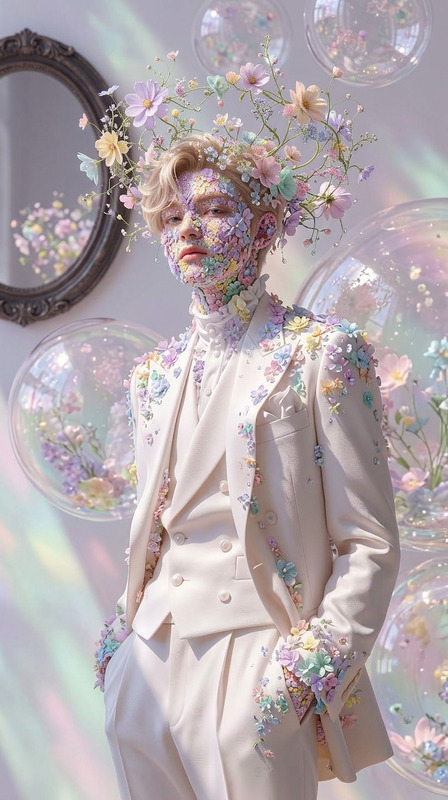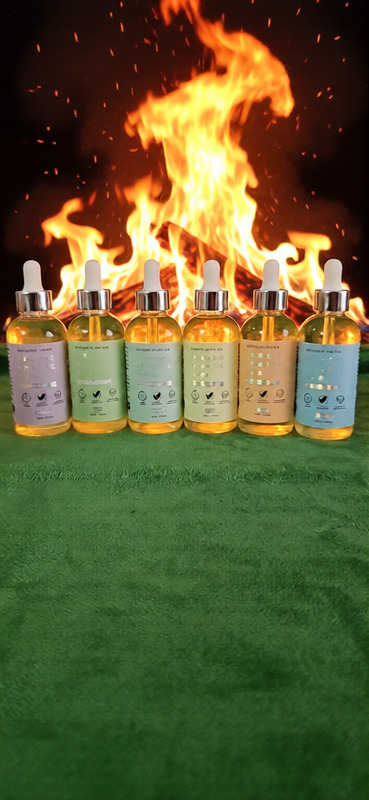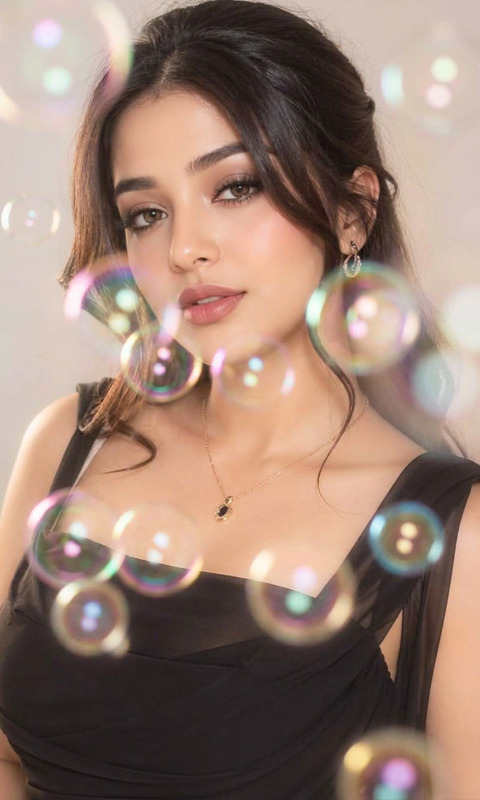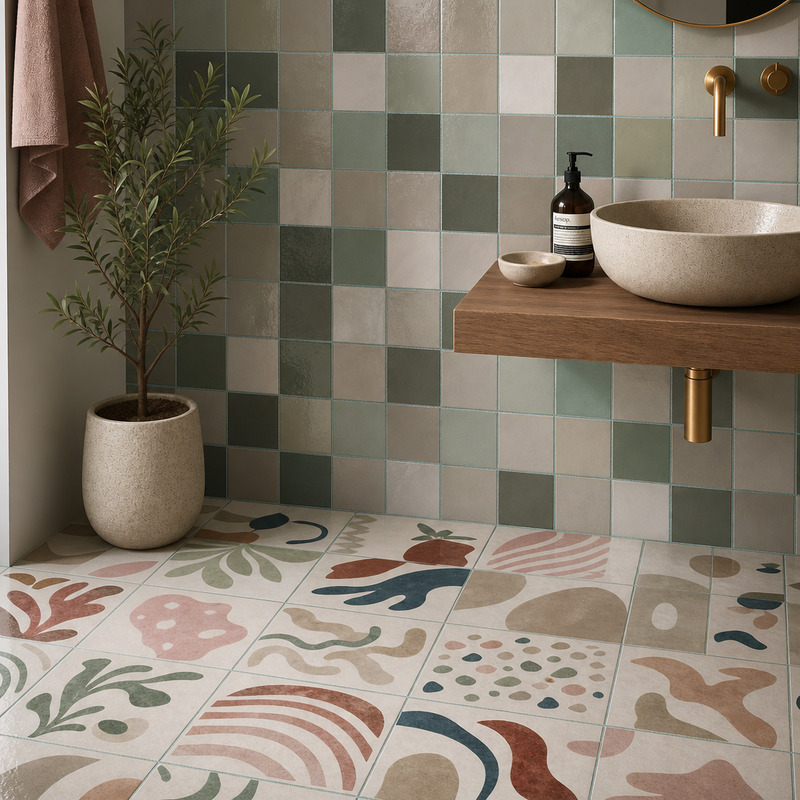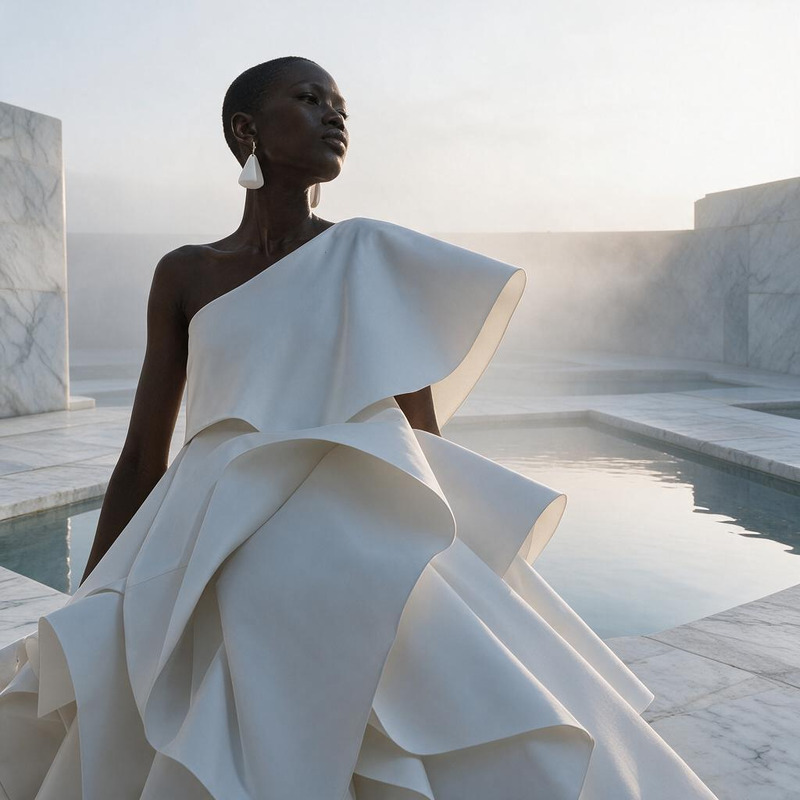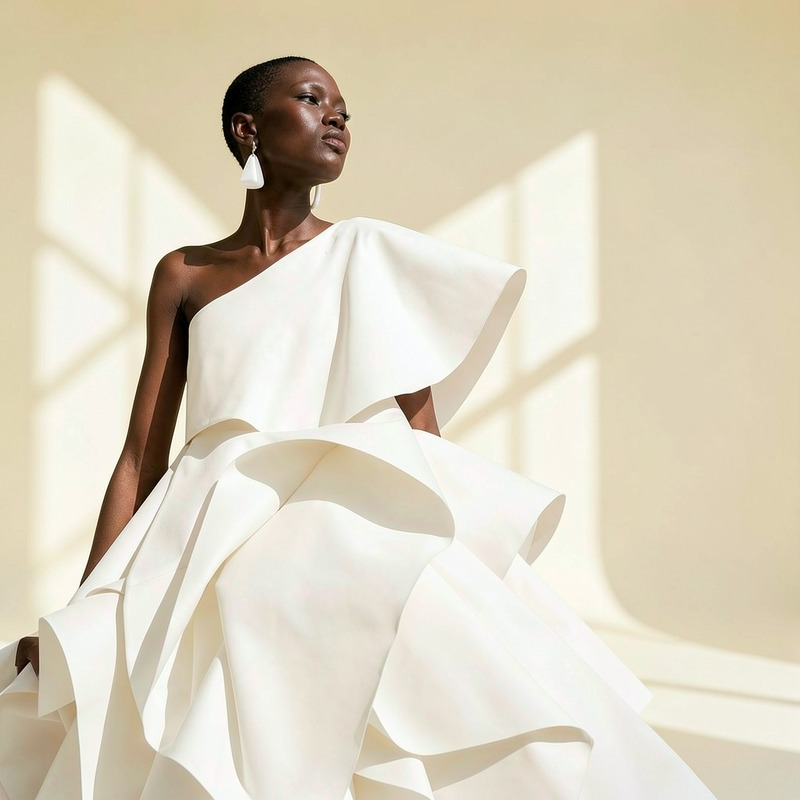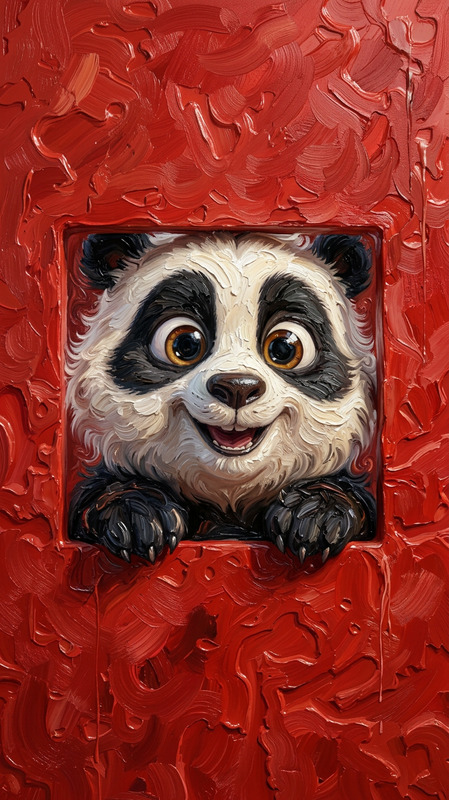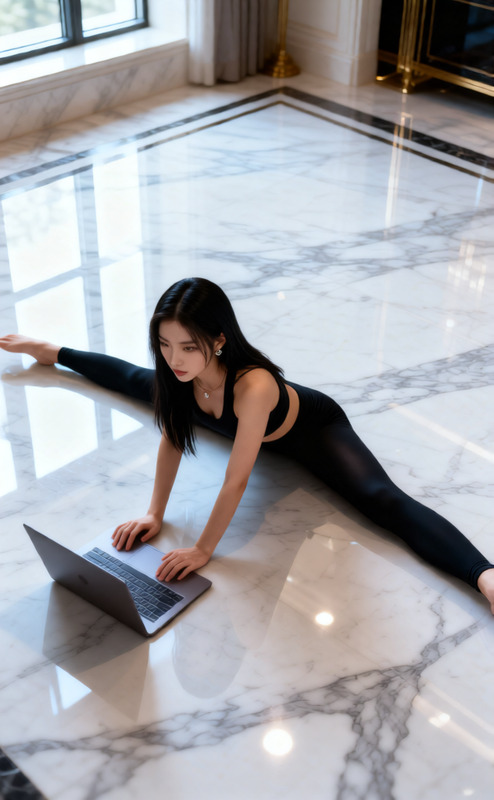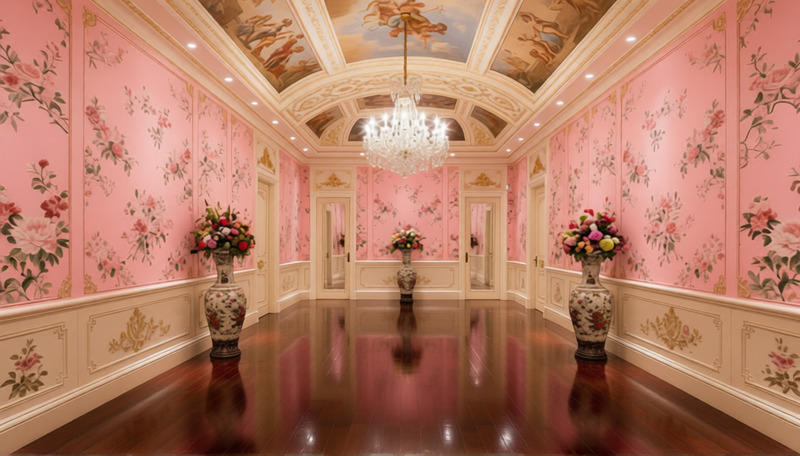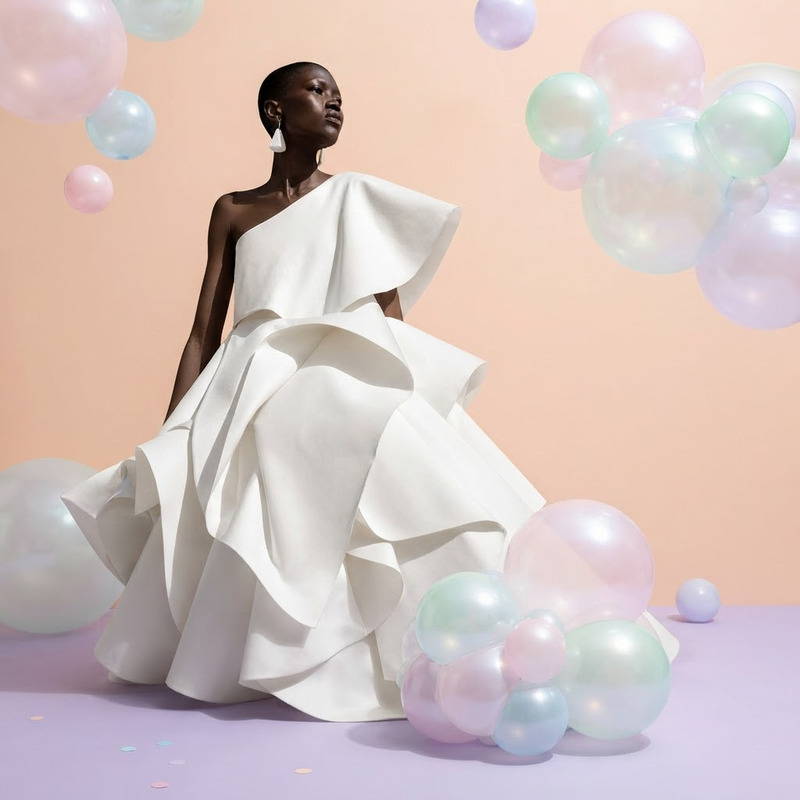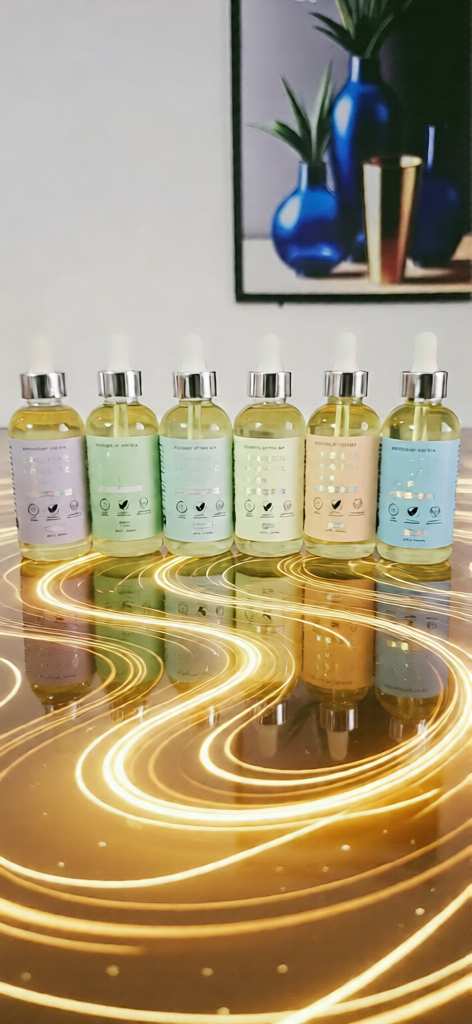
Marble Swirl Floor

Marble Swirl Floor

ai-image-editor

1 clip
1 uses

Any aspect ratio

Prompt

I want a background and floor with flowing body oil deaign

Tags

visual effects

AI Image Editor Template: Turn Any Image Into a High-Impact Visual in Minutes

Use this AI Image Editor–powered template to transform any photo into a polished, on-brand, share-ready visual—without needing Photoshop or design skills. Ideal for creators, marketers, product teams, and founders who need fast, high-quality visuals for campaigns, landing pages, decks, and social.


What This Template Does

This template is built on the AI Image Editor, letting you:

  • Clean up and enhance existing photos
  • Replace or refine backgrounds
  • Add or remove objects, text, and visual elements
  • Adjust style, lighting, and overall “look”
  • Prepare assets for use in video, ads, thumbnails, and more

Use it as a starting point, then remix it to fit your brand, product, or creative use case.


How to Remix This Template in Magic Hour

You can create your own customized version of this template in a few steps:

  1. Start from the template

    • Open this template in Magic Hour.
    • Upload an input image (product photo, headshot, social post, UI mockup, etc.).
  2. Define the transformation

    • Describe what you want: e.g.
      • “Clean product photo on a minimal light background, studio lighting.”
      • “Professional founder headshot, neutral background, natural light.”
      • “Turn this character into anime style with bold colors.”
    • Be explicit about style (minimalist, cinematic, flat illustration, 3D, etc.), mood, and use case (ad creative, hero image, thumbnail).
  3. Iterate quickly

    • Generate multiple variations and select the strongest.
    • Refine your text prompts based on what you like or don’t like.
  4. Save it as your own reusable template

    • Once you like the behavior, save it in your Magic Hour workspace so your team can reuse it for future campaigns, product shots, or brand assets.

Because this template is built on the core AI Image Editor, you can keep evolving it as your brand and creative direction change.


Practical Use Cases for This Template

This template is designed for real workflows, not just experiments. Common use cases:

1. Marketing & Growth

  • Turn rough product photos into polished visuals for:
    • Landing pages and hero sections
    • Paid social ads and UGC creatives
    • App Store or Play Store screenshots
  • Generate consistent on-brand imagery to test in campaigns faster than traditional design cycles.
  • Prepare clean visuals to feed into text-to-video or image-to-video flows.

Related tools worth combining:

2. Founders & Startup Teams

  • Create investor deck visuals from basic mockups
  • Turn quick whiteboard/figma screenshots into clean, presentation-ready images
  • Generate consistent founder and team headshots using:
    • This template + AI Headshot Generator
    • Then refine final images with the Image Editor for your site and press kit

3. Content Creators & Educators

4. Social Media & Brand Design

  • Build a consistent visual language across:
    • Instagram posts and carousels
    • LinkedIn content
    • X (Twitter) threads
  • Use the editor to:

Example Workflows You Can Steal

These are concrete, repeatable flows you can set up by remixing this template.

Workflow 1: Product Shot → Ad Creative

  1. Upload a raw product photo to this AI Image Editor template.
  2. Remove distractions using AI Remover or Remove Object From Photo.
  3. Generate a clean background with AI Background Generator, then fine-tune in the editor.
  4. Upscale the final image with AI Image Upscaler for sharpness in ads.
  5. Drop into your ad set or use as a frame in Image-to-Video campaigns.

Workflow 2: Founder Headshot System

  1. Start from this template and upload a single reference selfie.
  2. Use AI Headshot Generator to generate multiple professional variations.
  3. Refine selected headshots with the AI Image Editor (lighting, background, color).
  4. Save the best one and reuse across: website, press, LinkedIn, pitch decks.

Workflow 3: Character → Animated Content

  1. Use this template to finalize a character or mascot design (clean lines, consistent style).
  2. Turn your character into motion content with:
  3. Add voice with AI Voice Generator or AI Voice Cloner.
  4. If your character is a person, experiment with:

Advanced Remix Ideas for Power Users

If you’re building more sophisticated pipelines or internal tools, consider:


Related Tools to Combine With This Template

Depending on your use case, these tools pair especially well with the AI Image Editor:


Tips for Getting High-Quality Results

  • Be specific in your instructions
    • Describe subject, background, lighting, angle, style, and end use (“LinkedIn banner,” “pitch deck slide,” “mobile hero image”).
  • Reference real-world styles
    • Mention design references (e.g., “flat illustration like modern SaaS landing pages,” “cinematic film still,” “manga-style linework”).
  • Iterate quickly
    • Treat generations like drafts. Save the best ones, then refine with increasingly precise descriptions.
  • Standardize once, reuse often
    • Once you land on a look that fits your brand, save this remixed template and share it with your team so all visuals stay consistent.

Use this AI Image Editor template as your base, then keep remixing. Over time, it becomes a reusable visual engine for your brand, campaigns, and products—without adding headcount or design bottlenecks.

More Like This

Insufficient credits